Package Name:ru.ncloudtech.mec
Show More

109.1 MB
File Size
Everyone
Android 9.0+
Android OS
Mailion Mobile is a reliable and secure mobile client for your work.
Stay productive with your email, calendar, and task management mobile app.
With Mailion Mobile, you can conduct business correspondence with colleagues, plan and manage calendar events, and work with tasks at any time and anywhere. In addition, all the necessary contacts of your colleagues will always be at your fingertips.
Features and benefits:
- Simple and concise interface. Using the application, you don’t need to think about how to complete this or that task. All actions are intuitive.
- Convenient navigation panel. You can quickly switch between mail, calendar, tasks, and contacts. Each module has easy navigation.
- Safe work.
- Designed to work with mail systems Mailion and MyOffice Mail.
- Work in the application without an Internet connection. All changes will be saved, and when the connection is restored, they will be synchronized to the server.
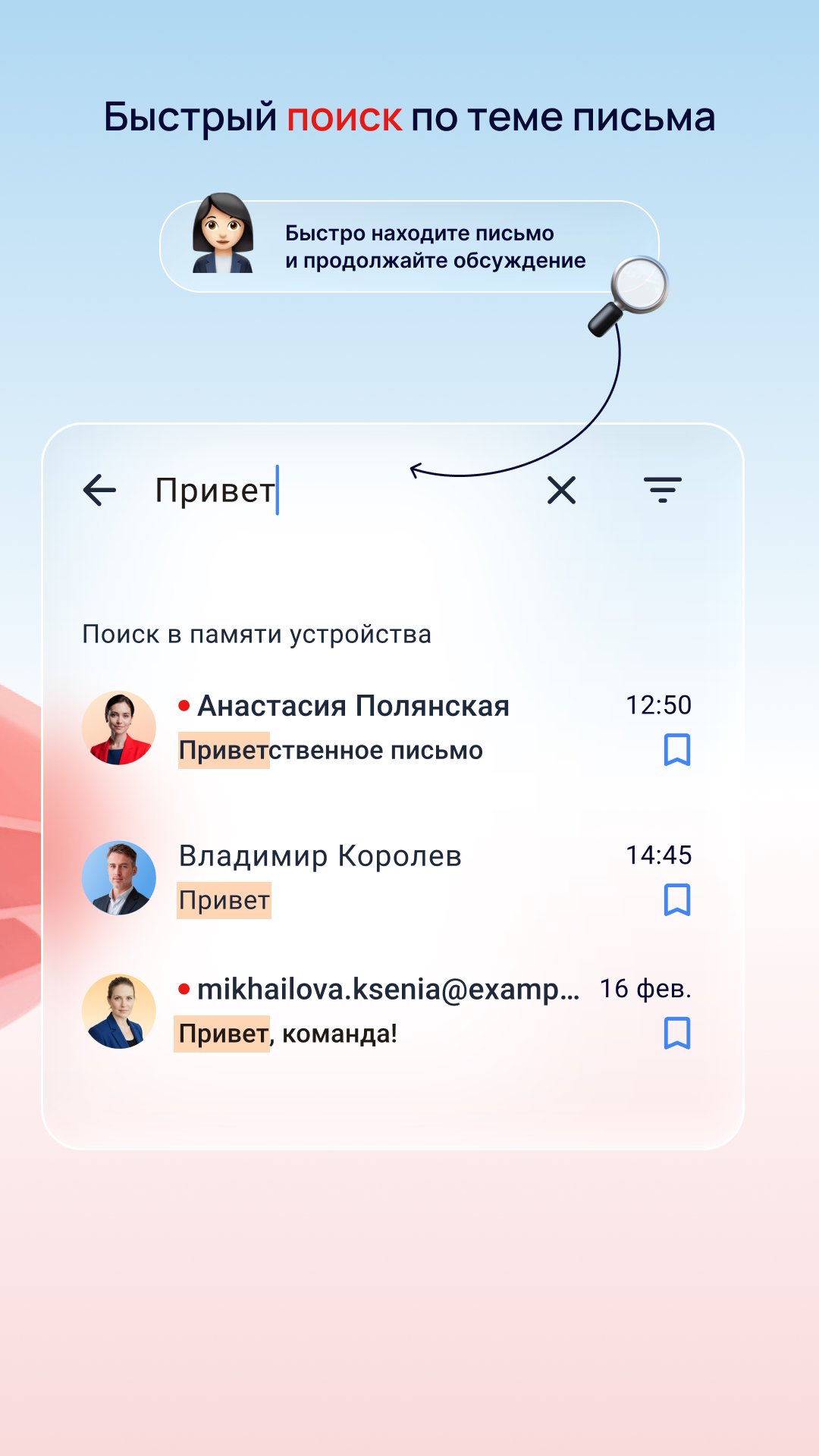
View and work with letters, convenient filtering of the list of letters by unread. Working with email chains and moving them to the required folders. Important emails can be flagged or marked as unread. You can also work with attachments in letters, work with drafts, and search for letters.
Calendar
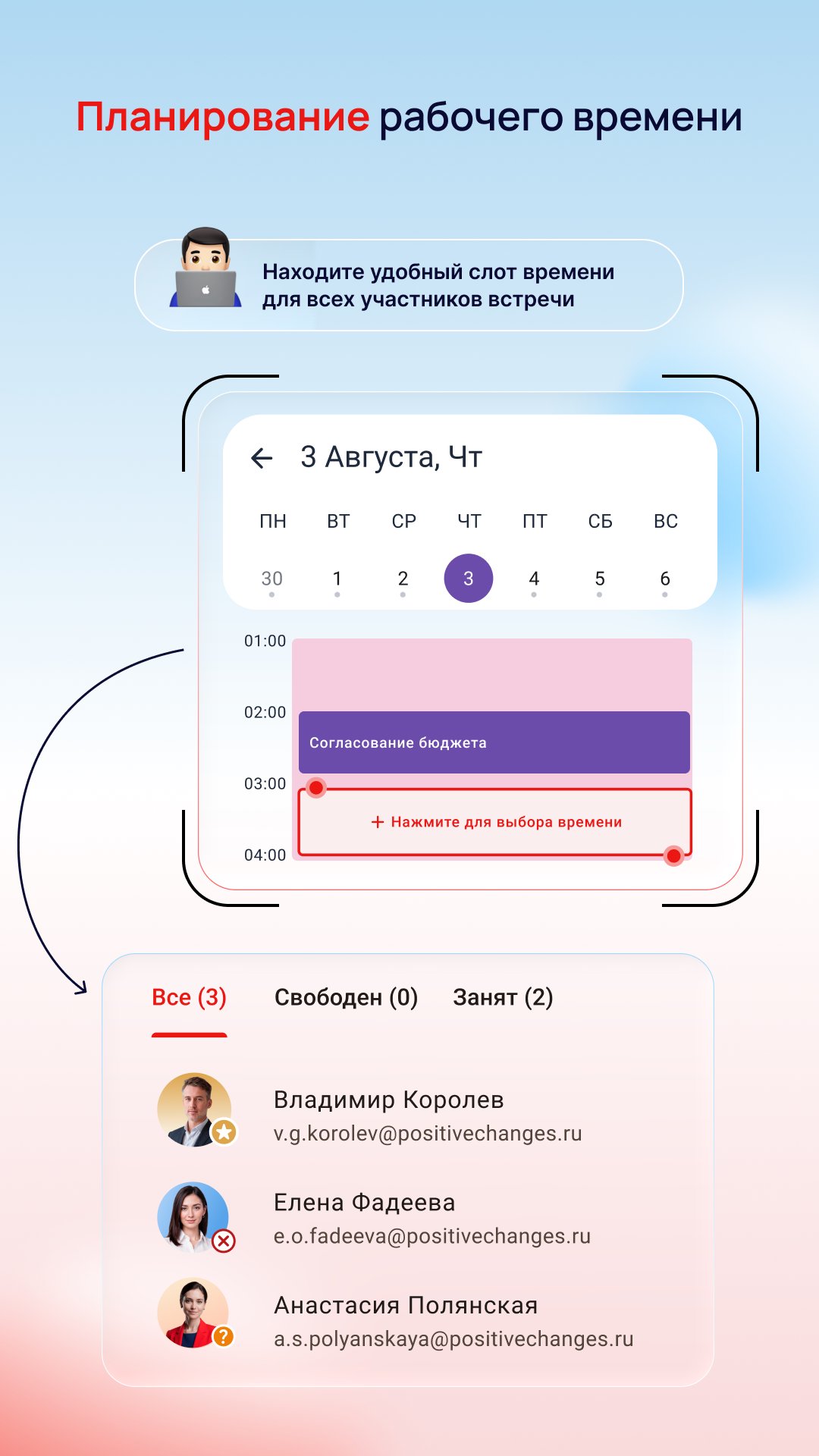
View a list of all work calendars and individual events available to you. You can create, delete, edit both a single event and a series of events. It is possible to respond to an event directly in the calendar.
Tasks
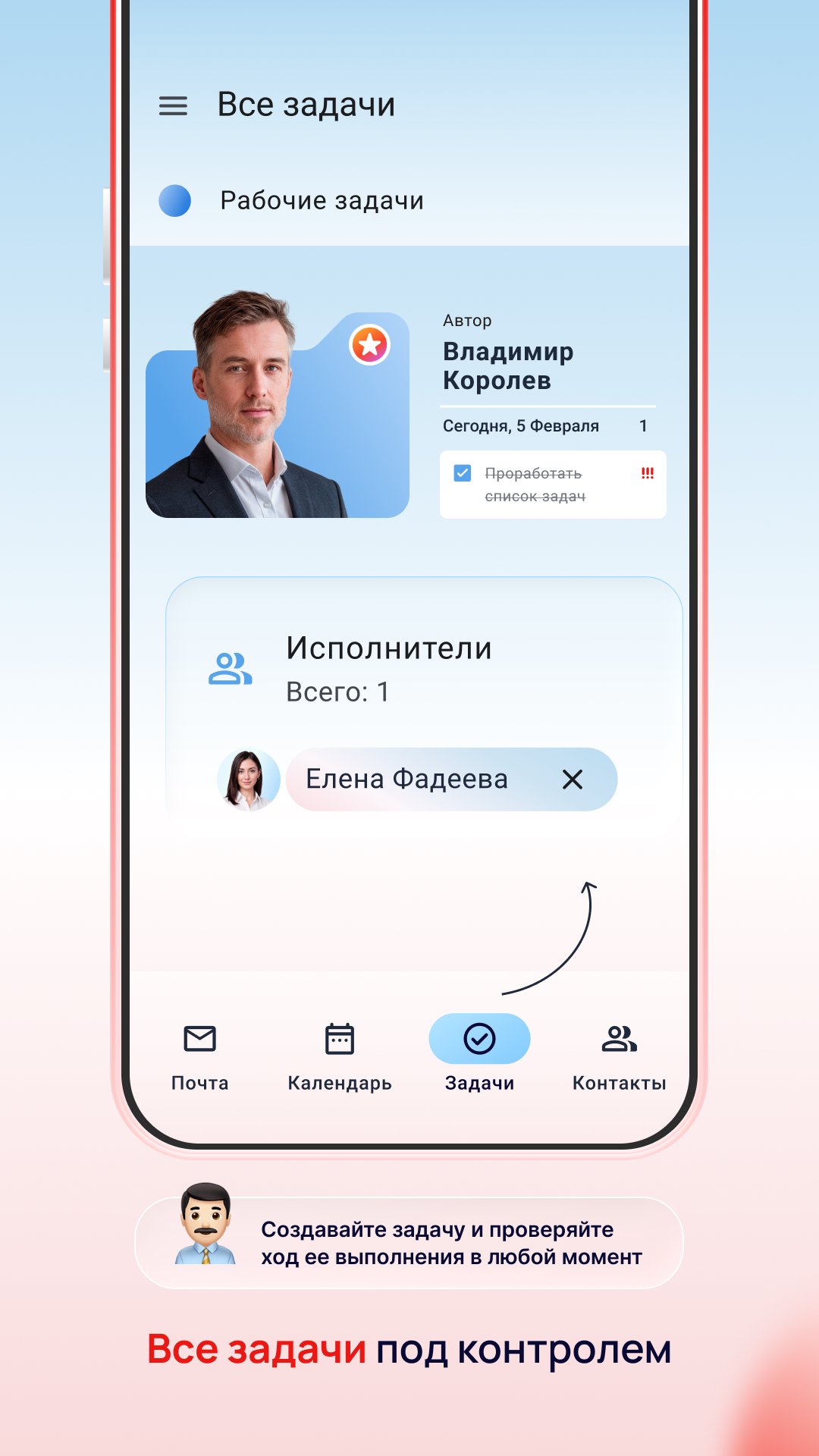
View, create, delete and edit a task. It is possible to assign executors, deadlines and task priorities
Contacts
Receive and view a list of contacts from the corporate address book. Search for contacts, as well as the convenient ability to make a call directly by clicking on a phone number.
Previously, MyOffice Mail used the MyOffice Mail and MyOffice Focus mobile applications. Mailion Mobile now supports both the Mailion mail server and MyOffice Mail.
Mailion Mobile is the official mobile application for Android from the Russian company that develops secure office solutions for communication and collaboration with MyOffice documents.
Thanks to you, Mailion Mobile becomes better and more convenient every day!
You can leave your suggestions, wishes and feedback in the comments or write to us at mobile@service.myoffice.ru
Stay connected with mobile Mailion!
______________________________________________
MyOffice support service will be happy to answer your questions. Ask a question via the form on the website https://support.myoffice.ru or write to us: mobile@service.myoffice.ru All product names, logos, brands and trademarks mentioned in this document belong to their owners. The trademarks “MyOffice”, “MyOffice”, “Mailion” and “Squadus” belong to NEW CLOUD TECHNOLOGIES LLC.





One-click to install XAPK/APK files on Android!

Thanks for your rating and feedback!
You have already rated.