Package Name:com.looksy.app
Show More

Looksy is an AI photo-to-poster maker for share-worthy portraits.
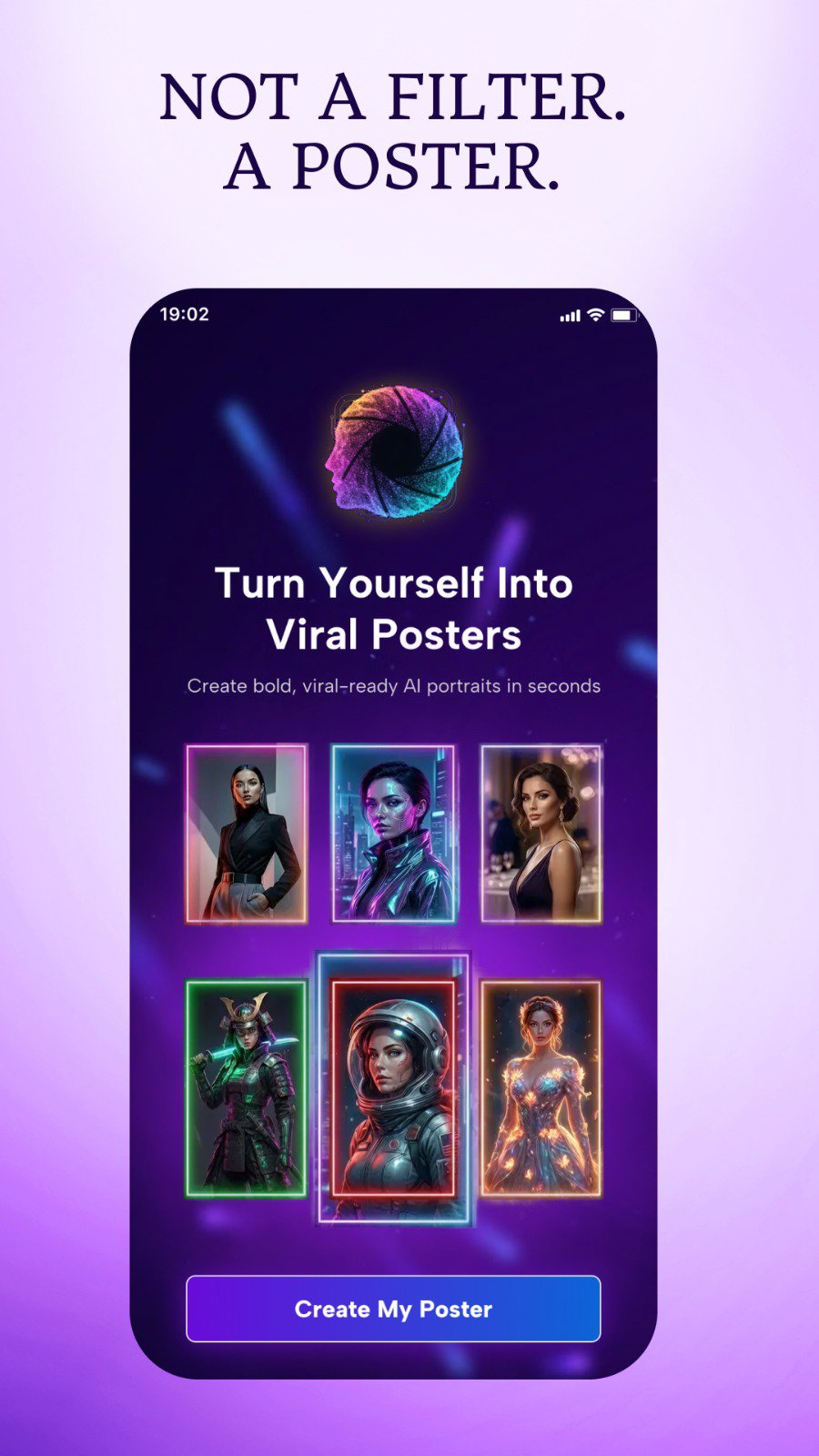
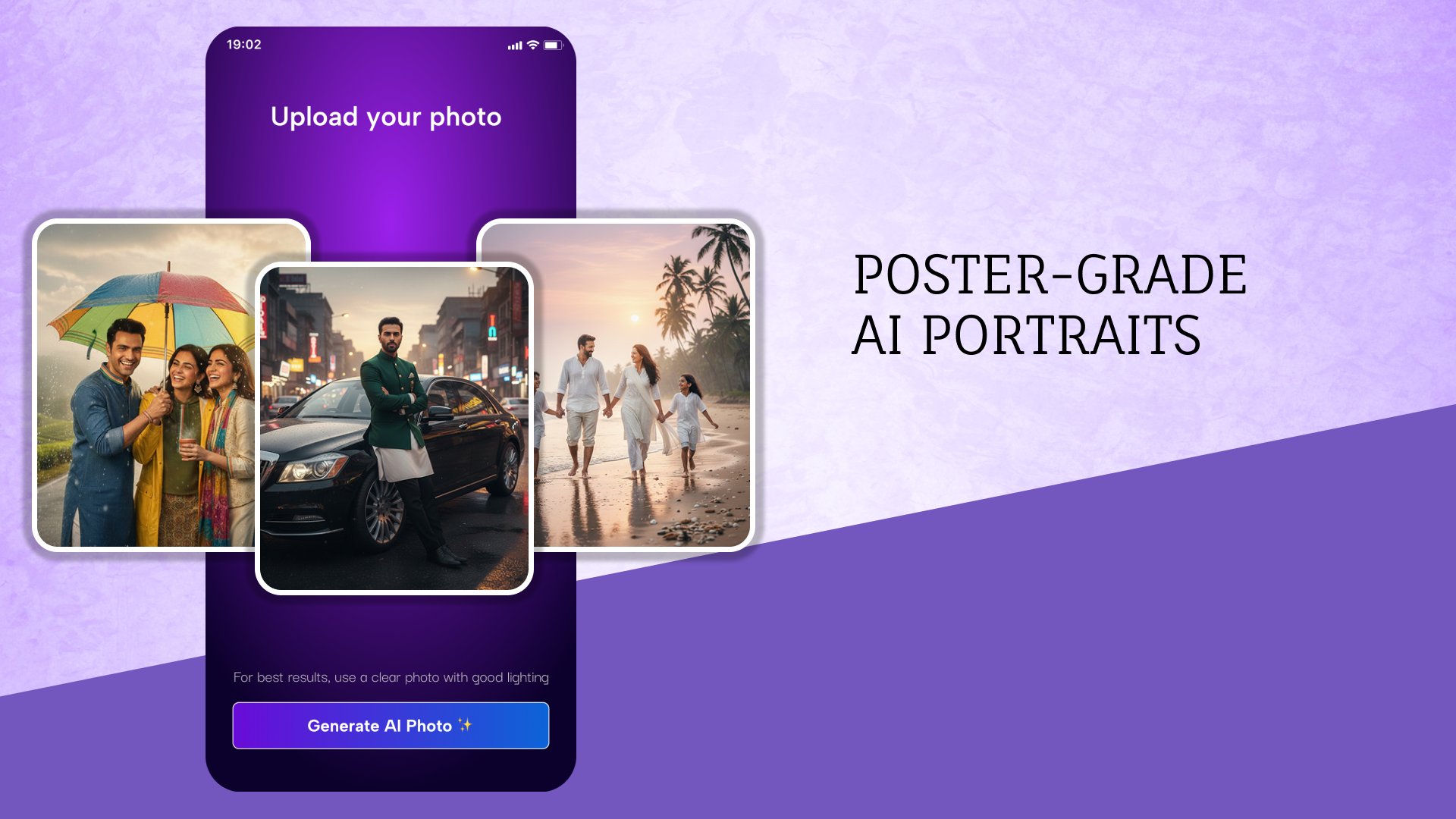
Developed by TheHouseofApps, Looksy focuses on quick, poster-grade AI Portraits designed for Instagram DP and social profiles. The app keeps everything simple: choose a template, add a photo, then preview, download, or share. Clean grids and social-friendly layouts help users get a polished look without editing skills. If you want to try it today, the Looksy APK is available to install and explore these highlights below.
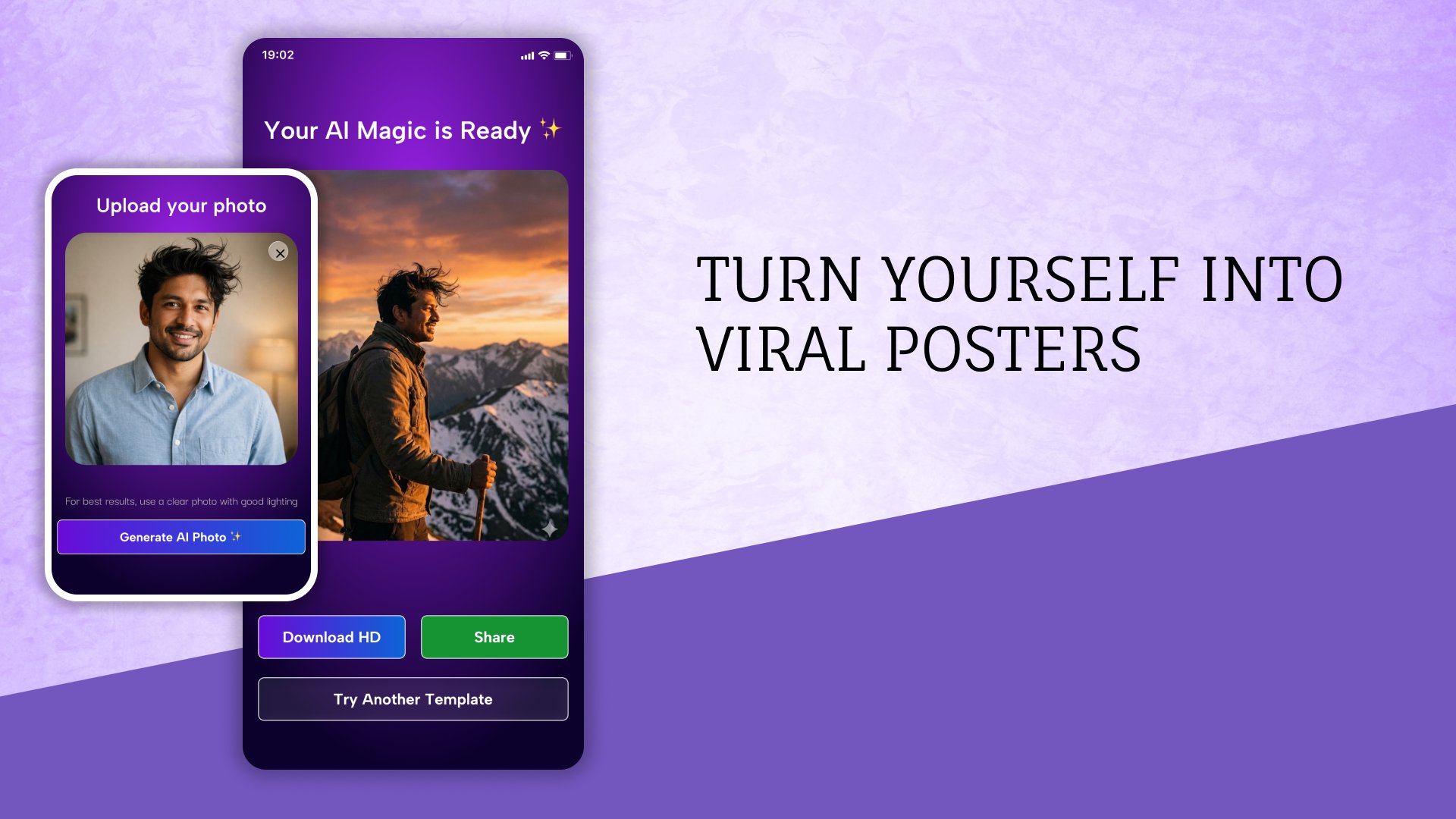
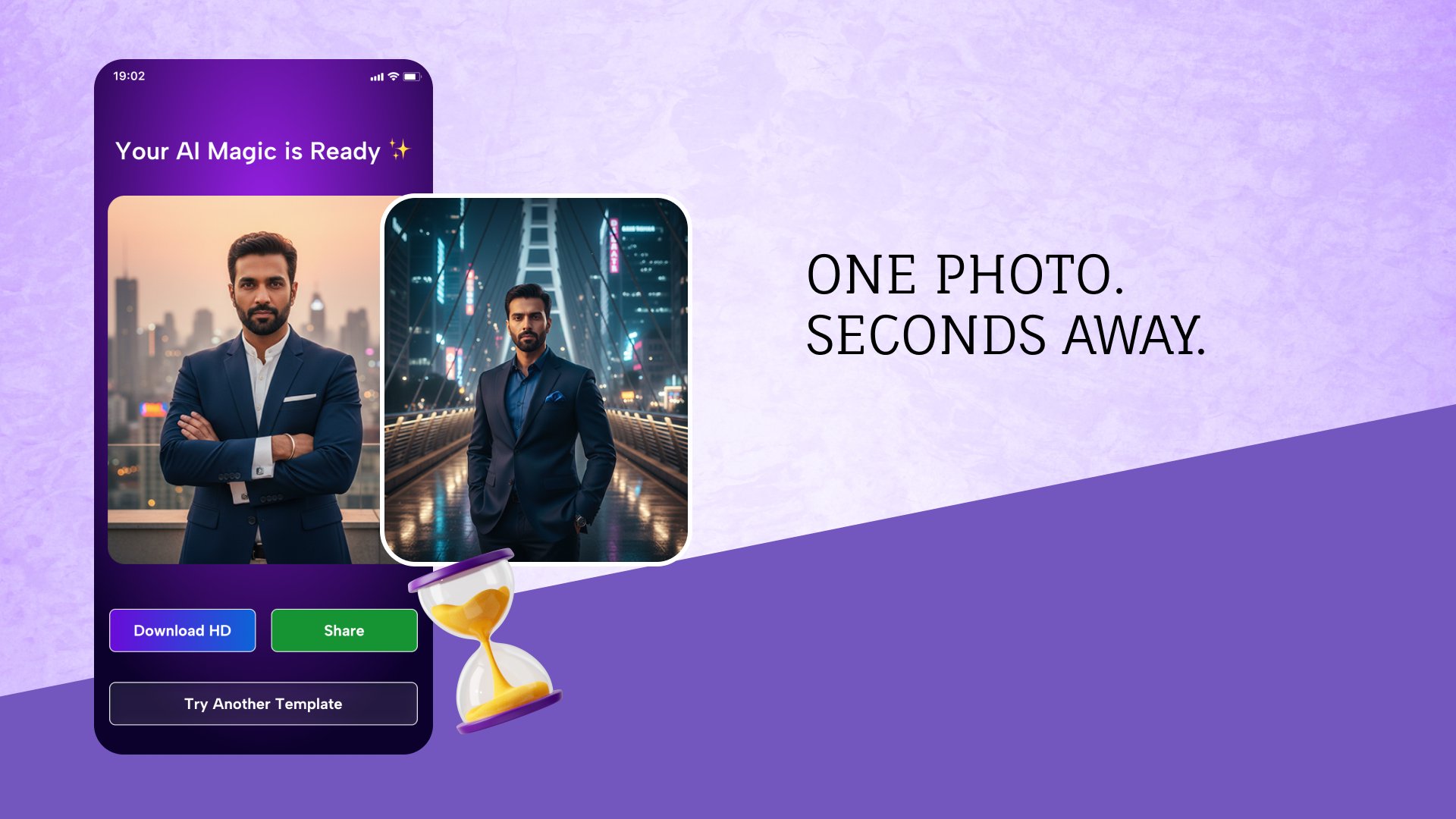
The main appeal is speed. Looksy converts a single photo into a poster-style portrait in seconds, so users can get a social-ready result without learning any editing tools. The flow is straightforward: pick a template card, add a selfie or portrait, then let the AI handle the framing, background, and color treatment.
Results look consistent across different photos because templates are already sized for social use. A built-in preview lets users judge the look before saving. If the first output does not match the mood, the “Try Another” option quickly generates a new variation in the same style, which is handy for small adjustments without redoing everything.
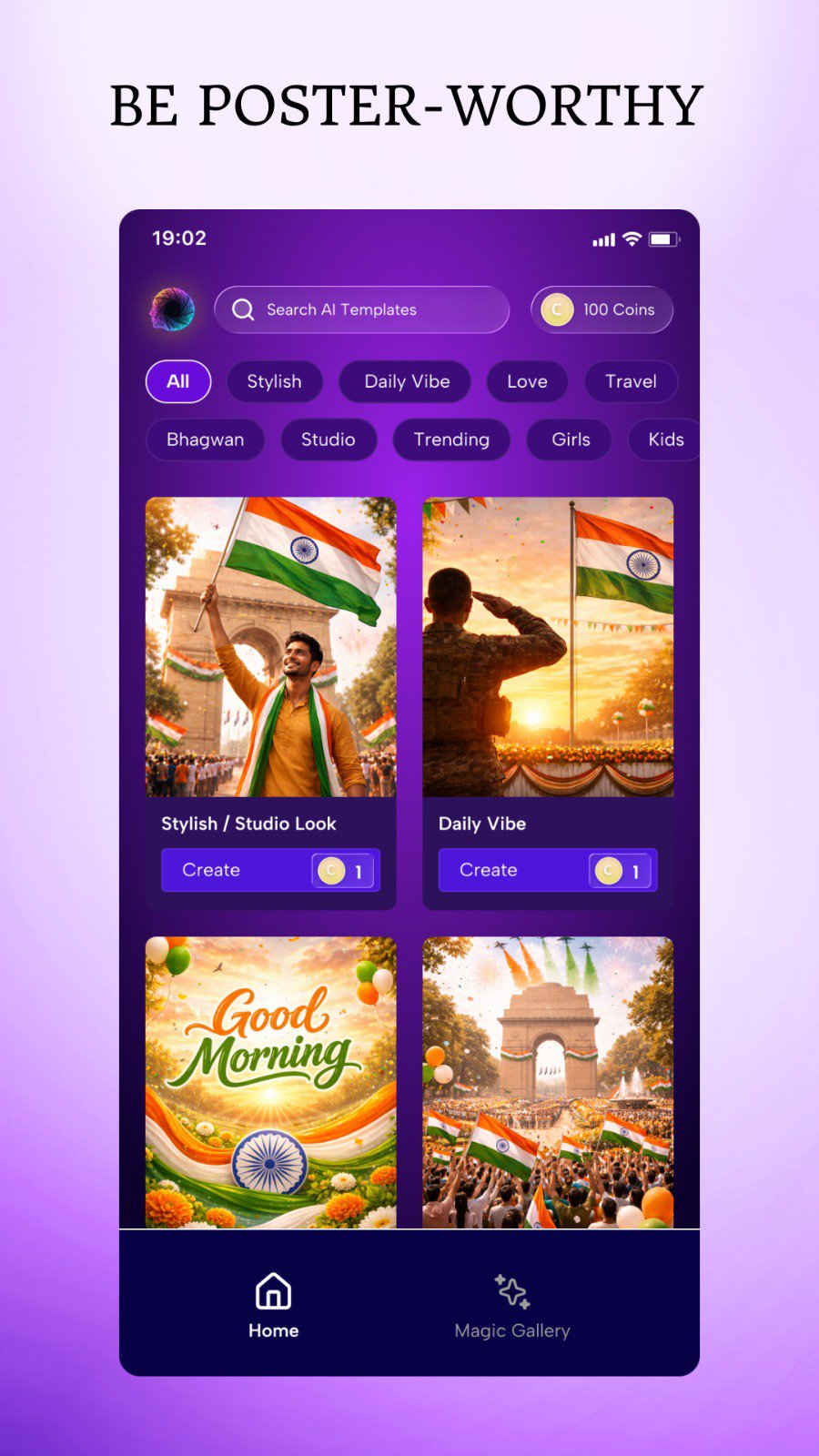
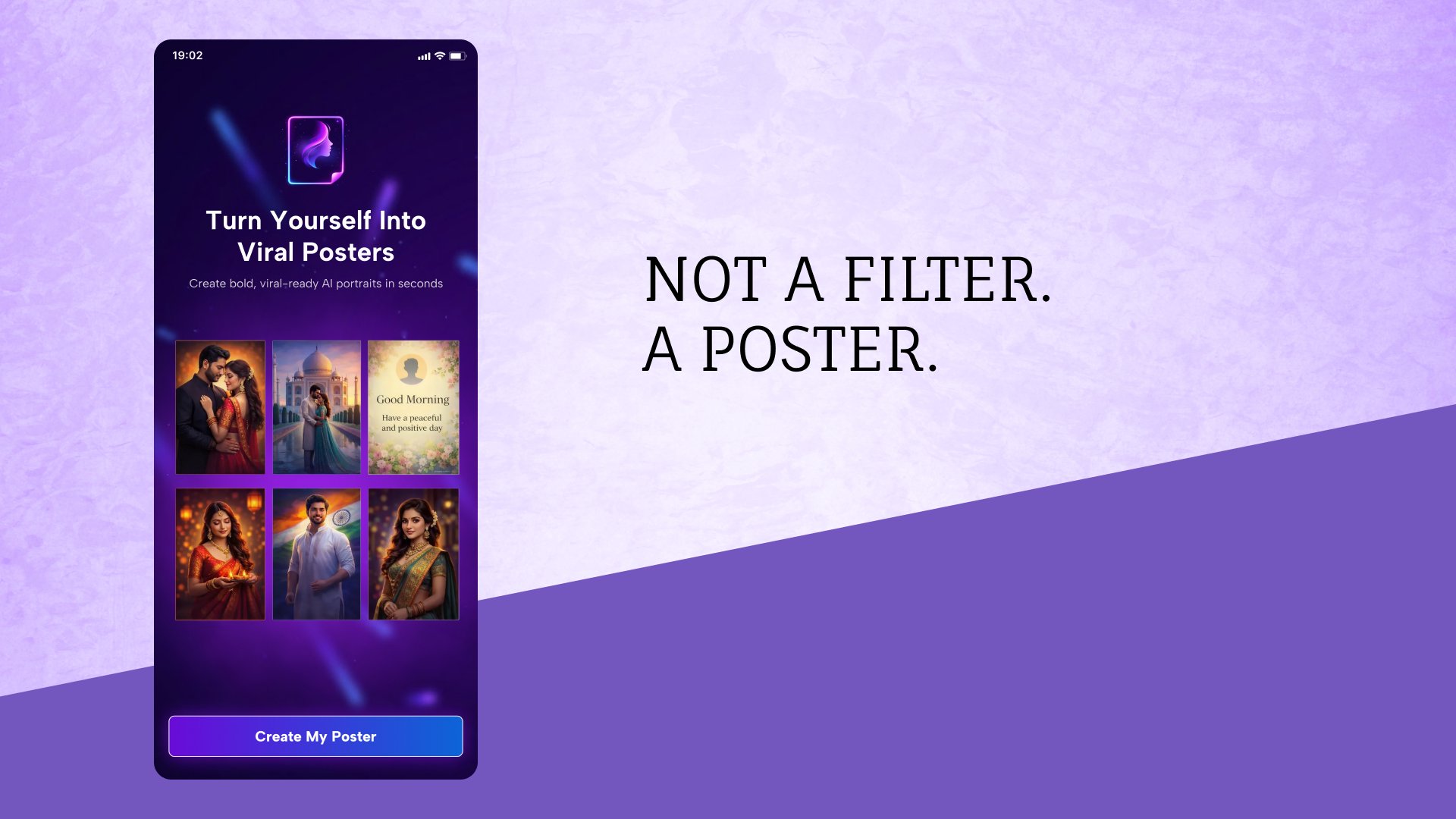
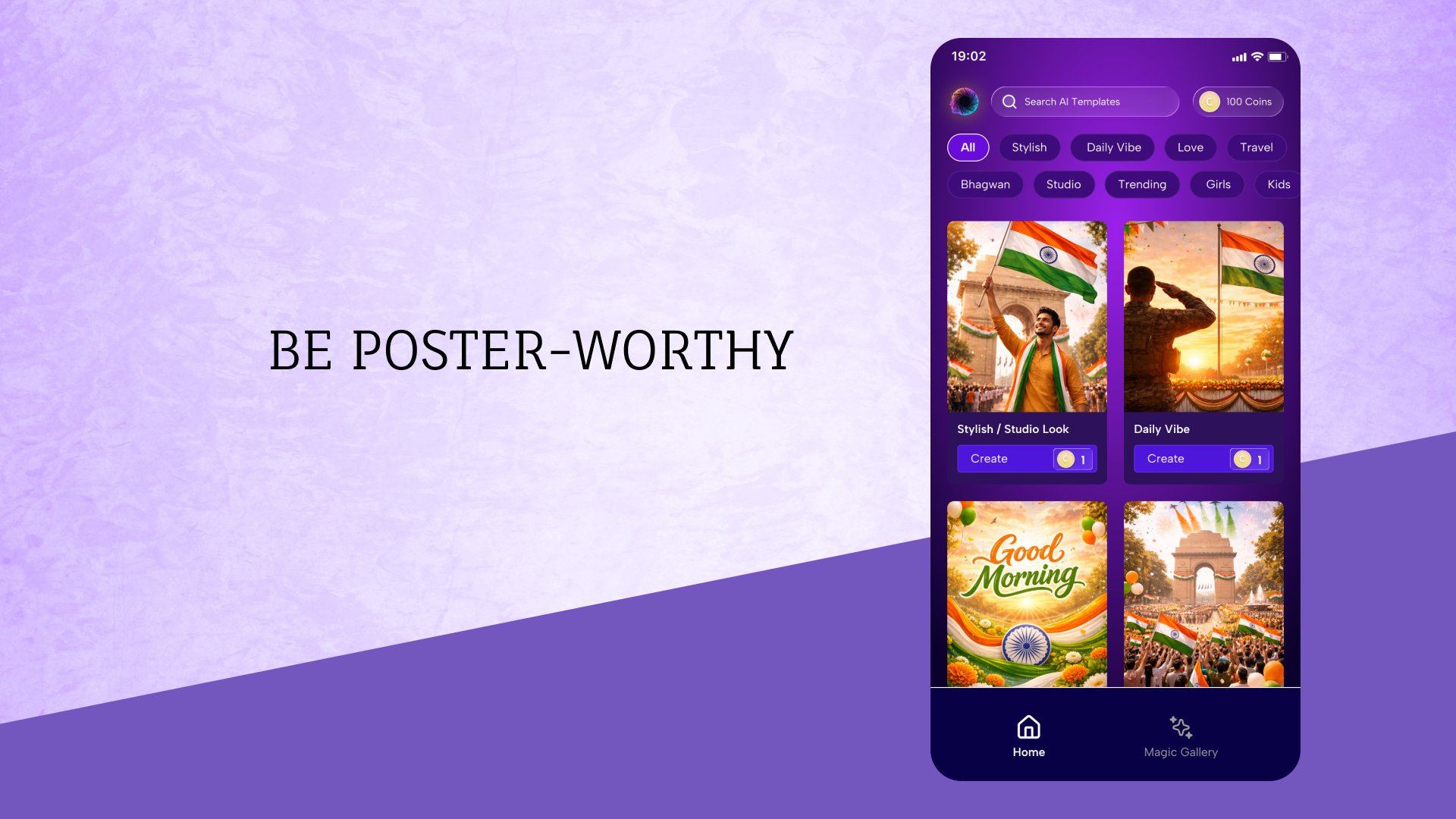
Template variety is a strong point, covering Stylish, Daily Vibe, Love, Travel, Studio, Trending, Girls, Kids, and Bhagwan (devotional). Each category presents a grid of poster cards, so users can browse by vibe rather than guessing filters. For travel shots, scenic backdrops and typographic overlays help the portrait sit well in a story or feed.
Every template shows the coin cost upfront along with your balance, which avoids surprises. This setup makes it easy to plan a session: grab a trending poster for a quick post, then return later for another category. Looksy favors templates over deep manual editing, which keeps the process focused and fast for everyday sharing.
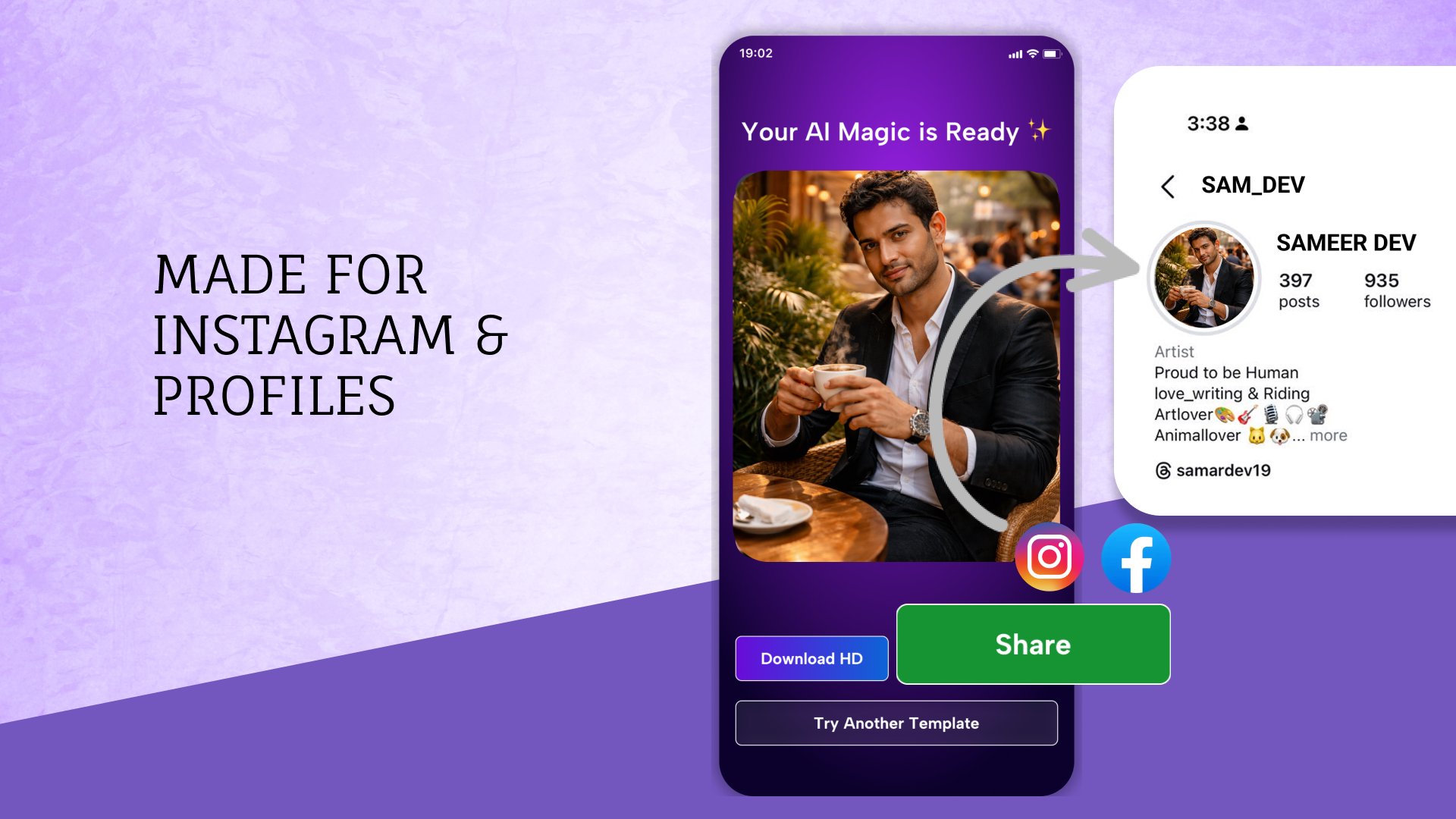
Sharing is built in, so posts move from preview to Instagram, Facebook, or WhatsApp in a couple of taps. HD download is also supported for users who prefer saving files first for later upload. This ensures crisp edges in profile pictures and clean text overlays in stories or reels.
Outputs are pre-optimized for social platforms, which reduces the need to crop or fix alignment after export. On some devices, screen recording can be restricted, so using the Save or Share options is the practical route for keeping a copy. Looksy keeps both choices visible on the preview, so users can pick what suits the moment.
Templates are unlocked with in-app coins, and new users may receive a small login bonus to get started. The coin balance stays visible on the template screen, creating a clear sense of what each poster will cost before committing. This model works well for occasional posts or special themes, while frequent creators can budget coins for categories they use most.
Since the app targets quick, automatic results, manual fine-tuning is limited. If a poster feels slightly off, trying a different template or using “Try Another” usually gets closer to the desired tone. For users who prefer hands-on edits, it can be helpful to export in HD and make small adjustments in another editor afterward, then bring that final look back to social.
Built around quick AI templates, Looksy emphasizes speed and social-ready results, though coin unlocks and limited manual edits shape the overall experience.
ProsYou can download the latest Looksy APK on APKPure and get started within minutes. The file size can vary by device and version, but the download typically completes quickly on a stable connection. Installation is straightforward, and the first run takes you right to the template grid so you can test a style immediately.
If your connection is slow or data is limited, consider using Wi‑Fi and make sure there is some free storage available for HD exports. After installation, try a Daily Vibe or Trending design to see how the AI handles your selfie, then save in HD for the sharpest profile photo.
For users who plan to post often, logging in first can help secure any available coin bonus. When ready to share, use the built-in options for Instagram or WhatsApp. This keeps the workflow short and helps you download Looksy outputs that match the look you previewed in the app. If you prefer to wait for features, check back for the Looksy latest version to see what’s new.

One-click to install XAPK/APK files on Android!

Thanks for your rating and feedback!
You have already rated.