Package Name:com.lockpdf.passwordprotect
Show More


24.4 MB
File Size
Everyone
Android 7.0+
Android OS
Add a password to protect your PDF. Lock & encrypt files on your device.
Lock PDF adds a password to your PDF files so only the people you choose can open them. Pick a file, set a password, and your PDF is encrypted right on your device. No uploads, no cloud, no account. It is the simplest way to password protect a PDF before you send it over email, WhatsApp, or any chat app.
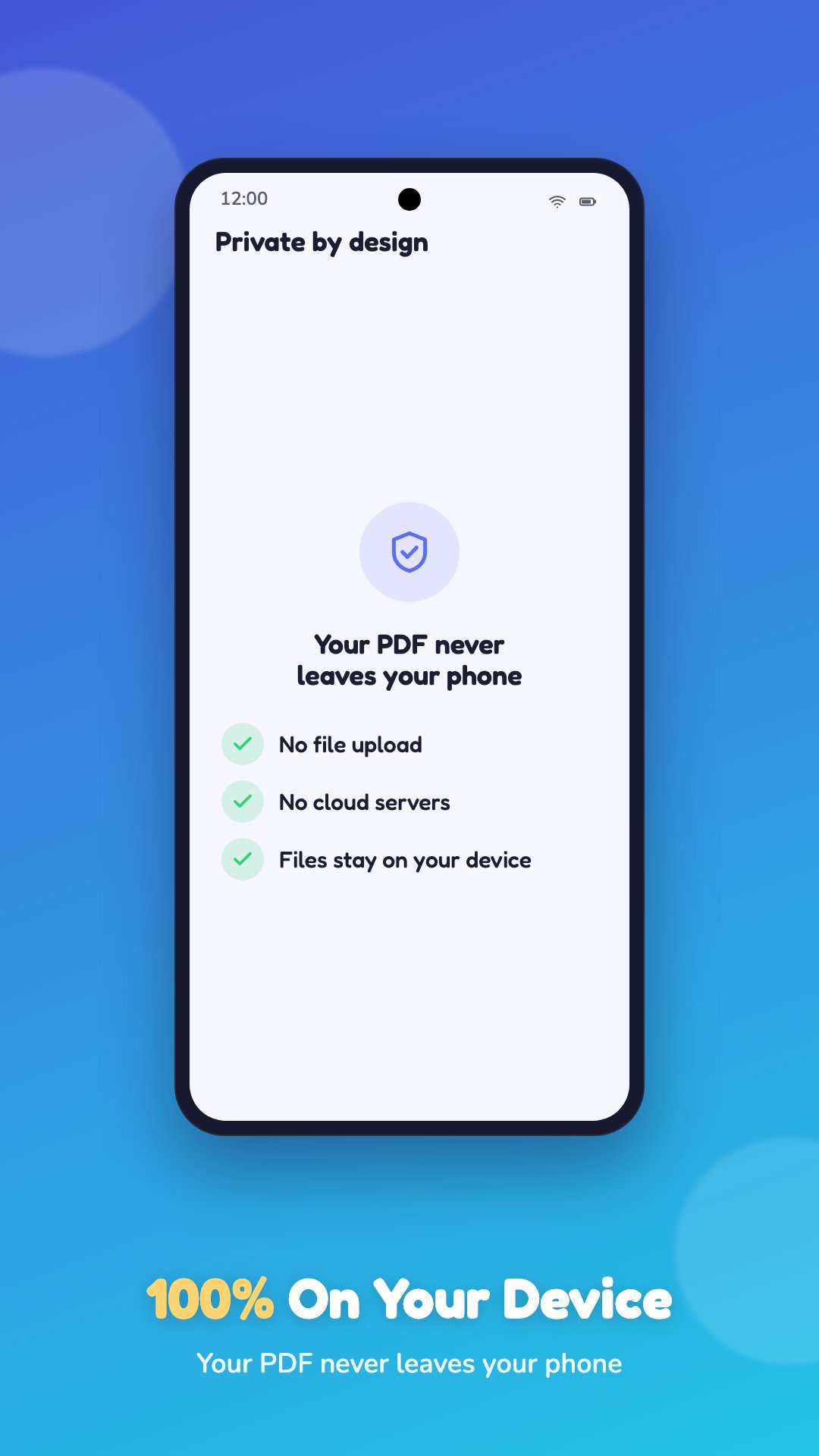
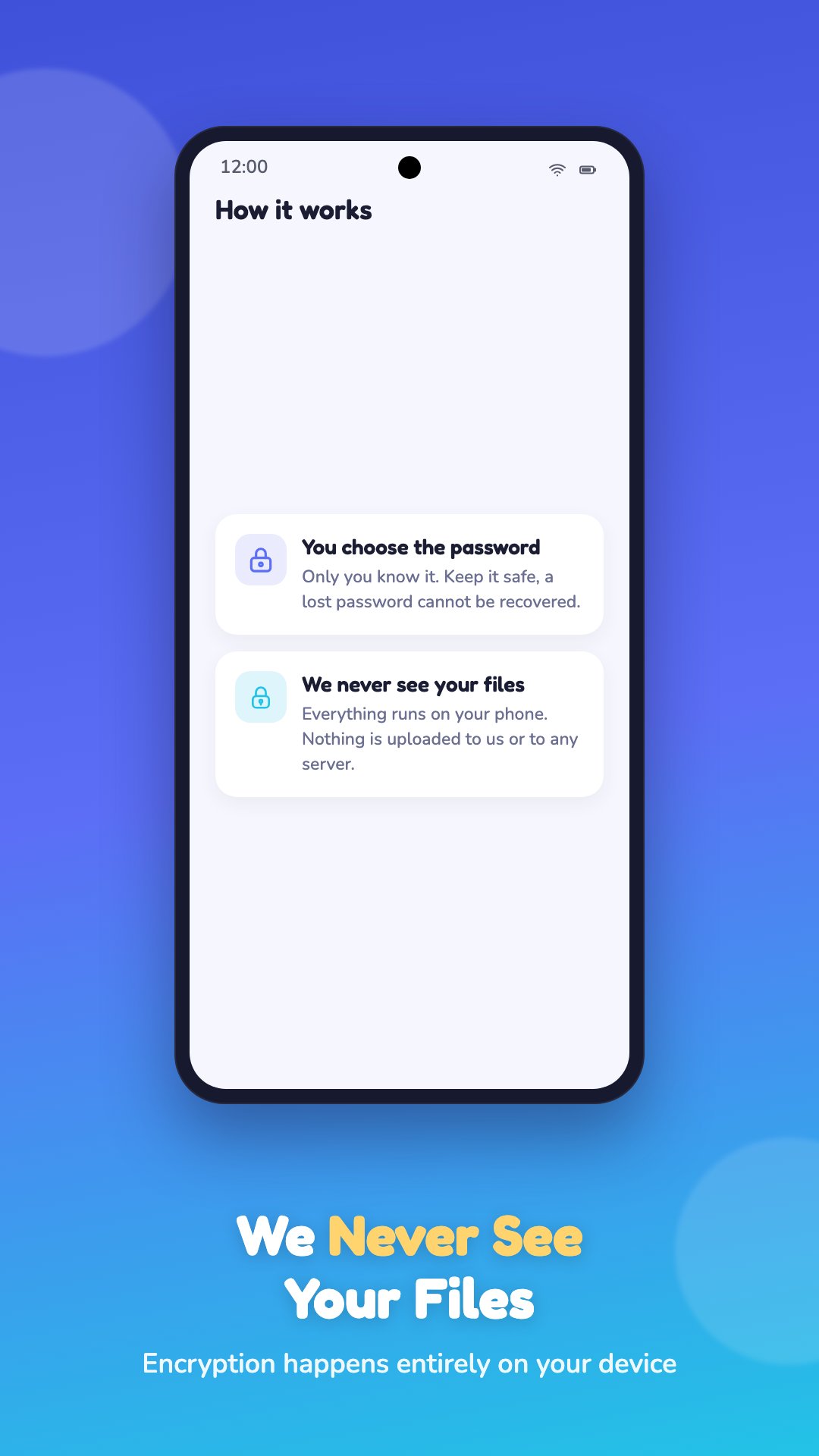
Your files never leave your phone. Every lock and encrypt happens on-device, so your private documents stay private. Nothing is uploaded to a server and nothing is stored by us.
Add a password to any PDF in seconds. Choose the file, type the password you want, and Lock PDF encrypts it and saves a new password protected copy. Anyone who opens that PDF will be asked for the password first.
Lock and secure sensitive documents like bank statements, ID cards, contracts, invoices, payslips, medical records, and business files. Password protection keeps them safe if you lose your phone or send a file to the wrong person by mistake.
Share with confidence. Once your PDF is locked you can share the protected file and give the password separately, so only the right person can open and read it.
Why choose Lock PDF:
100% on-device. Your PDF is encrypted locally and never uploaded, so there is zero privacy risk.
Real password protection. Files are secured with standard PDF encryption that other PDF readers recognise and honour.
Fast and lightweight. Lock a PDF in a couple of taps with a clean, simple interface and no clutter.
No account and no sign-up. Open the app and protect a PDF straight away.
Private by design. Everything runs on your phone.
Who it is for: anyone who needs to password protect a PDF, including students, freelancers, business owners, accountants, lawyers, and anyone sharing a document they would rather keep private.
Already removed a password with an unlock PDF tool? Lock PDF is the other half. Add a password back, or set a new one, whenever you need to secure a file again.
Note: Lock PDF adds a password you choose to a PDF. To open a PDF that is already password protected you will need its existing password. Keep your password somewhere safe, because for your security a lost password cannot be recovered.
An internet connection is required.
Download Lock PDF and password protect your first PDF today. Fast, private, and completely on your device.





One-click to install XAPK/APK files on Android!

Thanks for your rating and feedback!
You have already rated.