
Scan Date:Apr 21, 2025
Show More

Live TV is a free IPTV player for m3u playlists.
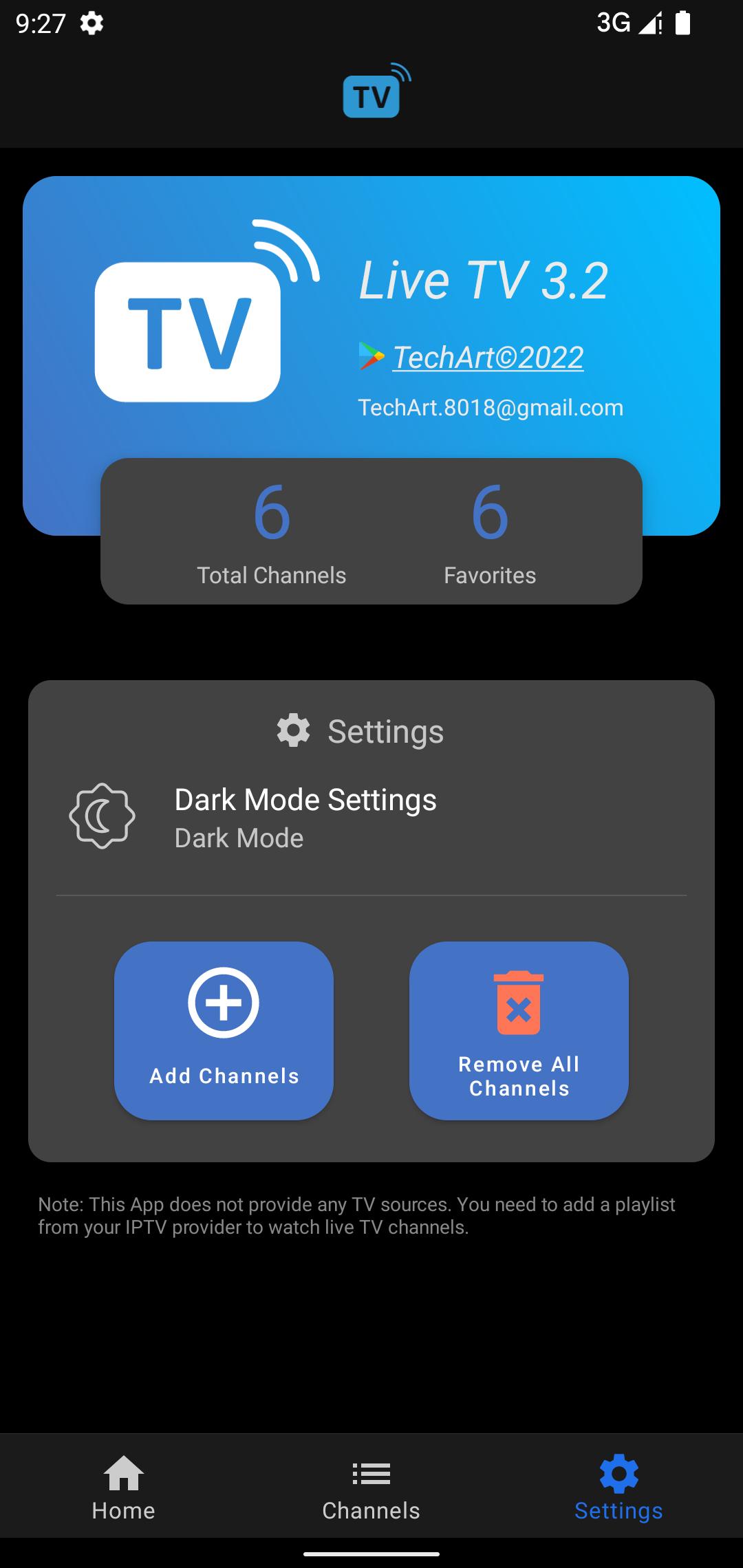
Developed by TechArt, Live TV loads your provider’s m3u playlist to build a clear, usable channel list. Filters by name, language, country, and category help you navigate large lineups, while favorites keep regular channels easy to reach on the home screen. The app does not include any TV sources, so you need a valid playlist from your IPTV provider. Once that’s ready, download Live TV and explore the core features below.
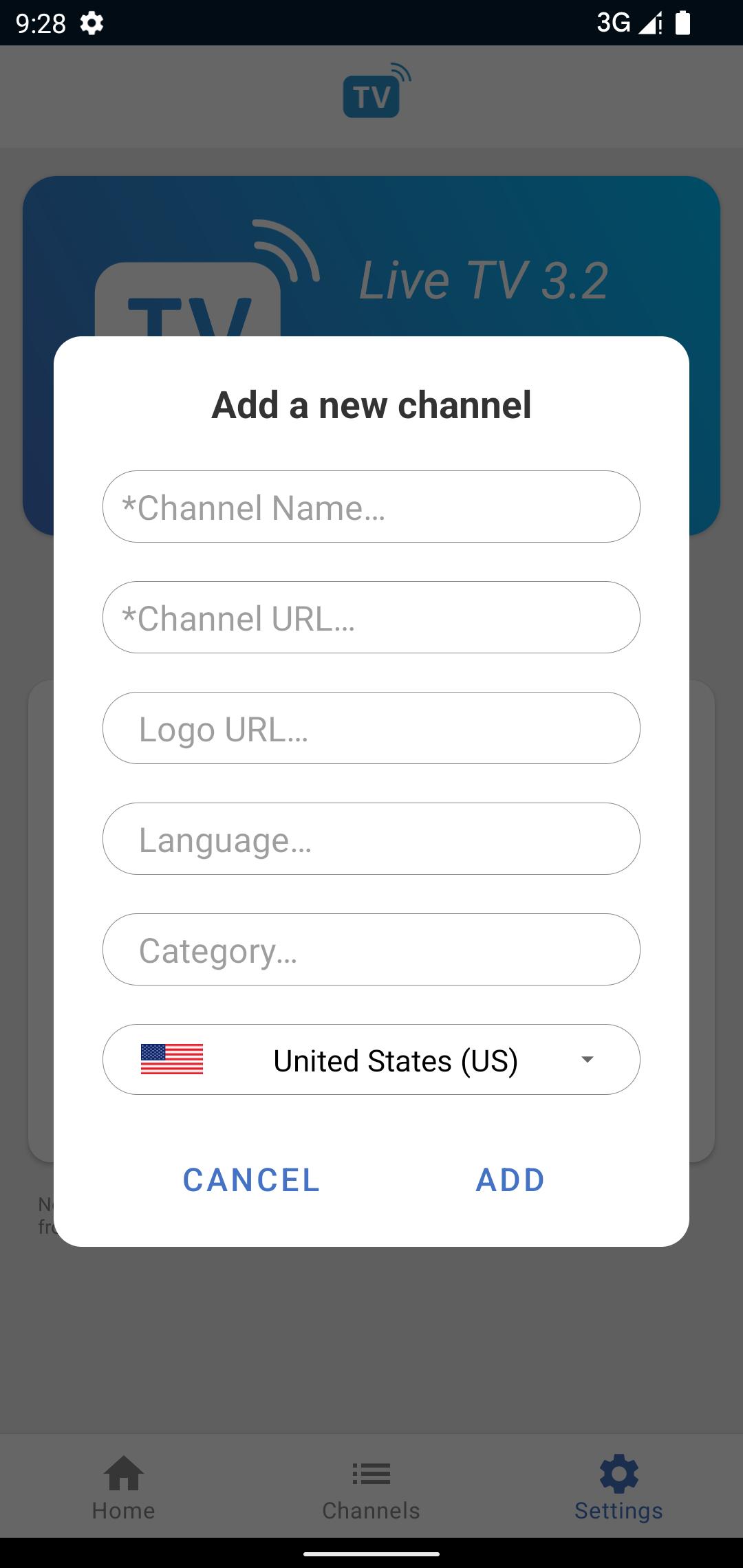
Playlist import sits at the heart of Live TV. Users add a standard m3u file from their IPTV provider, and the app turns that file into a structured channel list. Channels appear with their names and categories, so you can start browsing immediately instead of setting things up one by one. Because the app does not ship with built-in sources, a valid playlist is essential. If a provider updates a list regularly, reloading the file keeps your channels current without starting over.
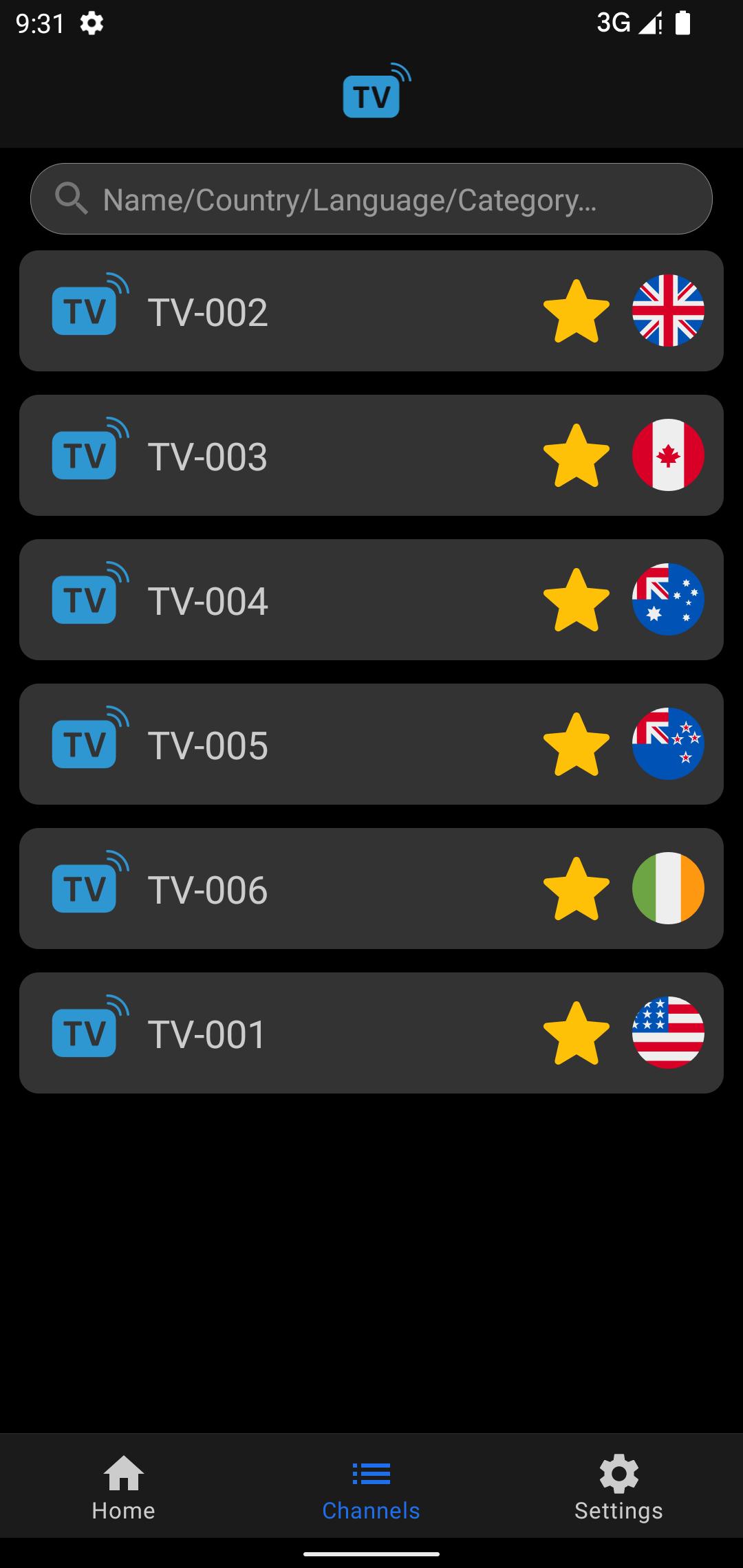
Finding the right channel is easy thanks to filters by name, language, country, and category in the Live TV app. When a list includes hundreds of stations, a quick name search narrows it down to exactly what you want, like a league or team before a match. Language and country filters help surface local news or regional content when traveling, while category browsing is useful for scanning sports, movies, or kids’ channels. These tools make everyday navigation feel quick, even with large playlists.
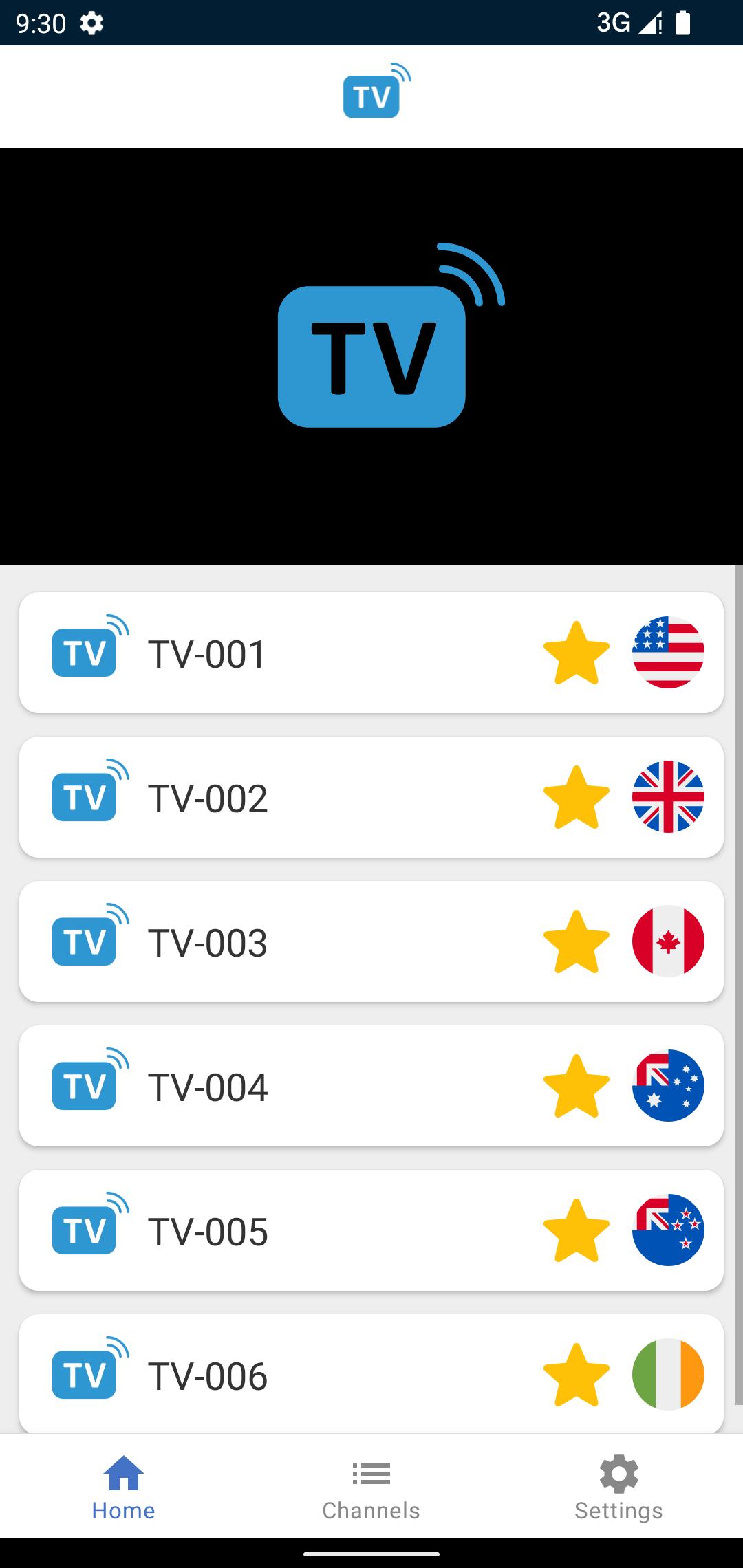
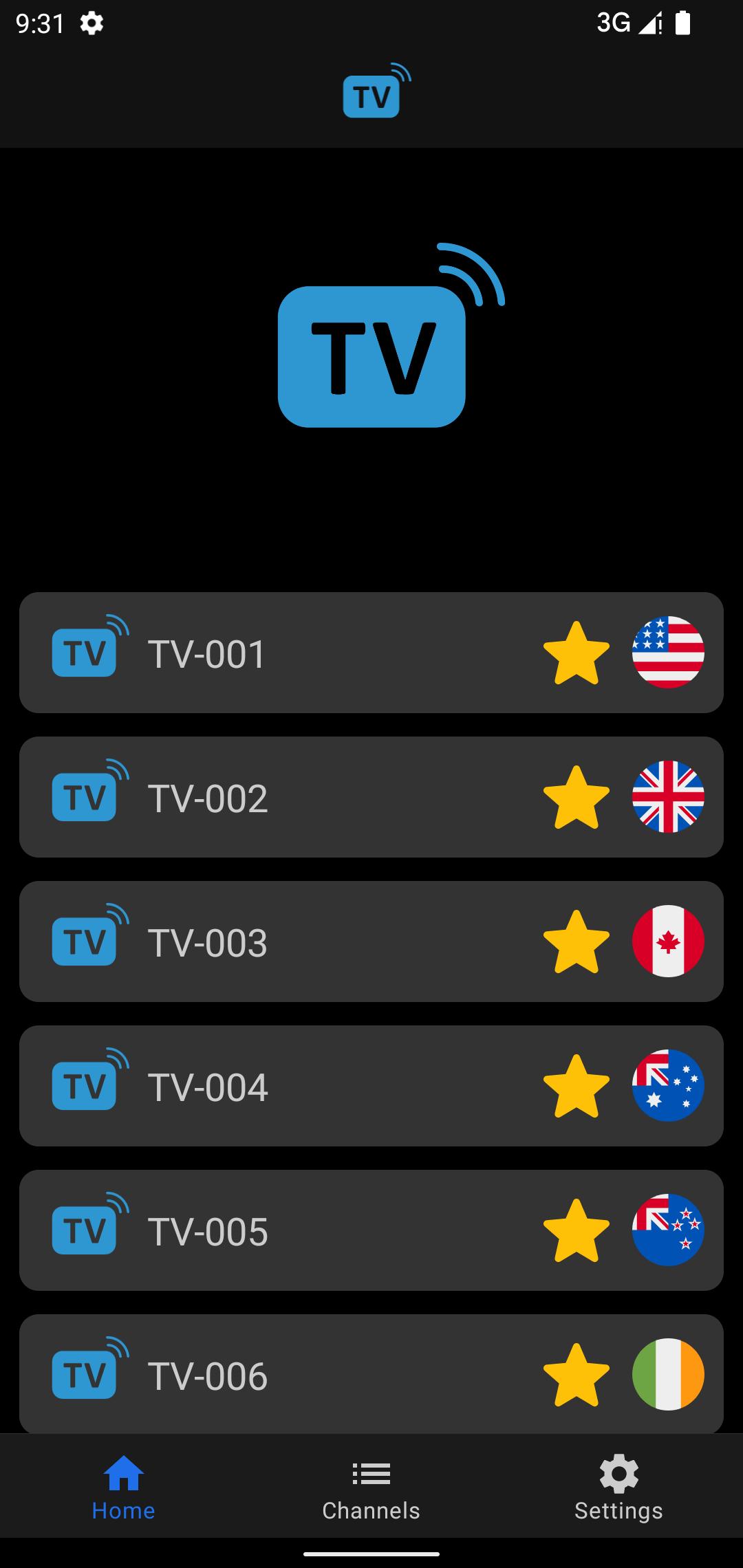
Favorites keep the channels you watch most right on the home screen of the Live TV app. After marking a channel as a favorite, it appears at the top for instant access. This is handy for morning news, a kids’ channel, or specific sports feeds on match nights. Over time, favorites become a personalized lineup, cutting out repeated searches and filter steps. If your provider updates names or categories, favorites still provide a consistent way to jump back in.
When a channel offers multiple sources, source numbers appear on the player, and switching between them can stabilize viewing in the Live TV app. If one feed buffers or drops, a quick tap to another source number often restores smooth playback. This feature is especially useful during busy hours or live events when a specific feed gets congested. If a channel only has one source, switching will not change performance, but many provider lists include mirror streams that benefit from this control.
These points reflect how playlist loading, filters, and source control work in real use. The Live TV app focuses on clean playback and straightforward channel management, which drives its strengths and defines its limits.
ProsYou can download the latest Live TV APK from APKPure. Depending on your connection and device speed, the download typically takes from seconds to a few minutes. APK size may vary by version, so ensure sufficient storage before downloading. To get the Live TV latest version, check the release details on the app page and follow the regular installation prompts.
After installation, open Live TV and import your m3u playlist file to load channels. Since the app does not include sources, prepare a valid playlist from your IPTV provider in advance. If a stream stutters, try switching the source number during playback. Add favorites for the channels you watch most to keep them ready on the home screen.




One-click to install XAPK/APK files on Android!

Thanks for your rating and feedback!
You have already rated.