Scan Date:Nov 18, 2026
Show More


3.6
9 Reviews
26.4 MB
File Size
Everyone
Android 9.0+
Android OS
Lime is a shared urban mobility app for renting nearby electric scooters and e-bikes.
Developed by Neutron Holdings, Inc., Lime makes short city trips easier by showing available vehicles on a live map. It suits commuting, errands, or covering the last stretch between public transport and your destination. The main features below explain what to expect from the Lime APK.
Map view shows nearby Lime e-scooter and Lime e-bike locations.
QR scanning unlocks a vehicle quickly when one is available.
Local prices, riding rules, and safety notes appear before departure.
Parking guidance helps keep sidewalks and access routes clear.
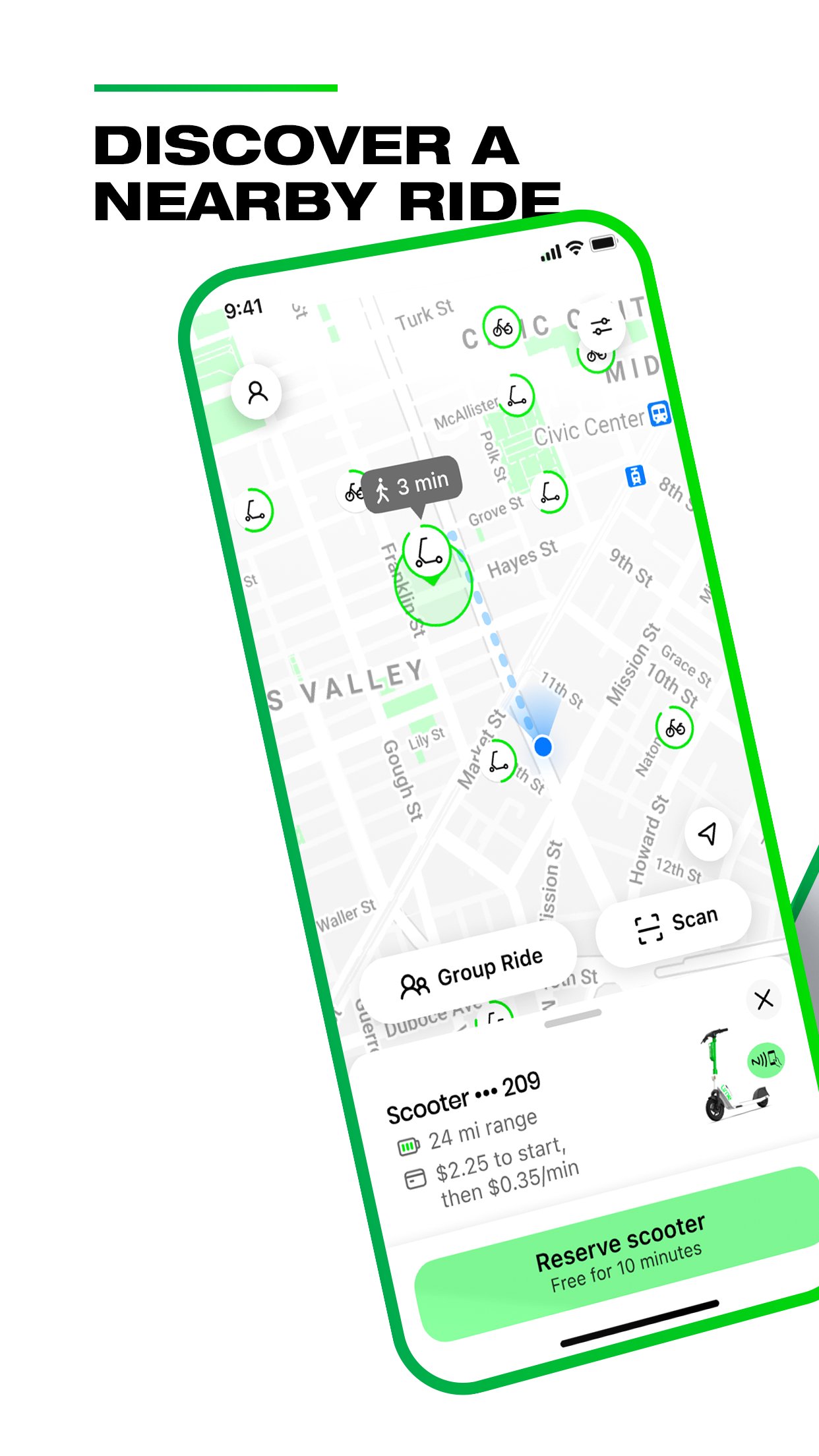
Lime uses its main map to show electric scooters and bikes available around the user’s current area. This makes it practical when leaving a station, heading to a nearby appointment, or checking whether a vehicle is close before walking outside. Vehicle types, service areas, and availability can change by city and by the time of day, so a map full of scooters in one neighborhood does not guarantee the same choice elsewhere. Before selecting a ride, users can also review local prices and riding information displayed in the app.
Lime lets users begin a ride by scanning the QR code attached to a vehicle. The Scan section opens a camera frame for this purpose, which is useful when several parked vehicles look similar. If a code does not scan properly, the vehicle plate number can be entered instead, and supported locations may also offer an in-app unlock option. Once the ride starts, billing begins, so checking the displayed vehicle and local fare beforehand helps avoid choosing the wrong one in a busy parking area.
Lime supports both electric scooters and electric bikes, giving users a choice based on the route and local fleet. A Lime e-scooter can suit a quick, direct trip on suitable streets, while an e-bike may feel more appropriate for a longer urban route or a journey involving bike lanes. Gen4 scooters and e-bikes may be available, but the exact models depend on the city. Riders should use bike lanes where possible, wear a helmet, and follow the traffic rules that apply at their location.
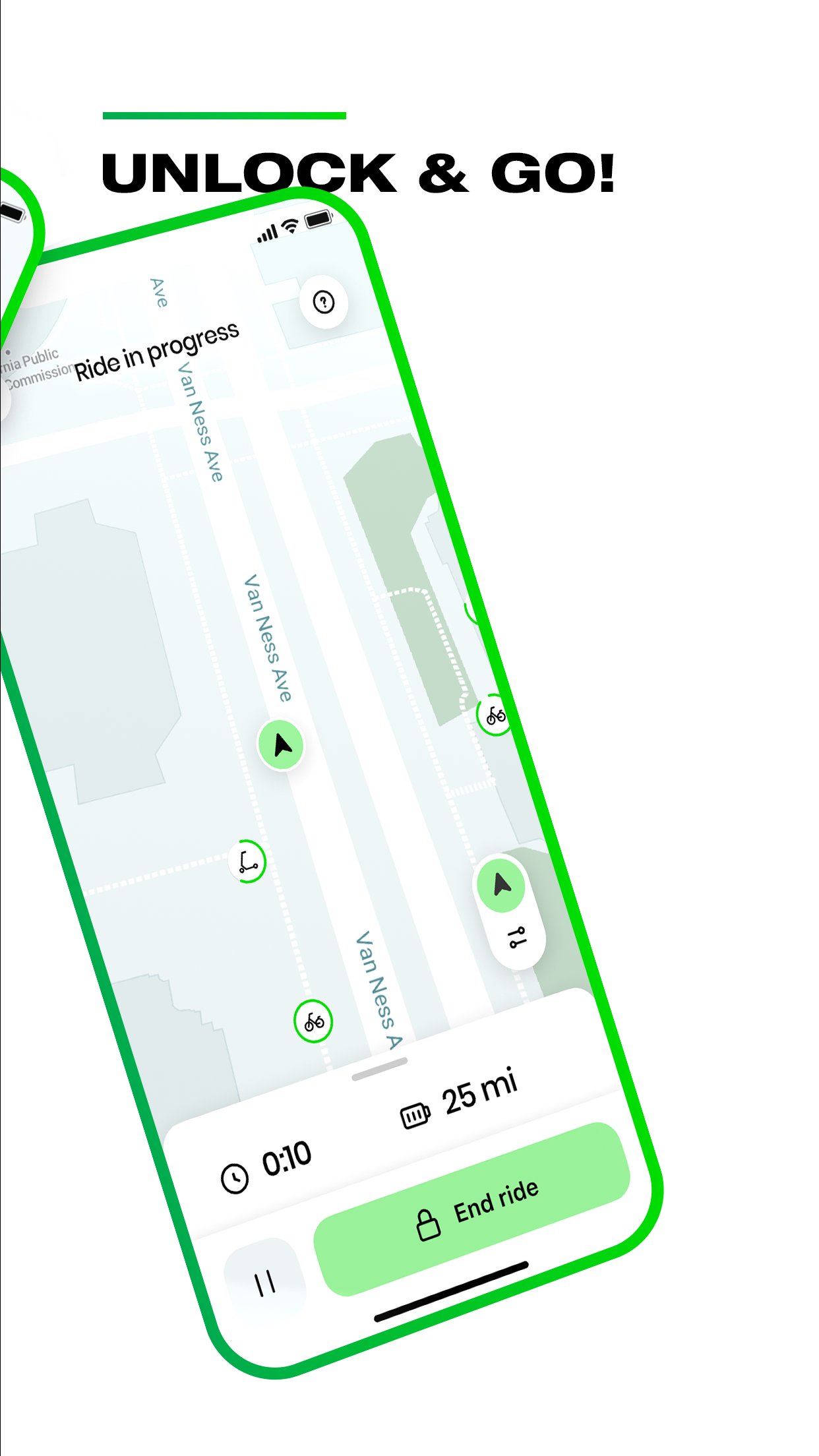
Lime provides parking guidance at the end of each trip, which matters as much as finding and unlocking a vehicle. The vehicle should be left where it does not block sidewalks, entrances, or accessible pathways, while any local parking instructions shown in the app should take priority. Simply stopping does not end the charge, so the user needs to select End Ride and confirm that the trip has finished. This final check is especially helpful after a rushed commute, since an unfinished ride may continue to generate fees through the saved payment method.
Lime focuses on the key steps of a shared ride, from locating a vehicle to parking it responsibly. Its usefulness depends heavily on local fleet coverage, pricing, and the rider’s attention when ending a trip.
Pros
Live map makes nearby vehicle searches straightforward.
Supports both electric scooters and e-bikes.
QR scanning offers a quick way to start rides.
Local safety and parking reminders are clearly presented.
Cons
Vehicle availability and prices vary between cities.
Internet access is needed to manage rides.
Charges can continue until the trip is manually ended.
You can download Lime latest version from APKPure for a Lime APK download of around 80MB. On a normal connection, the file should download quickly, although installation time can vary by device and available storage. Keep a stable internet connection after installation because the map, QR scan, and active ride management depend on online access.
Before taking a vehicle, open the Lime app and check the local price, service boundary, and parking rules. Confirm that End Ride appears after parking, rather than assuming the trip has stopped when the vehicle is no longer moving. This helps keep a short Lime ride convenient and avoids unnecessary ongoing charges.


One-click to install XAPK/APK files on Android!

Thanks for your rating and feedback!
You have already rated.