Safe & Fast APK Downloads on APKPure
APKPure uses signature verification to ensure virus-free Lightshot (screenshot tool) APK downloads for you.


9.2
7 Reviews
10.2 MB
File Size
Teen
Android 4.4+
Android OS
Simple and fast screenshot app
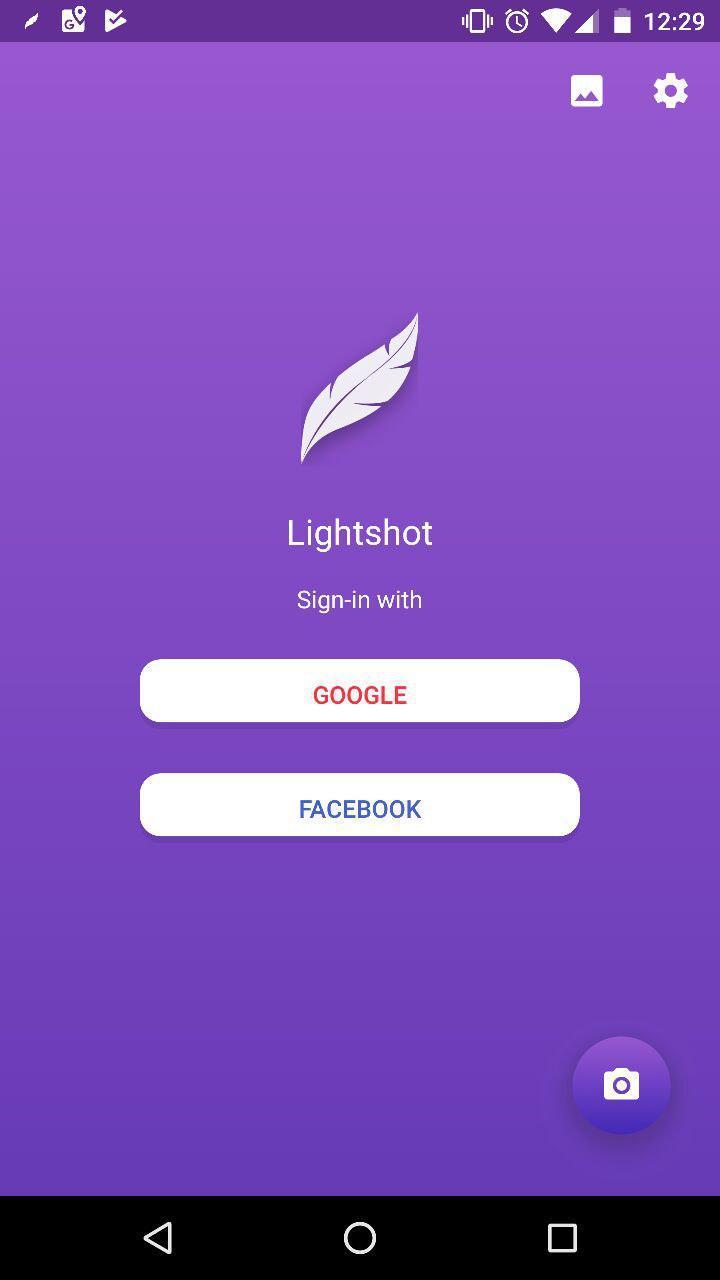
Lightshot app loved by millions of users world wide on both Windows and Mac platforms and it's coming to Android world now. Take screenshots instantaneously by hinting Power+Volume down phone buttons or turn on floating button and have screenshot one just one tap away.
All usual features we all come to love in Windows and Mac apps are available on Android as well.
Feel free to take screenshots, crop them in the editor and put emphasis on important parts of it by applying lines and arrows in the editor. Share screenshot in messengers, upload them to your very own gallery on prnt.sc or just save on your device locally.
New and Android specific - enjoy viewing all Lightshot created screenshot in your app instead of the browser.






One-click to install XAPK/APK files on Android!

Thanks for your rating and feedback!
You have already rated.







