Scan Date:Oct 29, 2026
Show More


8.0
22 Reviews
296.0 MB
File Size
Everyone
Android OS
LG ThinQ is a smart home app for managing supported LG appliances from an Android phone.
LG Electronics, Inc. builds the LG ThinQ app around one main idea: keeping everyday appliance control in one place. It helps you check connected products, adjust settings, and follow home device status without moving between separate controls. For users planning to download LG ThinQ, these are the main tools to know first.
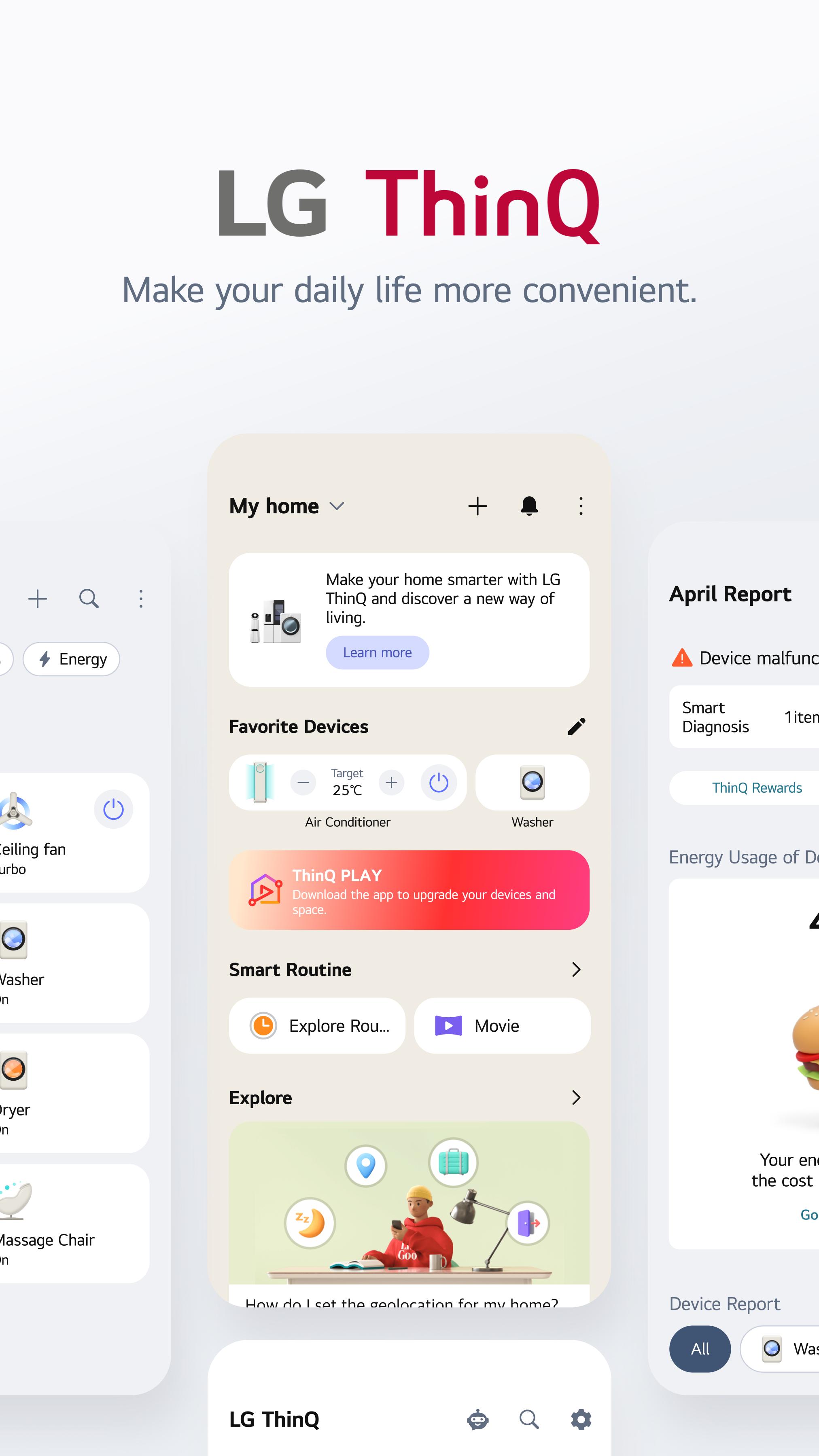
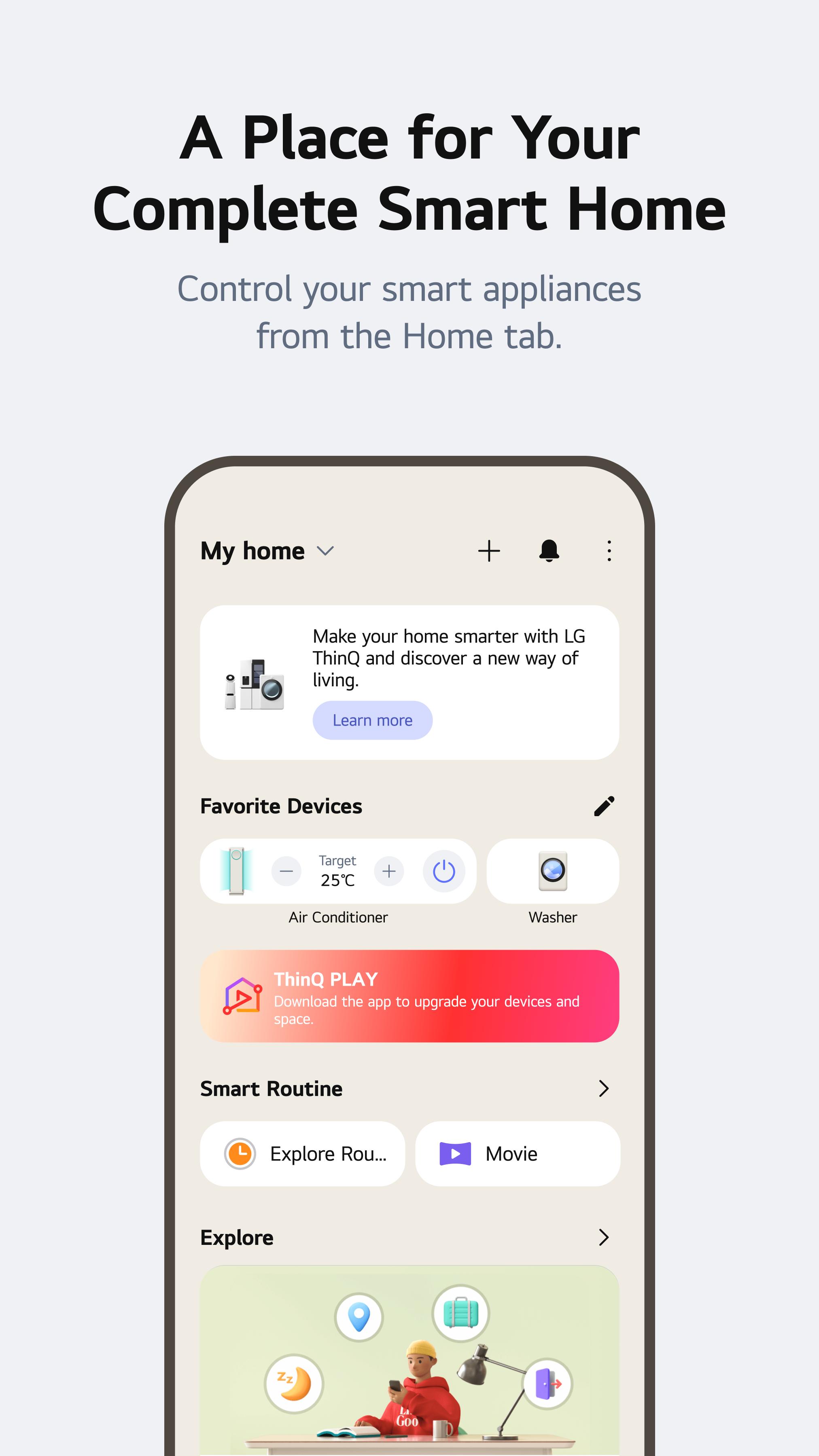
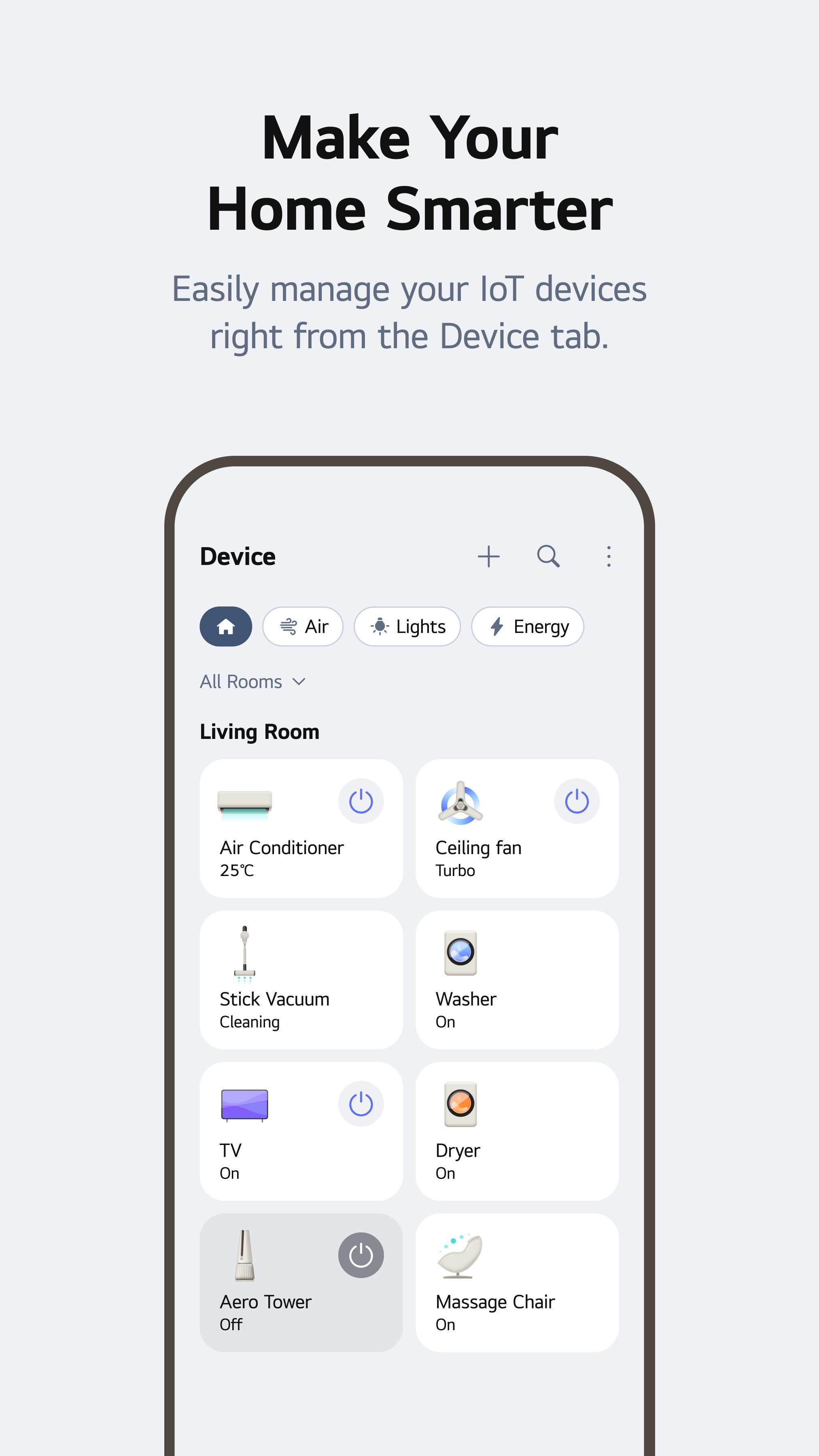
The Home screen gathers supported appliances into a single view, so connected products are easier to track during a normal day. LG ThinQ uses device cards for TVs, washers, dryers, refrigerators, air conditioners, air purifiers, microwaves, vacuums, and other compatible LG smart appliances, with each card opening a focused control page.
This layout works well when several appliances are active at once. A user can check whether laundry is still running, see if the air conditioner is on, or open a product page without searching through different menus. Adding a product starts from the plus symbol, where nearby device scanning, product list selection, and QR code scanning are available depending on the appliance. Some setup steps still depend on the appliance model and home network, especially when Wi-Fi pairing requires the product’s Wi-Fi button to be held for a few seconds.
Remote control is one of the most practical parts of LG ThinQ because it turns phone access into everyday home management. Supported devices can be checked or adjusted away from the appliance, such as turning on an air conditioner before arriving home or confirming washer progress while doing other tasks.
For laundry, the washer control page can show Remote Start, cycle choices, temperature, rinse, and spin settings when the model supports them. The cycle dropdown may include standard cycles and downloadable cycles, while the Manage area can send supported download cycles to the washer. This is useful for choosing a care mode before starting a load, but not every setting is fully adjustable through the app. In some cases, the appliance panel still gives more control than the phone screen.
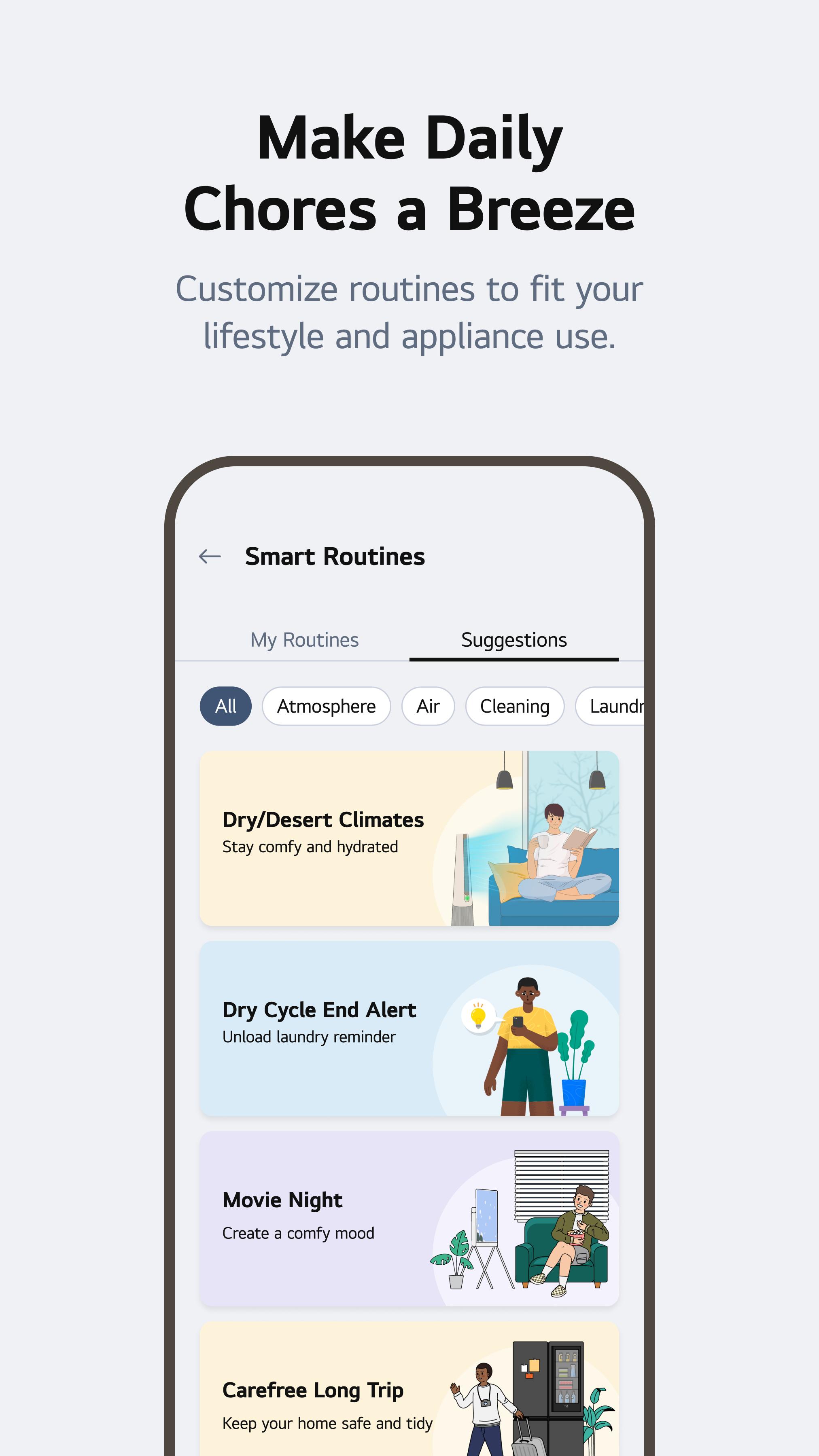
Smart Routines help supported appliances react to repeated household moments instead of being adjusted one by one every time. LG ThinQ includes routine ideas for situations such as waking up, going to sleep, leaving for vacation, or arriving home, which fits well in homes with several connected products.
A morning routine may support a more comfortable start to the day, while an arrival-home routine can prepare the indoor temperature before the front door opens. The value depends on which LG smart appliances are linked and which actions each model allows. This makes routines more useful after the main devices are already connected and stable. Users with only one supported appliance may still benefit from basic scheduling, but the feature becomes more helpful as the smart home setup grows.
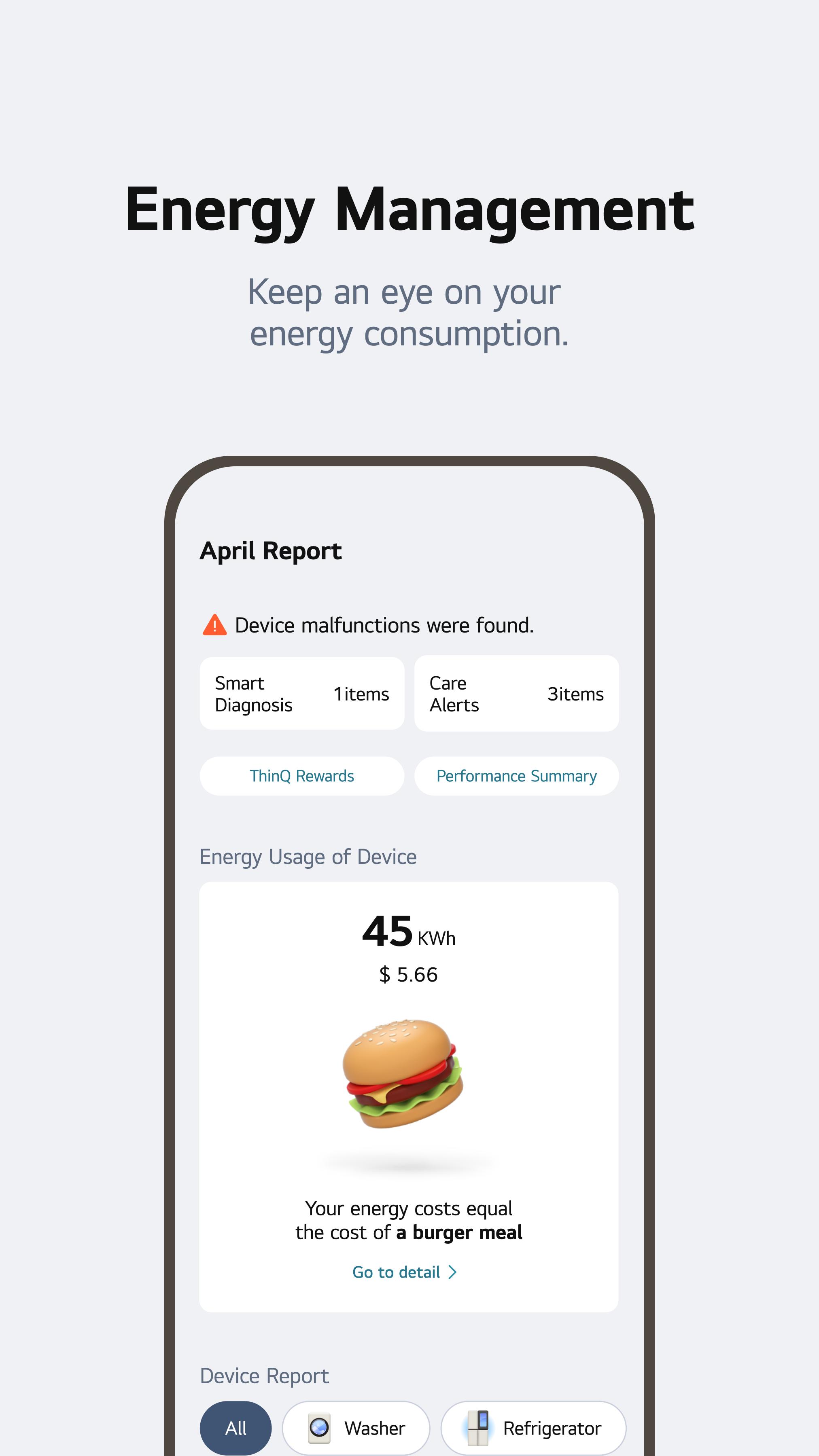
Energy Monitoring gives users a clearer view of appliance usage and can help build better habits over time. LG ThinQ can show consumption details, compare usage, support saving goals, and send status notifications when the connected product provides the needed data.
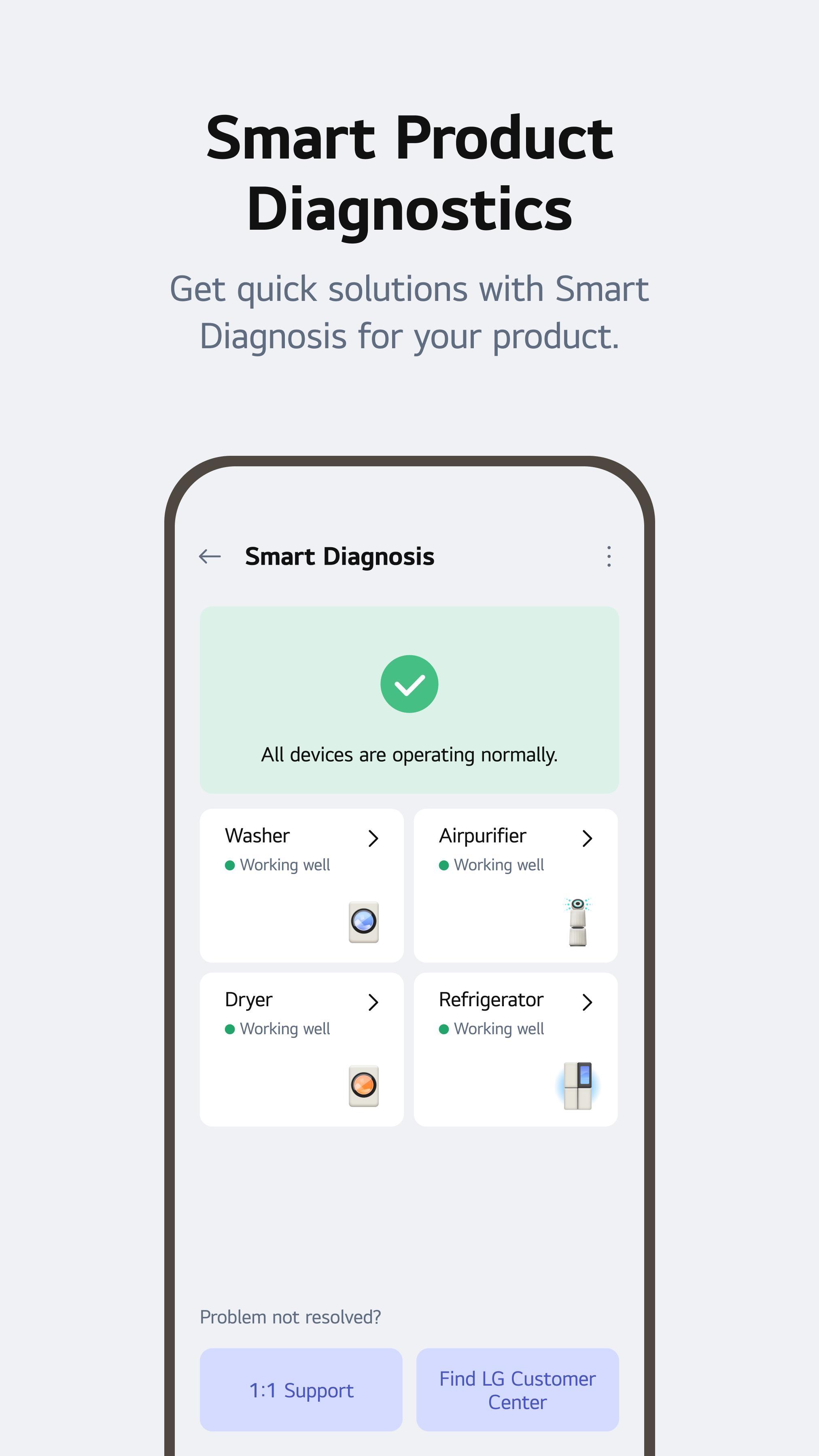
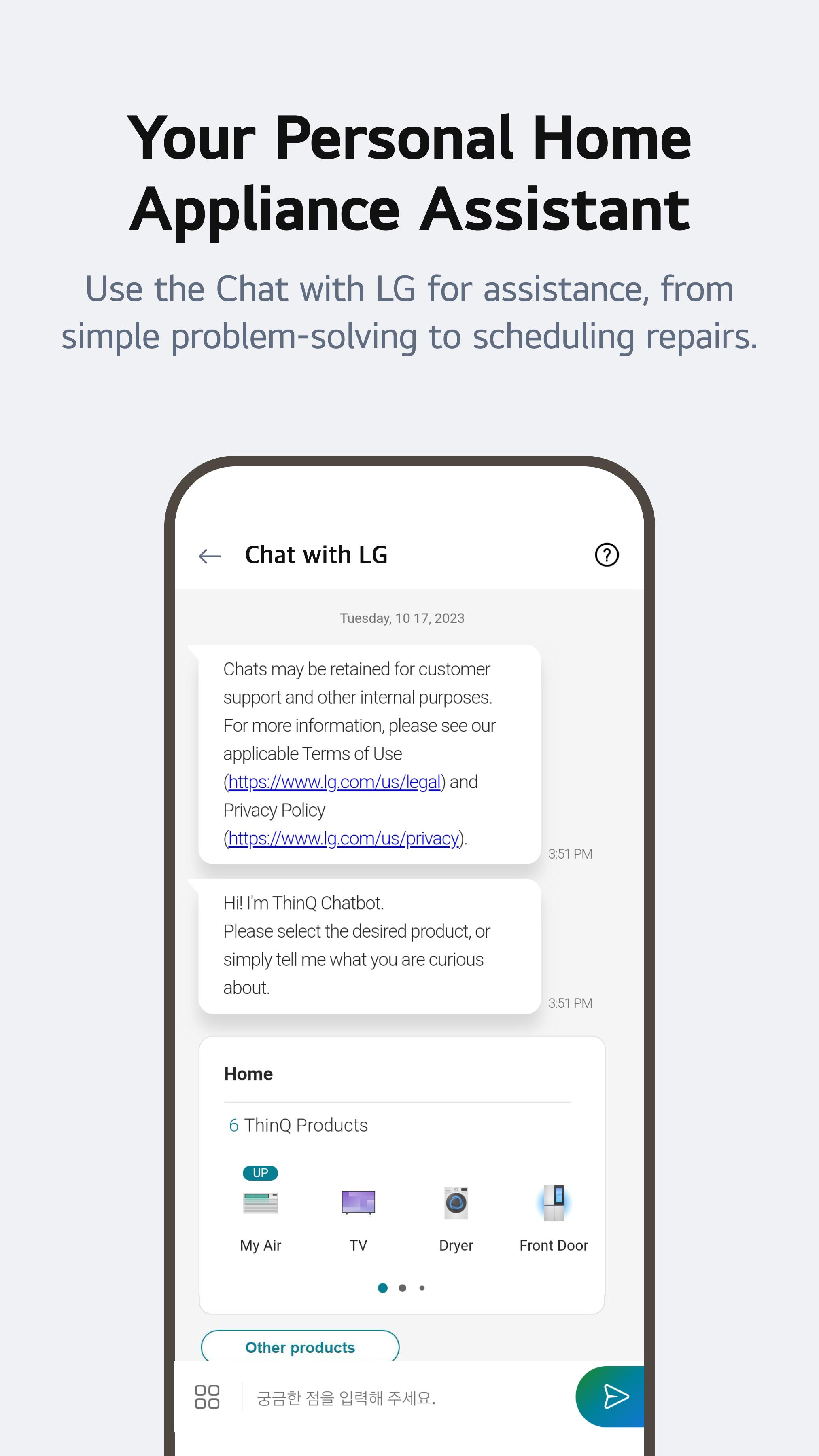
The feature is most useful for appliances that run often, such as air conditioners, washers, dryers, and refrigerators. It can help users notice high-use periods or decide when a saving goal is realistic. At the same time, Energy Monitoring may not always show detailed kWh-style data for every appliance, so the experience can vary. For maintenance, Smart Diagnosis, ThinQ Care alerts, and service request options add another layer of support. Chat with LG can also provide AI-powered help based on product status, symptoms, or serial information when supported.
These strengths and limits come from how LG ThinQ works across different supported appliances, home networks, and regional services.
ProsYou can download the LG ThinQ latest version from APKPure to set up supported LG smart appliances on an Android phone. The LG ThinQ APK is around 280MB, so download time is usually short on a stable home Wi-Fi connection and may take longer on mobile data.
After downloading, Android may ask for installation permission before the app can be opened. Once installed, sign in or continue with the required account setup, then add appliances from the Home screen. For smoother pairing, keep the phone near the appliance and make sure the home Wi-Fi is ready before starting setup.

One-click to install XAPK/APK files on Android!

Thanks for your rating and feedback!
You have already rated.








![[Deprecated] LG TV Remote](https://image.winudf.com/v2/image/Y29tLmxnZS50di5yZW1vdGVhcHBzX2ljb25fMF9mOWE4NWMyMg/icon.png?w=156&fakeurl=1)












