Package Name:com.lecture.notes
Show More

Take fast notes or let the lecture recorder manage classroom note-taking
A great note taking app is an essential tool for any student. Lecture Notes is a classroom recorder app specifically designed for students, that allows you to record audio during lectures and take handwritten notes (notepad sketching) while recording lessons. It has been designed to help university students and college students, and it is the best classroom tool for you and your classmates. Are you a note taker looking for the best notes app? With Lecture Notes you can take quick notes during lectures and study notes at home. The best lecture recorder among class tools and note apps.
Features:
- Record audio during professors' lectures or take quick memo during conferences. Take a note on your own or let the lecture recorder manage the note taking.
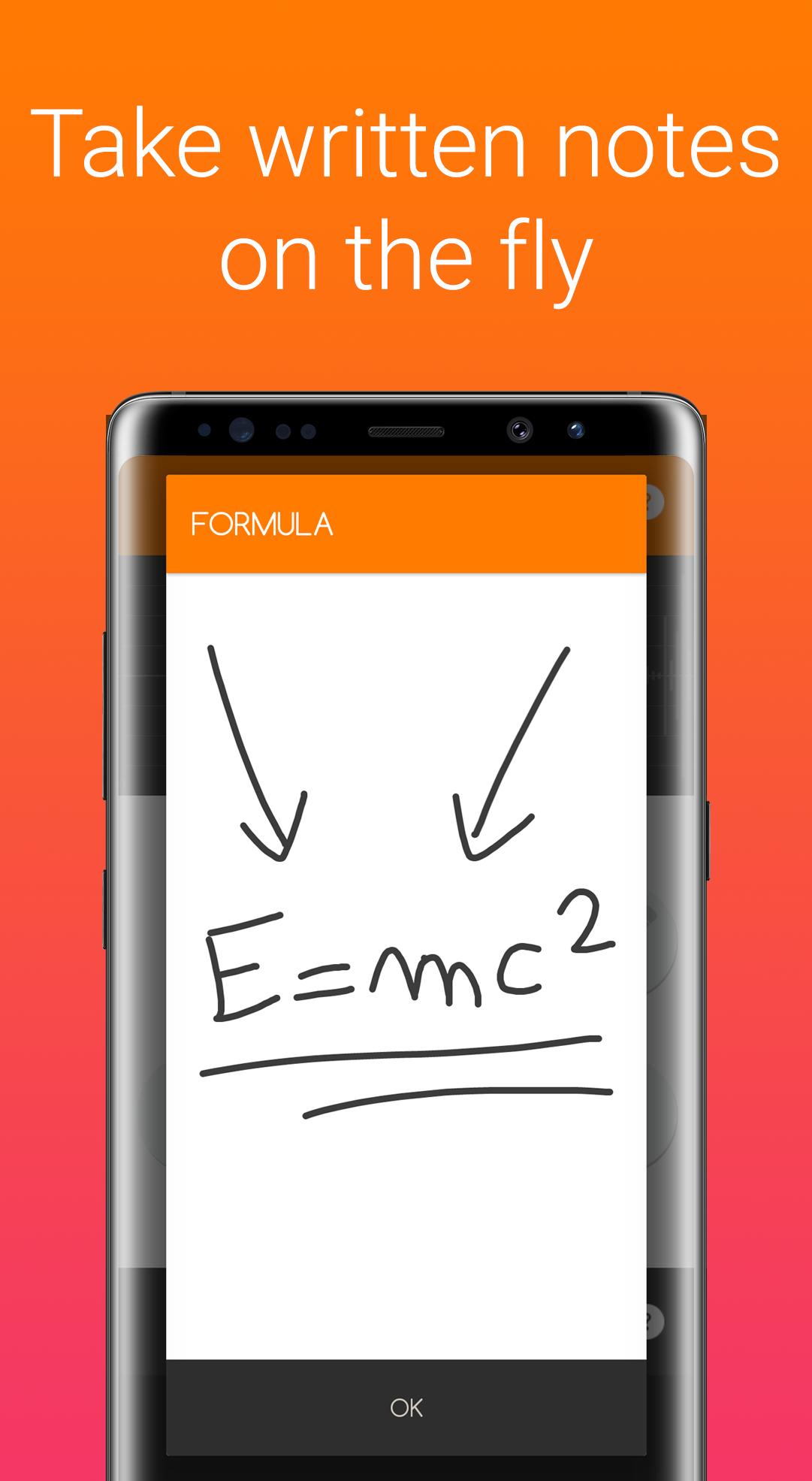
- Notes quick drawer: draw quickly any memo and annotate simple notes with your own handwriting, as you always have a sketchbook. Notetaking has never been easier!
- Share notes with your classmates with this classroom app. Write daily notes or ask your classmates to take them for you when you can't attend classrooms. It's the best class notes tool you will ever find.
- Organize notes like a pro: feel free to take fast notes during lectures, and let the app organize your quick memos. Keep notes right where you need them. It's note-taking made perfect.
Who can use this class tool?
It is the best among note taking apps and teaching apps, because it enhance taking notes during any class or subject: computer science, visual and applied arts, social sciences, liberal arts, intensive english, biological and biomedical sciences, mathematics, health professionals, engineering, biotechnology, geology, nursing, and so many others. As well, any student can use this class tool proficiently, to take note at any level: from middle school and high school notes, to college notes, university notes, undergraduate school and graduate school notes. Do not forget master studies and PhD (Doctor of Philosophy). Did you complete all the exams? This note app can be used for recording meeting notes too!
How does it work?
You just need to press the Start Lecture button to start an high quality voice recording process. After you've heard anything interesting, just tap one of the three audio notes button: Lecture Notes will retrieve the audio from the past and save it for you. Moreover, you can take any written notes during the audio registration. It's easier than it seems: you'll never miss any important note!
Technical Features:
- Hidden voice recorder in background
- Files are arranged in sessions, to keep everything simple
- 3 different customizable record durations
- Change the recorded audio quality
- Noise reduction filter
- Easy to use interface
- Send/share an audio track or a pocket note via e-mail, whatsapp, dropbox, etc.




One-click to install XAPK/APK files on Android!

Thanks for your rating and feedback!
You have already rated.