








등급과 피드백에 감사드립니다!
당신은 이미 평가했습니다.


8.3
8 리뷰
15.0 MB
파일 크기
Everyone
Android 7.0+
Android OS
Android에서 Linux를 실행합니다. 루트가 필요하지 않습니다.
UserLAnd를 사용하면 Ubuntu,
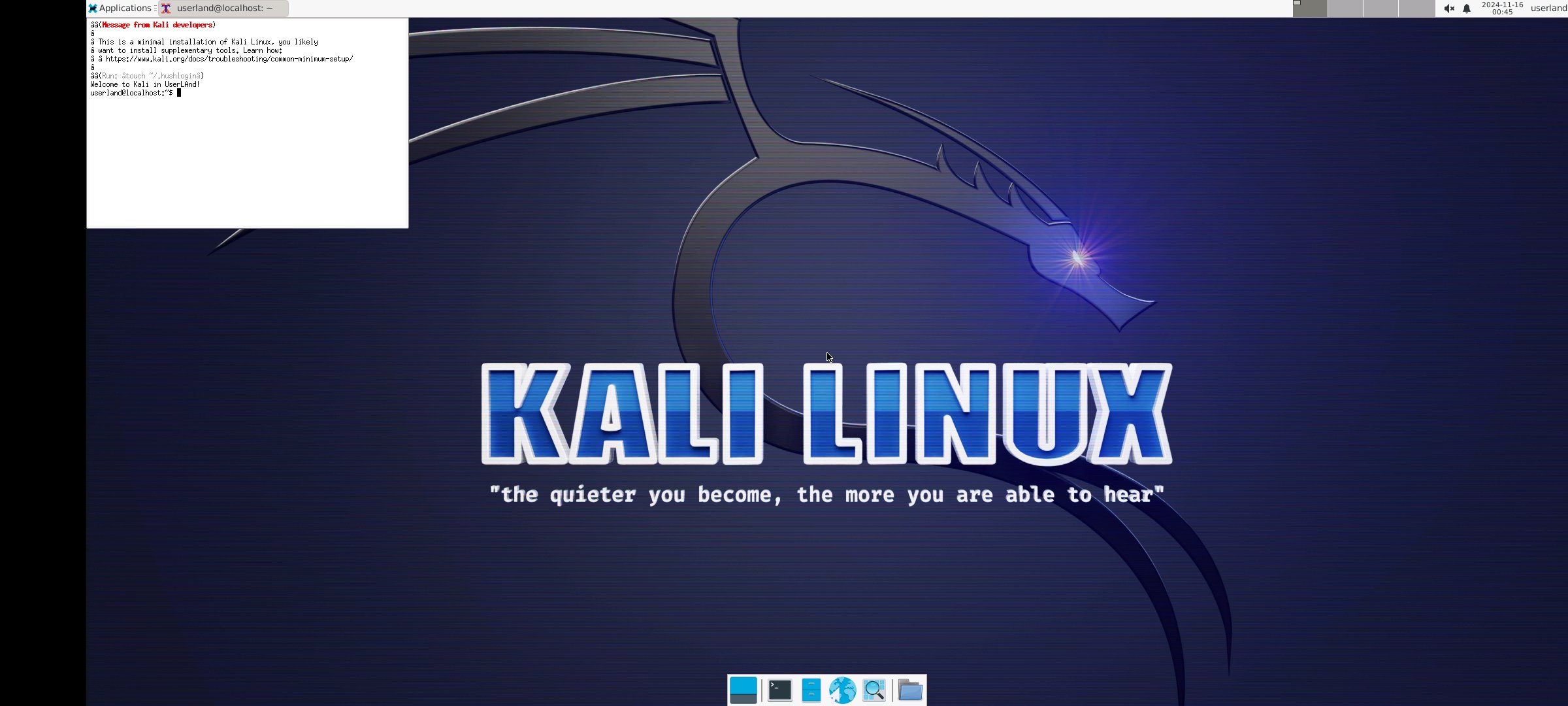
Debian, Kali 등 여러 Linux 배포판을 실행할 수 있습니다.
- 기기를 루팅할 필요가 없습니다.
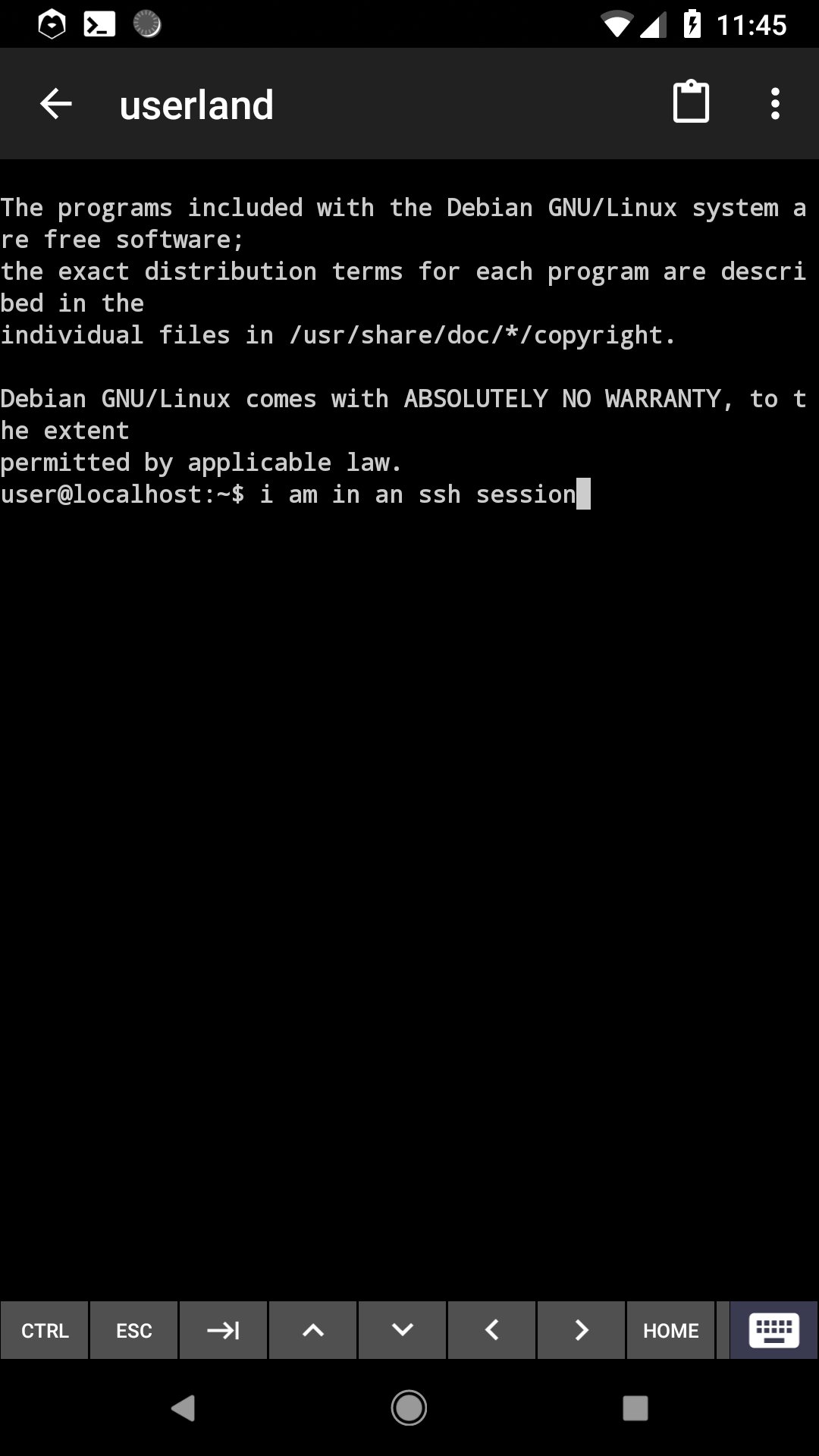
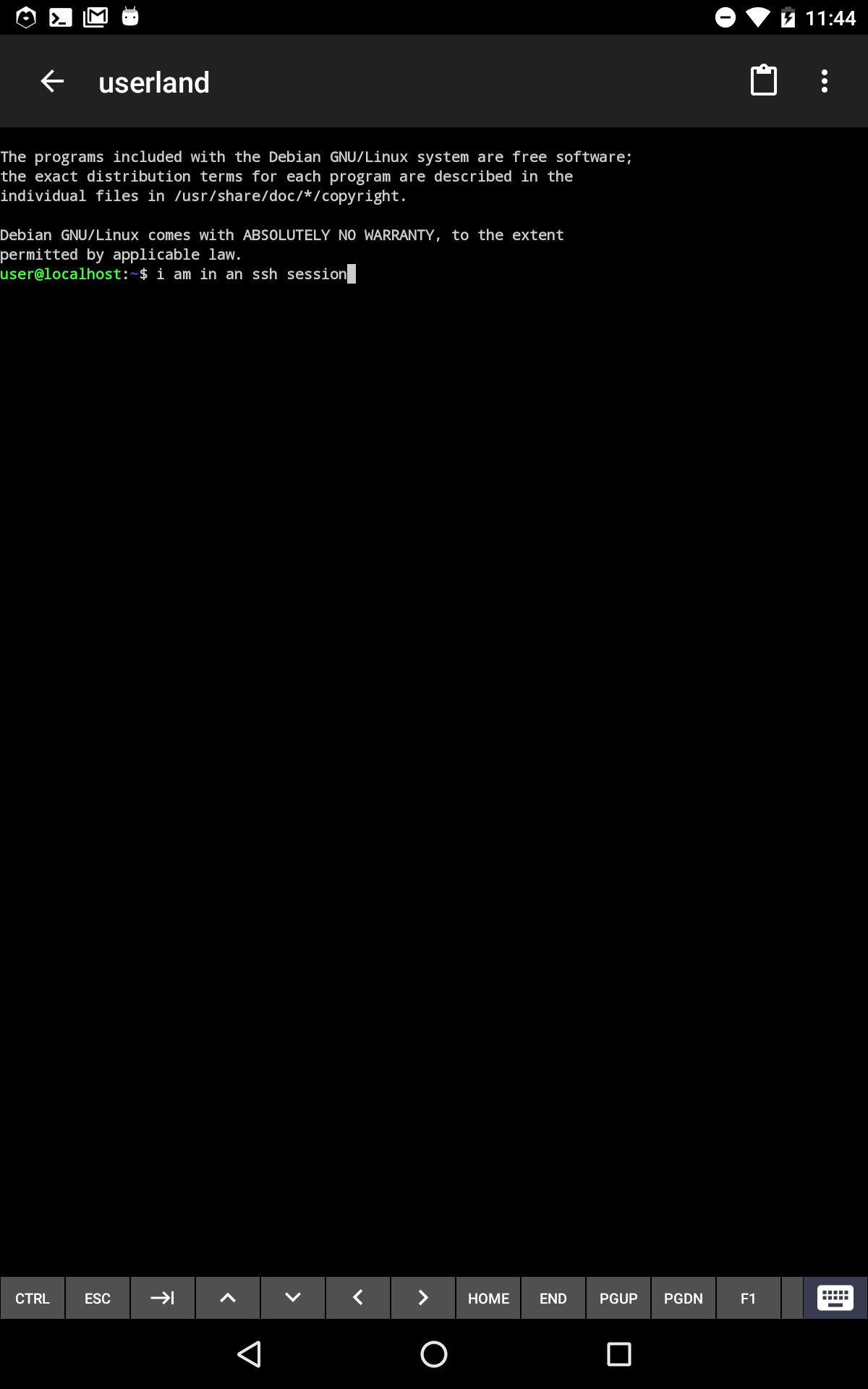
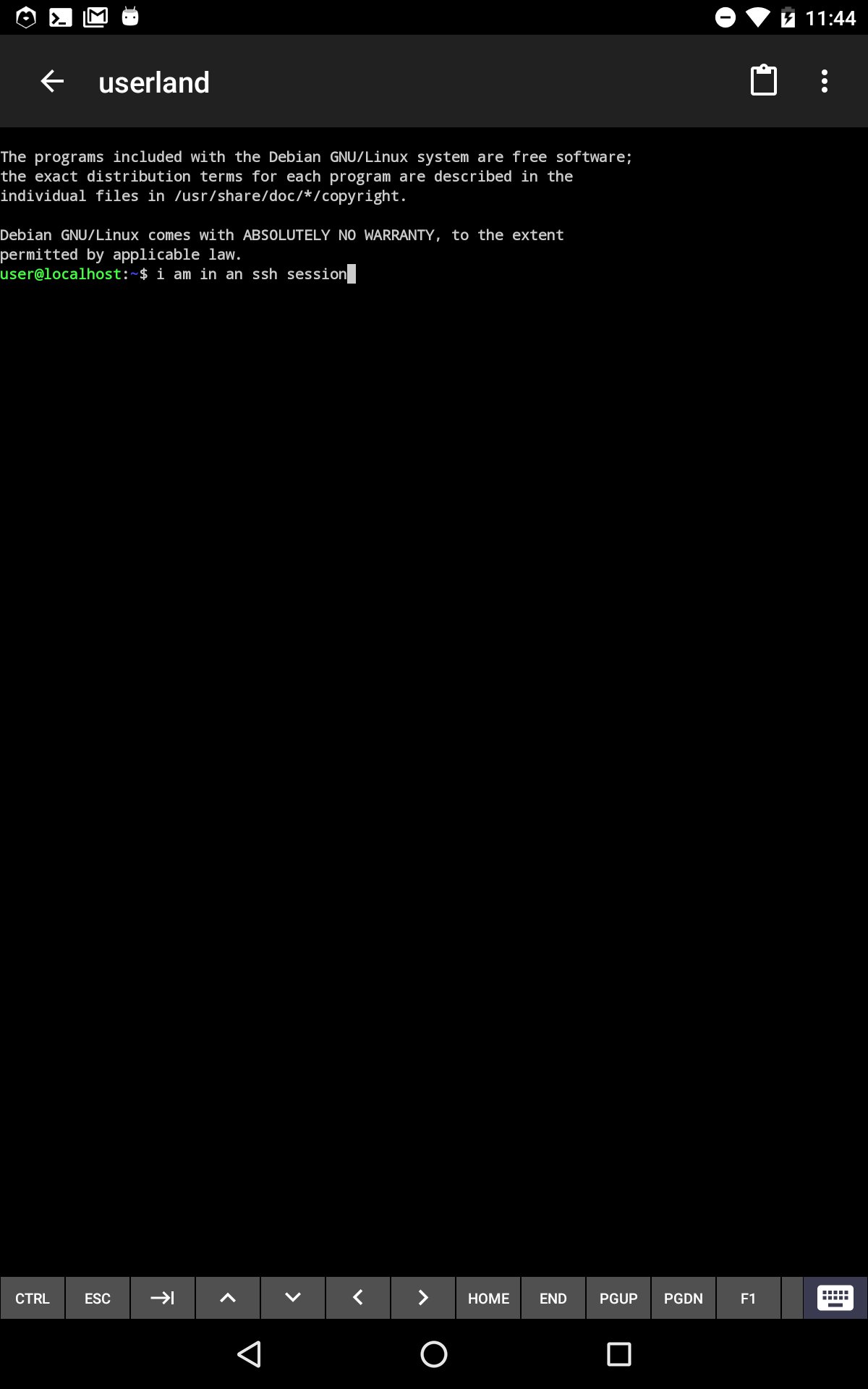
- 내장 터미널을 사용하여 즐겨 사용하는 셸에 액세스할 수 있습니다.
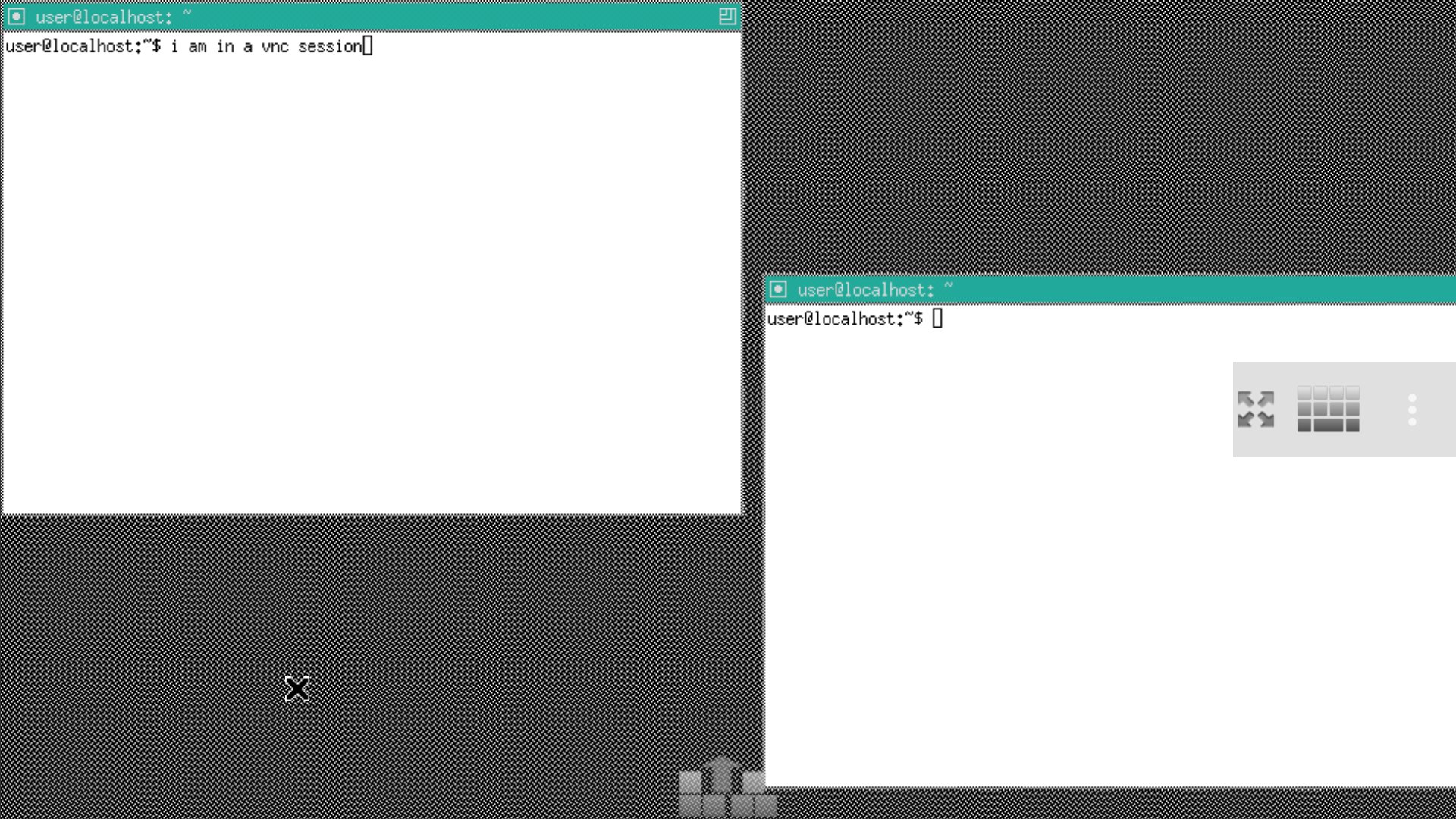
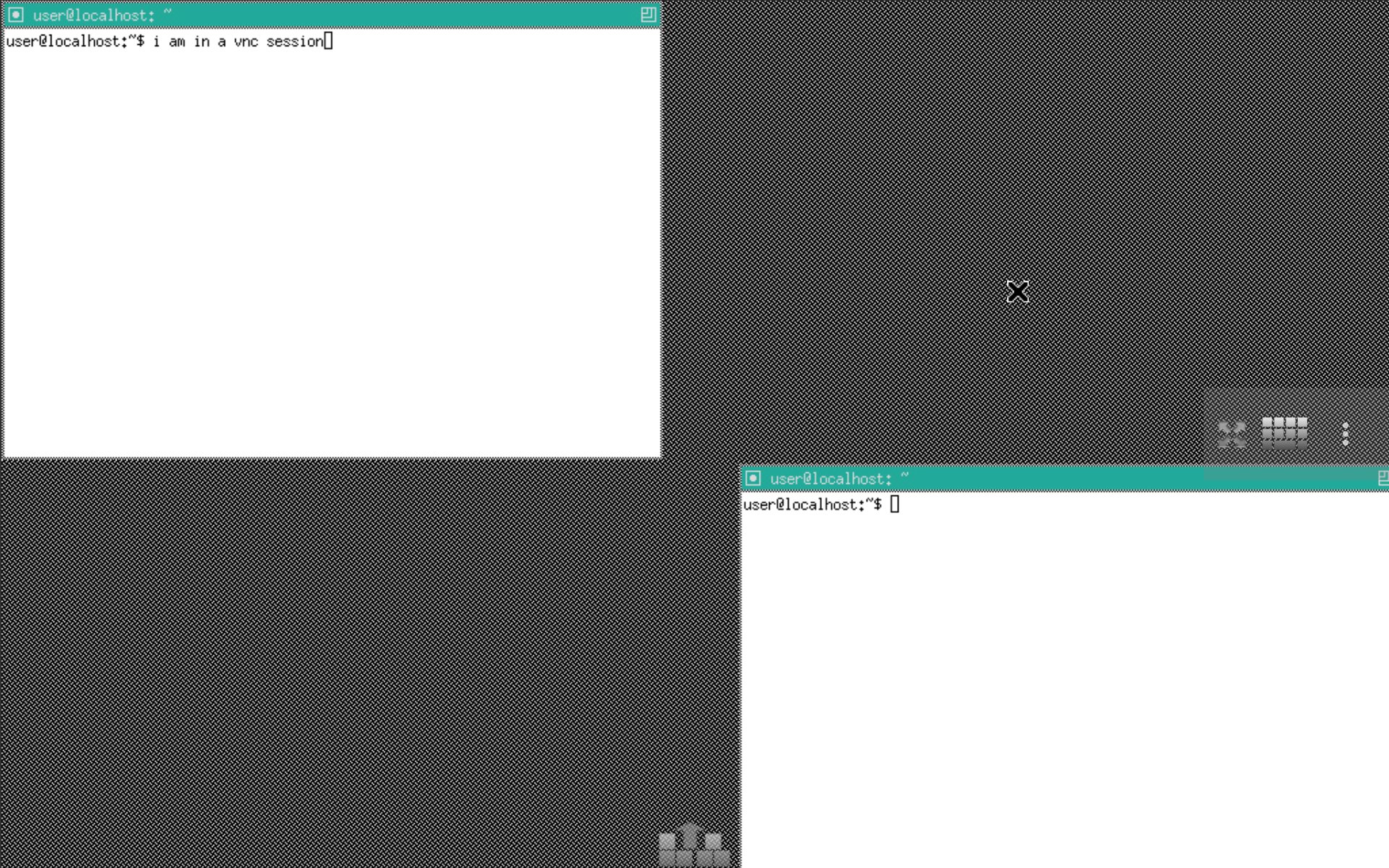
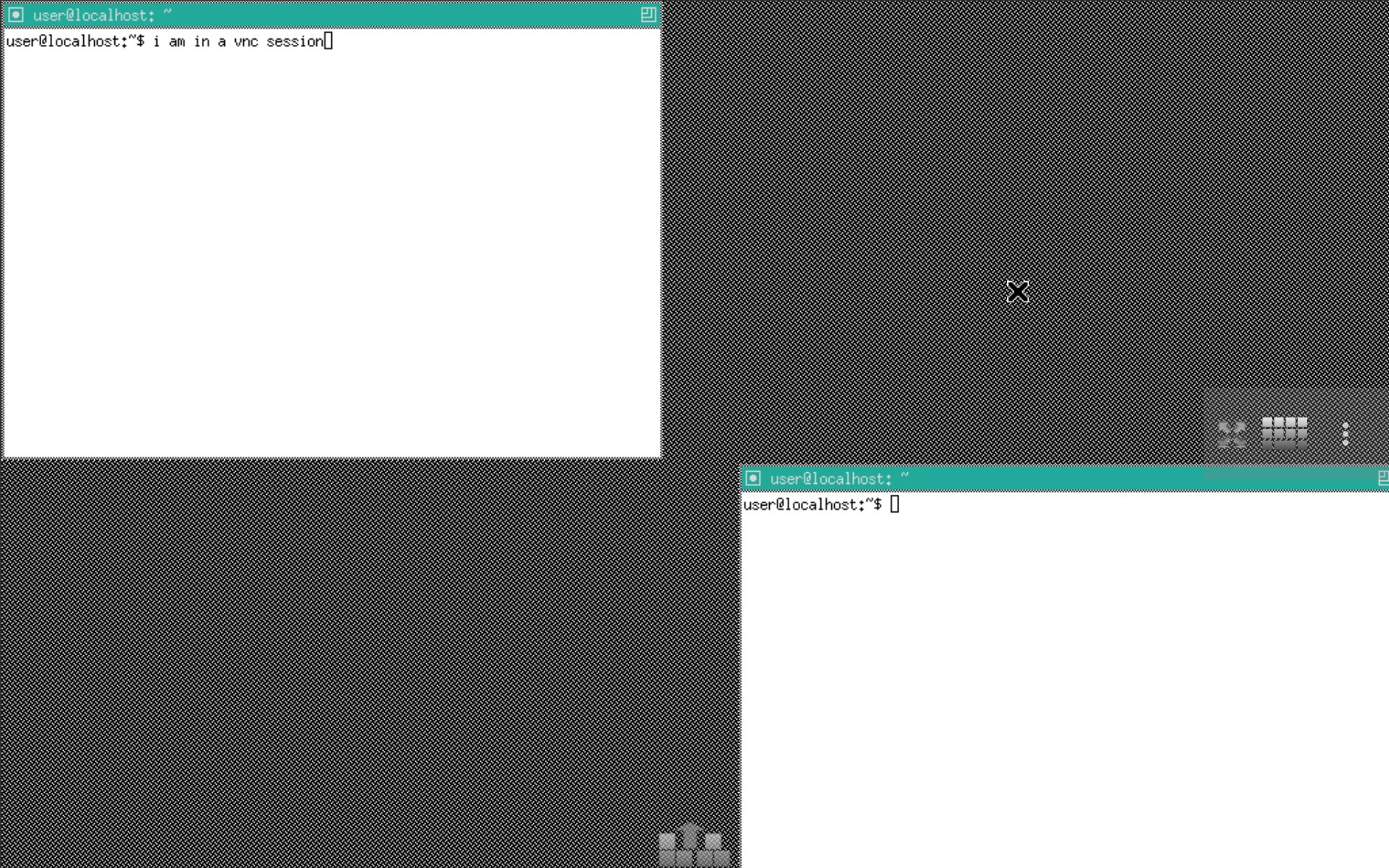
- VNC 세션에 쉽게 연결하여 그래픽 사용자 환경을 경험할 수 있습니다.
- Ubuntu, Debian 등 여러 일반적인 Linux 배포판을 간편하게 설정할 수 있습니다.
- Octave, Firefox 등 여러 일반적인 Linux 애플리케이션을 간편하게 설정할 수 있습니다.
- 손안에서 Linux 및 기타 일반 소프트웨어 도구를 실험하고 학습할 수 있는 방법입니다.
UserLAnd는 인기 있는 Android 애플리케이션인 GNURoot Debian 개발자들이 만들고 활발하게 유지 관리하고 있습니다.
UserLAnd는 기존 GNURoot Debian 앱을 대체하기 위해 만들어졌습니다.
UserLAnd를 처음 실행하면 일반적인 배포판과 Linux 애플리케이션 목록이 표시됩니다.
이 중 하나를 클릭하면 일련의 설정 프롬프트가 나타납니다. 설정이 완료되면
UserLAnd는 선택한 작업을 시작하는 데 필요한 파일을 다운로드하고 설정합니다. 설정에 따라, 터미널이나
VNC 뷰어 Android 애플리케이션에서 Linux 배포판 또는 애플리케이션에 연결됩니다.
시작하는 방법에 대해 더 자세히 알고 싶으신가요? GitHub 위키를 참조하세요.
https://github.com/CypherpunkArmory/UserLAnd/wiki/Getting-Started-in-UserLAnd
질문, 피드백 또는 버그 보고가 필요하신가요? GitHub에서 문의해 주세요.
https://github.com/CypherpunkArmory/UserLAnd/issues

등급과 피드백에 감사드립니다!
당신은 이미 평가했습니다.




