APKPure에서 안전하고 빠른 APK 다운로드
APKPure는 바이러스 없는 Turbo Downloader APK 다운로드를 위해 서명 확인을 사용합니다.

다운로드 파일을 빠르고 쉽게
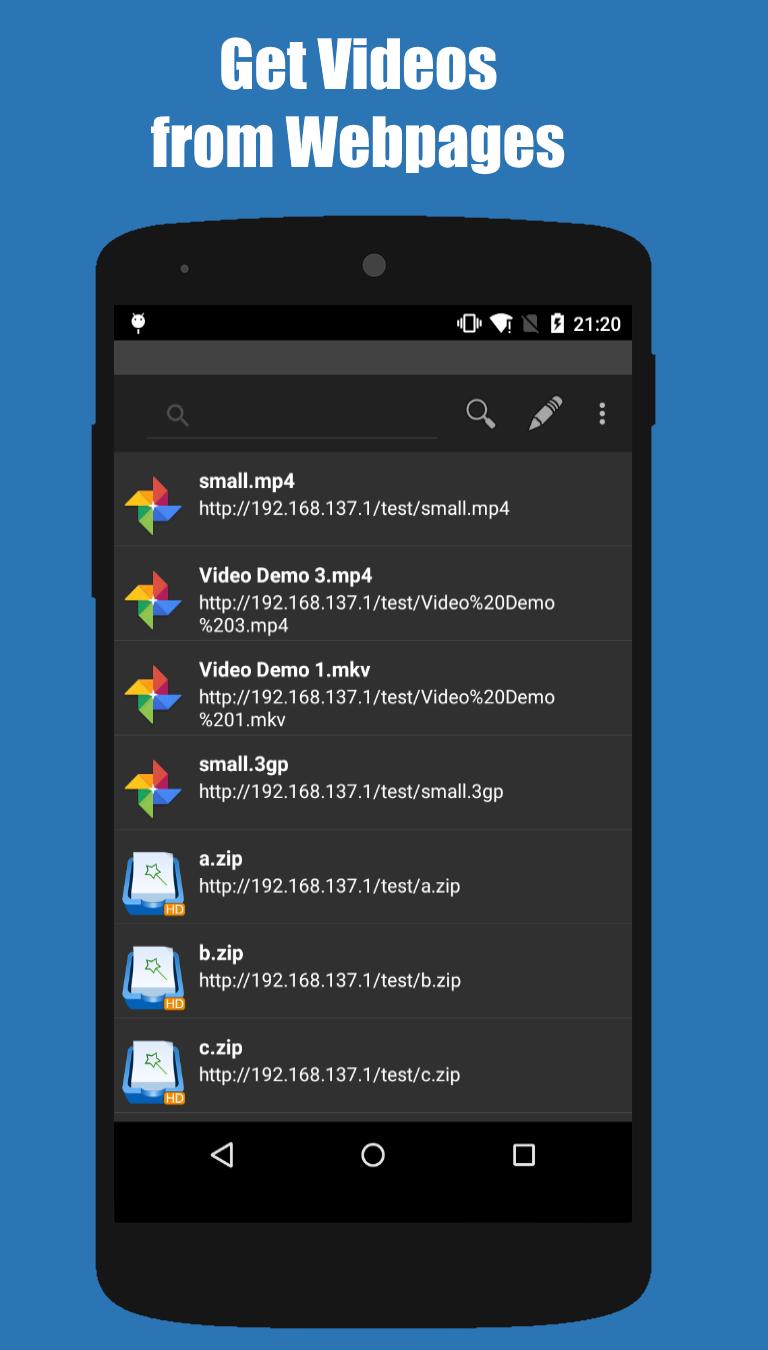
Turbo Downloader works with most Android Web Browsers (Stock, Firefox, Dolphin, UC Browser, etc) to let you Download Files from Web Pages fast and easy. Simply press/share on a link from a Web Site on your Web Browser and choose Turbo Downloader to start the download in turbo speed! Download audio, video, music, zip, pictures, document files, and any type of file directly from webpages to your SD Card (Except KitKat).
⚡ Turbo Downloader is an excellent tool for those who are constantly in touch with the web. Copy and Paste file URL Links your Web Browser and download all type of files without waiting for hours for your download to complete. Turbo boost your speed by enabling multi threading and fine tune it with additional speed performance settings. You can pause and resume anytime. Go ahead and turn off the screen on your device it will continue the download and even let you know when it's finished!
⚡ How does it work?
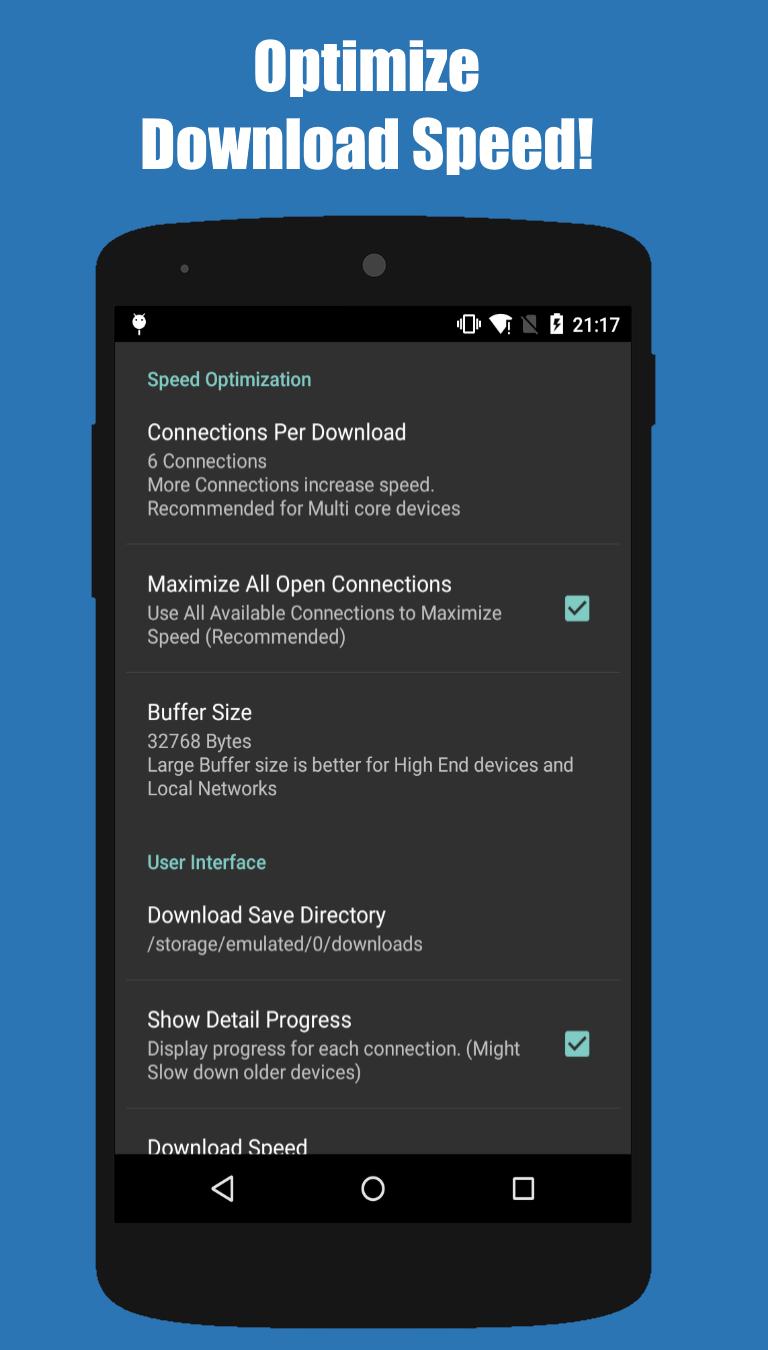
Turbo Download makes use of multiple connections to download files to your phone. Increase the "Connections per Download" or "Threads" to Increase Your Download Speed.
⚡ Features:
Download Acceleration!
Unlimited file size downloads!
Get All files from Webpages!
Web Browser support (see list below)
Pause/Resume/Recover features
Notifications with Download Progress
Utilize Maximum number of open connections
Up to 5 Parallel Streams Per Download
Buffer size optimization
Configurable Download directory
Add Url links manually
Work in the background (even when phone screen is off)
Notifications (Visual/Sound)
MD5 Hash validation
Download directly to SD Card (Except KitKat)
⚡ What Turbo Downloader does NOT DO:
Turbo Downloader works with most Android Web Browsers (Stock, Firefox, Dolphin, UC Browser).
Turbo Downloader does NOT offer free files itself.
Turbo Downloader does NOT offer a file web search.
Turbo Downloader does NOT work with YouTube due to YouTube's Terms of Service.
Turbo Downloader does NOT work with File Sharing Sites that require login.
Turbo Downloader will NOT increase your download speed beyond the maximum bandwidth provided by your Internet Provider or the maximum speed provided by the server you're downloading from.
⚡ Will it increase my network bandwidth?
Keep in mind your download speed is always limited by your internet provider, Turbo Download will not increase your network bandwidth but will try to maximize your download connections to servers.
⚡ Integration with your Web browser
You can use your browser to download files as usual. Once a file is detected for download you can choose "Turbo Download" from the menu to download it. Http protocol is only supported (HTTPS and FTP are not supported).
⚡ Share Link or Copy and Paste Url
You can also start a download by long press on a link in your Web browser and select "Share Link" or "Copy Link" and paste it directly into Turbo Download. This is very useful for browsers that don't allow file detection.
⚡ Supported Browsers:
* Dolphin HD, Firefox, Skyfire (tap on link or Long Press and choose "Share Link")
* Miren, UC Browser
* Boat Browser (Choose "Open")
* For all other browsers that support sharing links try Long Press on a link and choose "Share Link" => "Turbo Download"
Notes:
* Most web sites and file servers are supported. Some servers might not support multiple connections, if so use "Connections per Download" = 1 under "Settings".



등급과 피드백에 감사드립니다!
당신은 이미 평가했습니다.