APKPure에서 안전하고 빠른 APK 다운로드
APKPure는 바이러스 없는 Spiral - Draw a Spirograph APK 다운로드를 위해 서명 확인을 사용합니다.

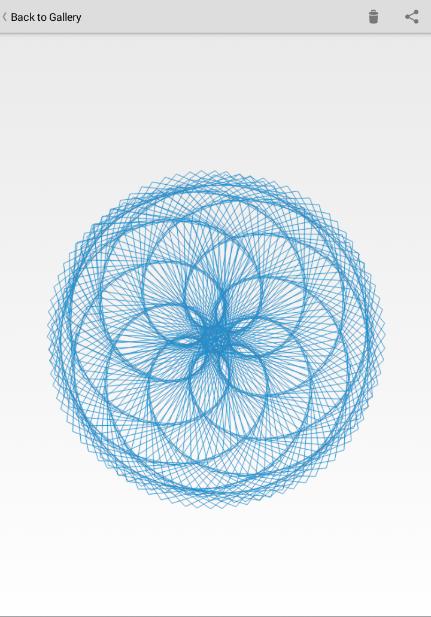
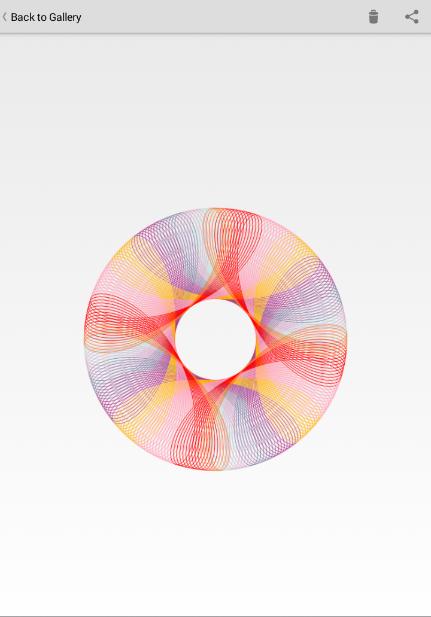
Draw a Beautiful and Colorful Spirograph
Draw a Beautiful and Colorful Spirograph
FEATURES:
- Drag and drop spirograph pattern.
- Can change color and Stroke.
- Save spirograph drawing.
- GALLERY.
EXPLANATION :
+ SETTING - Configure your Spirograph pattern by drag and drop R (big circle), r (small circle), or d (radius).
+ ERASE - Erase your drawing, click check icon to confirm.
+ COLOR or STROKE - Select Color or Stroke.
+ SAVE - Save your drawing, you can find it in Gallery.
+ SHOW CIRCLE - Show Circle.
+ DRAW / PAUSE - Draw or Pause your Spirograph drawing. Touch the screen for quick drawing.
+ GALLERY - Show your saved drawing. (locate in the top right corner)
+ HELP - Show Help. (locate in the top right corner)
Have Fun :)




등급과 피드백에 감사드립니다!
당신은 이미 평가했습니다.