APKPure에서 안전하고 빠른 APK 다운로드
APKPure는 바이러스 없는 Speech To Text - Translator APK 다운로드를 위해 서명 확인을 사용합니다.

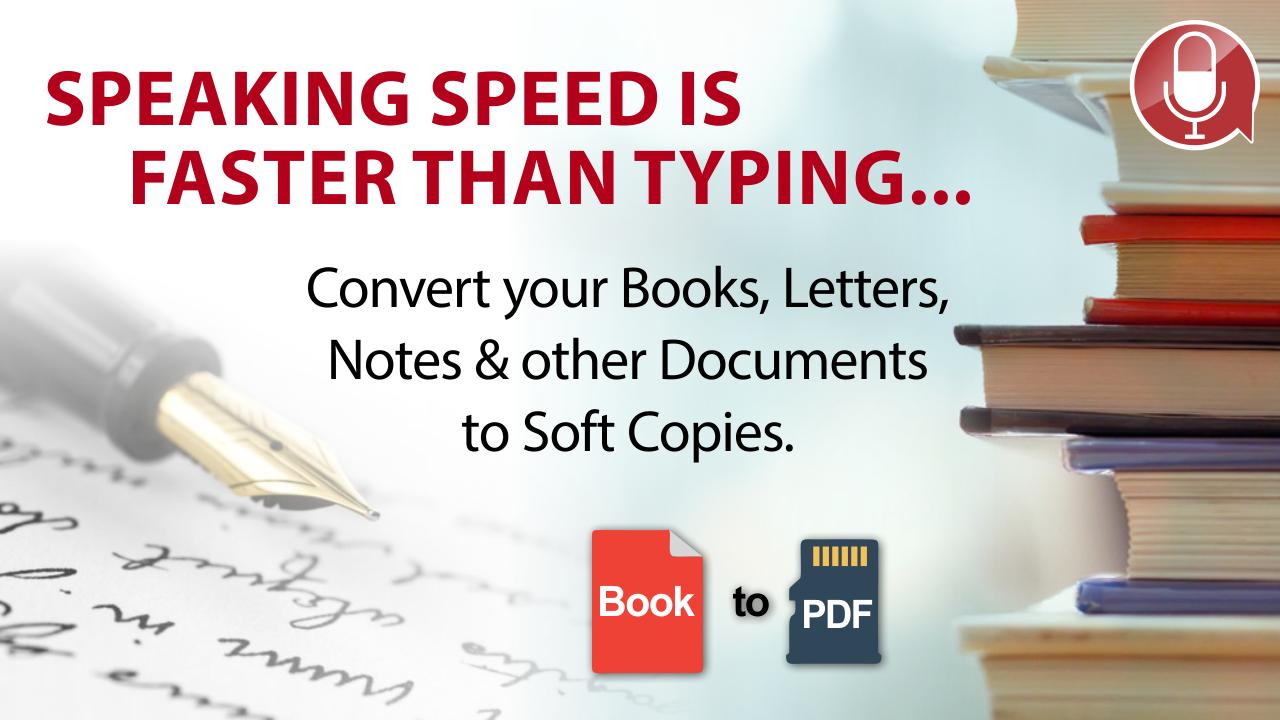
말하기 속도는 입력하는 것보다 빠르기 때문에 모든 문서를 소프트 카피로 변환하십시오.
Speech To Text Translation is a simple and user friendly dictation and translation application. Using dictation feature of this application is a simple & amazing tool which types/dictates any speech like school/college speech, a story, a message, a book paragraph etc. Copy your dictation/typed text to clipboard and share with your friends, collegues or family members on any texting application or on social media like whatsapp, messanger facebook etc. Voice typing or Speech texter (Dictation) feature also enable you to detect your spoken text. Dictation contains different lanaguages to detect and type like English, Urdu, Hindi, Spanish, German, Greece, Indonishian, Chinese, Itlian and etc.
Speaking speed is faster than typing so quickly convert any document (books, letters, notes and other documents) to soft copies and make your own notes.
How to use Voice To Text Dictation:
1) First of All select language in which you want to speak.
2) Then click on mic button and speak what you want.
3) After speech recognition/detecting, copy your text to clipboard or share with friend.
Speech to text Translation is simple and user friendly. Voice to text is a simple tool which types and translates a text like story, message, notes by speaking only and you can easily copy to clipboard and can also share with your friend texting on social media like whatsapp, messanger and etc. Translator contain different lanaguage to detect and type like English, Urdu, Hindi, Spanish, German, Greece, Indonishian, Chinese, Itlian and etc. Supports different languages to translate like
English to Spanish or Spanish To English
German to English or English To German
Italian to German or German To Italian
if you are tired of typing so the features of this application Dictation or Speech To Text or Voice To Text or Voice Typing or Speech Texter and Translation is best for you.
If you dont know the language so simply copy the text, open the application and past it and then select your language and translate it to.
How to use Speech To Text Tranlation:
1) First of All select language in which you want to speak.
2) Then select language to which you want to translate.
3) Then click on mic button and speak what you want.
4) After detecting "Speech recognition" will automatically translate to your native language.
3) Then copy your text to clipboard or share the translated text or spoken text with friend on social media.
Feature :
1) Text Translation between two languages.
2) Voice typing of any selected language.
3) Text to Voice or voice to text conversion.
4) Type to translate to any selected language.
5) Speaking speed is faster than typing so quickly convert any document (books, letters, notes etc) to soft copies.





등급과 피드백에 감사드립니다!
당신은 이미 평가했습니다.