
APKPure에서 안전하고 빠른 APK 다운로드
APKPure는 바이러스 없는 PDF Editör APK 다운로드를 위해 서명 확인을 사용합니다.

PDF 변환기, PDF 리더, 병합, 분할, PDF 파일 작성기 편집기에 쓰기
PDF creator, Converter, Overwrite PDF and Reader
PDF Converter, PDF Reader; PDF / text images. Merge, split, write to PDF file.
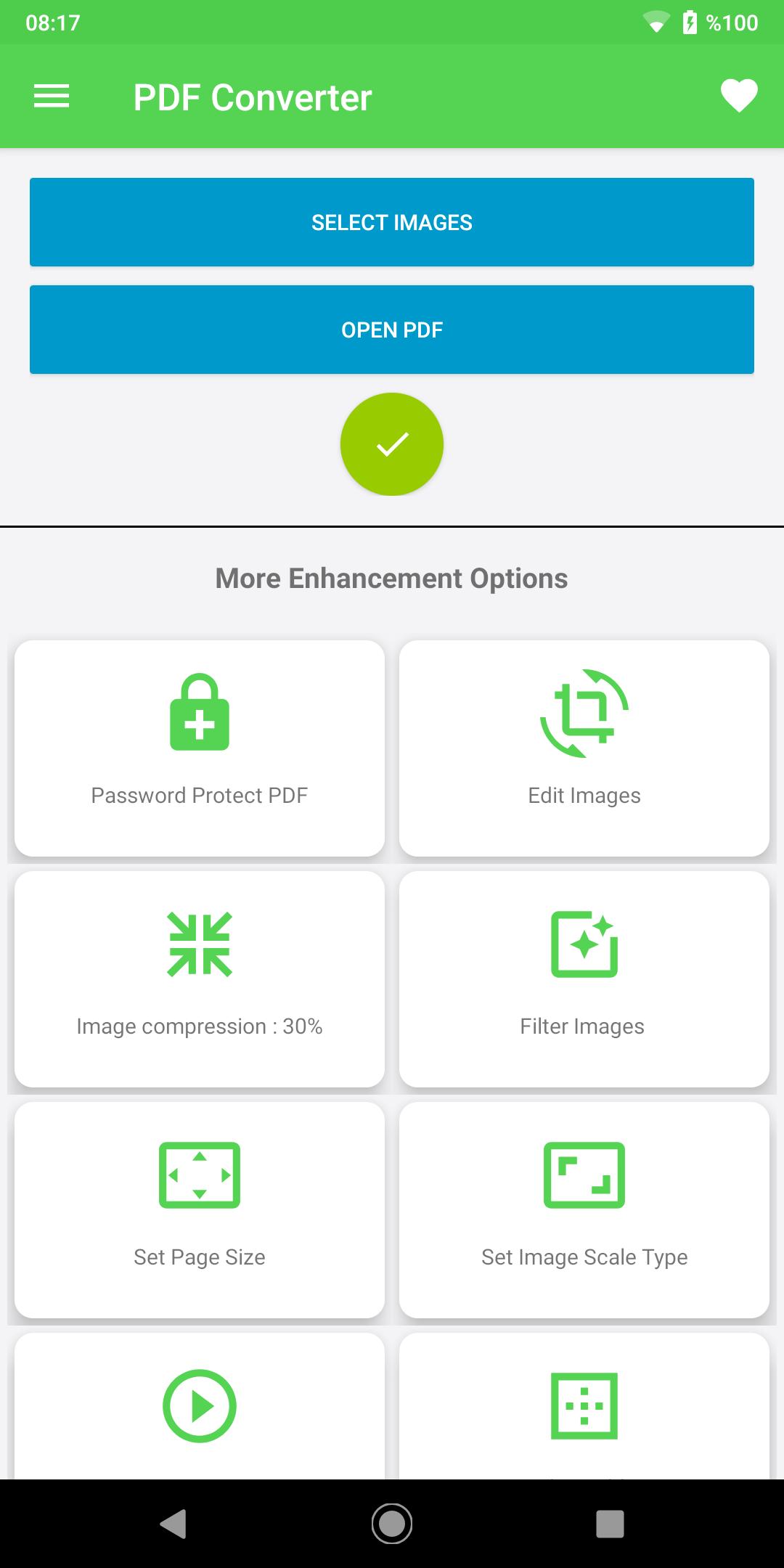
This one free app (all-in-one PDF) is great PDF reader, PDF Converter (Text and Pictures to PDF), PDF Editor (Write to PDF, add note to PDF file), split PDF file, Extract / delete pages, PDF together merge files and PDF Maker (PDF Creator) features. Create PDF files offline on your device, no internet connection or server installation required. There is no similar application online with PDF converter, PDF Reader, PDF Editor (All in one) features in a single application.
- Important features
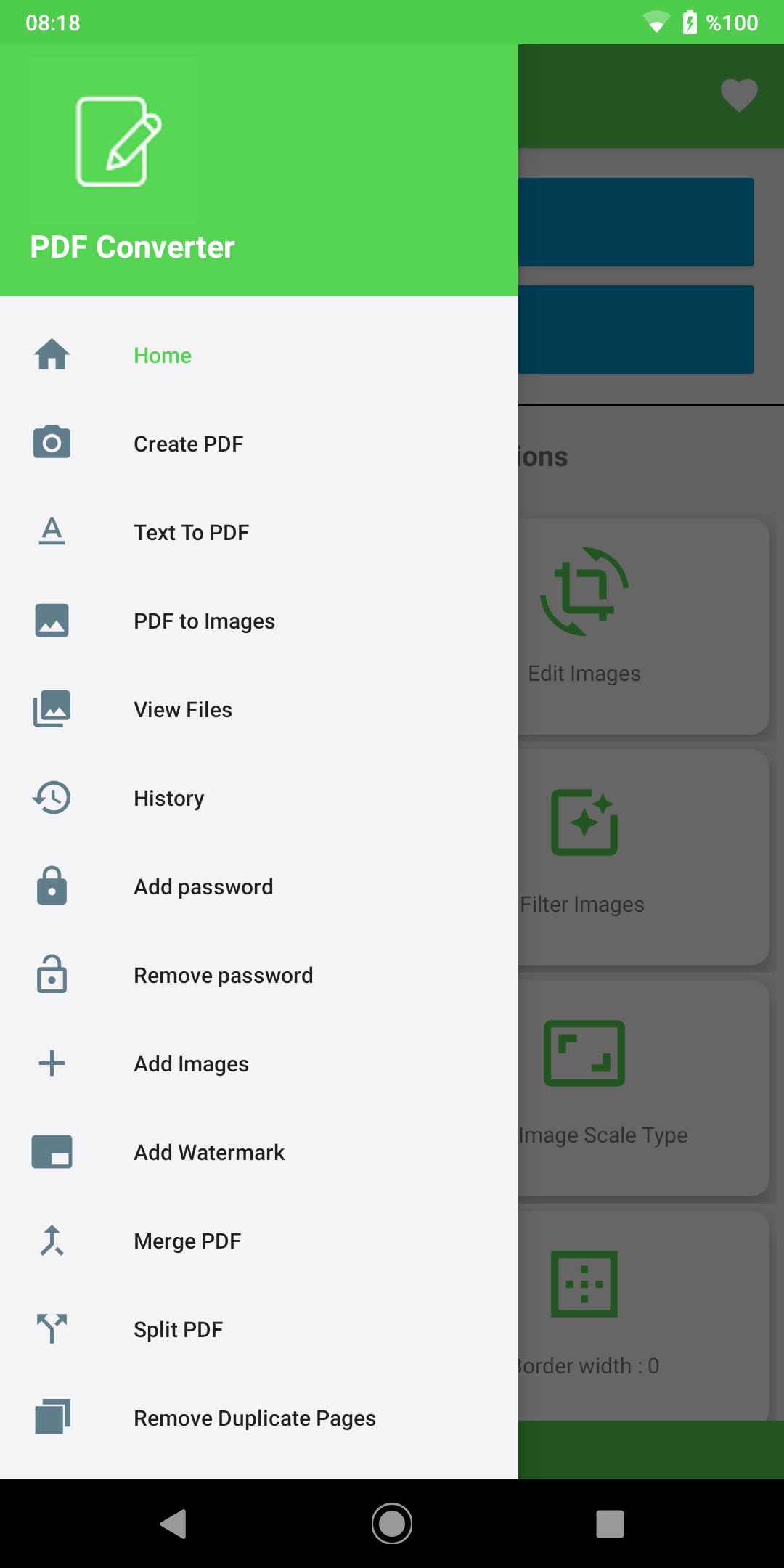
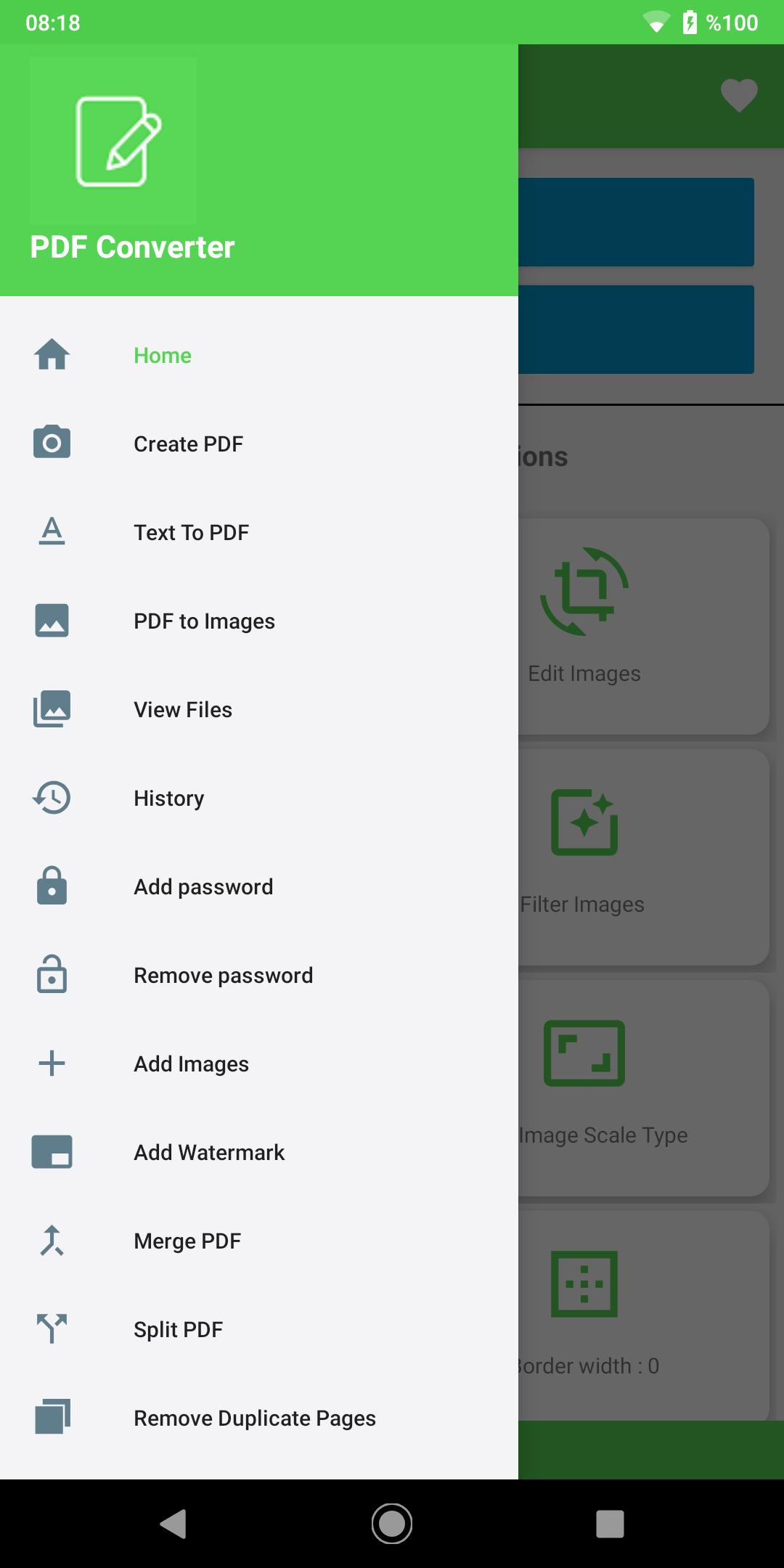
1- PDF Editor (Add Notes to PDF, write to PDF file, split PDF file, Extract / Delete Pages, Merge PDF Files)
2- PDF Maker from scratch (using text and images)
3- PDF Translator (Text, images, contacts, browser pages to a PDF file)
4- PDF Reader (PDF viewer)
5- Share the PDF file
6- Change Application Language
7- View recently used PDF Files.
8- User-friendly layout
9- Beautiful graphics
Some of the main features of PDF Converter (PDF All-in-One) are:
Features
-PDF Reader
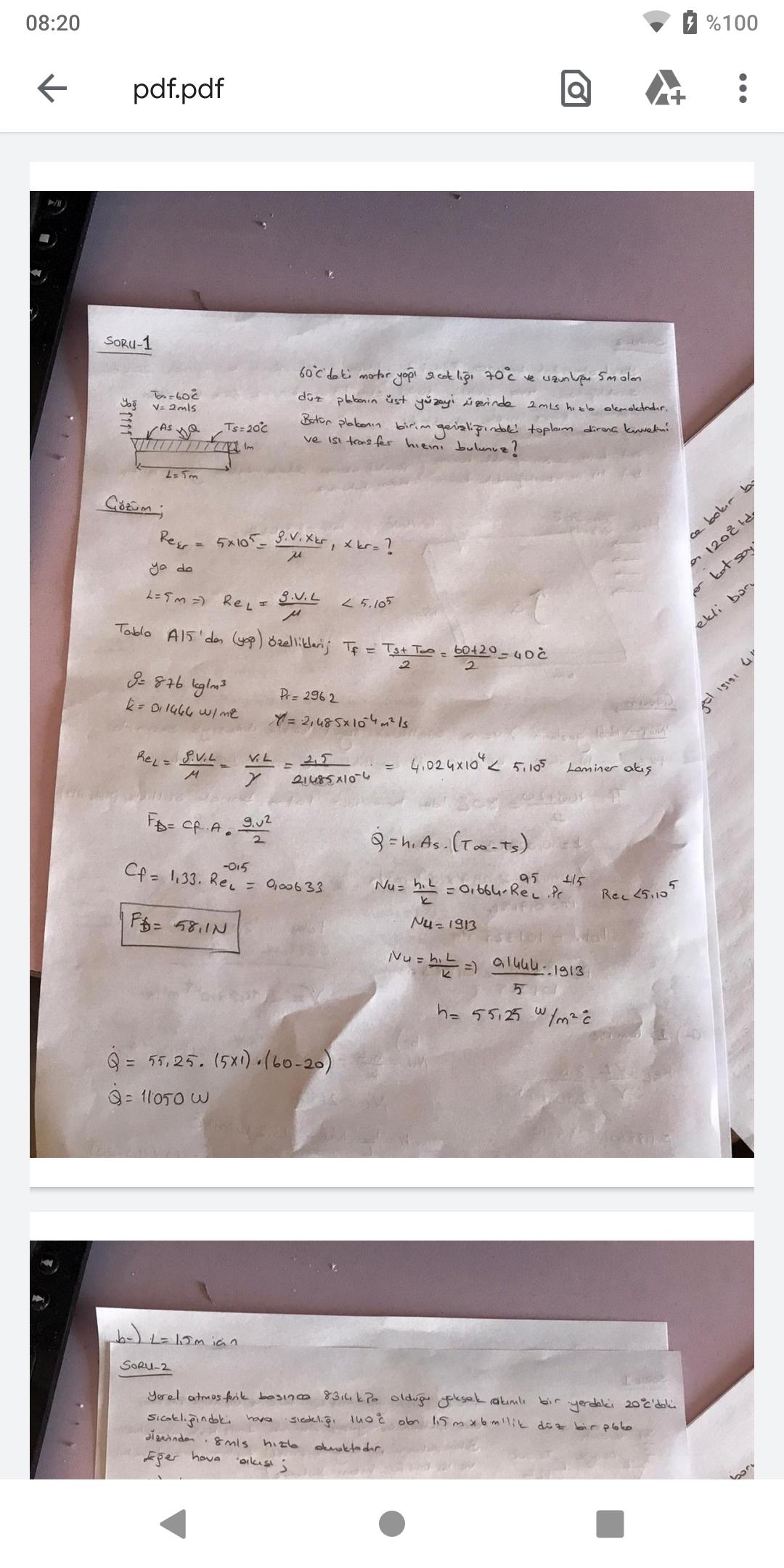
View your PDF file and read it in PDF Reader, unlimited and without page count limitation. You can edit your PDF file directly from the PDF Reader by jumping to the PDF note.
Text to PDF Converter (Text Scanner)
Scan text from pictures in your phone gallery or take a picture from Camera and convert it into editable Text. This Text can be copied and converted to a new PDF file, or text can be added to an existing PDF file. The new text page can be added to the beginning or end of the existing PDF document. You can copy this text to the clipboard and use it for another application.
- To Mail Converter
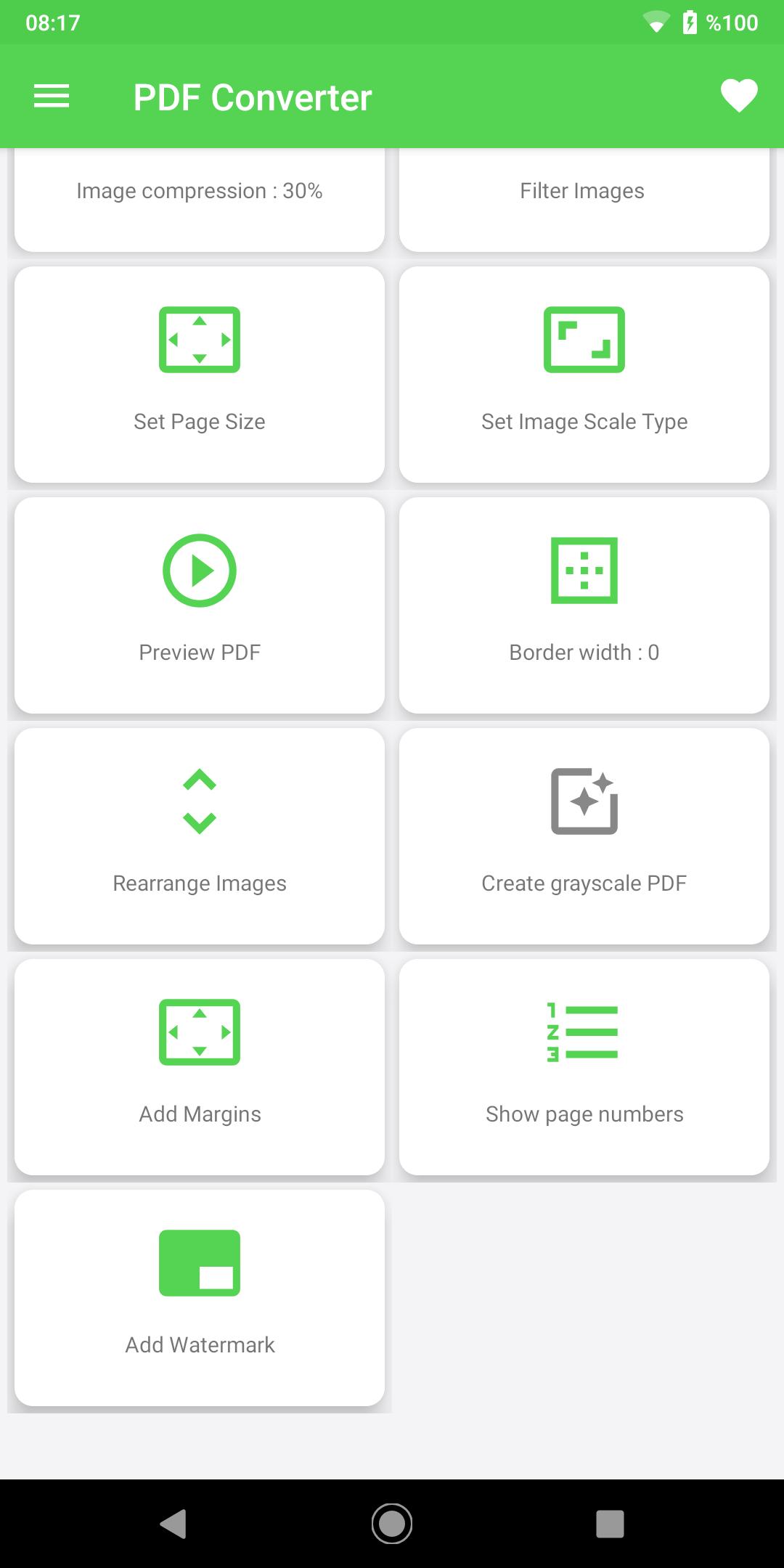
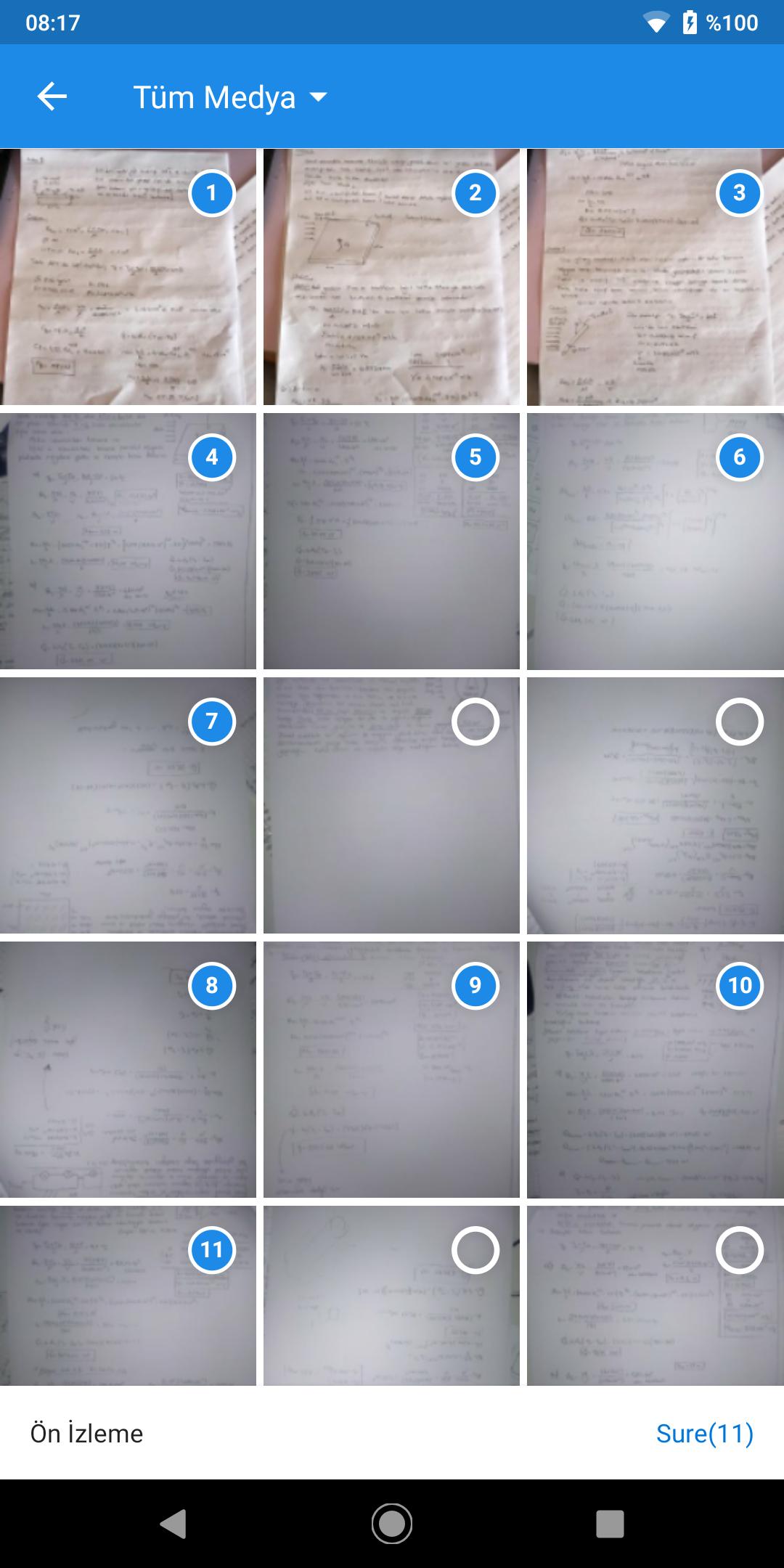
Select single or multiple images from the phone gallery or phone camera. You can edit the picture before adding it to the PDF file. You can crop, rotate, convert to black and white or apply a magic filter. Images can be reordered according to user preference.
-Text and PDF Converter Images
This great tool of PDF Creator has the following features.
- Add Text and Images on the same page of a new PDF file.
- Choose between different fonts, font color, style and sizes.
- Add, position, resize and rotate images.
- Add multiple pages to the same PDF file
Merge PDF Files
Select multiple PDF files and combine all these PDF files into one PDF file. Before merging the PDF file, the user can change the order of the PDF files.
-Split PDF Files
This cool feature of this free PDF Editor splits a PDF file, deletes or extracts pages to create a new PDF file.
Adding PDF (Write to PDF)
Annotate your PDF file with highlighted text (add text / lines), underline or append text comments. When reading or reviewing a PDF file, the reader must mark important lines or text. This module offers the option to highlight or underline text, or even add your own comments anywhere on the page.
Communication to PDF File
PDF Converter converts the contacts on your phone device to a PDF file.
Increase PDF Converter
Write any URL and convert browser pages to a new PDF file from within this PDF creator application.
-MS Office Documentation to PDF Converter (Not Available Yet)
Convert MS office documents to PDF (This feature is under development and will be available soon)
Simplicity and amazing conversion quality make this app an excellent file converter for your phone.


등급과 피드백에 감사드립니다!
당신은 이미 평가했습니다.






