
APKPure에서 안전하고 빠른 APK 다운로드
APKPure는 바이러스 없는 Graava - Auto Video Editor APK 다운로드를 위해 서명 확인을 사용합니다.

Graava app is a solution that removes the pain point of editing video.
Graava app is a solution that removes the pain point of editing video. By using a combination of sensors and artificial intelligence, Graava automatically identifies the best moments in your videos and photos and produce amazing video clips that are ready to be shared.
Editing video into publishable content is labor-intensive. Editing a minute of content takes an hour of work. As a result, most people give up and the awesome content they filmed never sees the light of day. Give life to your memories with Graava.
SUPER SIMPLE:
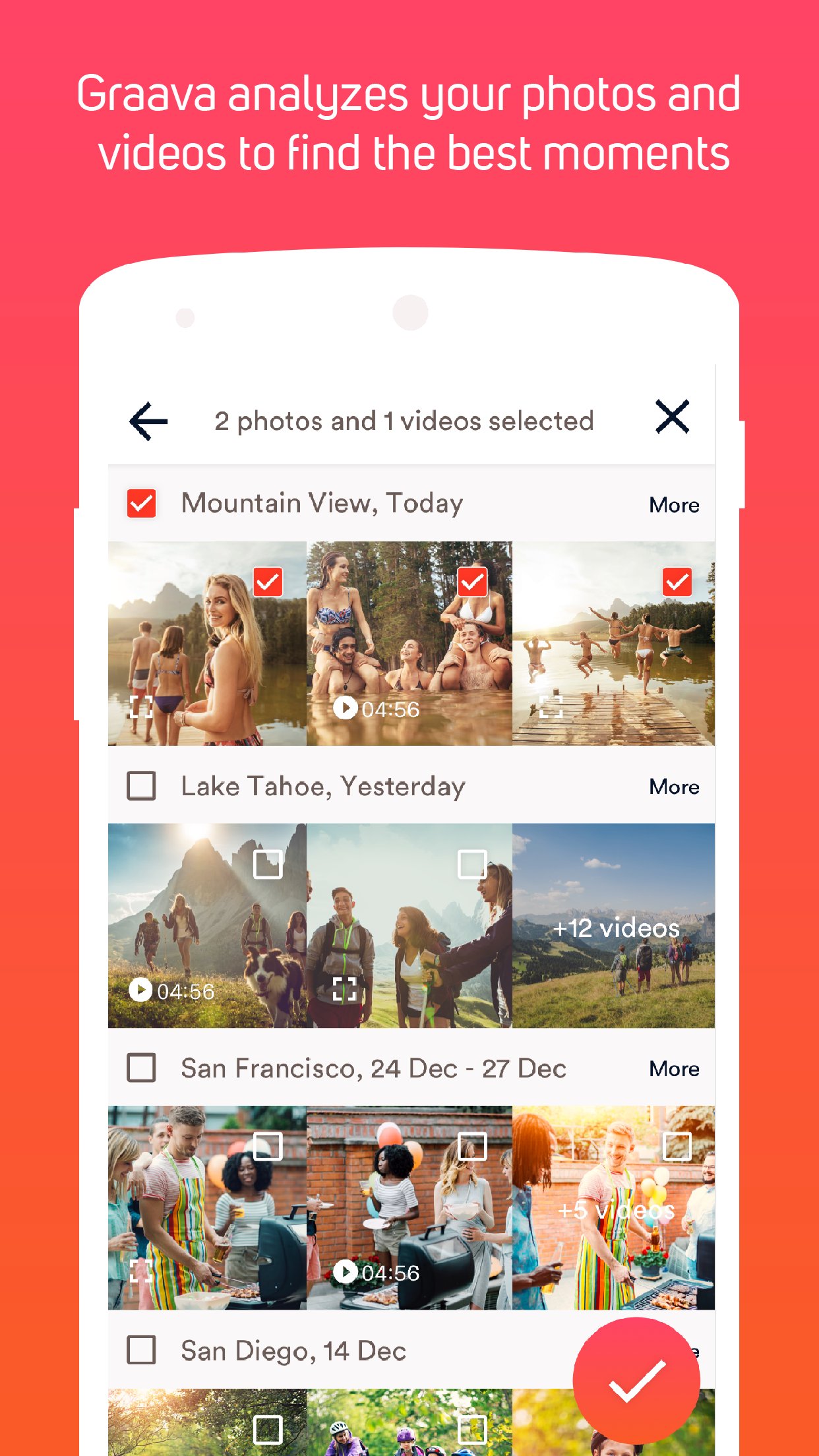
1 - Select your Videos and Photos
2 - Select your favorite Music
3 - Select the Length of the final cut... and done!
SMART CAMERA
• Record videos using all sensors of your smartphone: GPS, accelerometer, gyroscope, microphone, camera, and heart rate monitor through Apple Watch. Graava will analyze all data from the sensors in your video and create an amazing video editing with the best moments.
• While recording a video use the highlight function. This function allows you to select parts of the video as highlights and we will make sure that parts will be in the final edition.
SELECT PHOTOS AND VIDEOS
• We know that you certainly have hundreds of photos and videos in your smartphone library. How about creating a video with the quality and technique of a professional video maker, but in just a few seconds?
• Selecting photos and videos one-by-one is boring. With Graava you can select all, all photos of an event, weekend or holiday. Our algorithm will only highlight the best content for your video. We will identify repeated pictures, photos out of focus, smiles, faces and more, to ensure a great result for you.
SELECT DURATION AND FAVORITE MUSIC
• After selecting your video content, select the duration of the final video.
• Then select your favorite music as soundtrack. You can choose from songs of your own library or any of the free options we offer.
• We will synchronize your video with the beat of the music you have chosen. So musics with fast rhythm will generate faster videos and slower songs will generate videos with fewer transitions. Feel free to play with it by changing the music and seeing different results of your video.
• Select where in the song you want to start the video.
FINE TUNING
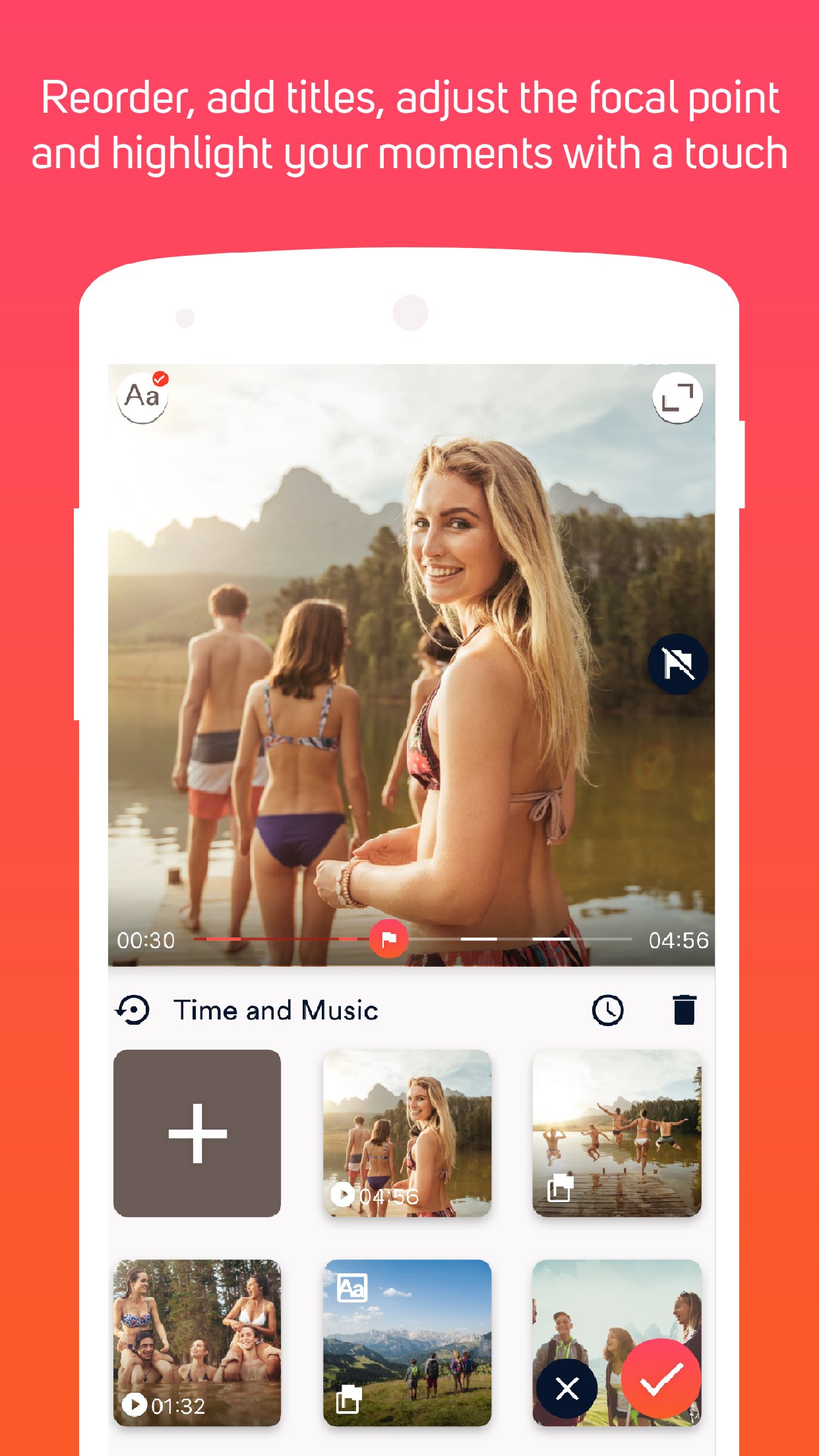
• Graava takes care of everything for you automatically, but if you still want to do small adjustments we also offer this possibility.
• Easily reorder your photos and videos.
• Adjust the crop of your photos.
• Add title and subtitle in the video.
• Change the video format to 16:9 wide or square.
• Manually add and/or remove the highlighted moments.
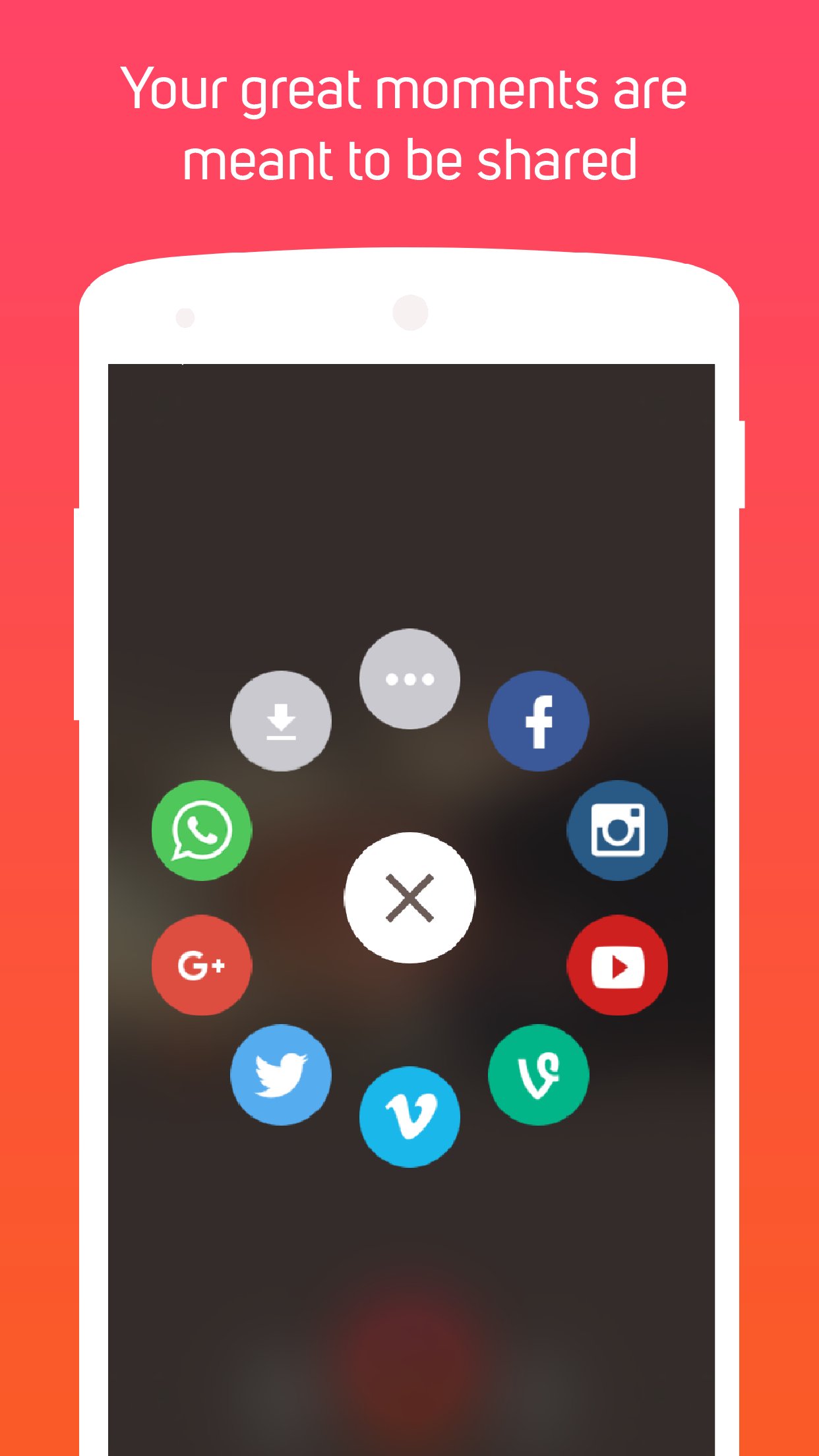
SAVE AND SHARE
• Save your video in HD directly to your camera roll.
• Share your video with a touch on Instagram, Facebook, WhatsApp, Youtube and more.
Graava is a free video auto editing service, our subscriptions options offer additional capabilities.
Graava Premium Pack:
- Export video without watermark
- Export video in 1080p
- Create video with more than 3 minute length
Graava Remove Watermark:
- Export video without watermark
Graava Export Video in 1080p:
- Export video in 1080p
Graava Remove Duration Limit:
- Create video with more than 3 minute length
Subscription options:
◦ Graava Premium Pack $4.99 yearly
◦ Graava Remove Watermark $2.99 yearly
◦ Graava Export Video in 1080p $1.99 yearly
◦ Graava Remove Duration Limit $1.99 yearly
Our subscriptions options add the great features above and are available through an auto-renewing subscription. Subscriptions will be charged to your credit card through your iTunes account. Your subscription will automatically renew unless cancelled at least 24-hours before the end of the current period. Account will be charged for renewal within 24-hours prior to the end of the current period. You will not be able to cancel a subscription during the active period. Manage your subscriptions in your account.
Graava’s Privacy Policy and Terms of Use are available at http://graava.camera/terms.html
- Graava App Team
appsupport@getgraava.com



등급과 피드백에 감사드립니다!
당신은 이미 평가했습니다.







