APKPure에서 안전하고 빠른 APK 다운로드
APKPure는 바이러스 없는 GPS Map Ruler APK 다운로드를 위해 서명 확인을 사용합니다.

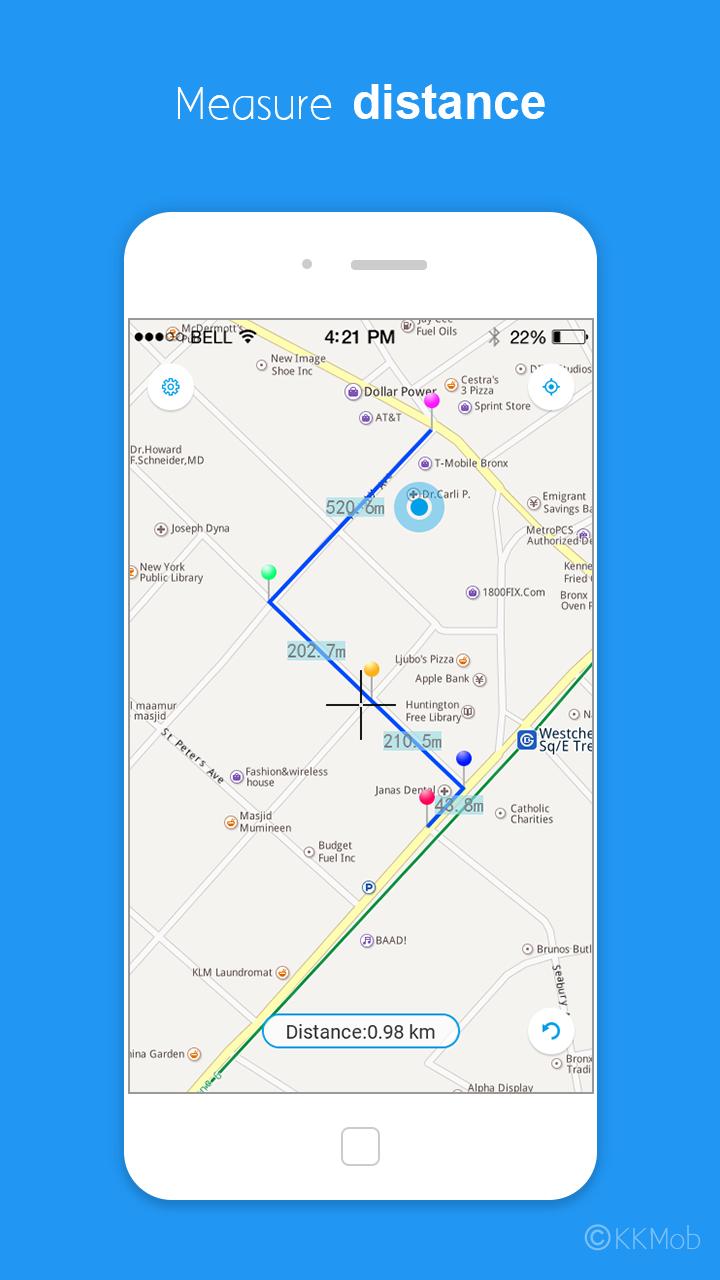
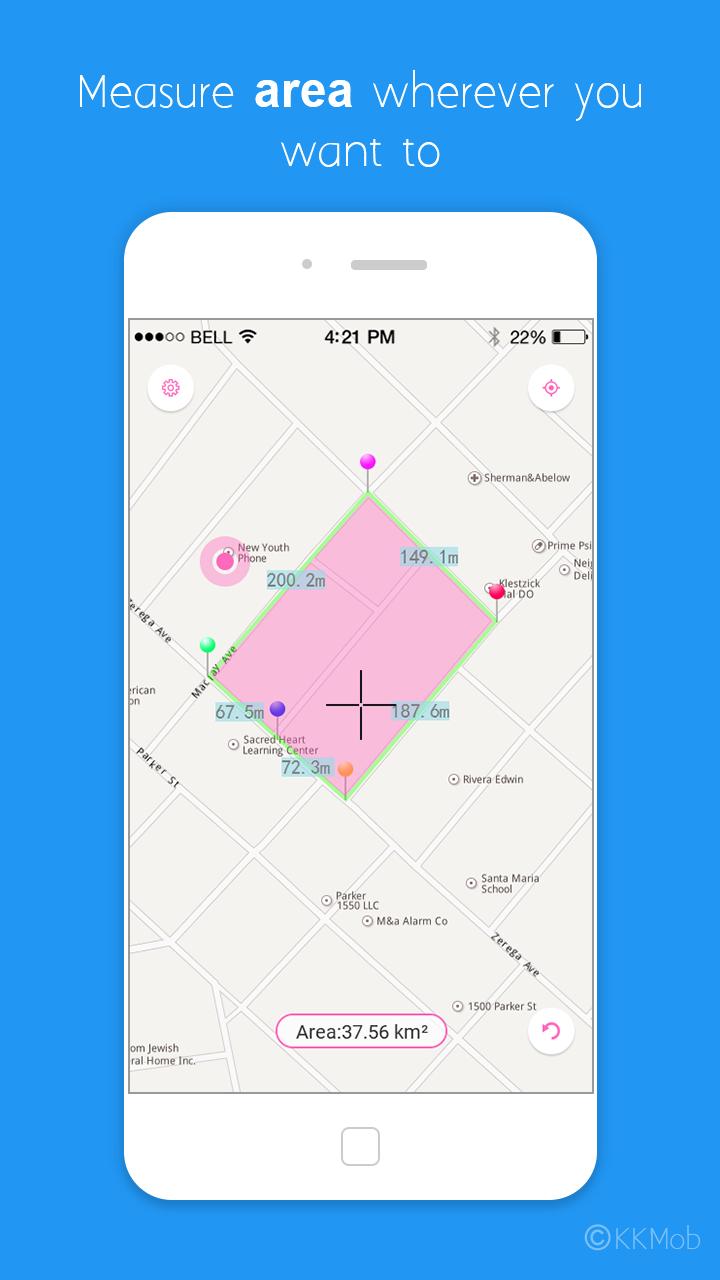
Measure distance & area on the map.
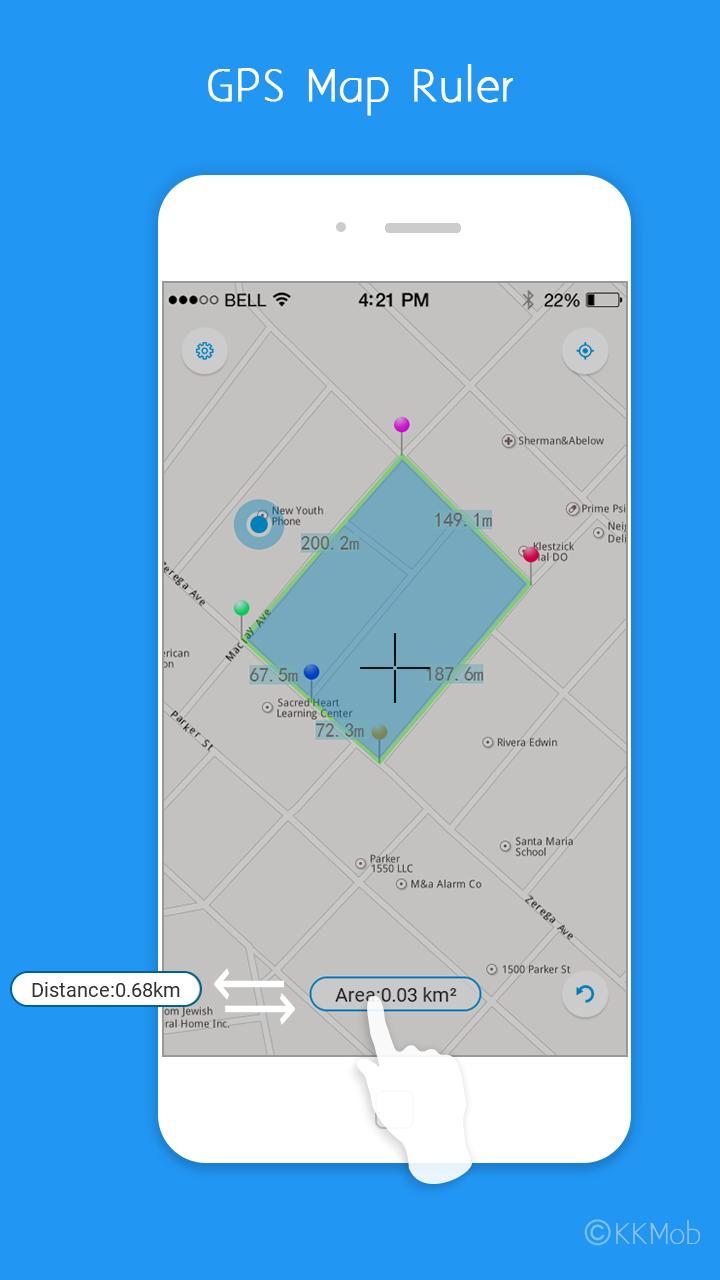
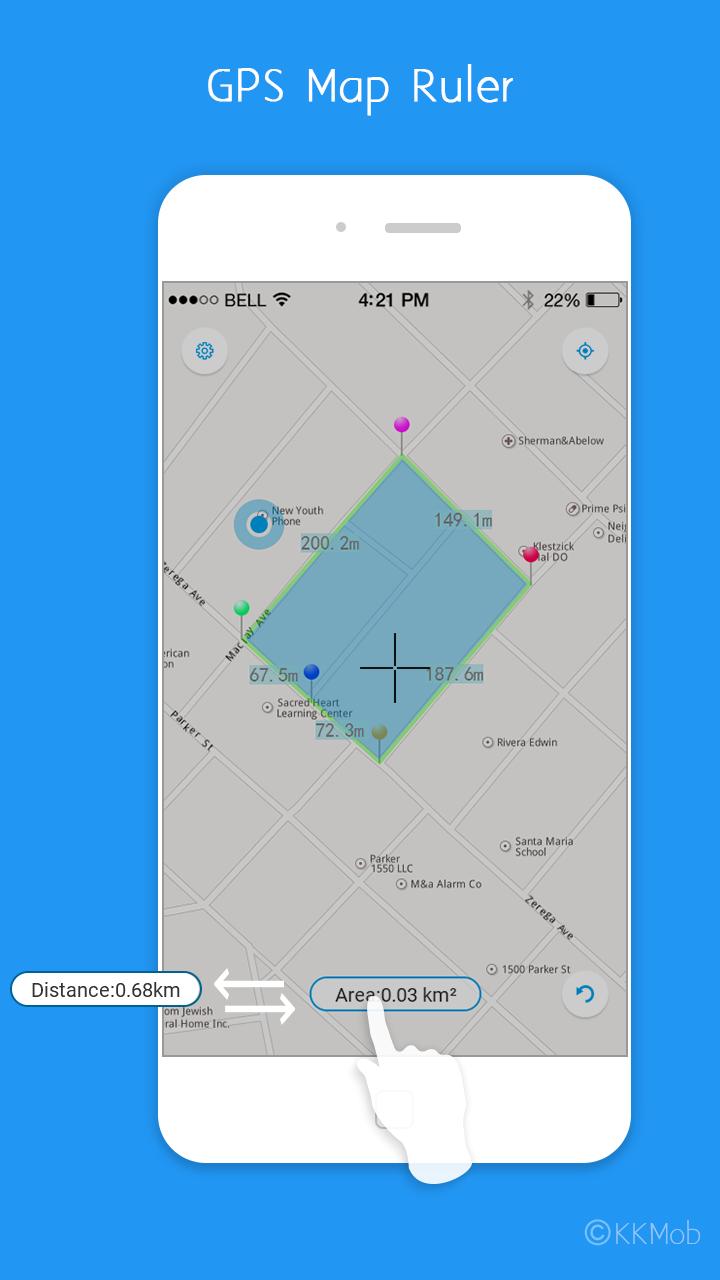
GPS Map Ruler can help you measure distance & area.
GPS Map Ruler Important features:
1. Measure distance on the map
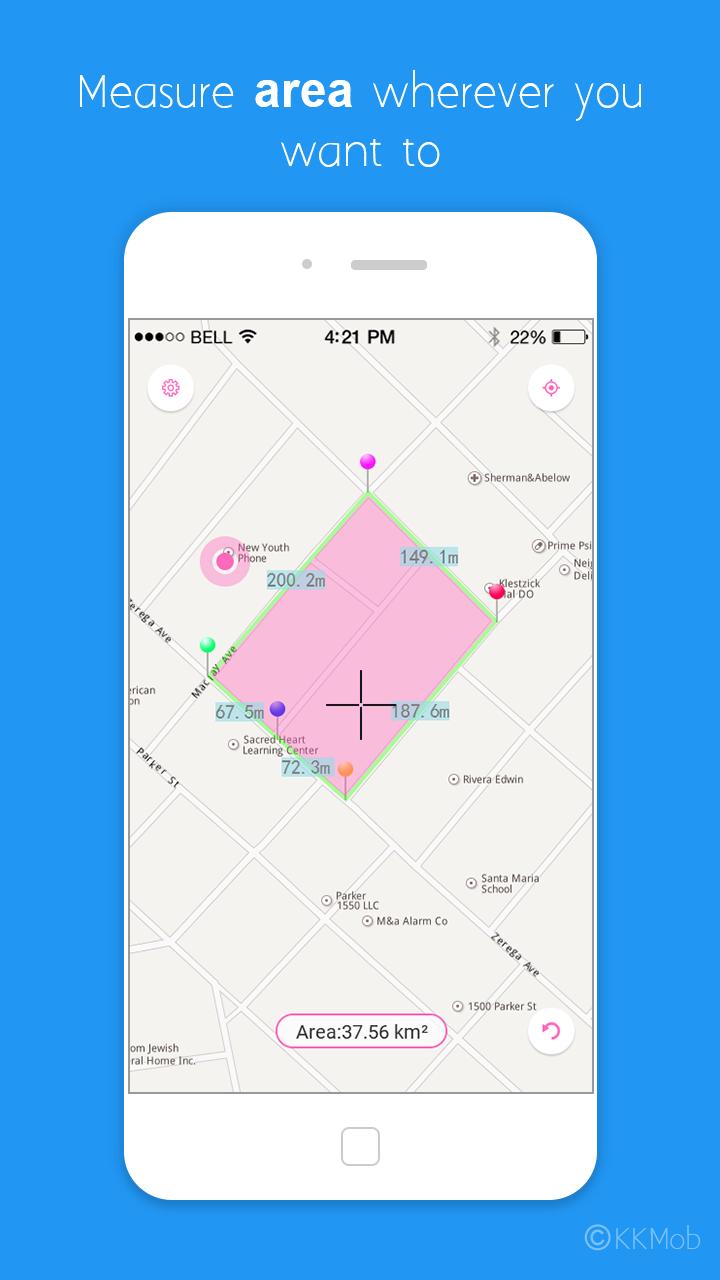
2. Measure area
3. 2 themes (Azure & Pink)
4. Supports multiple length units (Meter, Kilometer, Mile, Inch, Foot, Yard)
5. Supports multiple area units (Square meter, Square kilometer, Square mile, Square Inch, Square Foot, Square Yard, Hectare, Acre)
6. Supports multiple map types (Standard, Satellite, Mix Mode)
7. GPS Map Ruler is free now!
How to use GPS Map Ruler?
1. Tap the mid-bottom button to switch between distance & area
2. Tap the right-bottom button to undo, long press undo button to clear all point on the map.
3. Tap the right-top button to move to your current location.
If you have any questions about using GPS Map Ruler, please e-mail us.
Thanks.



등급과 피드백에 감사드립니다!
당신은 이미 평가했습니다.