APKPure에서 안전하고 빠른 APK 다운로드
APKPure는 바이러스 없는 File Explorer Manager APK 다운로드를 위해 서명 확인을 사용합니다.

공유,액션,검색,정렬,Zip,테마,즐겨찾기,숨기기 및 고정,지문 잠금
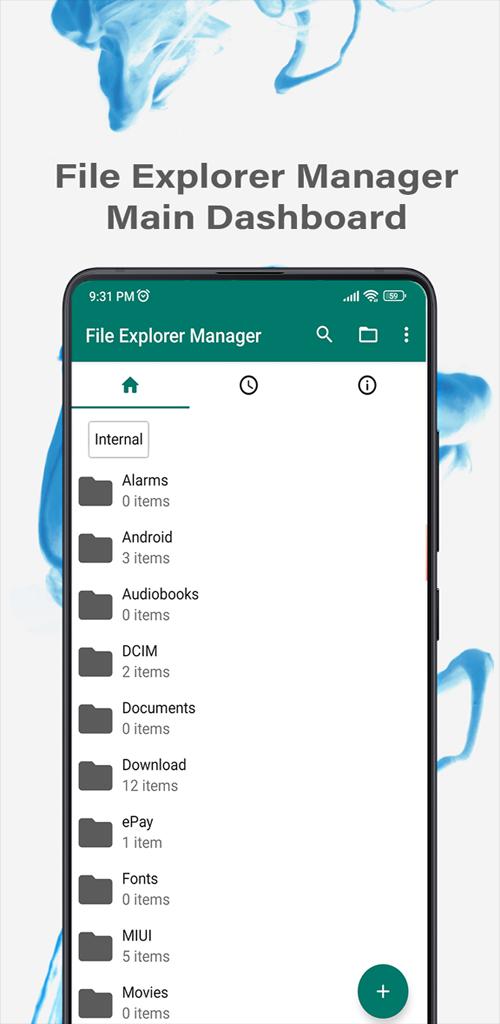
File Explorer Manager is used to access internal and SD card content files You can easily rename, copy, move, delete, search and share anything you wish and you can Sorting, List and grid view layout, Show hidden files, Add and view favorites folders and theme and layout customization and App security using pin, password, and fingerprints, you can also compress and decompress files. It Contains no unnecessary permissions which give you more privacy and security than other apps.
File Explorer Manager features:-
-It is used to access internal and SD card content files
-It also recognizes and supports multiple file formats, including music, videos, images, documents, zip-files, and installation files (.APK)
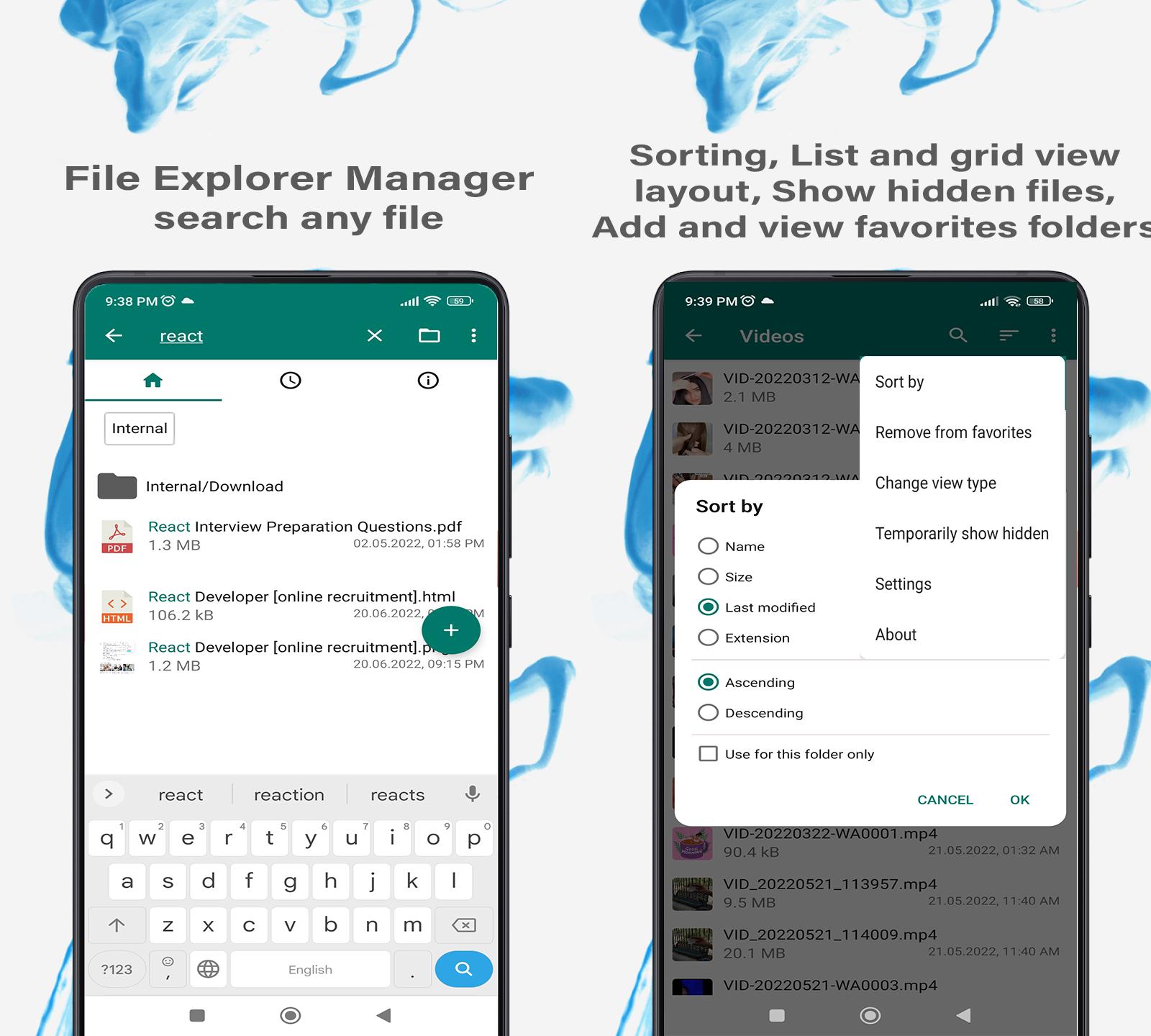
-search any file with any file type or keyword
-You can easily rename, copy, move, delete, view, and share anything you wish
-create a folder and files anywhere.
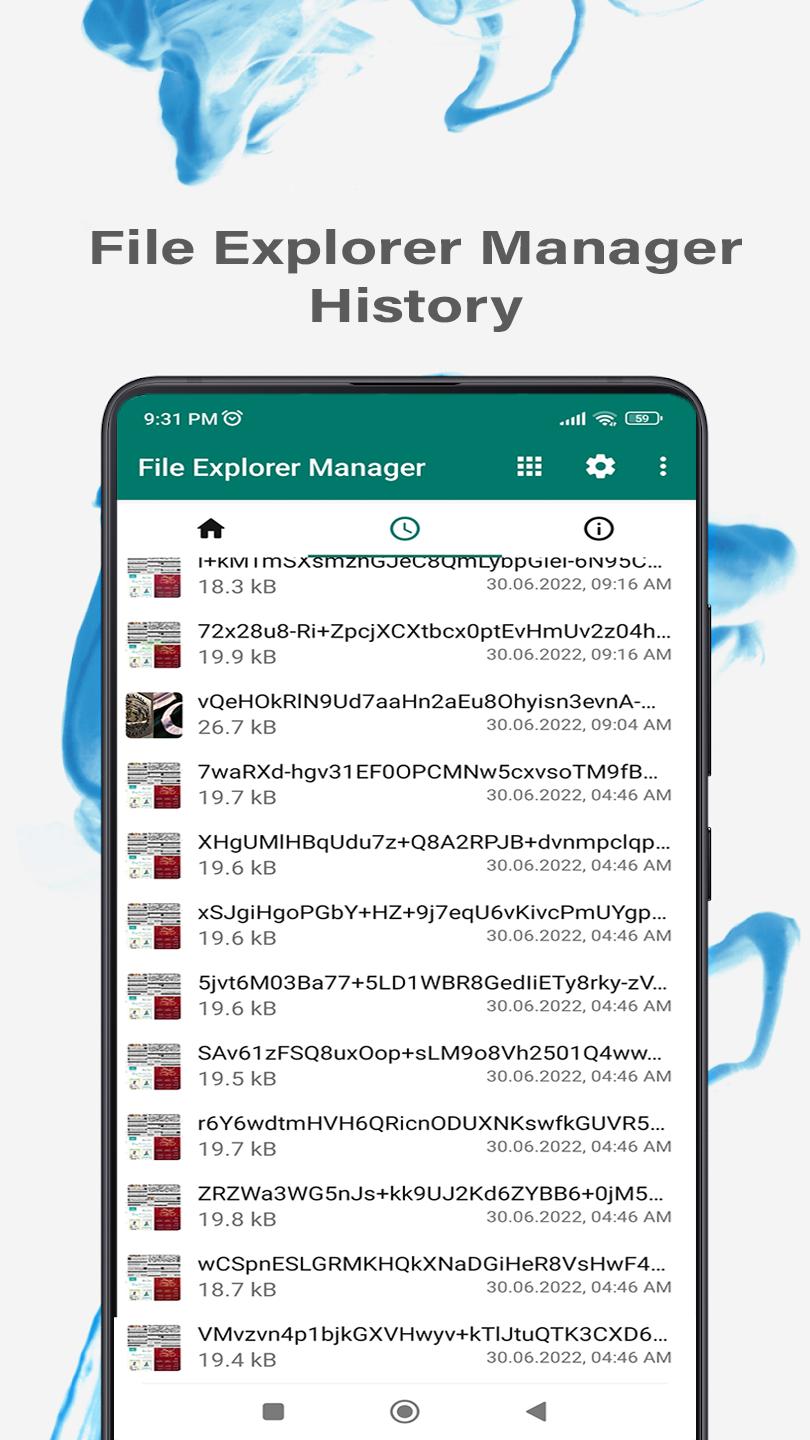
-you can be Sorting and view file history
- Basic Manager file features like cut, copy, delete, compress, extract etc. easily accessible
- File Storage provides a function used to analyze and free up storage space
view storage information by file types and view all files by types
-List and grid view layout,
-Show hidden files,
-Add and view favorites folders
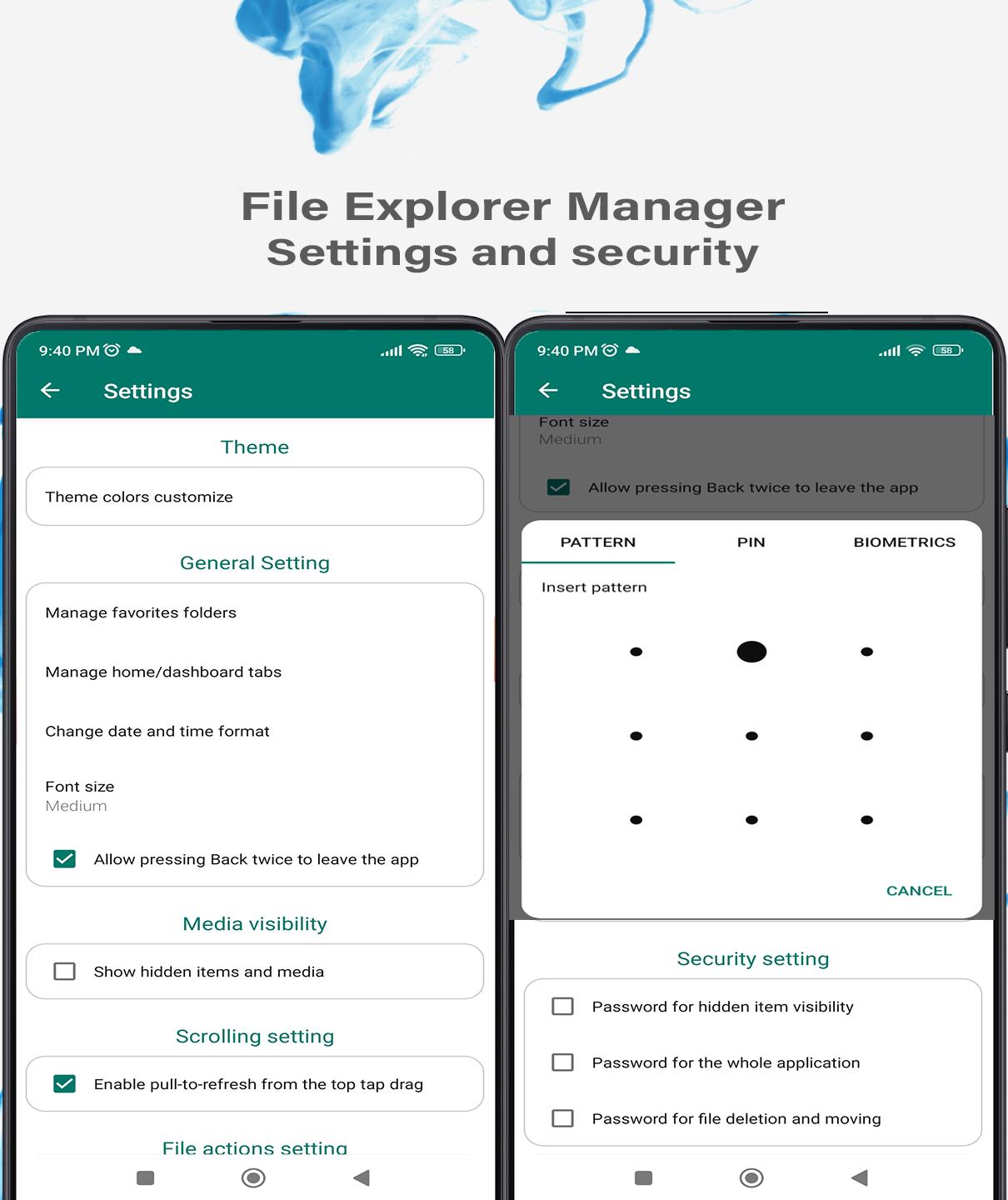
-a lot more app custom settings in the setting section.
-it is the file browser, Application Manager, File Manager, Network Manager, Media Manager, which can explore all your files of mobile and it is like Root explorer for advanced users
-It has Thumbnail for photo, video, and apk files and Multiple themes with cool icons
File Explorer Manager is a lightweight App for everyday use. It offers search functionality, you can also customize the home folder and select any favorite folders for quick access.
This app also contains multiple powerful security-related features like password-protecting hidden items, deleting files, or on the whole app using a pattern, pin, or fingerprint to keep your data private.
It also supports fast browsing of root files, SD cards, and USB drive data.
It has all the useful file operations like rename, copy, move, delete, search, view, share etc.
It can also be used for saving up some storage since it allows file compressing and decompressing features. You can easily create new files or folders if you want.
You can obviously select sorting by multiple different options, toggle between ascending & descending or use a folder-specific sorting or with a date.
By just a few clicks you can also check file or the folder properties, which show various fields like the file size, date of the last modification, or EXIF values like creation date, camera model at photos etc.
To get a file or folder's path quickly, you just need to select it by long-pressing and copying it in the clipboard.
You can also create desktop shortcuts for accessing your favorite items quickly.
It contains a light file editor with help of it you can print documents, edit them, or view/read easily by using zoom gestures etc.
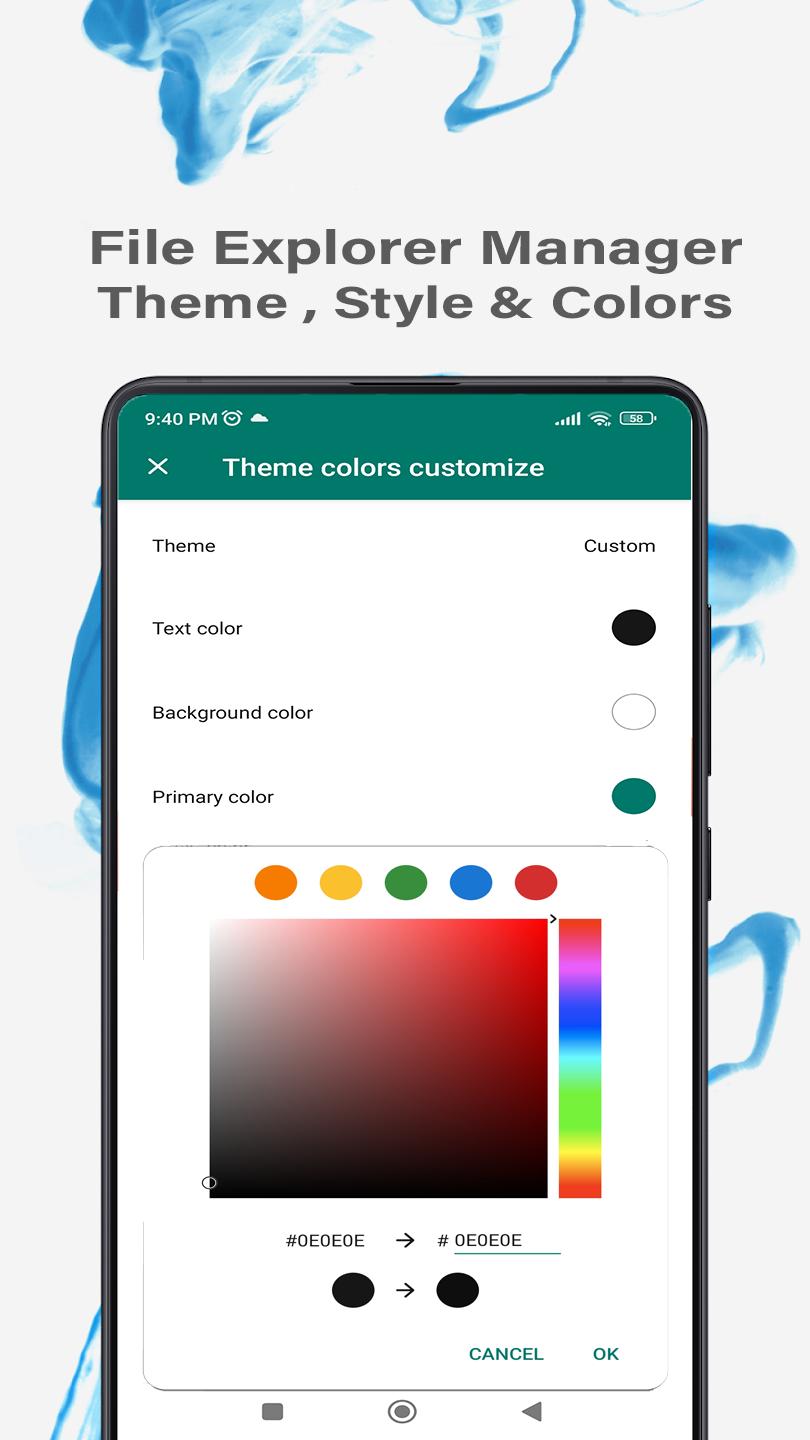
It has a beautiful UI material design and dark theme by default but you can change your customize theme, it provides a great UX user experience for easy usage. The lack of internet access and not taking unnecessary permissions it gives you more privacy and security than other apps.
Contains no unnecessary permissions. It is fully customized, provides customizable colors.
It is a free App so please bear bugs and problems but we always look your
Feedbacks and suggestions
We’d love to hear from you!
Send us your feedback via: h2zone.sp@gmail.com



등급과 피드백에 감사드립니다!
당신은 이미 평가했습니다.