APKPure에서 안전하고 빠른 APK 다운로드
APKPure는 바이러스 없는 Computer. MCPE map! APK 다운로드를 위해 서명 확인을 사용합니다.

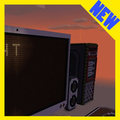
In this map for Minecraft you will find very big computer with many functions!
In this map for Minecraft you will find very big computer! You will find many functions in it – text entering, games and another.
You appear at office near a notebook, but do not worry. It is enough to press the button and you teleport to the biggest computer in the world of Minecraft. The computer enable on the press of the green button.
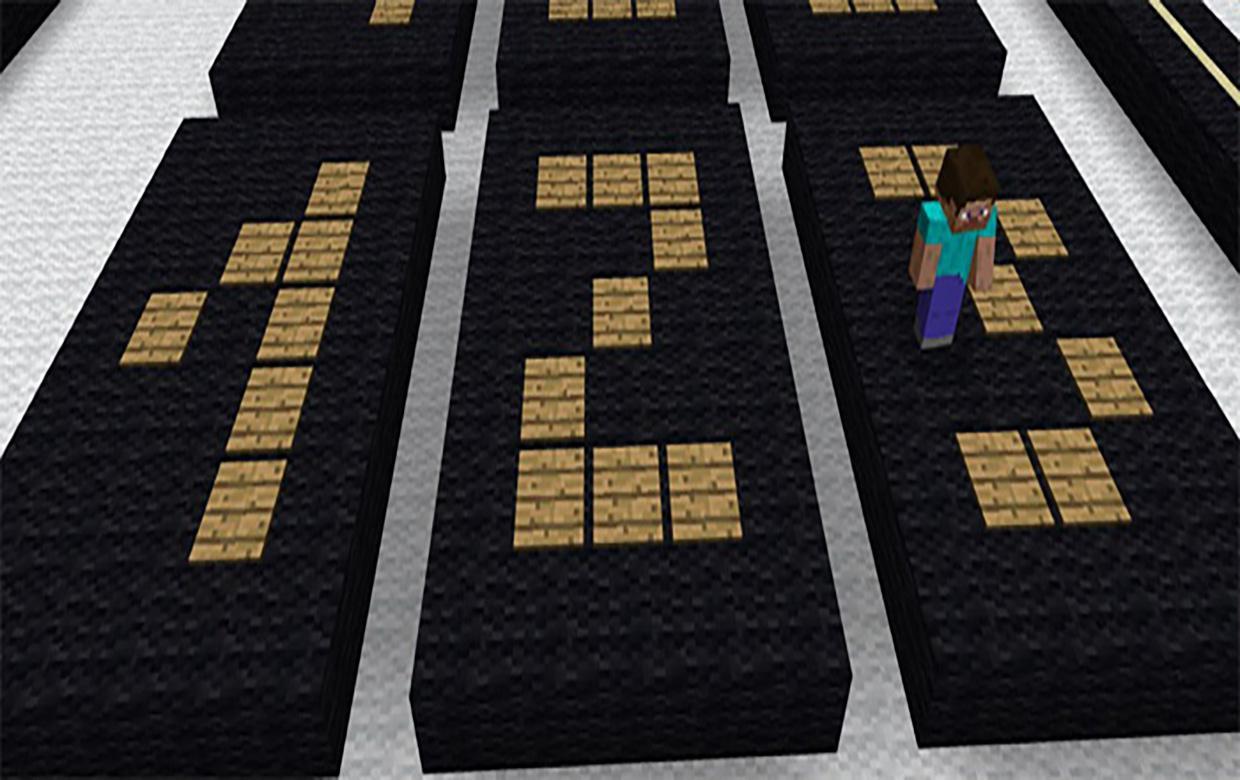
Jump by buttons and enter the text! Then click "Enter" and the text will appear on the screen. One more cool feature – the console. You can enter commands there to execute them.
This map it is possible to download free of charge by means of this application for MCPE without third-party installers for Minecraft PE.
Install the map for Minecraft PE is very simple!
1. Click "install" on next screen
2. Wait while the map installing
3. Open Minecraft PE, press "Create a new world"
4. Select map
Warning! This map is not designed Mojang. Minecraft is a trademark of Mojang AB. Note that we are not affiliated with Mojang AB, but we adhere to conditions set forth in https://account.mojang.com/terms AB Mojang





등급과 피드백에 감사드립니다!
당신은 이미 평가했습니다.