APKPure에서 안전하고 빠른 APK 다운로드
APKPure는 바이러스 없는 Computer Launcher 10 APK 다운로드를 위해 서명 확인을 사용합니다.

Change your mobile look with Computer Launcher 10
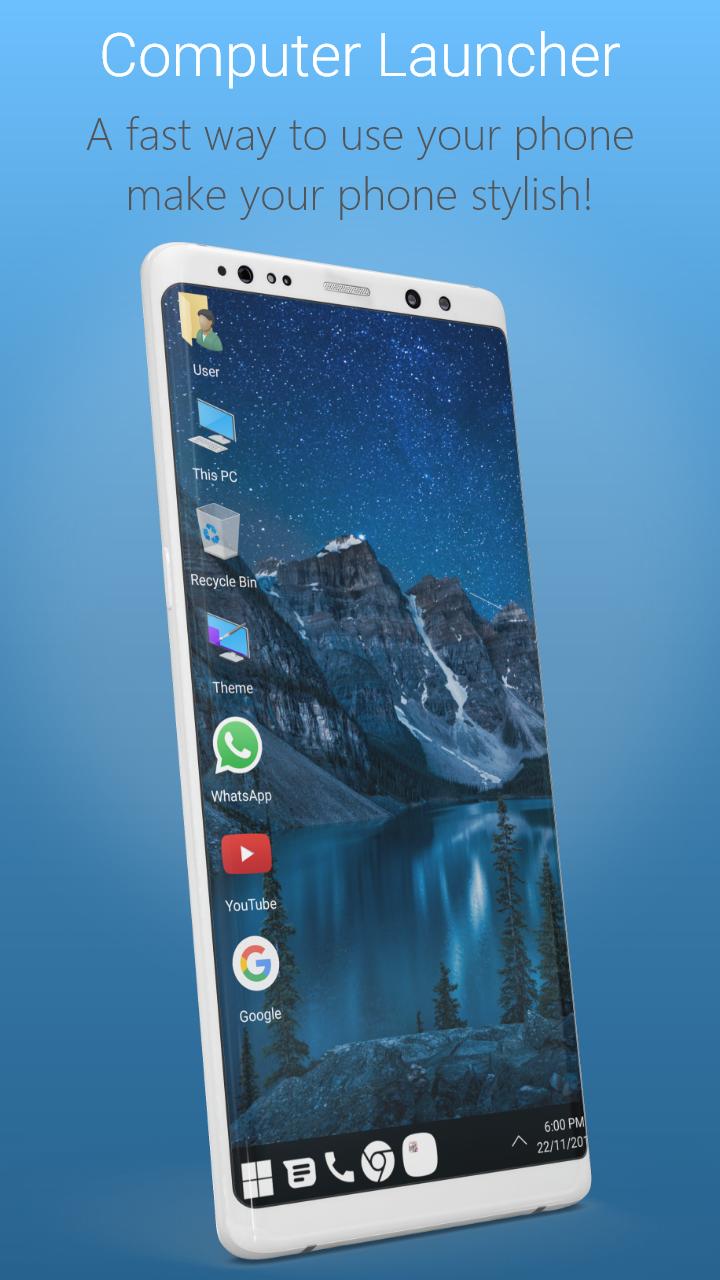
Are you looking for the desktop computer style launcher on your Android? You love the new style of windows 10 launcher? Check this computer style launcher available for your Android (TM) smart phones.
Desktop Computer Design:
Computer Launcher 10 for Windows 10 is here for you (Inspired by Windows 10®). Customize your phone with unique look and feel of the fastest launcher. Amaze your loved one with computer look of your Android and also share it with your loved ones.
Support of Windows File manager style windows 10
With built-in support of File Explore and File Manager you can search and explore your files and Folders, Copy, Paste, Zip/Unzip, RAR, Delete Files, Share Files and can do lot more...
Explore your file system with this simple and efficient file explorer and file manager in native desktop computer design. You will be amazed at the interface that resembles my computer's windows directory. Windows 10 launcher is awesome!
Network Sharing of files and folders:
Share your files and folders with other users of computer launcher 10 over Wifi network. Access your files everywhere over FTP/LAN.
Features:
- Start Menu for Windows 10 Launcher
- Android application in Stylish Tiles - In Start Menu
- Best application are available on One Click - Create Shortcuts of most used application on Desktop by press and Hold Feature.
- Easy Navigation to the Apps
- Built-In support of File Explorer in windows 10 theme
- Create Folders, Cut, Copy, Paste, Move, Share etc.
- Listing of all of your drives, SD Card, Storage, audio and video files and pictures in PC style.
- Taskbar for windows 10 style
- put the files to Recycle Bin and delete later in window 10 style
- Built-in ZIP support allows you to decompress or extract ZIP/RAR files
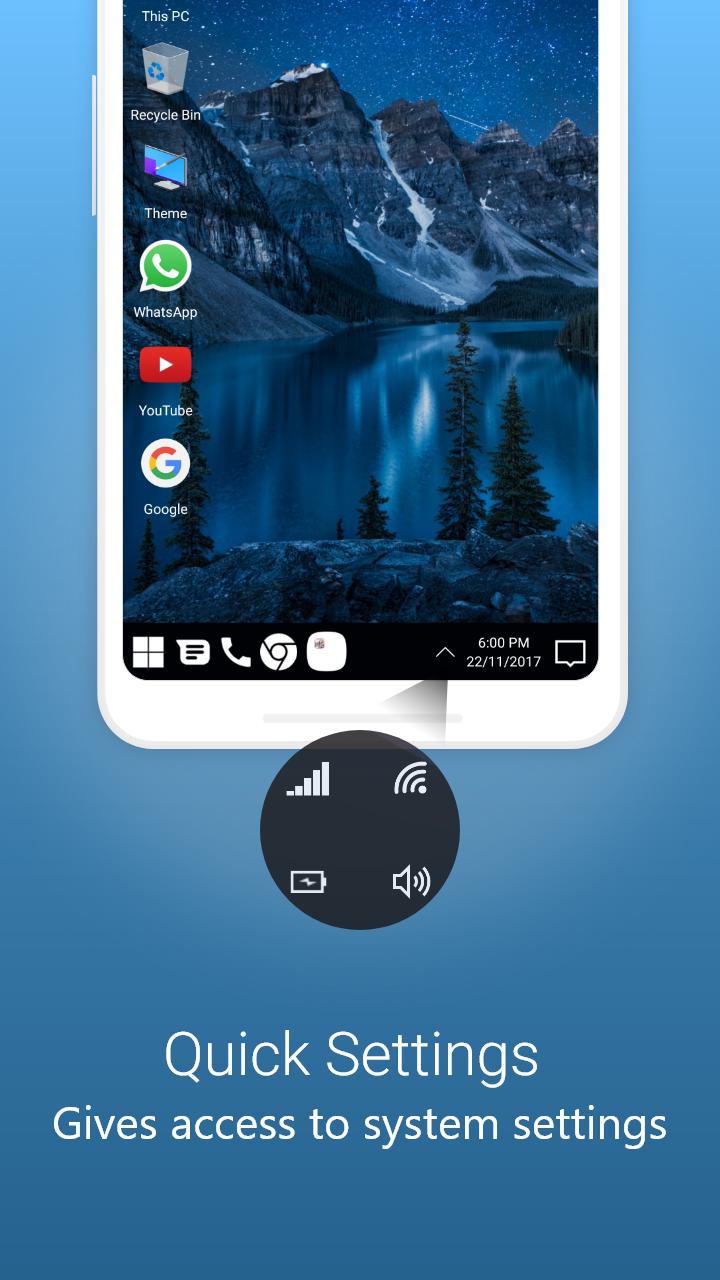
- Action Center. Notifier Center: Like windows 10 launcher, the computer also has a action center bar. You can check the notice of application or system with Notification Center.
Update Features :
- Desktop Widgets
- Android O type desktop menu
- Drag and drop Improved
- Clock Widget
- Weather Widget
- RAM info widget
- Changeable desktop folders
- Live Wallpapers
- Photo tiles changeable
- Task-bar icons removable
- Desktop App Folders
- Weather, Calendar and Photos tiles Added
- Task-bar Transparency option added
- Improved Themes Compatibility
- Multi Tasking Made optional (enable /disable from settings)
- Lock Screen
- Multi Color Support for Task bar and menu
- Themes and Icon Pack - Android TV /Tablet support
- Hide Applications
- Desktop Icons Removable
- Add Applications in Start Menu (Paid Only)
- Change the Start Menu Application (Press and Hold the app to change)
- Change applications in Task-bar (Press and Hold)
- Built-In Gallery Feature added
- Photo Tile changeable
- Widgets in desktop mode
- Built in apps (Photo viewer)
- Change Icons
- 5 useful widgets
- Memory Booster
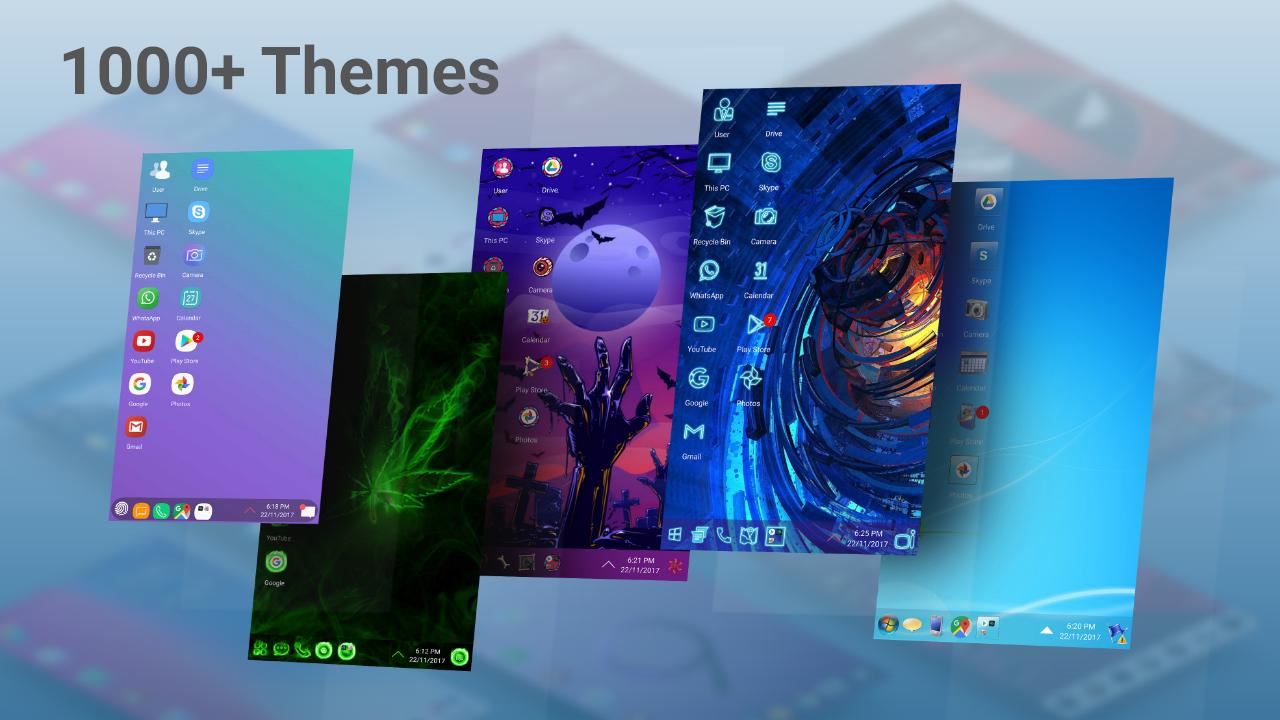
- 1000+ Themes
- 3 Type of Desktop Grid Sizes
- Full Customisable




등급과 피드백에 감사드립니다!
당신은 이미 평가했습니다.