APKPure에서 안전하고 빠른 APK 다운로드
APKPure는 바이러스 없는 CatchUP - Lecture Notes Marker APK 다운로드를 위해 서명 확인을 사용합니다.

놓친 강의를 들어 보자. 스캔, 친구들과 메모를 주석 및 공유 할 수 있습니다.
CatchUP is a must-have student app that allows you to scan and annotate lecture notes, combine digital and physical sources, create a pdf lecture book and more.
Scanning lecture notes
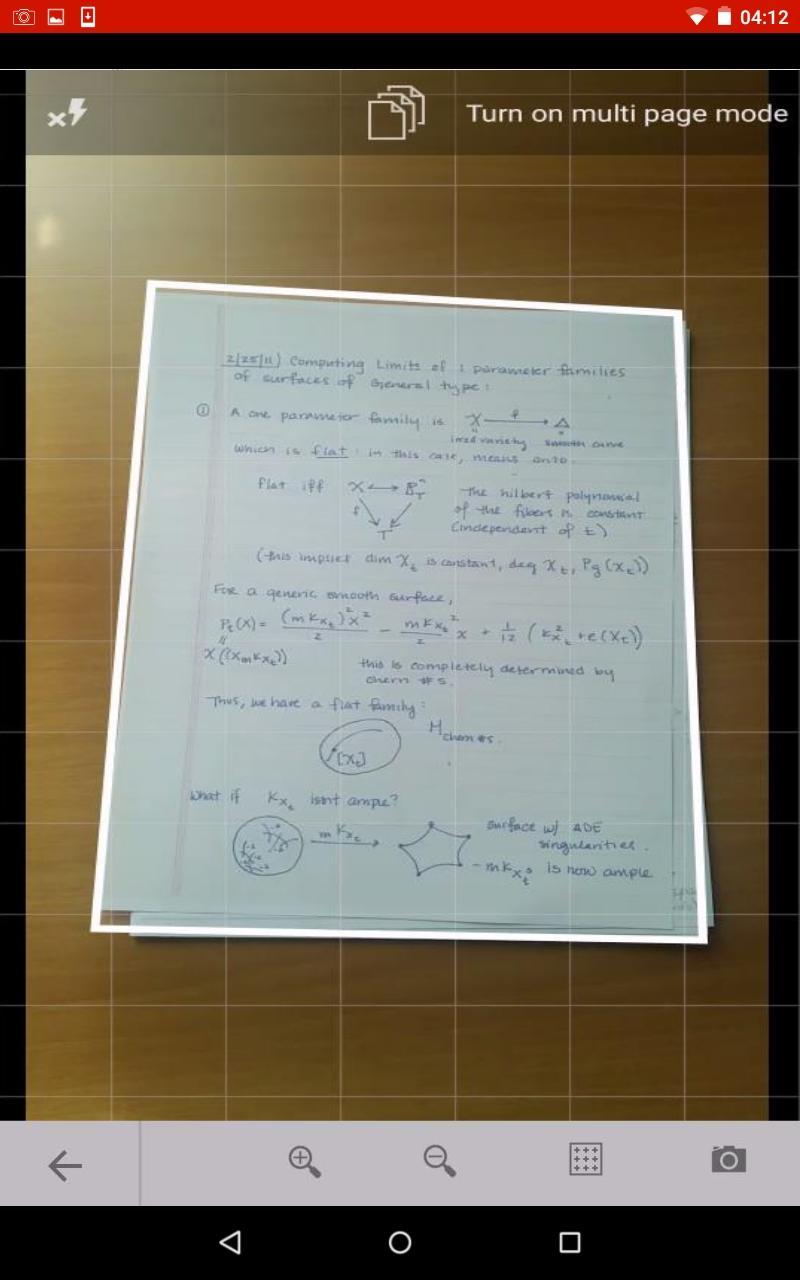
Catch up on your lectures by scanning a physical lecture notes from your colleagues. Of course you do not need an actual scanner – simply use CatchUP’s built-in document scanner with an advance real-time paper detection (auto crop).
To start scanning choose the camera input option, place the paper notes on a flat surface such as a desktop in the lecture room, point your device’s camera at it and the app will automatically recognize the edges. After snapping a photo of the document you can enhance it using different presets and/or manual sliders. If you are not satisfied with the auto crop, you can also adjust the crop manually.
Chances are you’ll want to scan more than one page. In this case simply switch to a handy multipage scanning mode. This will allow you to scan all the documents without the need to post process the scans one by one.
Importing lecture notes
Say you want to combine paper lecture notes with digital ones. What do you do? Simple – you use CatchUP.
With this app you are able to import a wide range of different document formats, including photos, text files, spreadsheets, presentations and others. Just tap on the document on your device, email or in the cloud and choose to open it with this app.
The imported lecture documents appear in the app’s gallery among all the other ones, where you can organize them in folders, combine pages in a single PDF file etc.
The full list of supported document formats:
- doc, docx
- xls, xlsx
- ppt, pptx
- odt
- ods
- odp
- jpg
- png
- svg
- hwp
Annotating lecture notes
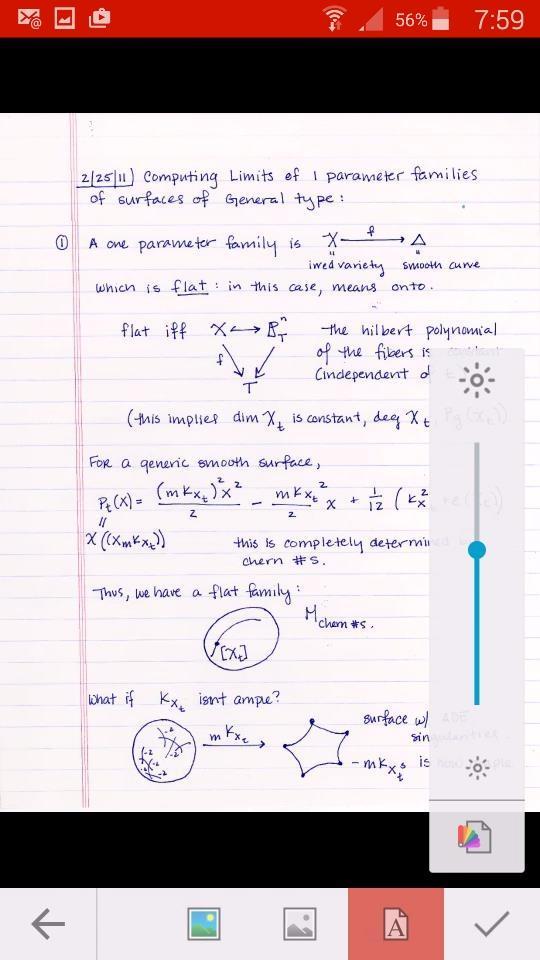
After you have imported or scanned the lectures, you can tap its pages to enter annotation mode. You may choose among different annotation tools, such as colorful markers, a pen, text input and different marker colors / thicknesses.
Tap the tool of your choice and underline, highlight, circle, erase or type over the chosen parts of your lecture notes. After you are done adding your annotations you simply save your work and your annotated lecture notes are safely stored in the app and ready to be shared as a PDF file (or JPG pictures if you prefer).
You may choose to share your annotated files via email, social media or your preferred cloud service.
Ready to catch up with your lectures? Download now.




등급과 피드백에 감사드립니다!
당신은 이미 평가했습니다.