APKPure에서 안전하고 빠른 APK 다운로드
APKPure는 바이러스 없는 App Lock APK 다운로드를 위해 서명 확인을 사용합니다.

앱 잠금, 당신의 privacyby 잠금 어플을 보호 비디오 및 사진 숨기기
App lock is a security tool which helps you to protect your phone from annoying people by locking your applications from public access, only you will be able to
unlock them again. With App Lock you can lock your applications using either PIN or lock pattern.
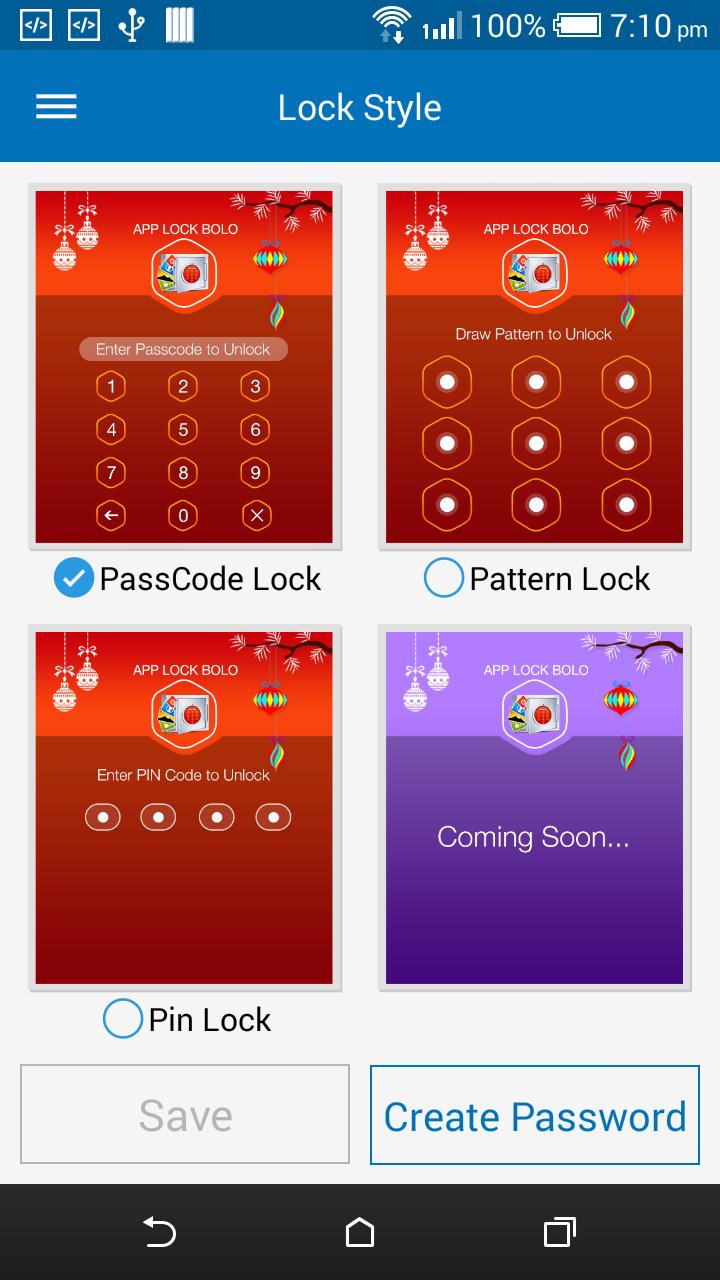
This application is a very strong and useful tool for protecting your applications. You can enable or disable the lock service, you can switch between text password
lock mode and lock pattern mode.
You can lock -
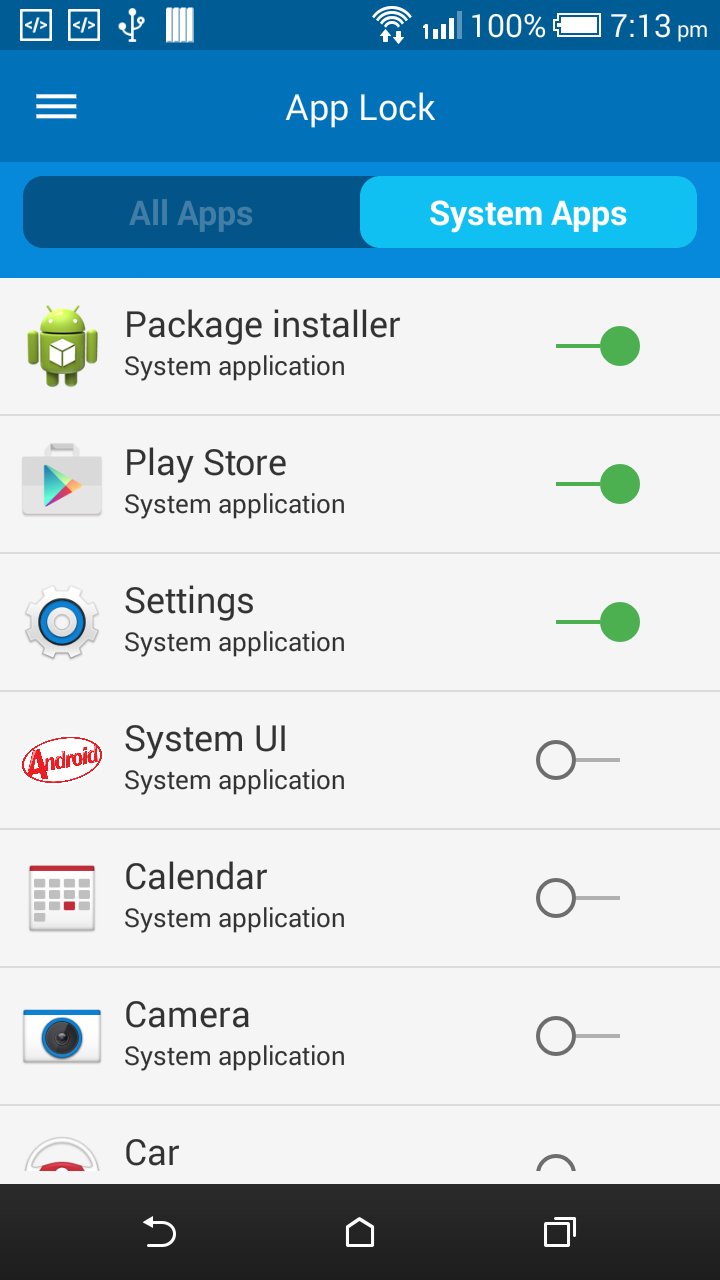
Phone calls , Whatsapp , facebook ,Messages, Emails, Contacts, Gallery, Google Play Store, Settings, etc. So use this App Lock app and make your phone private and
smart.
Features:
1.Lock system and non system app.
2.Easy user interface, Best Performance.
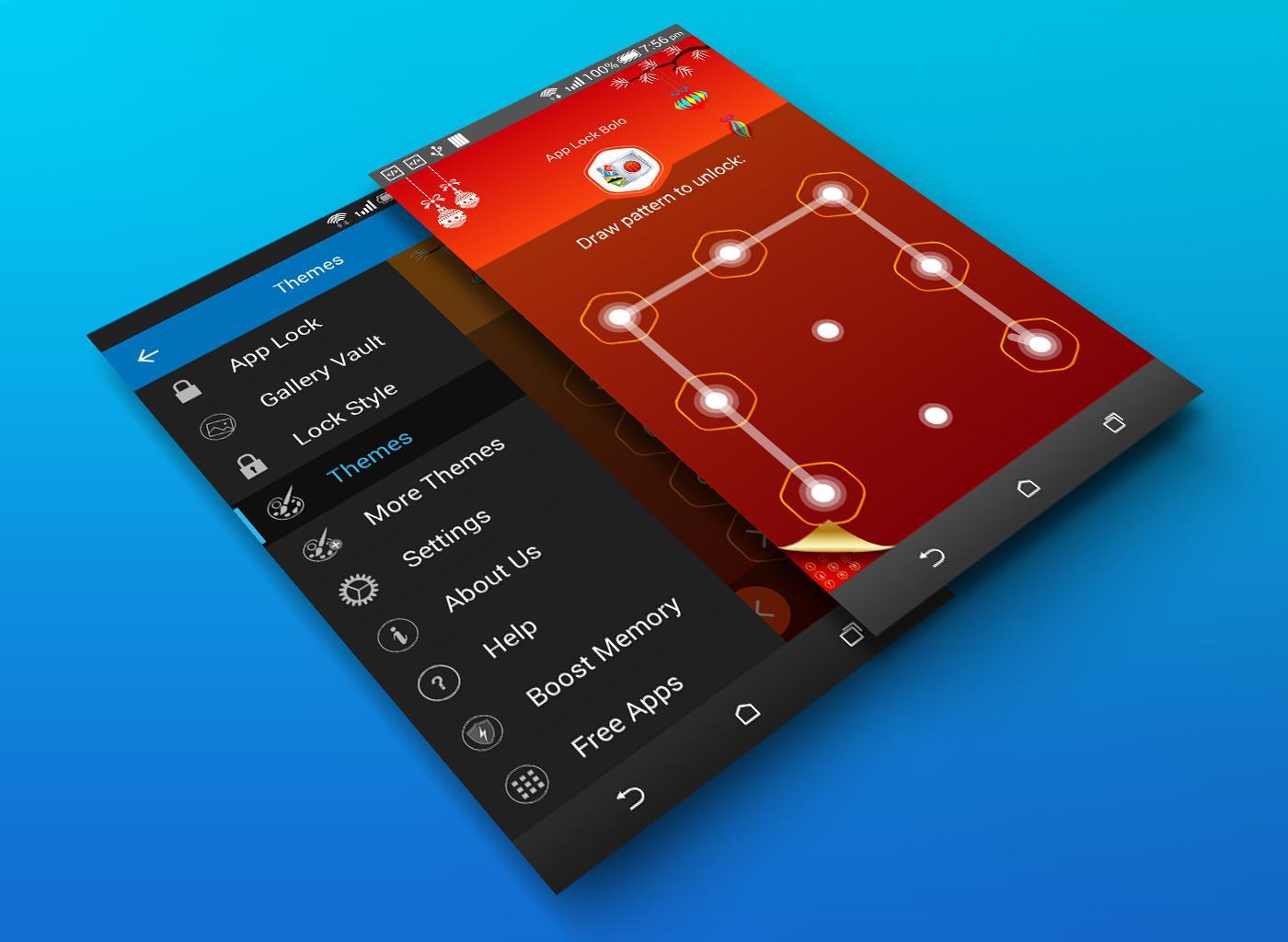
3.Pattern and pin style is available for lock.
4.Less Battery and Memory usage.
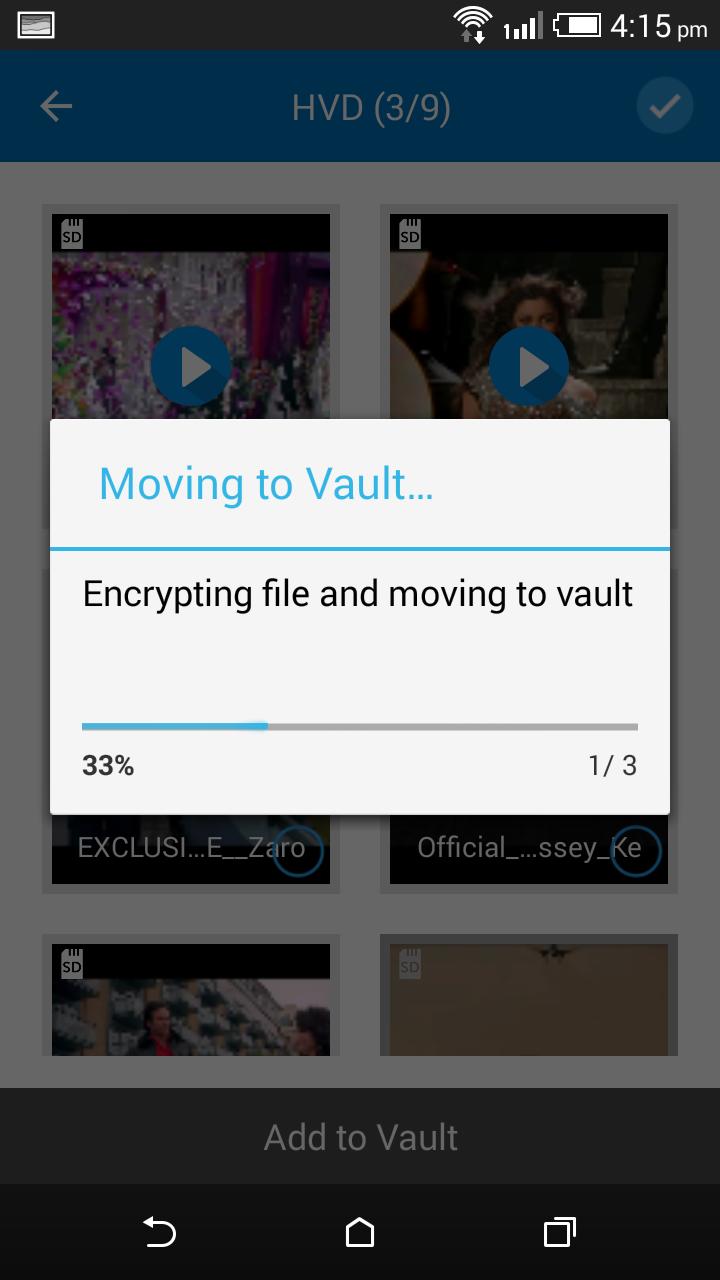
5.Gallery vault , you can hide your images and videos.
6.Hide app lock icon from launcher screen.
7.Attractive design with lot of theme.
FAQ:
1. Can I hide any type of apps by this App Lock ?
Yes!! Obviously You can Hide any type of applications which is in your phone like Messages, Emails, Contacts, Gallery etc.
2. How can I recover my passcode of app lock in case of, if I have forgotten the passcode?
While you setting your password then you will see an option to entering an email id and when you click on save button then app lock will save the passcode , The
email id is only for password recovery and revert back use only we never do spam mail . By clicking on forget password you can get password on email . You will shortly
get the passcode.
3. How can i hide app lock icon from launcher screen?
Go to app setting and click on hide app icon , and enable hide icon, you need to try once each step before hide icon.
4.How can i hide my images and videos by app lock ?
Go to app setting , click on gallery vault ,just tap on the screen , there have option to add images or videos, now select the images or videos and click on add to
vault , you will able to hide images and videos.
5. I hide App Lock icon, how to open App Lock now?
There are two ways to open it:
1. dial pad
enter *#*#54321#*#* in your dial pad.
2. Manage Space
Go to the App Info page(Setting->Apps->App Lock ) and tap Manage Space button.
Note -
We are supporting translation up to 47 languages and we used google translator for translating all these language , If you like to support in translating (English to
your language) this app, feel free to contact us. And Also please let us know if there are any incorrect translation use on our App Lock .




등급과 피드백에 감사드립니다!
당신은 이미 평가했습니다.