Safe & Fast APK Downloads on APKPure
APKPure uses signature verification to ensure virus-free Kage - Cast multimedia content APK downloads for you.

An app which can cast multi-media files to other Android devices.
What is this?
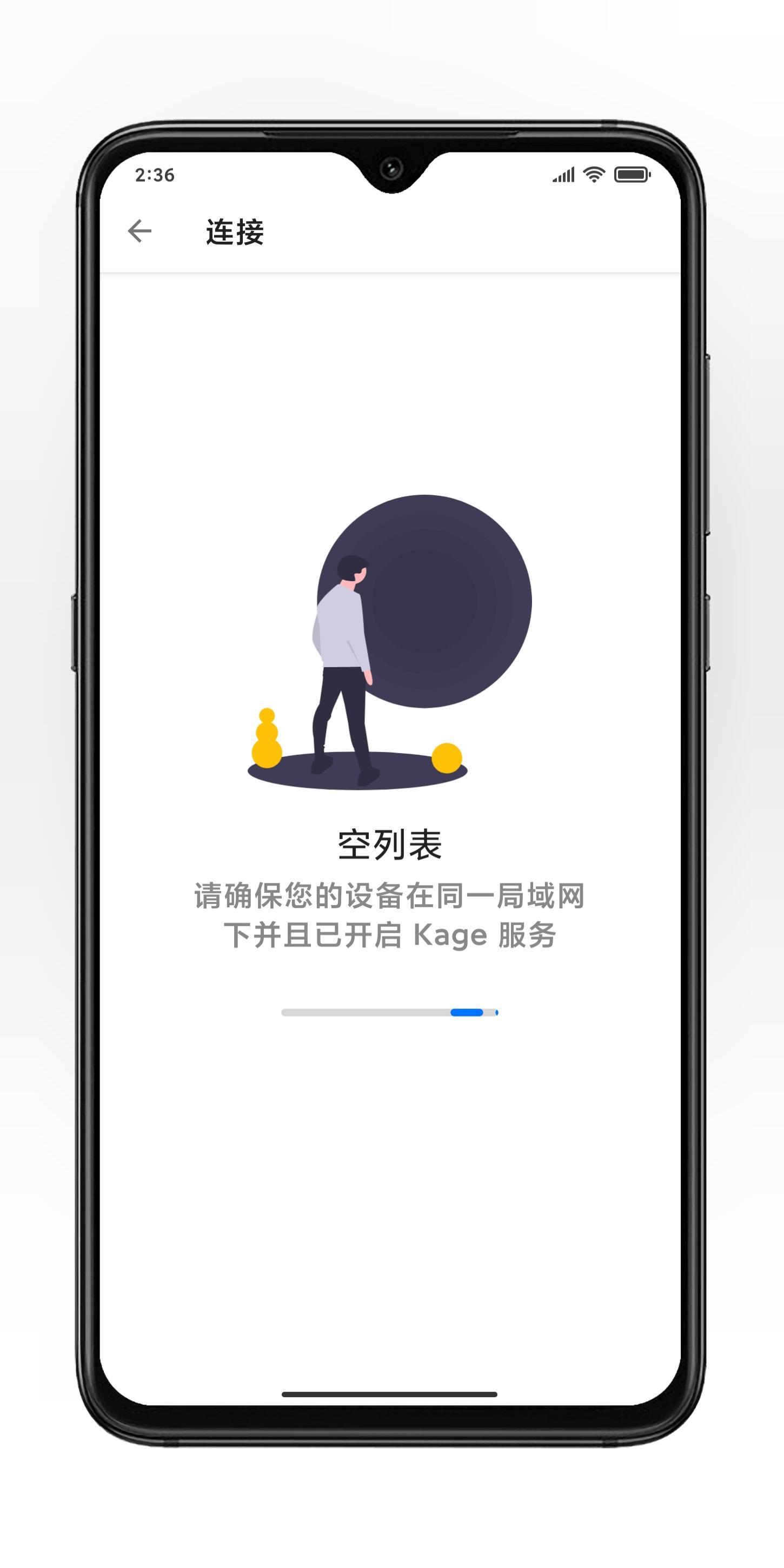
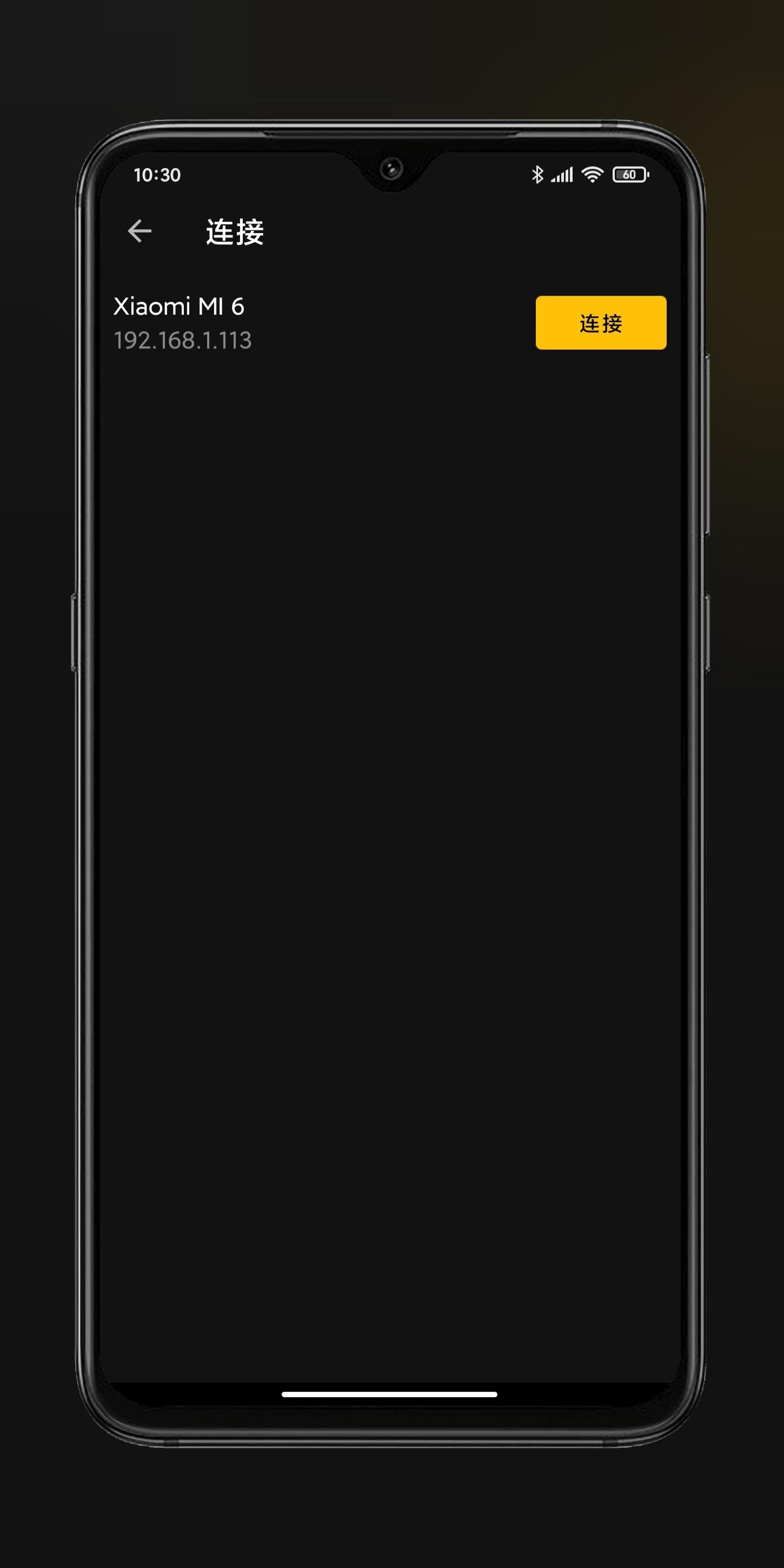
Kage (かげ) means shadow. The main function of this app is to allow two Android devices on the same local area network to transfer pictures, videos, music and synchronize progress, like an object and his shadow.
basic skills:
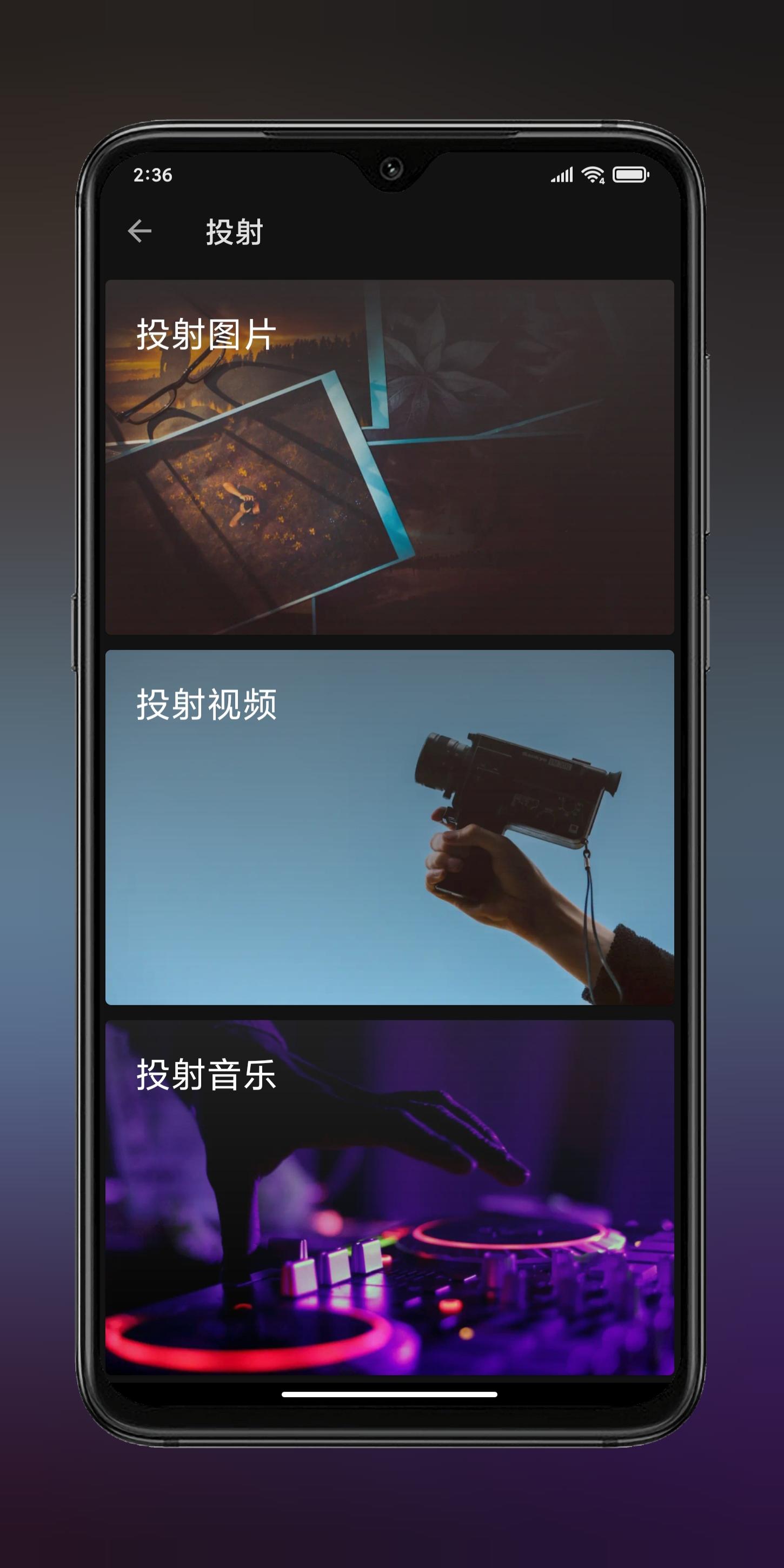
· Image Projection - The sender projects a picture folder to the receiver. Swipe left or right to switch pictures at both ends.
· Music projection - The sender projects a piece of music to the receiver. Dragging the progress bar can affect the progress at both ends. The physical volume key can control the volume at both ends. The sender can switch the previous / next song to control the music playback at both ends.
· Video projection - The sender projects a video to the receiver. Dragging the progress bar can affect the progress of both ends.



One-click to install XAPK/APK files on Android!

Thanks for your rating and feedback!
You have already rated.