Smart PDF Tools

Smart PDF Tools

SMARTxEduCom LLP
2021年08月04日
  • 23.4 MB

    ファイルサイズ

  • Everyone

  • Android 5.0+

    Android OS

このSmart PDF Toolsについて

スマートPDFツールアプリは、PDFファイルを操作するための幅広いオプションを提供します。

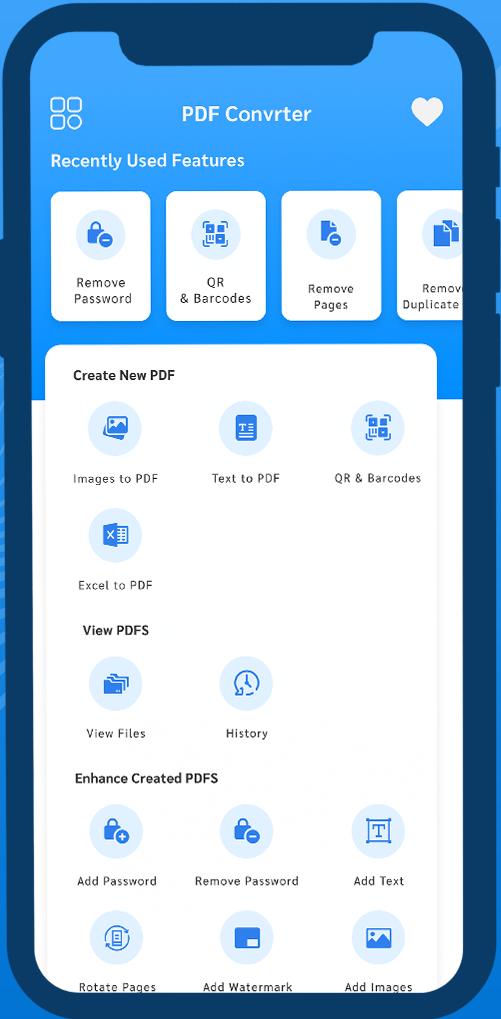
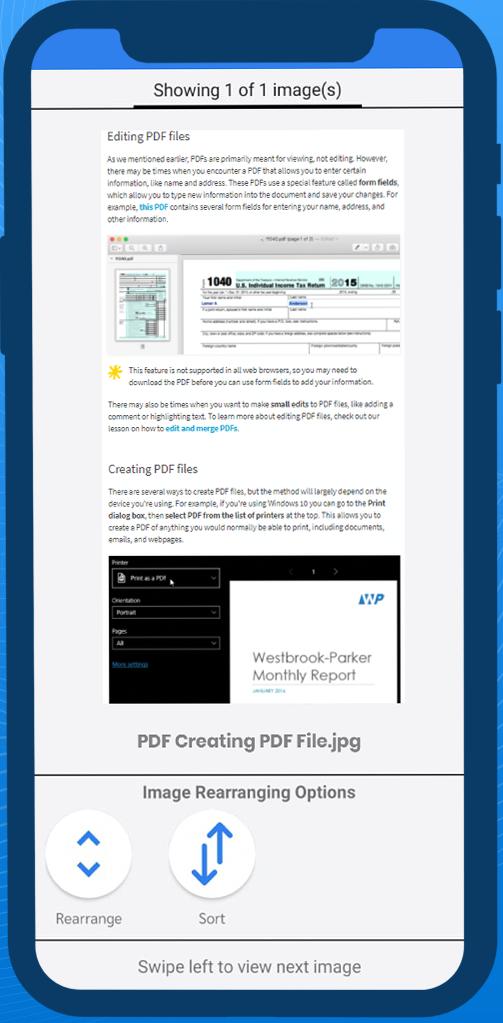
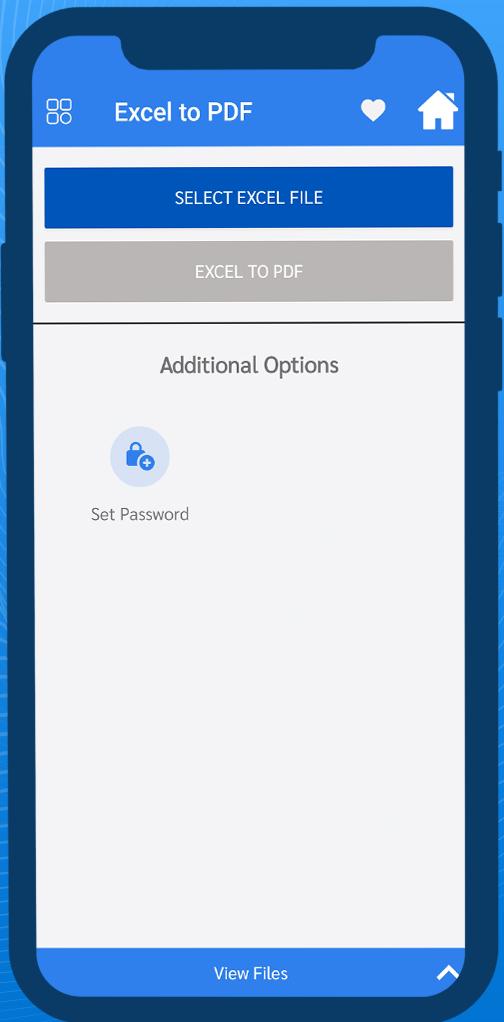
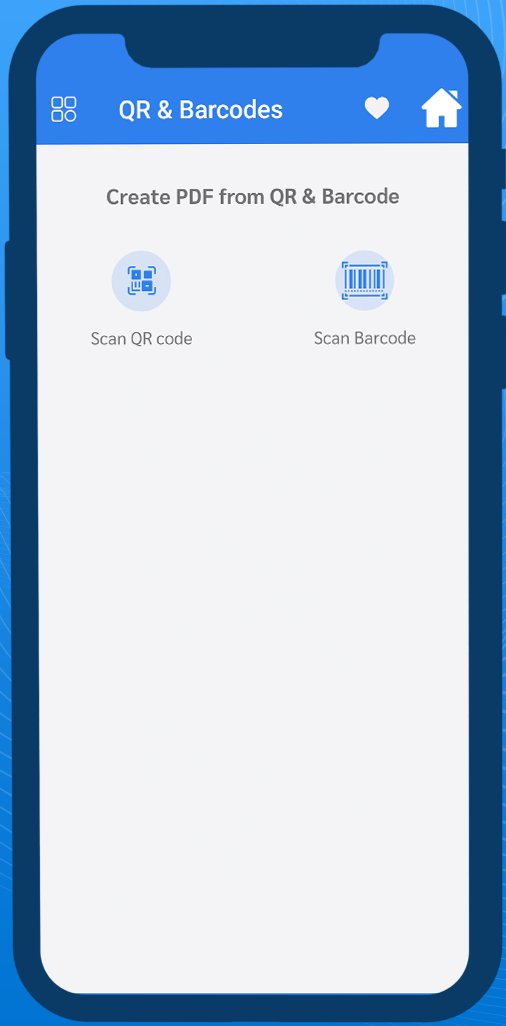
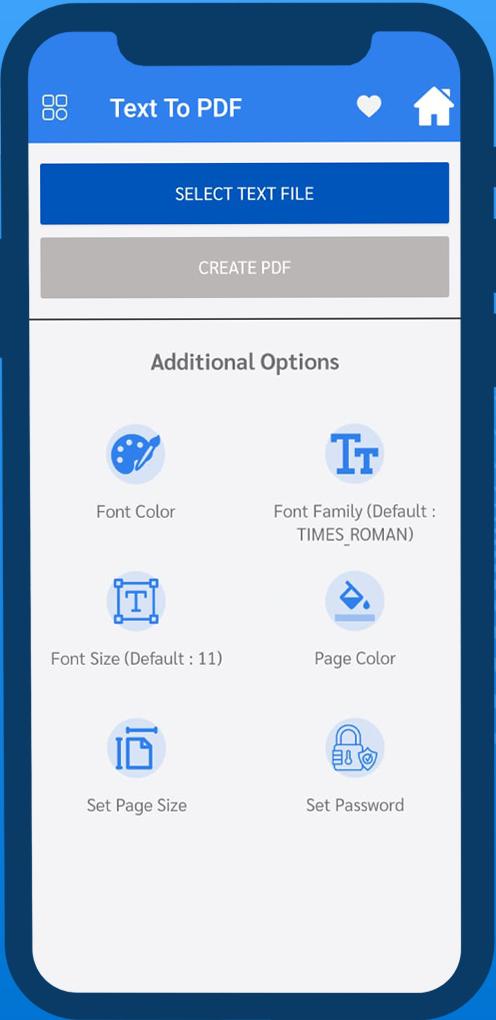
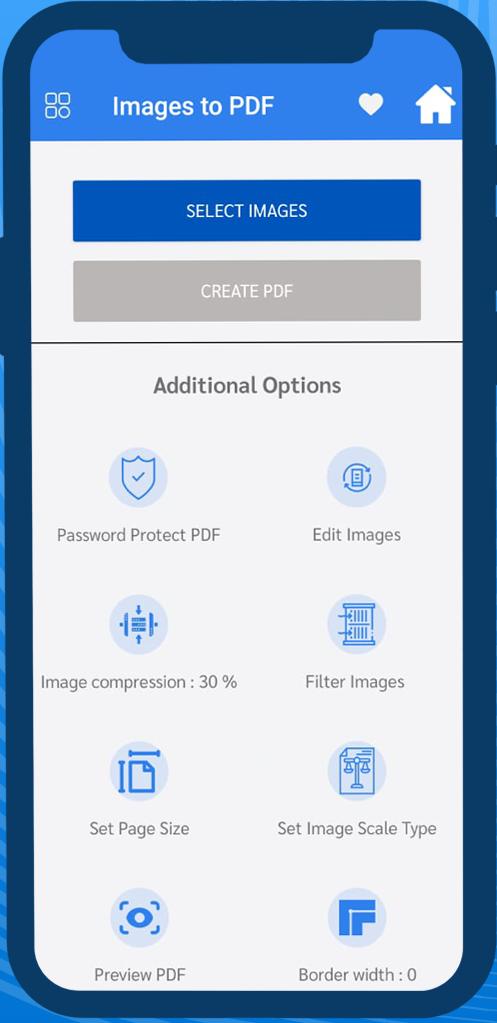
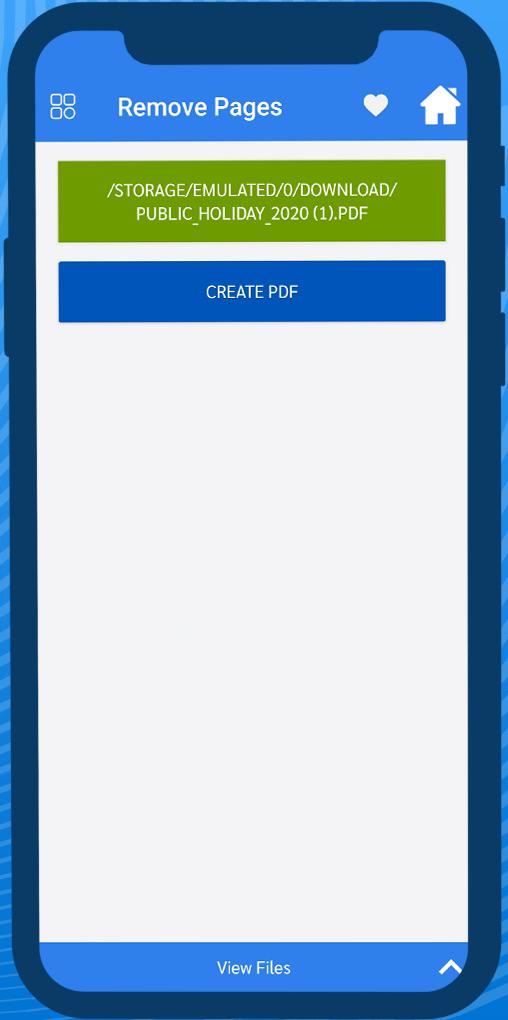
スマートPDFツールアプリは、PDFファイルを操作するための幅広いオプションを提供します。任意のファイル(画像、テキスト、QRまたはバーコード、Excel)をPDFに簡単に変換できる場所。このアプリを使用すると、パスワードの追加または削除、テキストの追加、ページの回転、透かしの追加、PDFドキュメントへの画像の追加を行うことができます。また、PDFファイルをマージ、分割、反転、圧縮することもできます。あなたはあなたの毎日のライフスタイルで使用されるより多くの機能を探索することができます。
もっと見る

最新バージョン 1.0.1 の更新情報

Last updated on 2021-08-04
Smart PDF Tools App offers a wide range of options to work with PDF files. Where you can easily convert any file (Image, Text, QR or Barcodes, Excel) into pdf. With this app, you can add or remove Password, Add Text, Rotate Pages, Add Watermark, Add Images into any PDF document. Also, you can Merge, Split, Invert, Compress PDF files. You can explore more features that are used in your daily lifestyle.
もっと見る

ビデオとスクリーンショット

  • Smart PDF Tools のアンドロイド公式予告
  • Smart PDF Tools スクリーンショット 1
  • Smart PDF Tools スクリーンショット 2
  • Smart PDF Tools スクリーンショット 3
  • Smart PDF Tools スクリーンショット 4
  • Smart PDF Tools スクリーンショット 5
  • Smart PDF Tools スクリーンショット 6
  • Smart PDF Tools スクリーンショット 7

Smart PDF Tools APK 情報

最新バージョン
1.0.1
カテゴリー
仕事効率化
Android OS
Android 5.0+
ファイルサイズ
23.4 MB
コンテンツのレーティング
Everyone
APKPure で安全で高速な APK のダウンロード
APKPure は署名検証を使用して、ウイルスフリーの Smart PDF Tools APK ダウンロードを保証します。

Smart PDF Toolsの旧バージョン

APKPure アイコン

APKPureアプリで超高速かつ安全にダウンロード

Android で XAPK/APK ファイルをワンクリックでインストール!

ダウンロード APKPure
thank icon
We use cookies and other technologies on this website to enhance your user experience.
By clicking any link on this page you are giving your consent to our Privacy Policy and Cookies Policy.
Learn More about Policies