
APKPure で安全で高速な APK のダウンロード
APKPure は署名検証を使用して、ウイルスフリーの Multi Image Downloader APK ダウンロードを保証します。

マルチイメージのダウンローダを使用すると、検索やWeb上の画像をダウンロードすることができます。
Tags: Photo, Pictures, Image, Download, Search Images, Save, Gallery.
Multi Image Downloader is an App that lets you Search and Download Images on the Web.
Set any image from the search as wallpaper of your phone.
Features are :
- Browse Photos from a Large Collection.
- Set current images as wallpaper.
- Use caching so you don't use bandwidth.
- Download of images.
- Share images.
- See a description of the image.
- Link to see the website where was published.
- Download images from any url.
Usage:
1) Search For Images by entering Keyword.
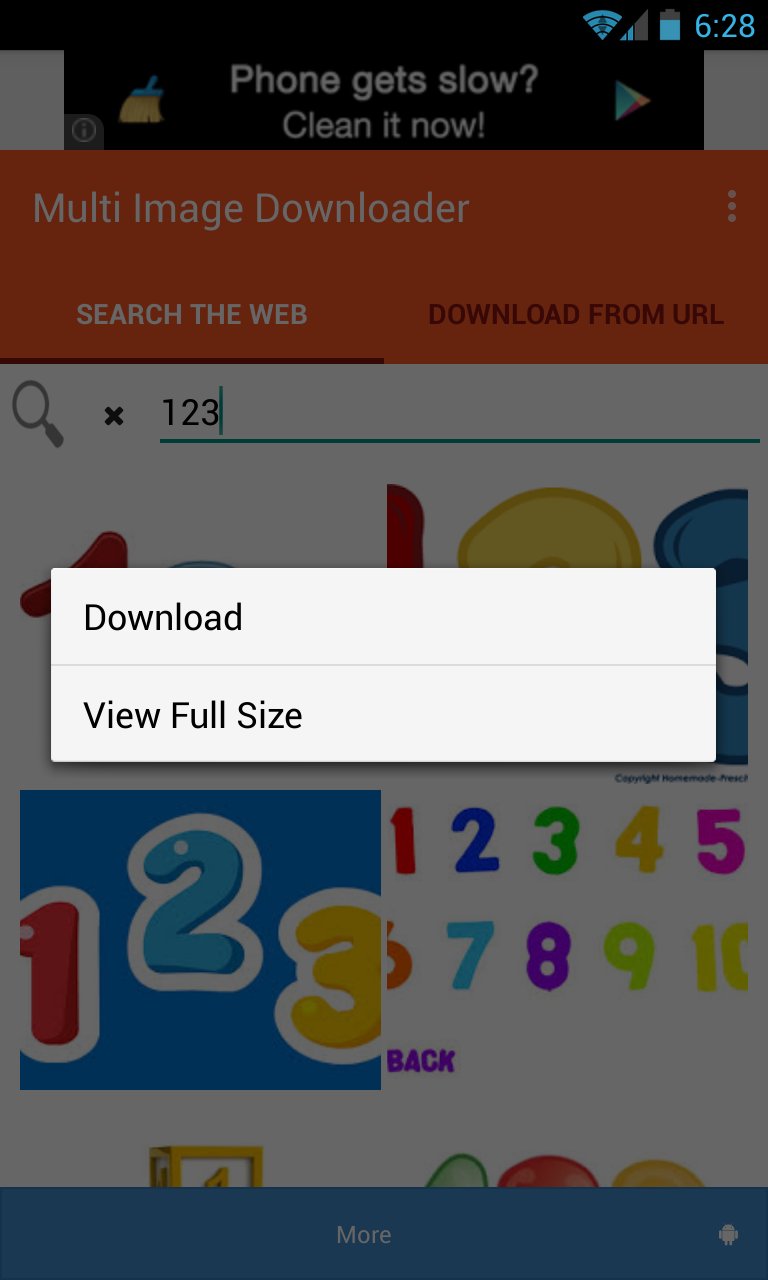
2) Long Click the Image For Context Menu to Download or View Full Size.
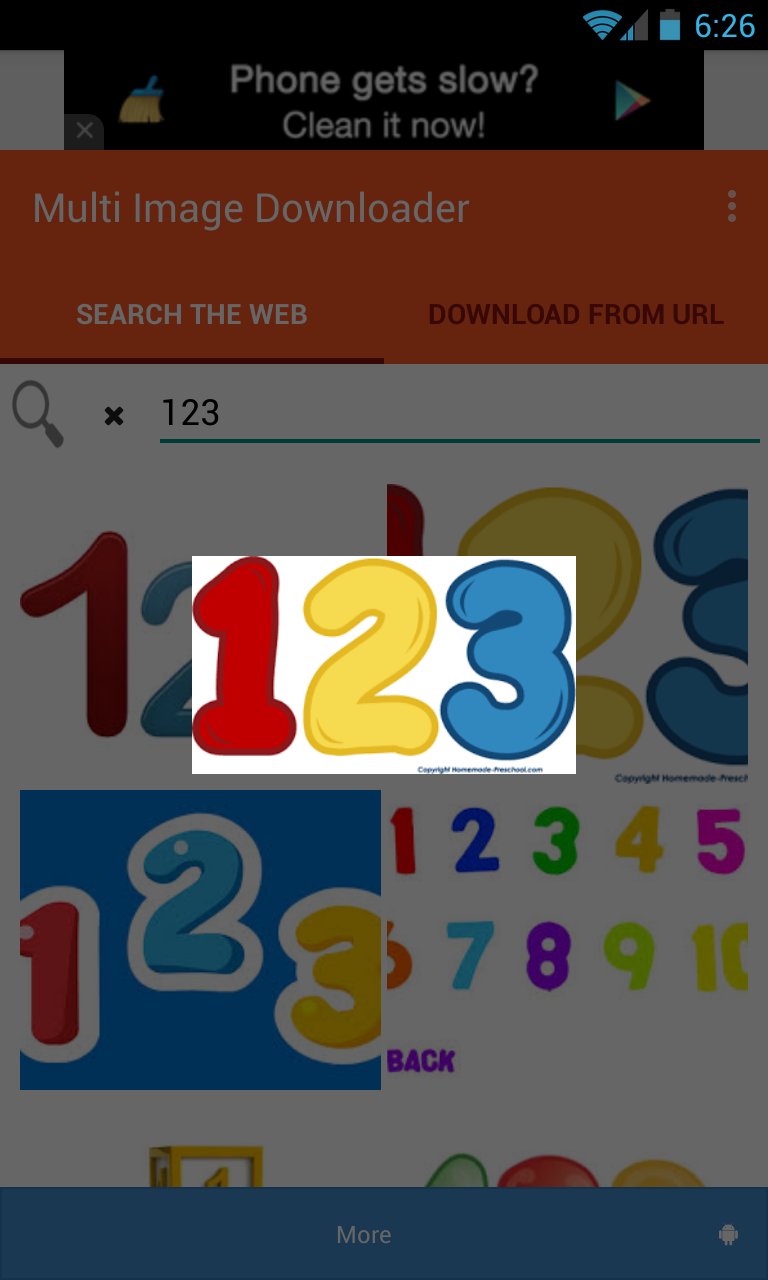
3) Click on the Image to get a Thumbnail Preview.
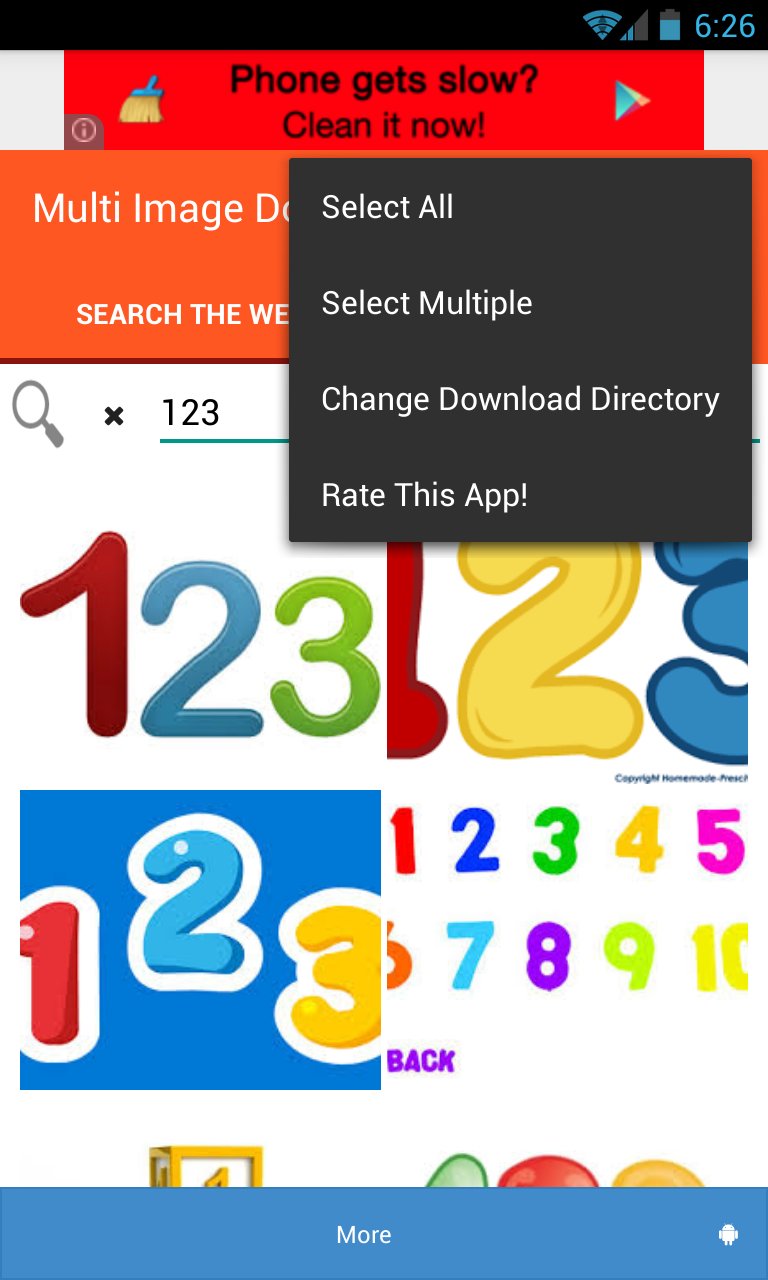
4) Click on Menu for Selecting multiple images or all images or changing download directory.
5) View full size image first and then u can set it as wallpaper.
6) To download images from a url just enter the url and click on load url and then follow same procedure as above.





あなたの評価とフィードバックをありがとう!
すでに評価しました。







