APKPure で安全で高速な APK のダウンロード
APKPure は署名検証を使用して、ウイルスフリーの LCD & AMOLED-Test Pro APK ダウンロードを保証します。

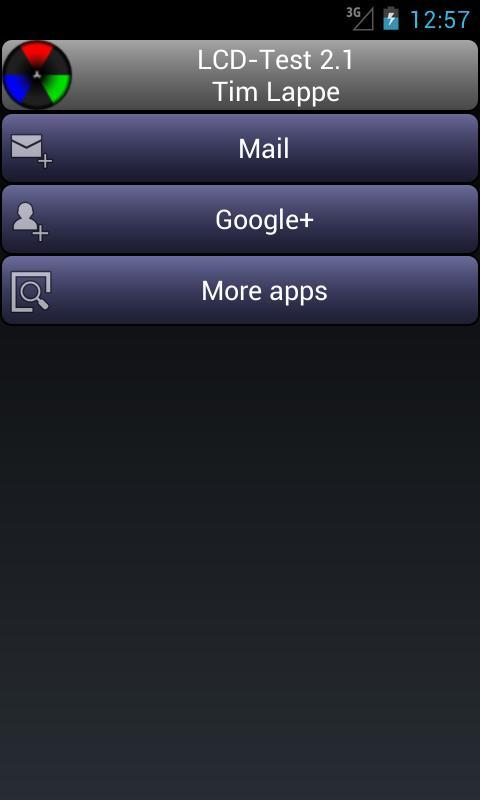
お使いのディスプレイにデッドピクセルとサブピクセルを見つける - 液晶ディスプレイとAMOLED対応
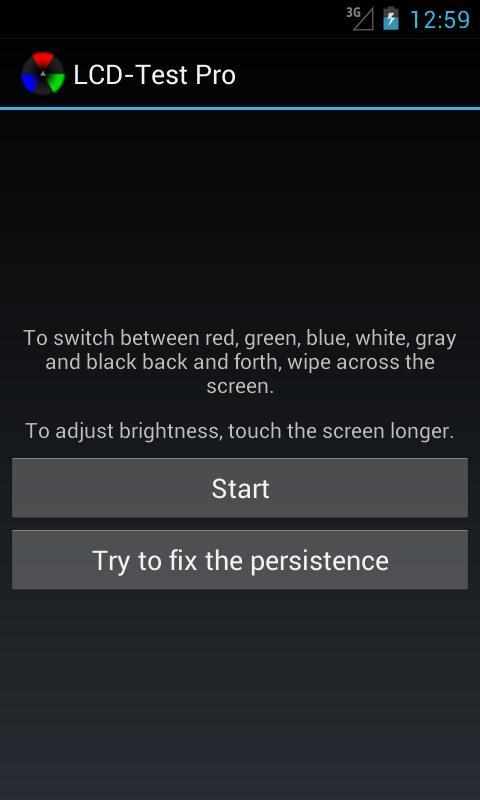
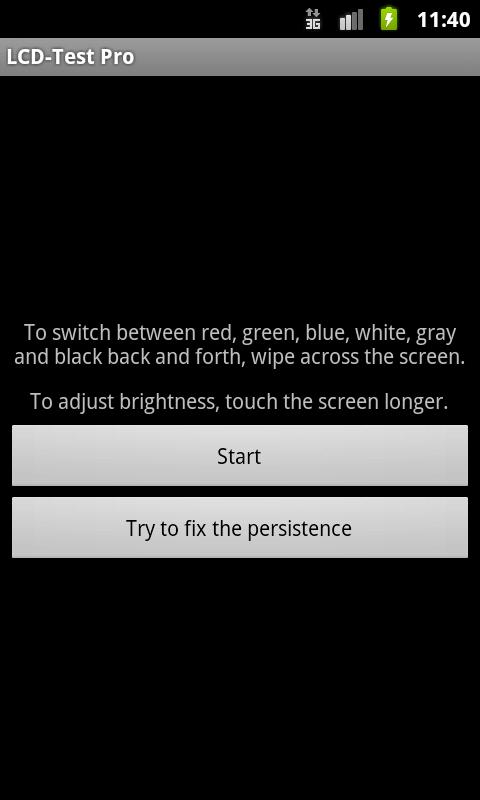
Find dead pixels and sub-pixels on your display.
Try to fix the persistence of dead pixels. Every 15 seconds, the color changed automatically to excite the crystals to move again. CAUTION: This process may take several hours and a fix is not guaranteed. But it's worth a try.
2.0
- 50% gray added
- To switch between colors swipe the screen.
1.2
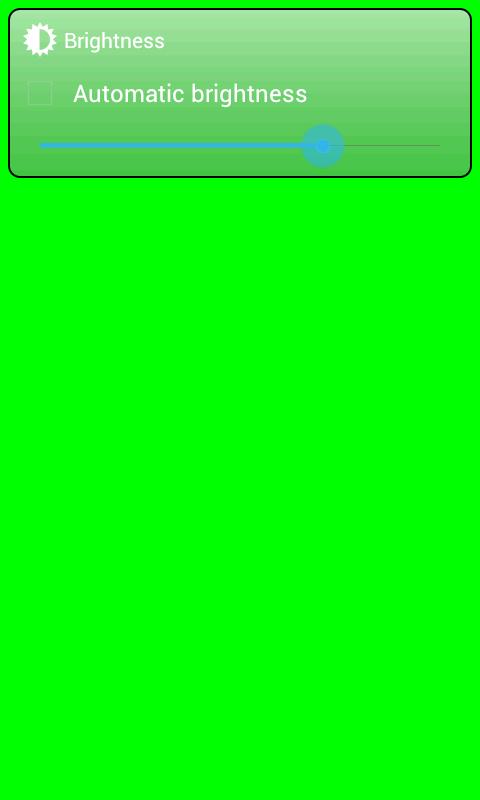
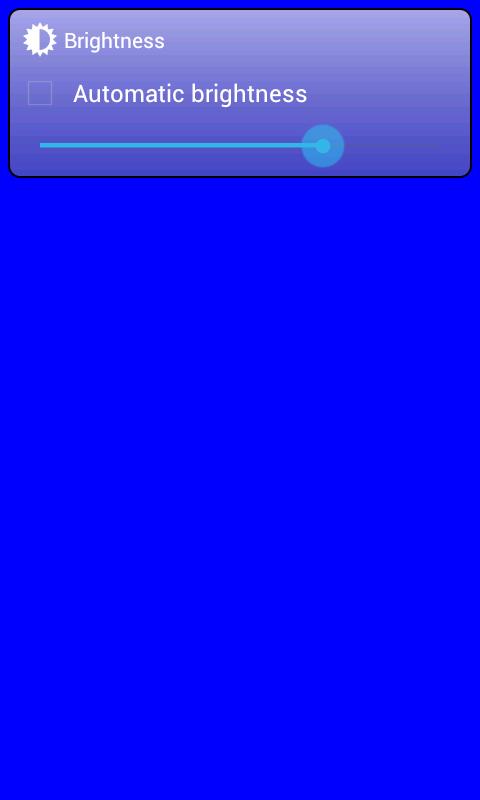
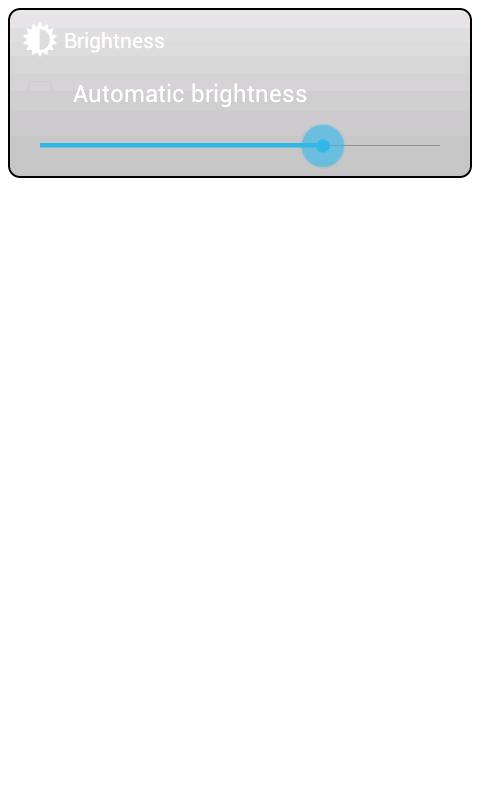
- To inspect your LCD or AMOLED display in an optimal way, you can now adjust the brightness.
- The UI design adapts to your Android release.
1.1
- Fix for ICS (Ice Scream Sandwich): To hide the on screen navigation bar wait a second.



あなたの評価とフィードバックをありがとう!
すでに評価しました。