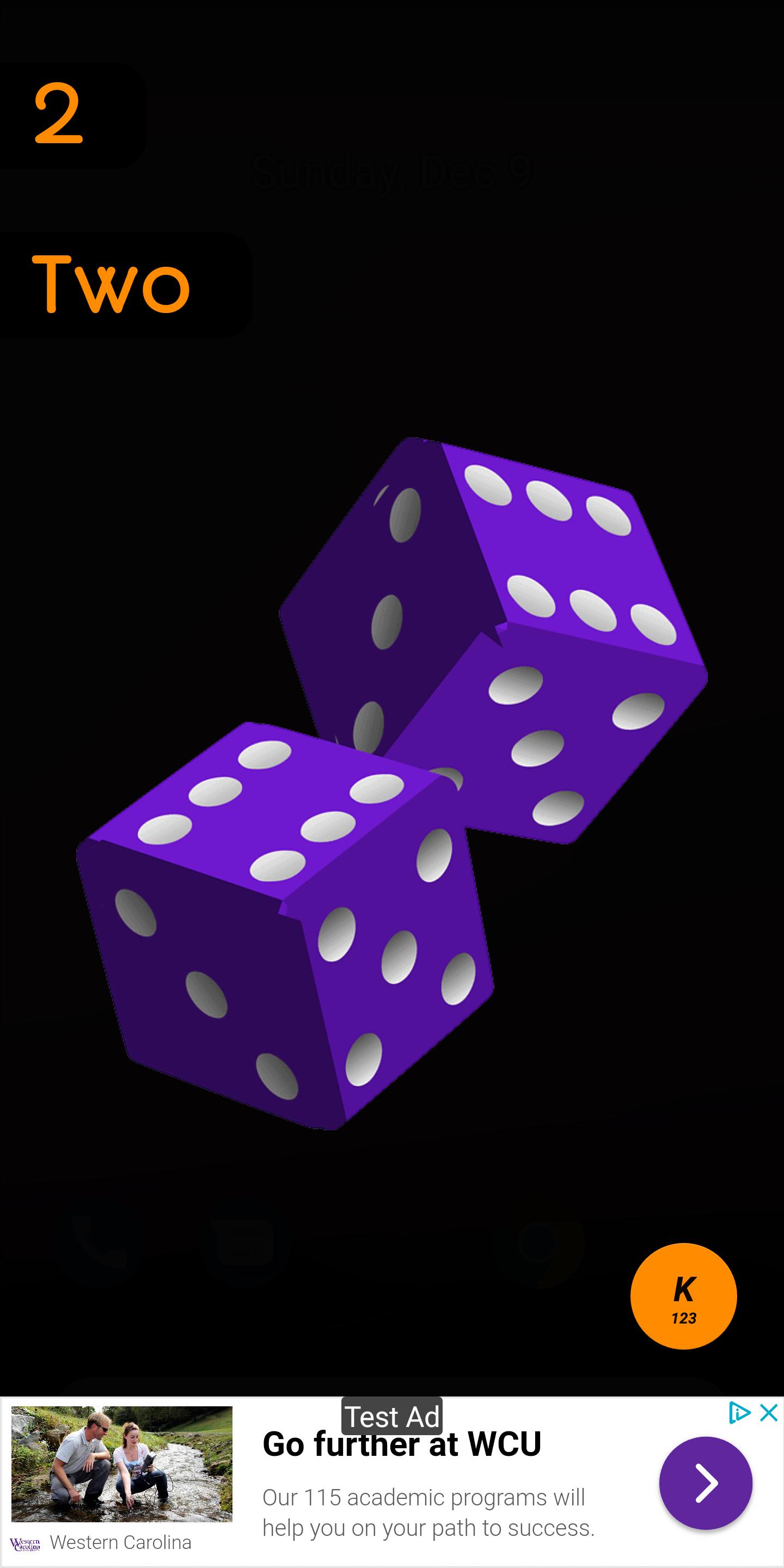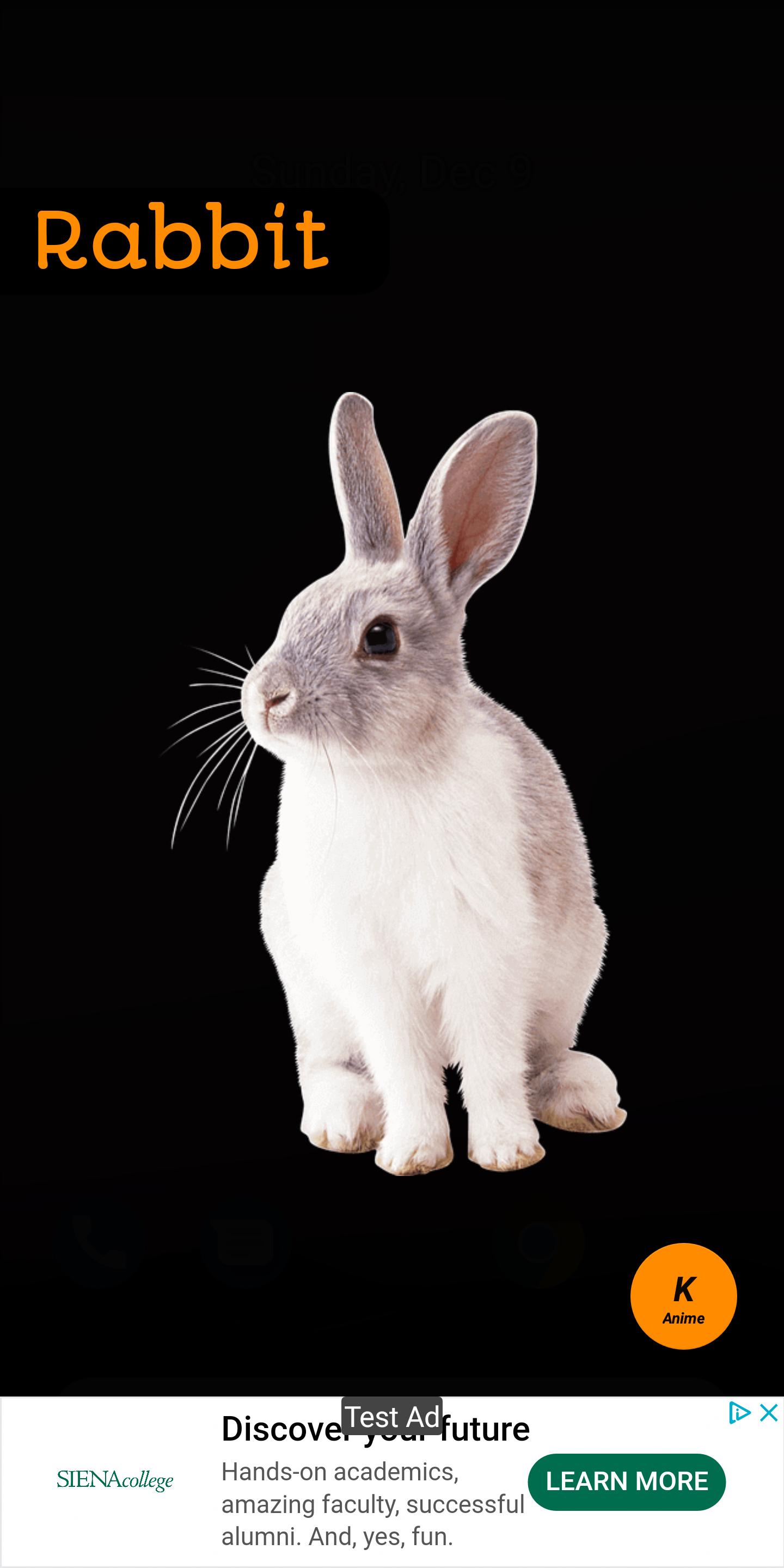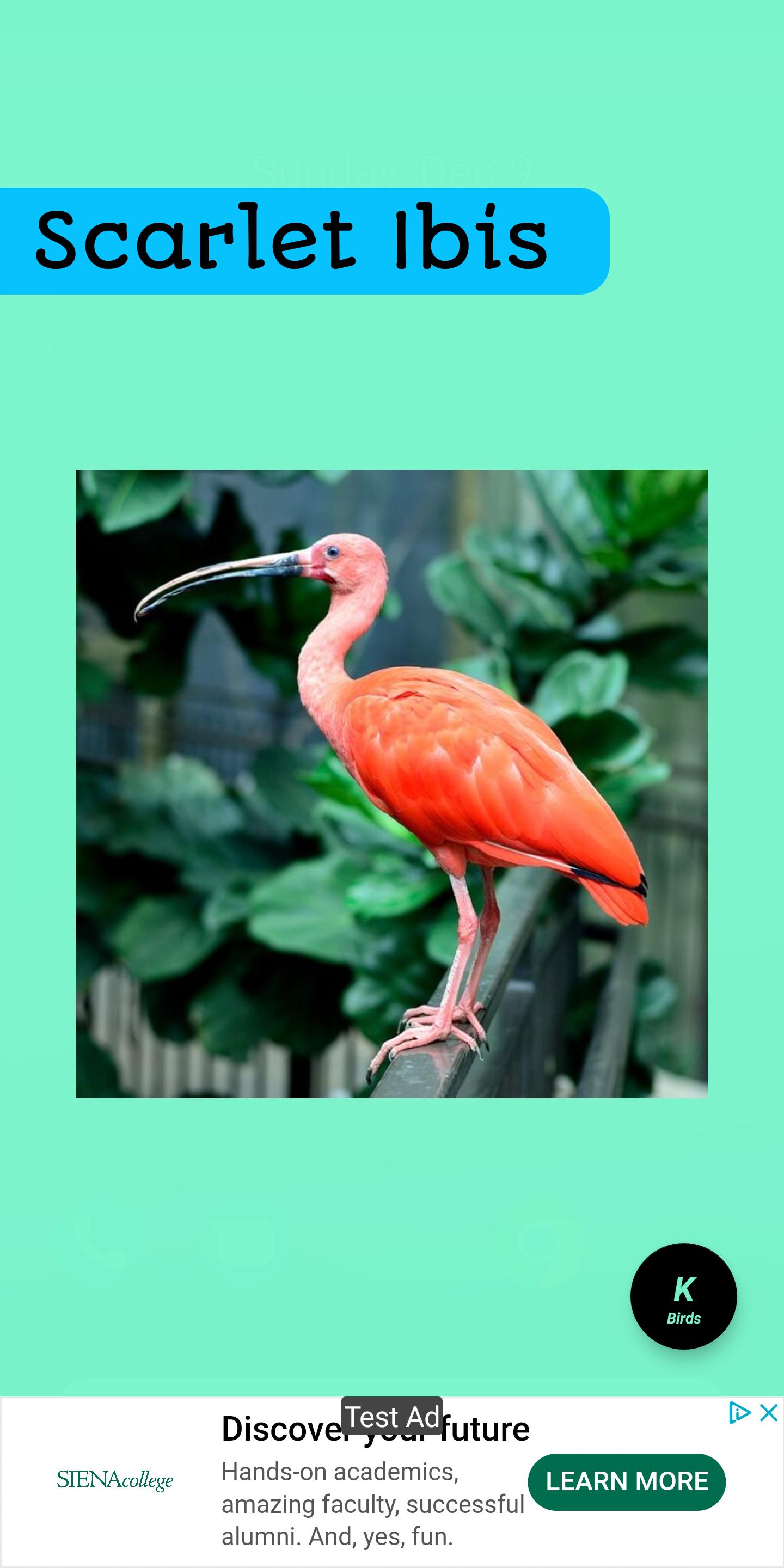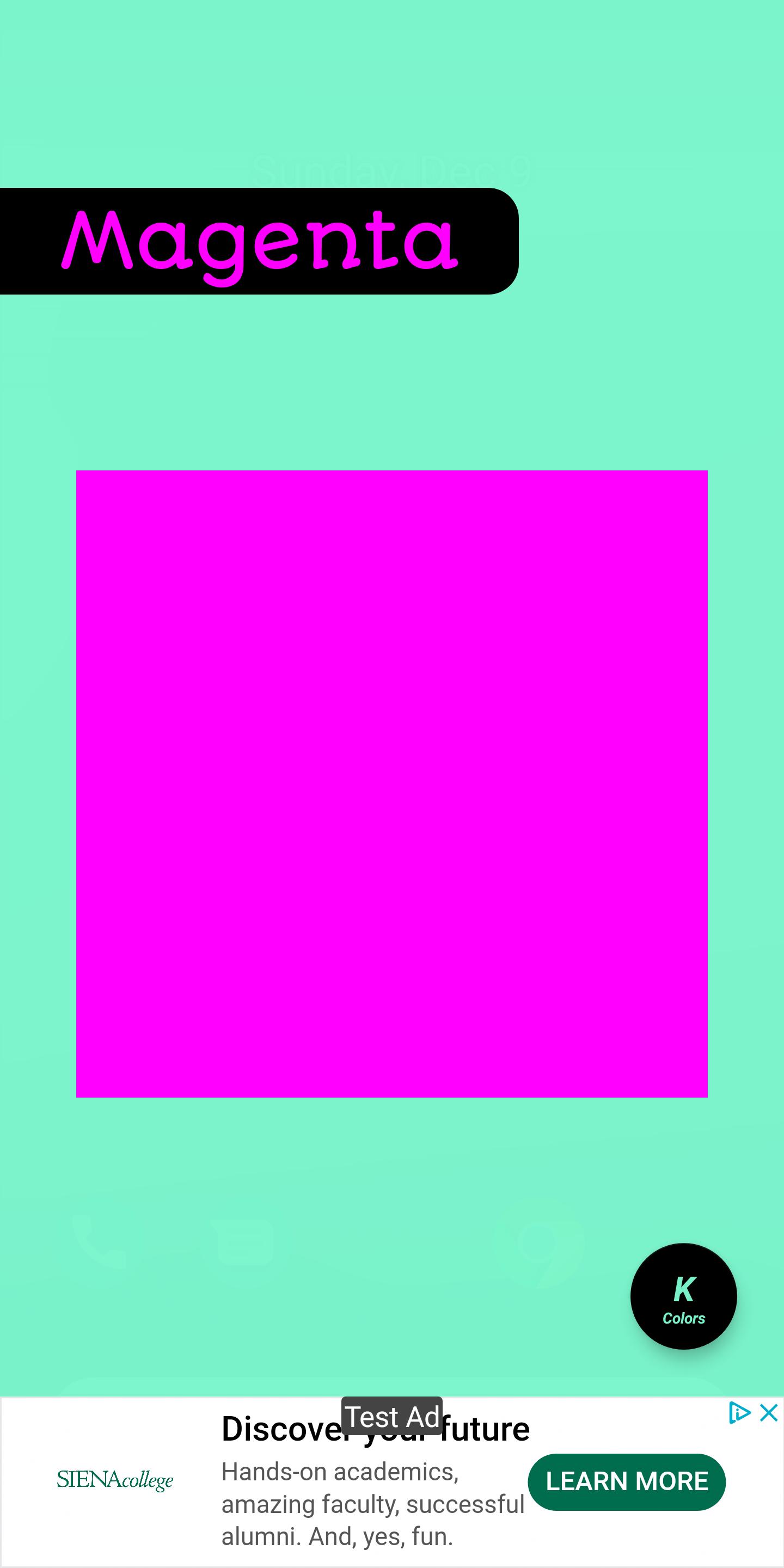
このKiddiesについて
アルファベット、動物、果物、色、形&より多くの - 子供は学習プログラム。
特徴
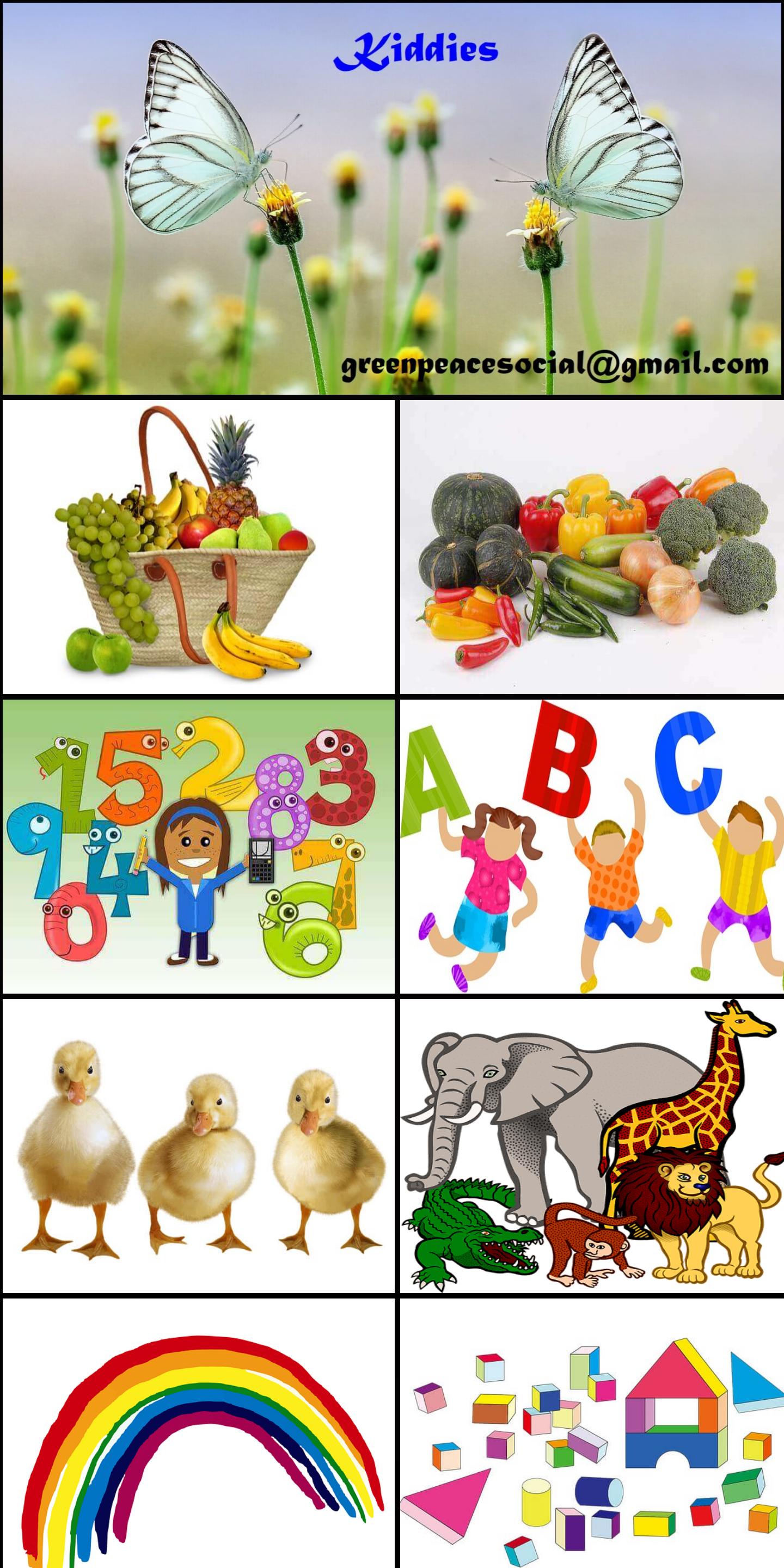
1.これらすべてのアルファベット、数字、果物、野菜、鳥、動物、色、形、驚異、スライドショー
2. 200以上のオブジェクト-ほとんどすべてがリアルで、漫画が少ない!
3.インタラクティブおよび非インタラクティブ(別名スライドショー/実行)モードの音声
4.インタラクティブモードでの単語のスペル
5.フットプリントが小さい-このアプリに必要なスペースはごくわずかです
6.特別な許可は必要ありません-より安全なインターネットを意味します
ユーザーガイド:
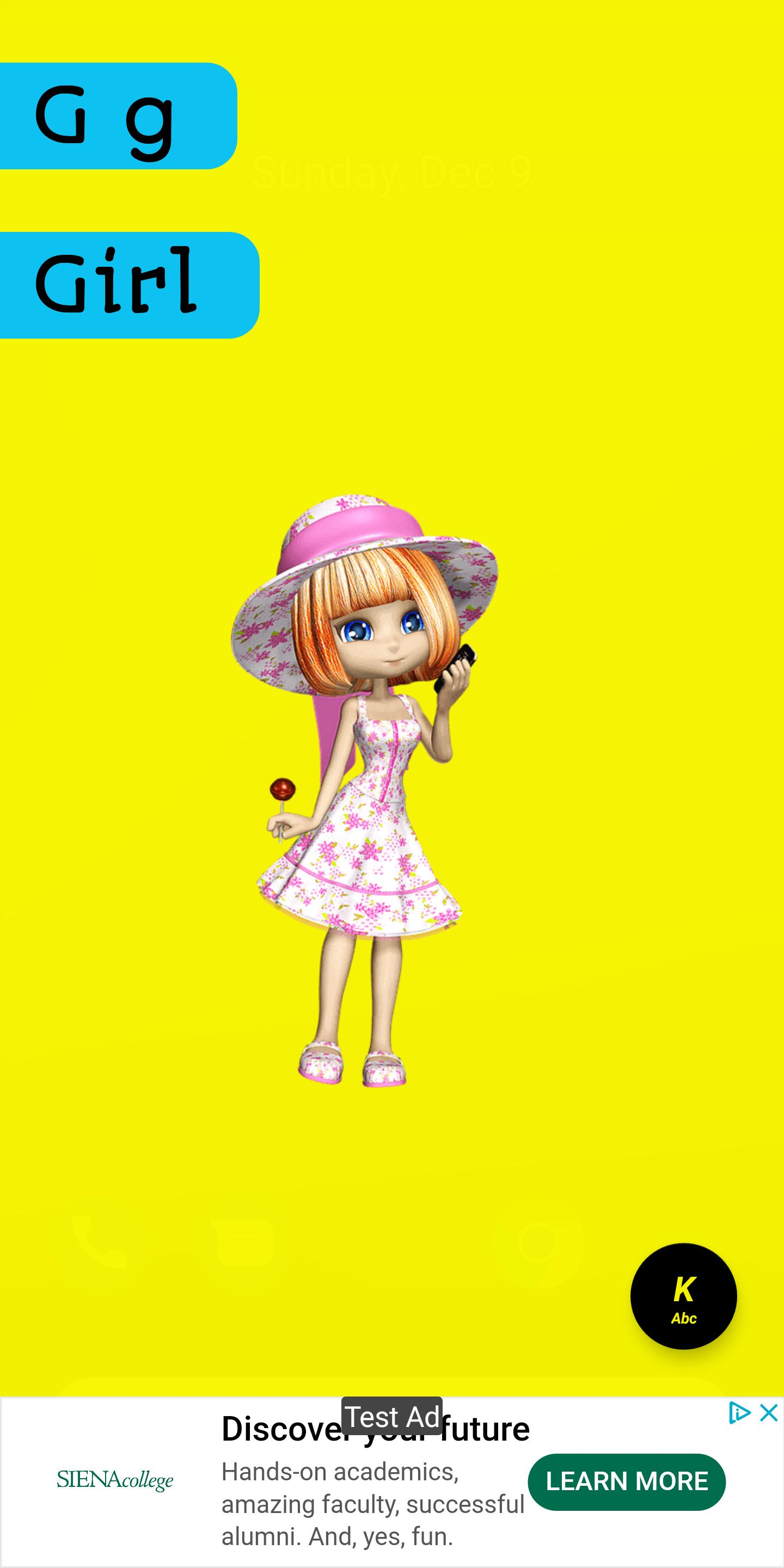
1.タッチ/タップして、画面に表示される各アイテム(テキストまたは画像)の音声を聞きます。
1a。音声が聞こえない場合(米国英語)、音量がミュートになっていないことを確認してください。
2.次のアイテムのために左にスワイプします。
3.前のアイテムを右にスワイプします。
4.「K」ボタンを押してホーム画面に移動します。
5.「K」ボタンを長押しして、アプリを終了します。
アプリを改善するために建設的なコメントを送信してください@ greenpeacesocial@gmail.com
最新バージョン 20181209 の更新情報
Last updated on 2019-06-03
Version: 20181209
Added features:
1. UI Enhancements
2. Loads of options to tweak n play.
3. Bug fixes
4. New cards
User Guide:
1. Touch/Tap to hear voice for each item(Text or Picture) displayed on screen.
1a. If you don't hear voice (US English), check the volume isn't mute.
2. Swipe left for next item.
3. Swipe Right for previous item.
4. Press "K" button to go home screen.
5. Long press "K" button to exit app.
Kiddiesの旧バージョン
14.2 MB2019年06月03日