
Package Name:exo.vpn.app
Show More

VPN for Android with one-tap connection and simple connection controls
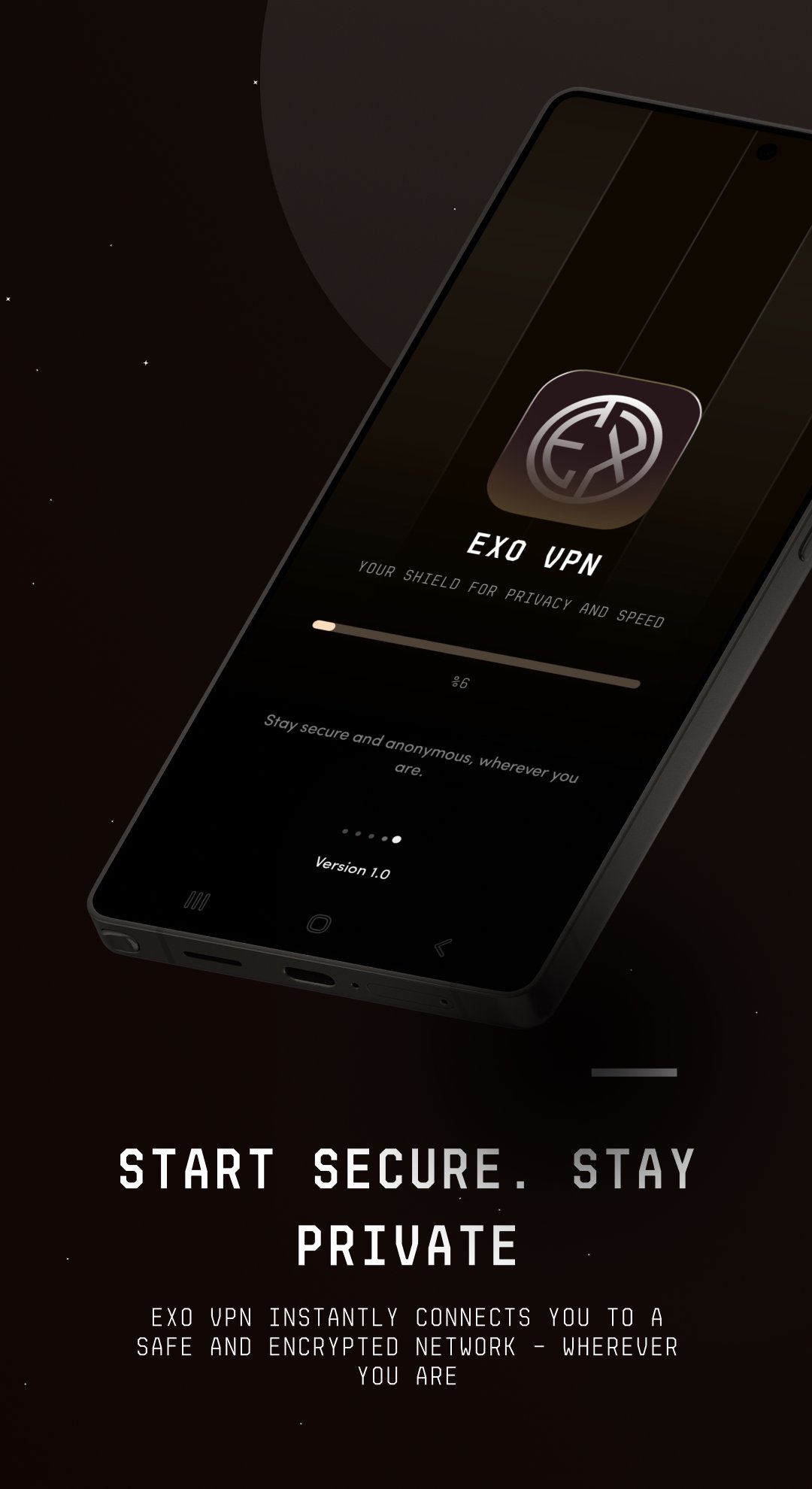
Exo VPN is a VPN app for compatible Android devices. Start a VPN connection, view its status and disconnect from within the app. The interface also provides access to the connection locations currently available in the app.
App features
• Start and stop a connection from the main screen
• View connecting, connected and disconnected states
• Select a connection location from the available list
• Change the interface language from the app menu
• Access support and privacy information
Getting started
1. Install Exo VPN from Google Play and open the app.
2. Select an available location if needed.
3. Tap the connect button. On your first connection, Android may ask you to allow a VPN connection. Check the app name and accept the request.
4. Check the connection status in Exo VPN. Use the app's connection control when you want to disconnect.
How the VPN works
Exo VPN uses Android's VpnService to create a VPN tunnel between your device and a VPN server. The tunnel connection is encrypted from your device to the VPN endpoint. This service supports the app's core VPN connection functionality.
Using your network
An active internet connection is required. Connection speed and availability depend on your internet connection, network conditions, the selected location and service availability.
If a connection cannot be established, check that your device has internet access. Review any other active VPN connection and then try Exo VPN again. Results may differ between Wi-Fi and mobile data. If the issue continues, send your device model, Android version and a description of the problem to support.
Device compatibility
Check installation availability on the Google Play page using the device you plan to use. App compatibility depends on the Android version and device specifications.
Privacy and support
This app contains ads. Read the Data safety section on Google Play and the Exo VPN privacy policy for information about data use and sharing.
https://exovpn.net/privacy/
Support
contact@exovpn.net



One-click to install XAPK/APK files on Android!

Thanks for your rating and feedback!
You have already rated.