
APKPure で安全で高速な APK のダウンロード
APKPure は署名検証を使用して、ウイルスフリーの All Data Up APK ダウンロードを保証します。

All in one Data Up Saver Images & Videos
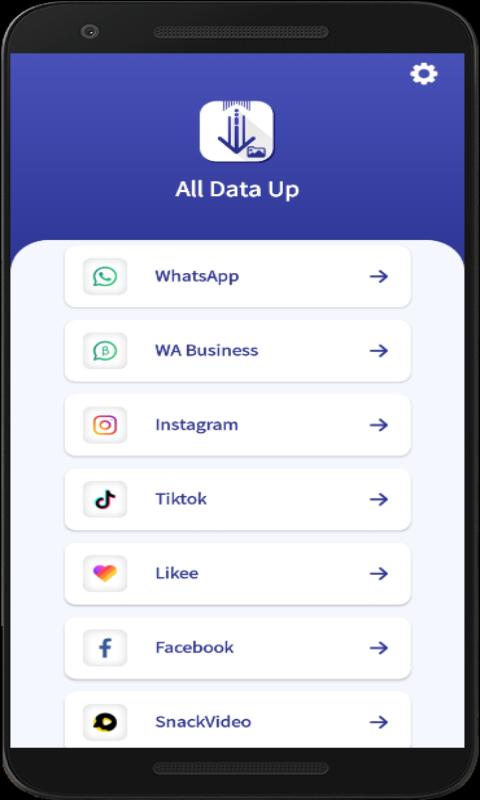
All in one Data Up Saver Pro- Whatsapp, WA Business, Facebook, Instagram, TikTok,Twitter, Likee&More
Features:
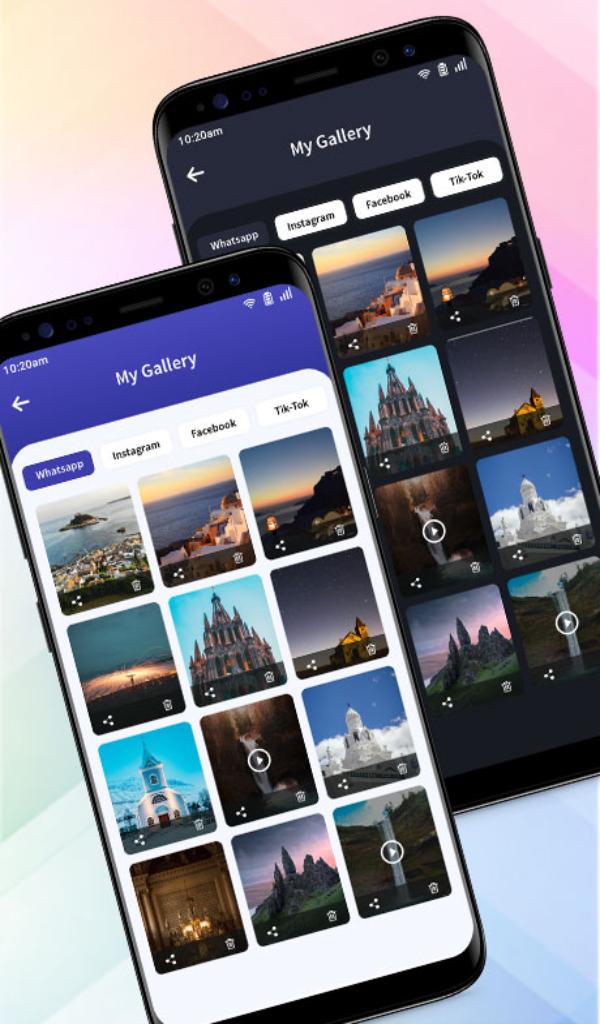
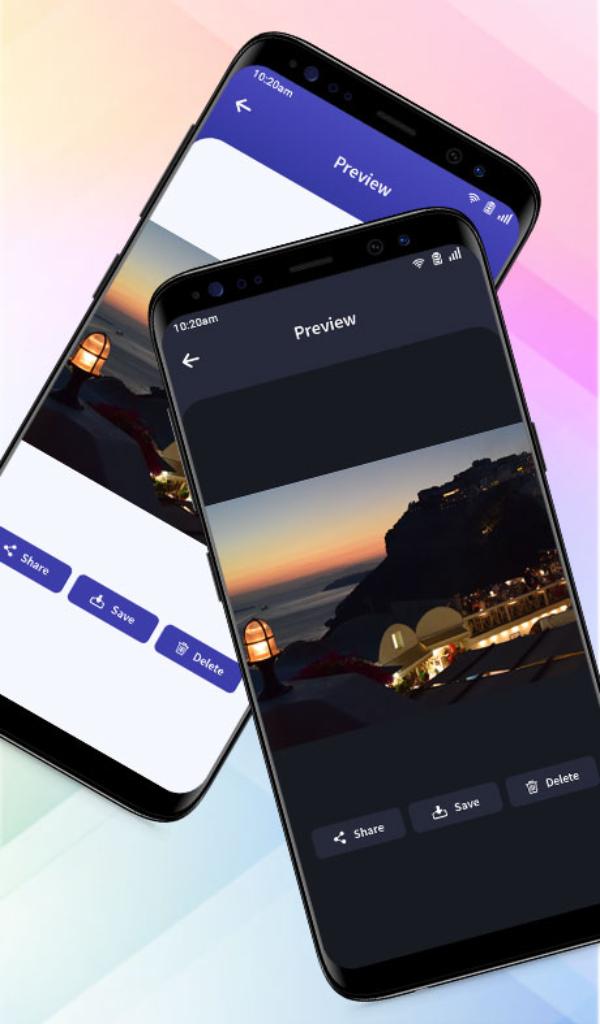
✔️ Light & Dark Mode Available
✔️ Inbuilt video player
✔️ Instagram all media saver(Images & Videos)
✔️ Whatsapp status saver
✔️ Whatsapp Business Status Saver
✔️ Video downloader for Facebook
✔️ Video downloader for TikTok without watermark
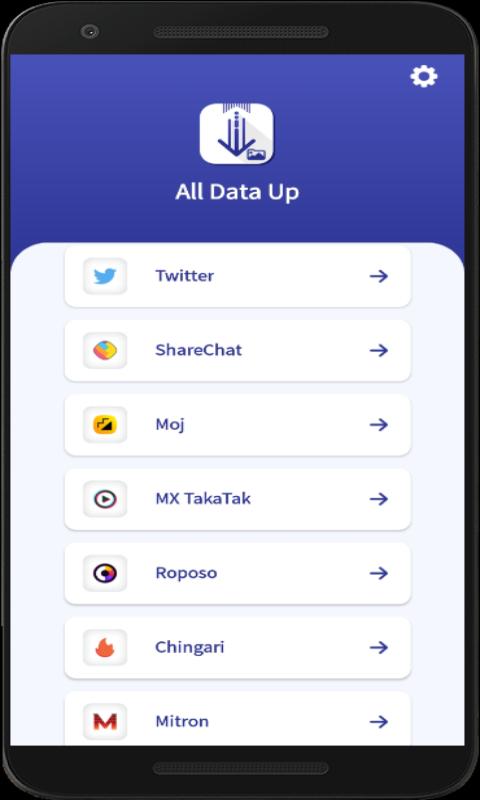
✔️ Video downloader for Twitter
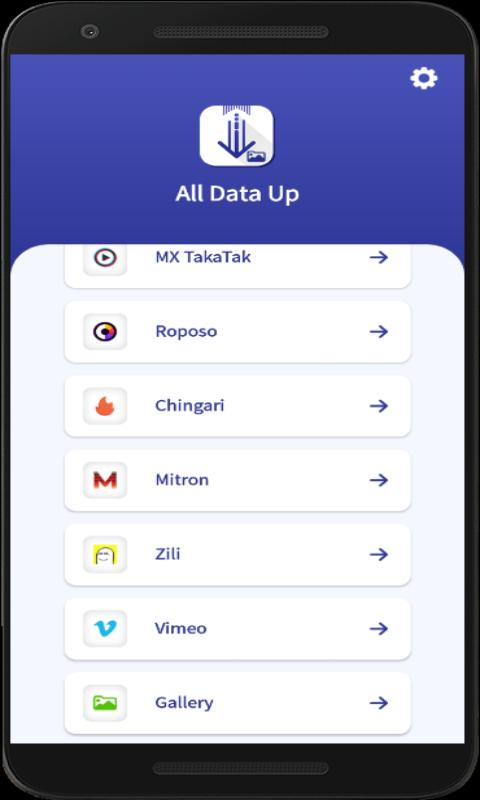
✔️ Video downloader for Vimeo
✔️ Video downloader for Likee without watermark
✔️ Video downloader for ShareChat without watermark
✔️ Video downloader for SnackVideo without watermark
✔️ Video downloader for Moj without watermark
✔️ Video downloader for MX TakaTak without watermark
✔️ Video downloader for Roposo without watermark
✔️ Video downloader for Chingari without watermark
✔️ Video downloader for Zili without watermark
✔️ Video downloader for Mitron without watermark
✔️ My Gallery for view, delete & share all downloaded media
How To Use App For Whatsapp & Whatsapp Business
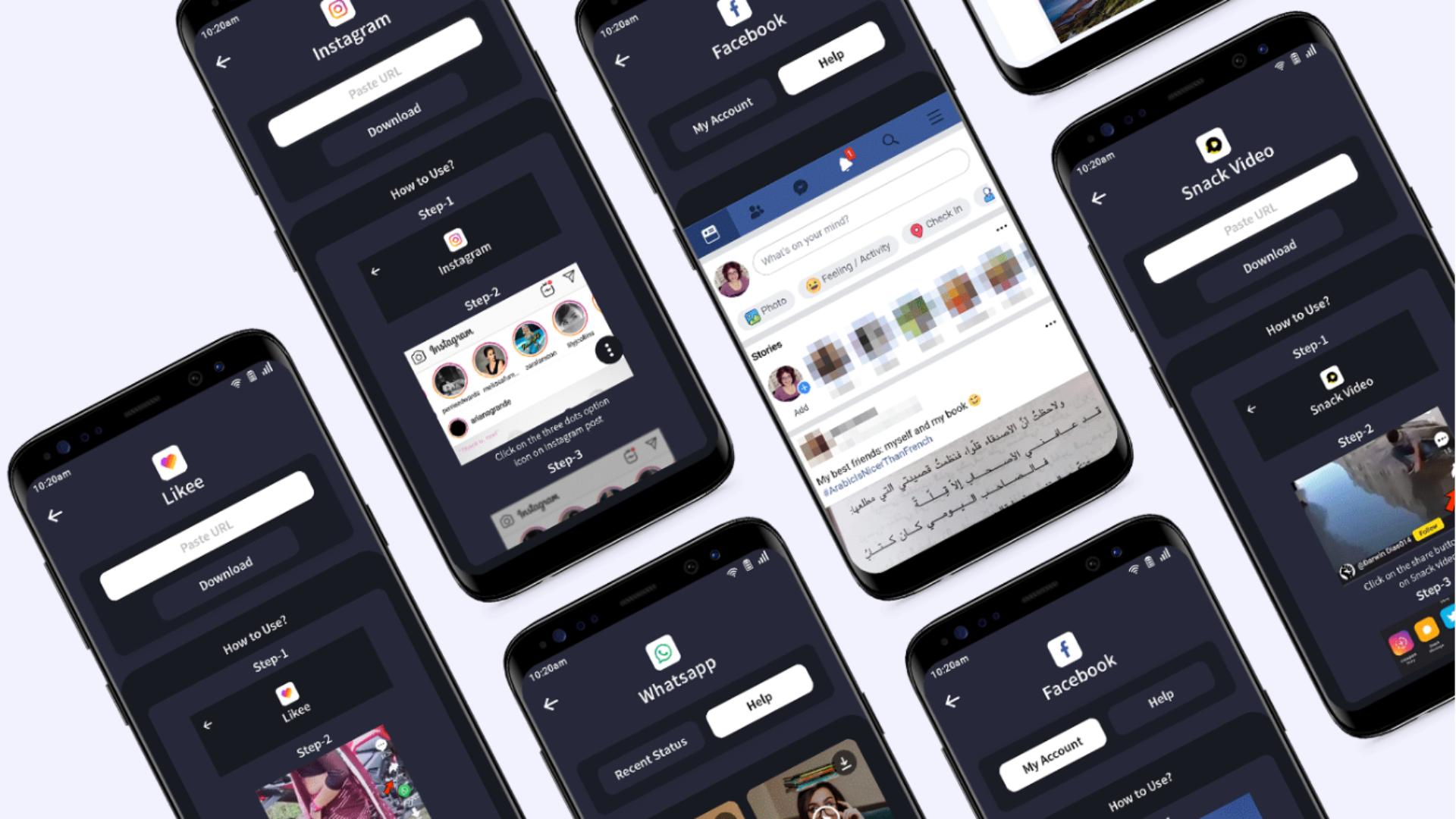
Step 1 : Open this app & Click on Whatsapps button for open Whatsapps or WA Business
Step 2 : Watch Status from WhatsApps or WA Business
Step 3 : Come Back to this app & Click on WhatsApps or WA Business button. It’s display all image or video status in recent status tab. Then click on the status. It’s display and click on Download Button for save status.
Step 4 : The Image and Video status is instantly saved to your gallery and click on save status button for view all downloaded status.
How To Use App For Instagram
Step 1: Open the Instagram app
Step 2: Click three dots icon of post’s top right corner and click Copy Share URL or Copy Link option
Step 3: Open this app and paste link in textbox.
Step 4: Click on Download button.
How To Use App For Facebook
Step 1: Open This App & login with your fb accont in “my account” tab, In my account tab display fb videos thumb, if you have to play or download video you have to click on video
Step 2 : click on any fb video
Step 3: click on download
How To Use App For Tiktok, SnackVideo, Likee & ShareChat
Step 1: Open Tiktok, SnackVideo, Likee or ShareChat from this app
Step 2: Click on share icon and click on Copy Link option
Step 3: Open this app paste link
Step 4: Click on Download button
How To Use App For Twitter
Step 1: Open Tiktok from this app.
Step 2: Click on the share button icon on Twitter video & Click on ‘Copy link to Tweet’ option.
Step 3: Open this app paste link
Step 4: Click on Download button
How To Use App For Vimeo
Step 1: Open Vimeo from this app.
Step 2: Click on the menu button icon then click on share button icon on Vimeo video & Click on ‘Copy’ option.
Step 3: Open this app paste link.
Step 4: Click on Download button.
need help: contact us: contact@itaouri.com



あなたの評価とフィードバックをありがとう!
すでに評価しました。