Package Name:mobi.infolife.itag
Show More


8.6
7 Reviews
9.5 MB
File Size
Everyone
Android 8.0+
Android OS
Edit MP3, FLAC, M4A & OGG tags, add album art, and fix garbled song titles.
Keep your local music library clean, organized, and easy to browse. iTag is a music tag editor for audio files stored on your phone, built to fix missing album art, messy metadata, and unreadable song titles.
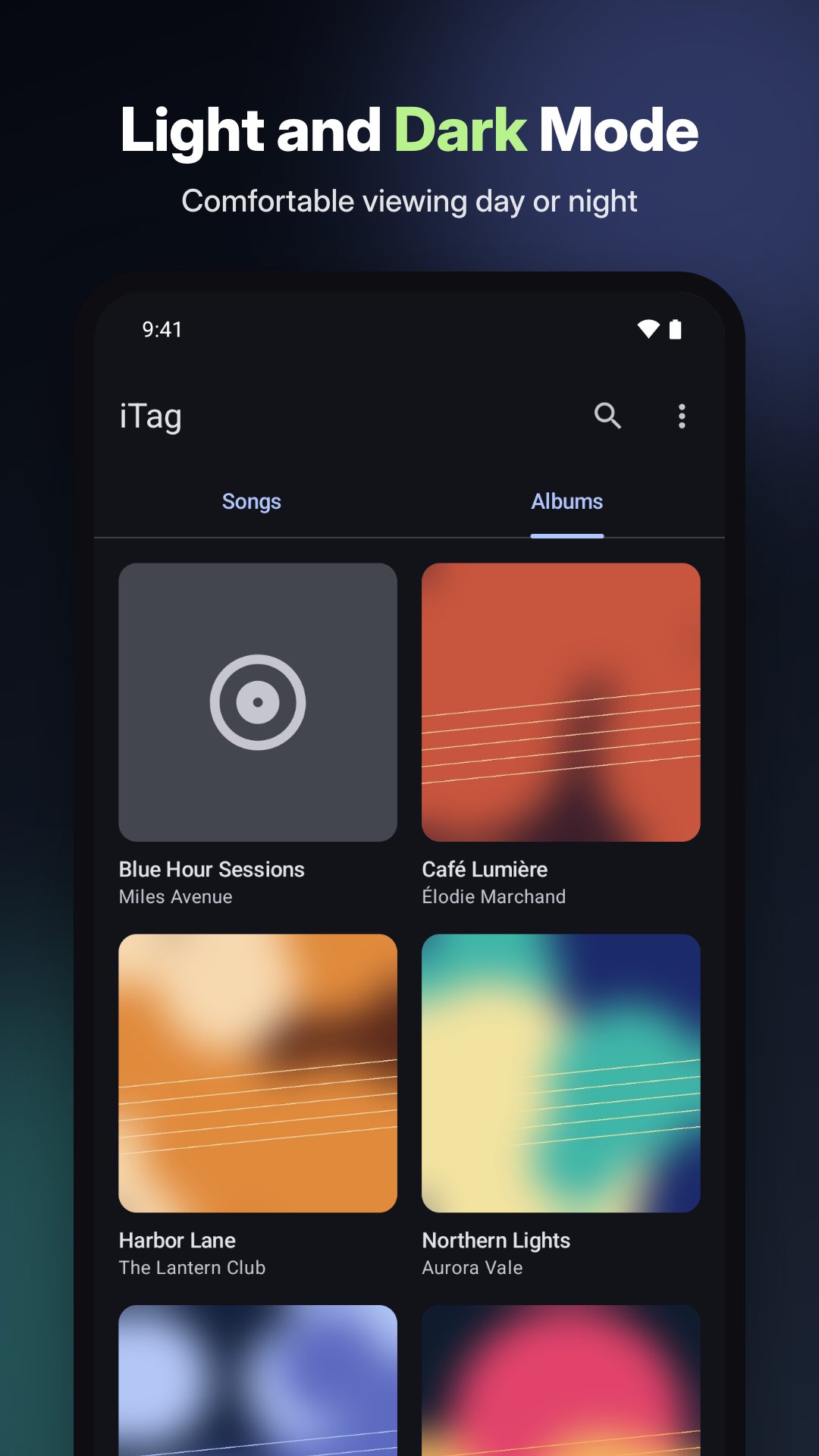
First launched in 2009 and completely rebuilt by the original team, iTag brings a clean modern interface with light and dark themes to your audio collection.
Edit song metadata with precision
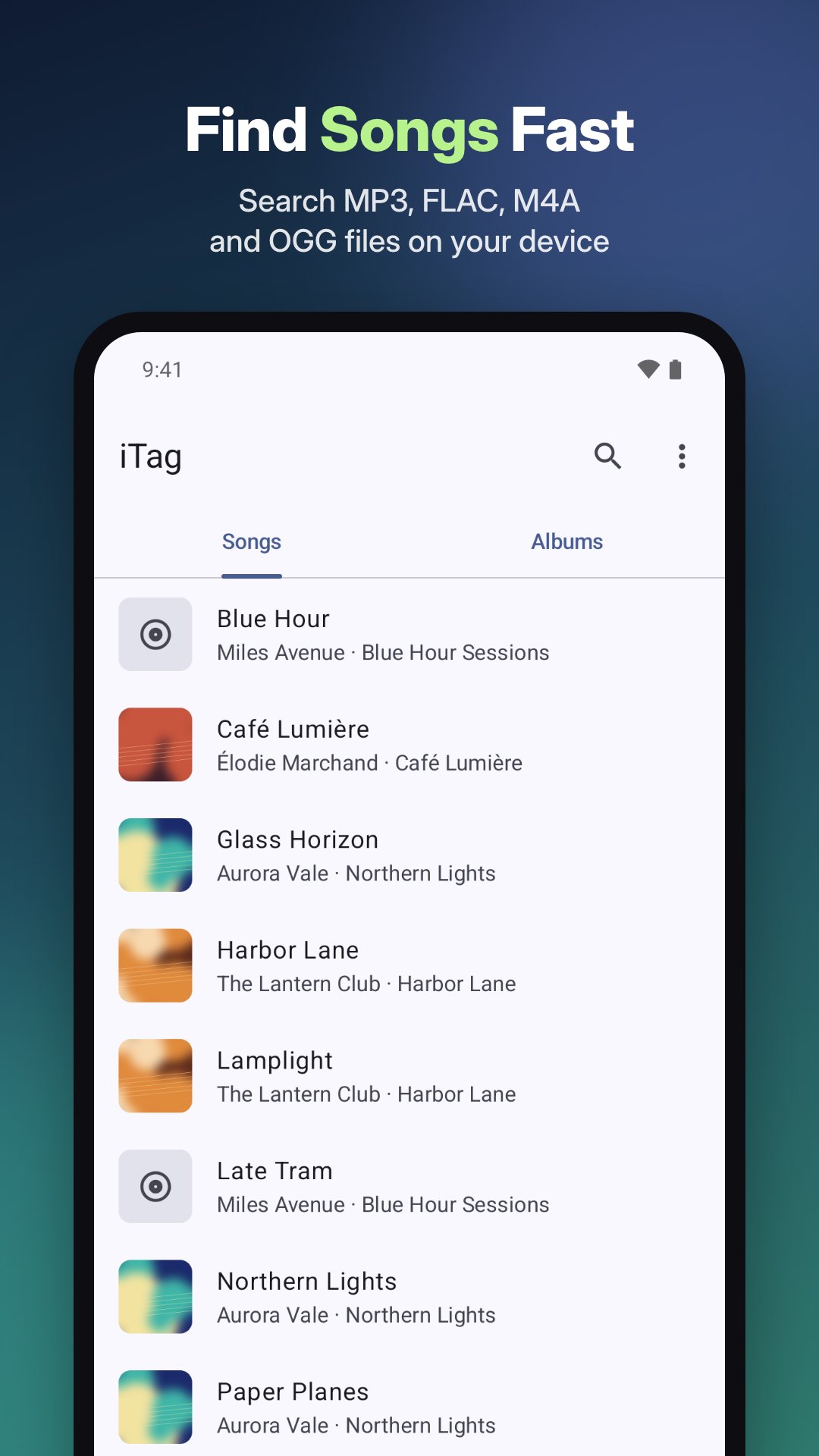
Browse your library by song or album, or search by title, artist, or album name. Open any track to update its tags:
• Title, artist, album, and album artist
• Genre, year, and comment
• Track number, track total, and disc number
• Full editing support for MP3, FLAC, M4A, and OGG files (other formats can be viewed)
• Safe saving: only the fields you edit are updated, and your audio data is never touched
Add or replace album covers
Give every album in your player the right artwork:
• Search online for album covers by artist and album name and pick from the results
• Choose an image stored on your phone, or remove an existing cover
• Use the batch tool to find missing covers across your library and save your choices in one go
Fix garbled tags in bulk
Older music files often show up as unreadable symbols in music players, computers, and car stereos because their tags were saved in legacy regional encodings. iTag detects and repairs them:
• Scans for tags written in Simplified Chinese (GBK), Traditional Chinese (Big5), Japanese (Shift_JIS), Korean (EUC-KR), and Western (Windows-1252)
• Shows a clear before-and-after preview before anything is changed
• Lets you choose the right reading when a tag can be decoded in more than one way, with a preference setting for your default encoding
• Rewrites all selected songs into standard Unicode at once so every player and device reads them properly
Simple and straightforward
• No accounts and no in-app purchases
• Your music files stay on your device; only album and artist names are sent when you search for covers online
• Uses standard Android file permissions, asking for confirmation before modifying files on newer Android versions (supports Android 8.0 and up)
• Interface available in English, Simplified Chinese, and Traditional Chinese



One-click to install XAPK/APK files on Android!

Thanks for your rating and feedback!
You have already rated.