









Grazie per la tua valutazione e feedback!
Hai già valutato.

Trasmetti video, mirroring dello schermo e telecomando per tutte le Smart TV
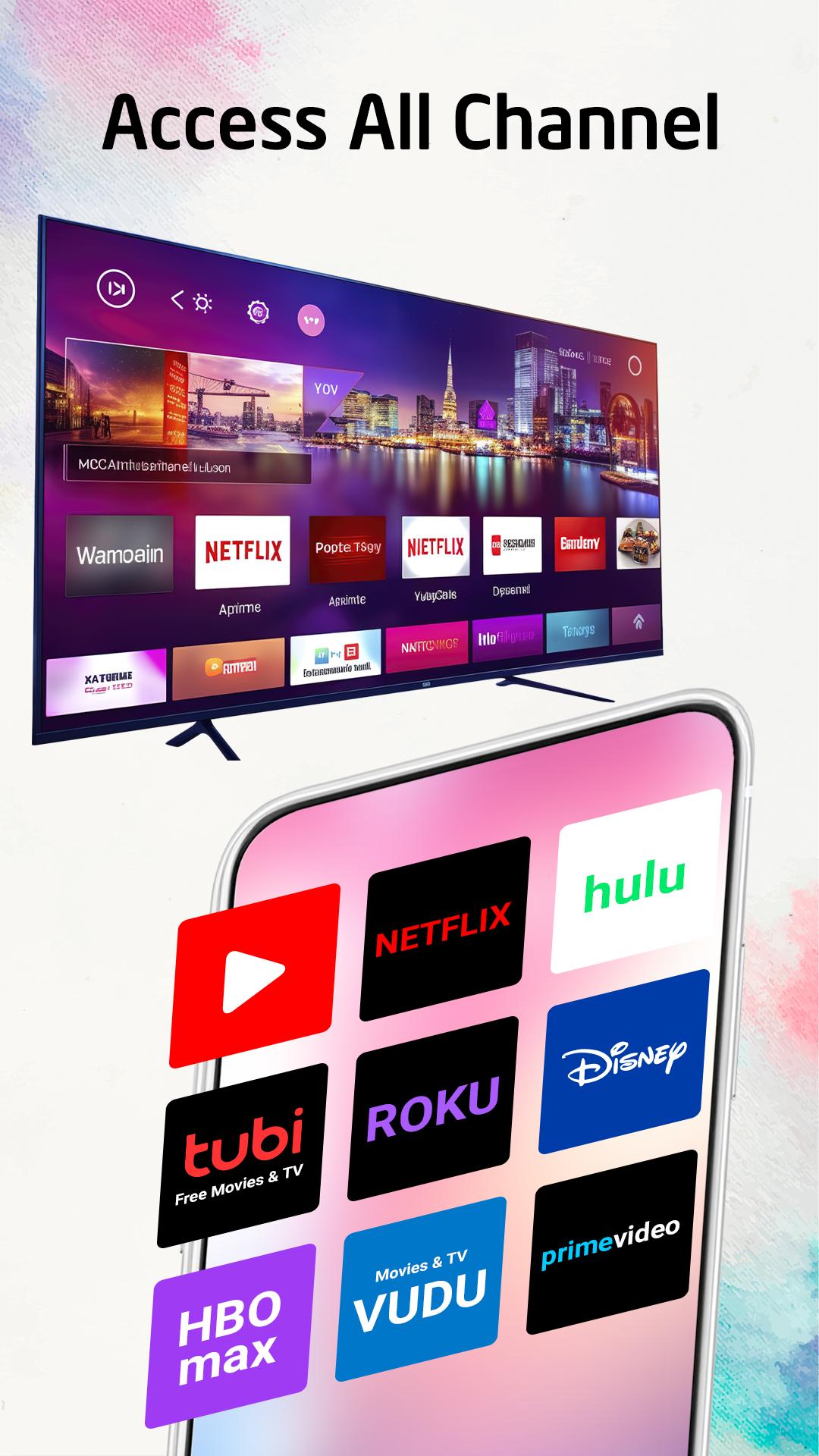
App mobile tutto in uno che ti consente di trasmettere facilmente le tue foto preferite, eseguire il mirroring dello schermo del telefono, controllare a distanza la TV e trasmettere in streaming i tuoi video preferiti sulla tua TV compatibile con Chromecast. Con pochi tocchi puoi collegare il tuo telefono alla TV e goderti tutti i tuoi contenuti preferiti sul grande schermo. "TV Cast, Mirroring, Remote" ti aiuta a trasmettere facilmente e istantaneamente il tuo telefono alla TV. L'app Cast to TV ti aiuta anche a goderti i tuoi film su qualsiasi tipo di smart TV come Chromecast, Xbox, Samsung, Roku, Fire TV, LG TV e altro ancora.
"TV Cast, Mirroring, Remote" può trasmettere in streaming tutti i tuoi video, giochi, audio, foto e altre app su uno schermo più grande con la stessa connessione Wi-Fi. Questa è un'app di streaming perfetta per condividere contenuti con alta qualità e velocità in tempo reale.
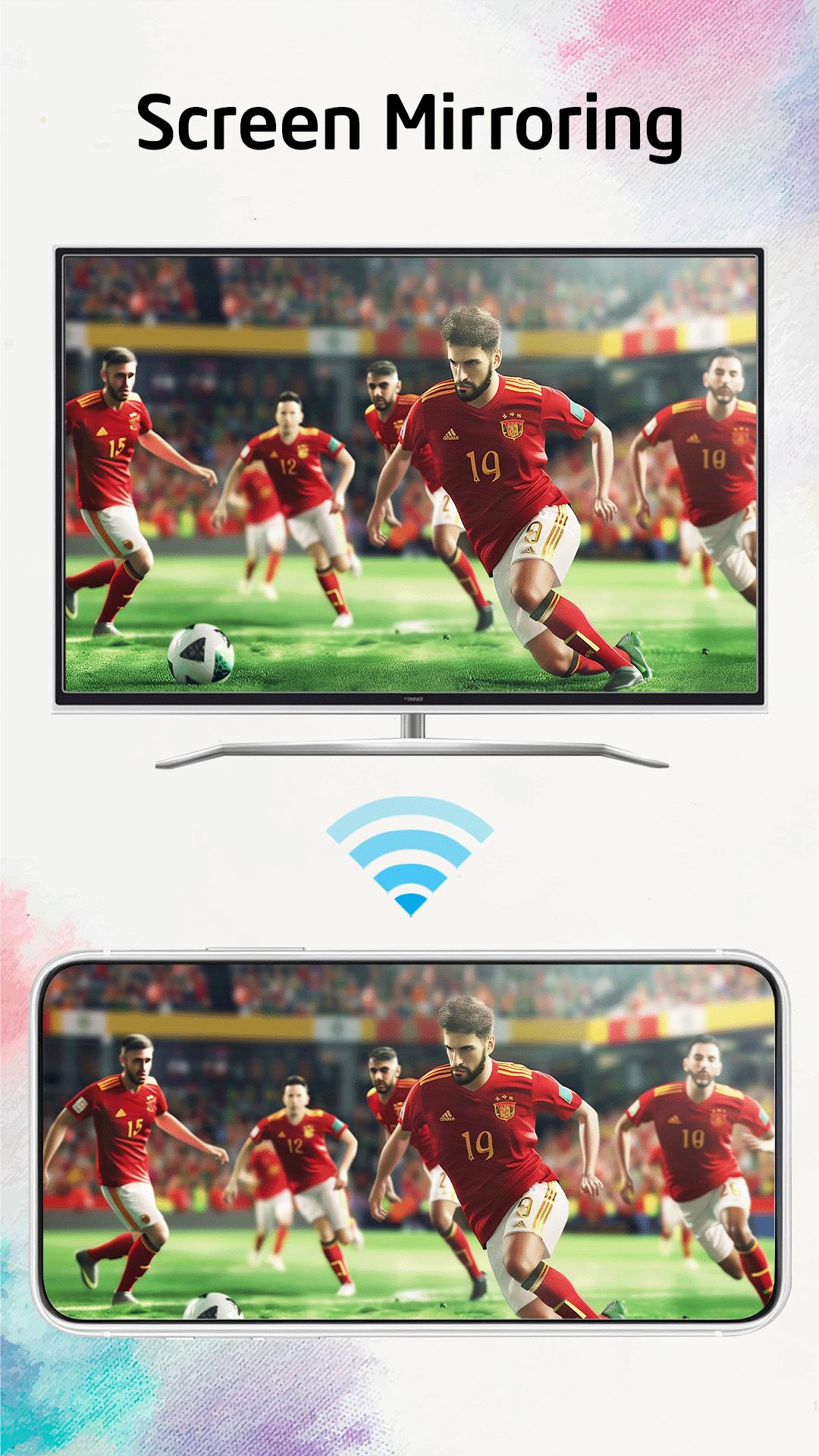
La funzione "Screen Mirroring" ti aiuterà a condividere lo schermo del tuo telefono su una smart TV dotata di un ampio schermo riflettente.
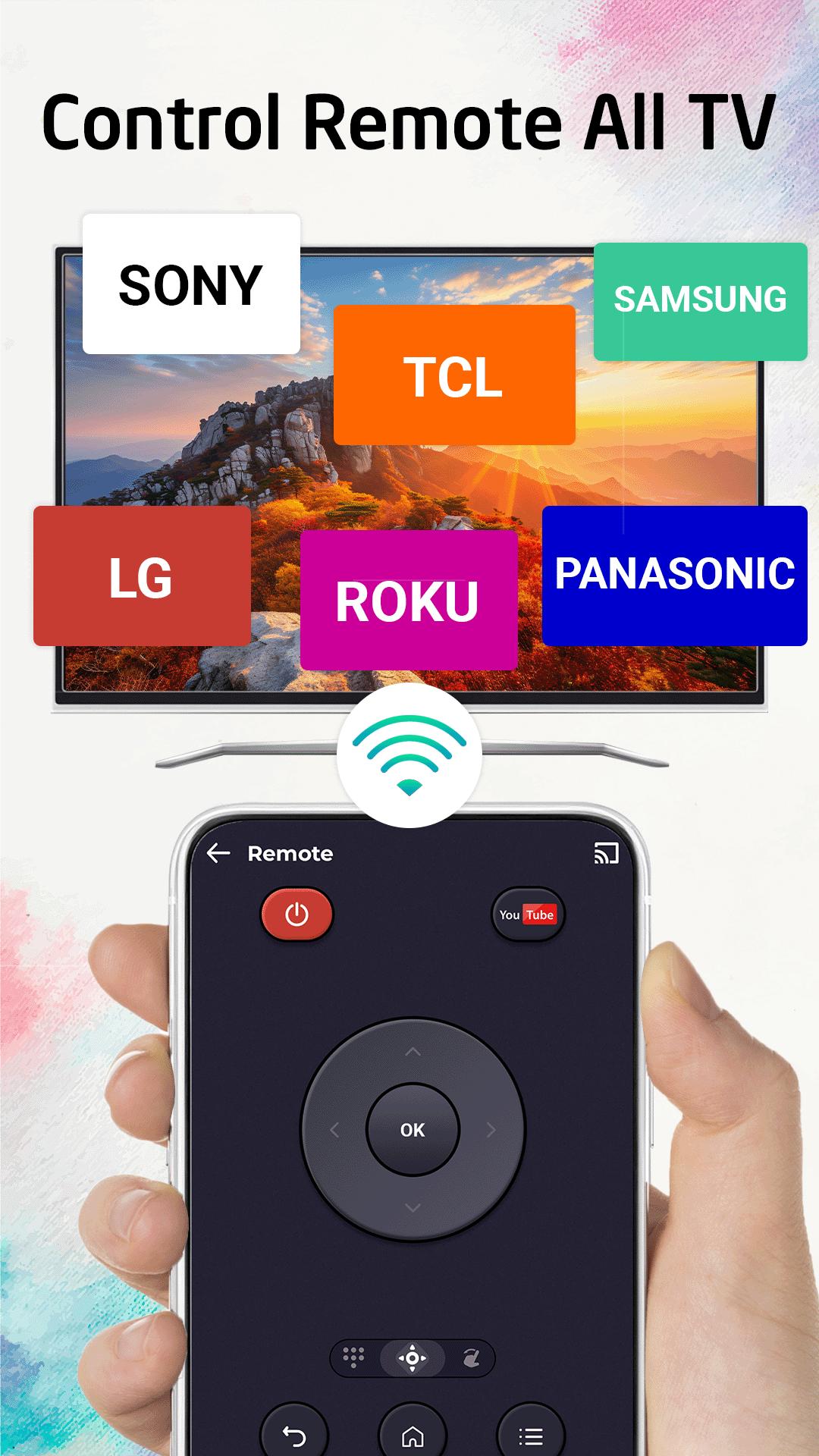
Funzione "TV Remote Control": è anche un dispositivo versatile in grado di gestire varie marche e modelli di televisori come Samsung TV, Sony TV, Roku TV, LG TV, Fire TV, Android TV, Panasonic TV, TCL TV e molti altri.
Dispositivi supportati:
• Chromecast
• Roku
• Fire TV, Xbox
• Smart TV: Sony, Samsung, LG TV,...
• TV Android
Caratteristiche principali:
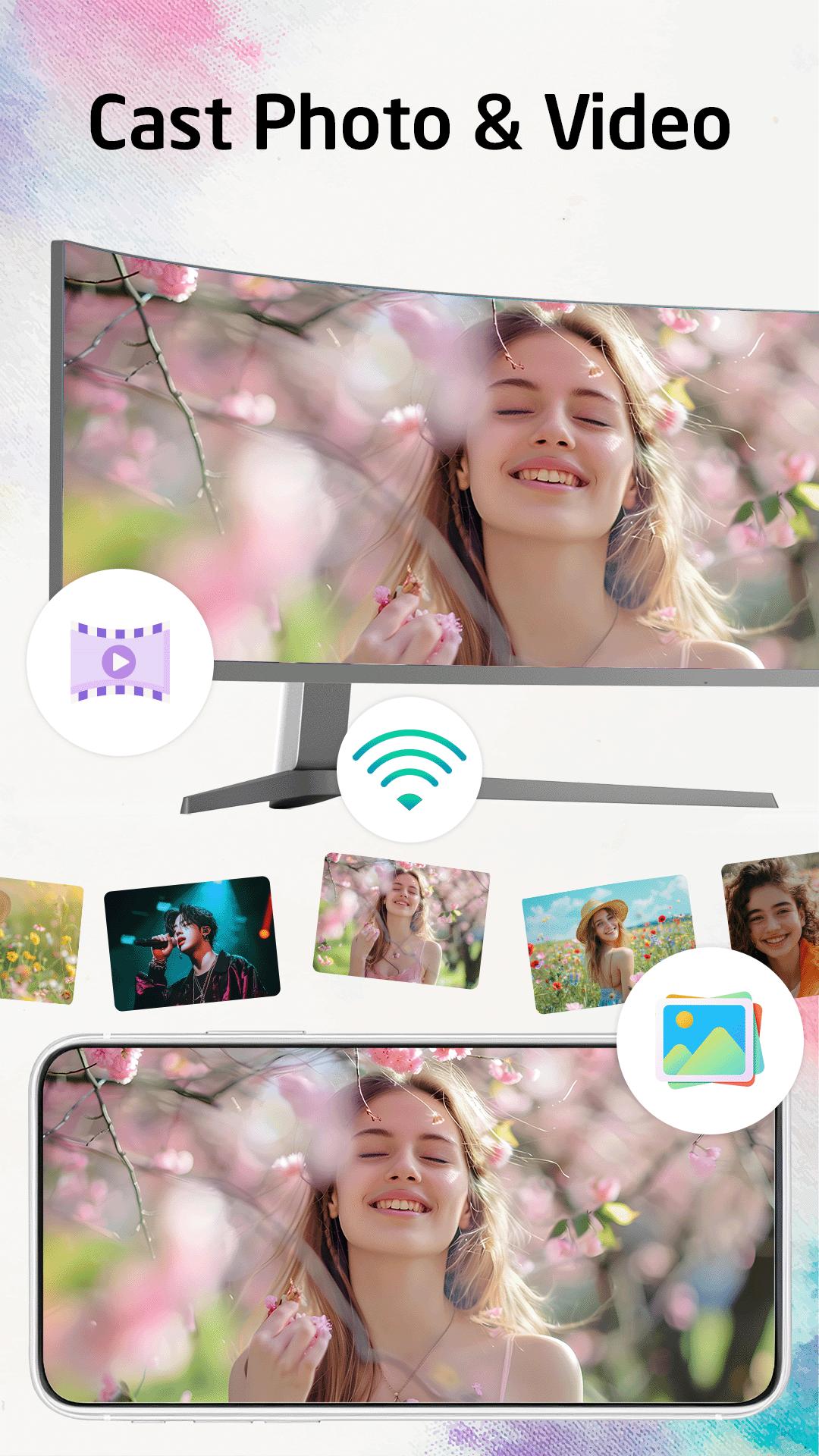
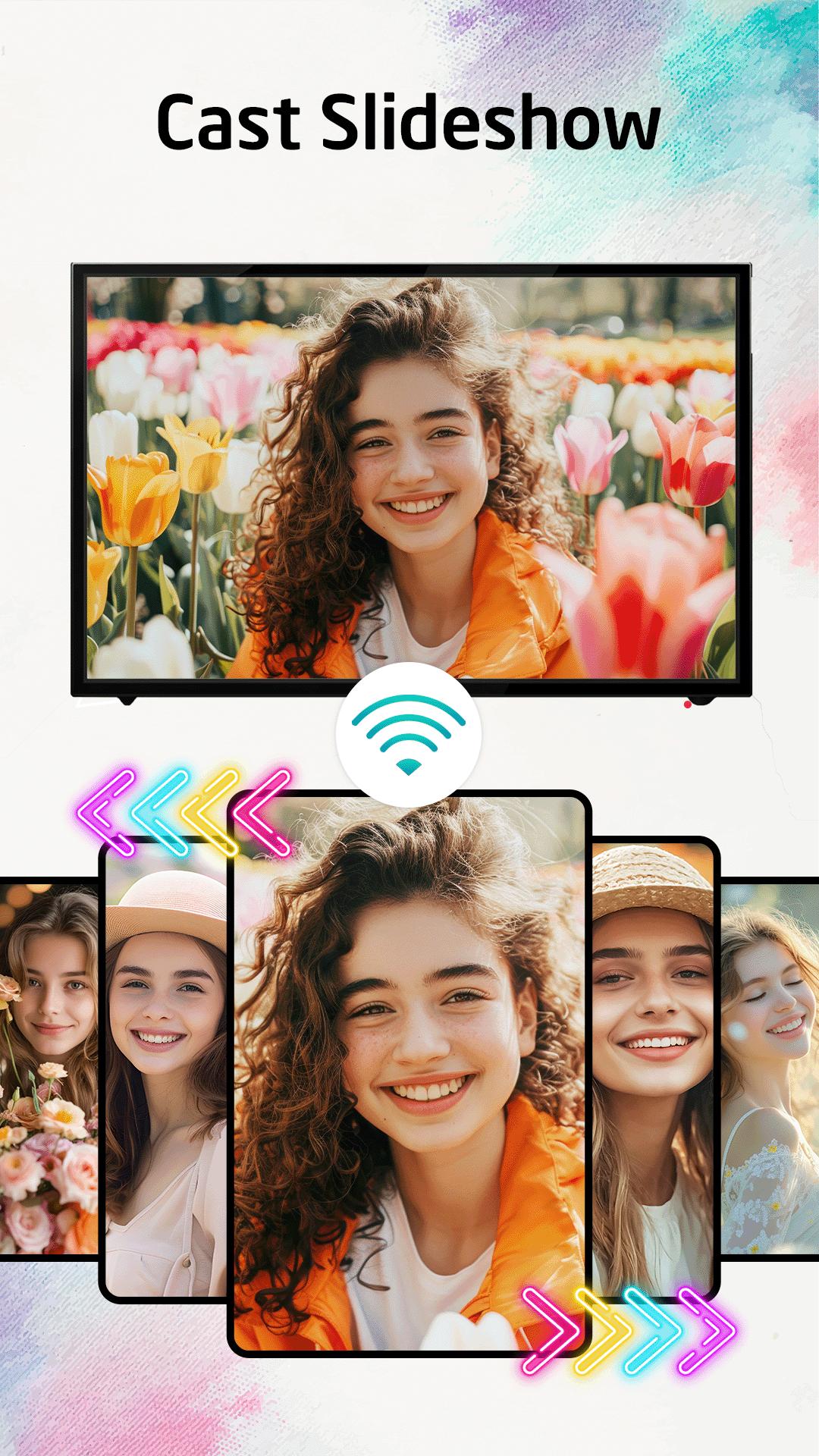
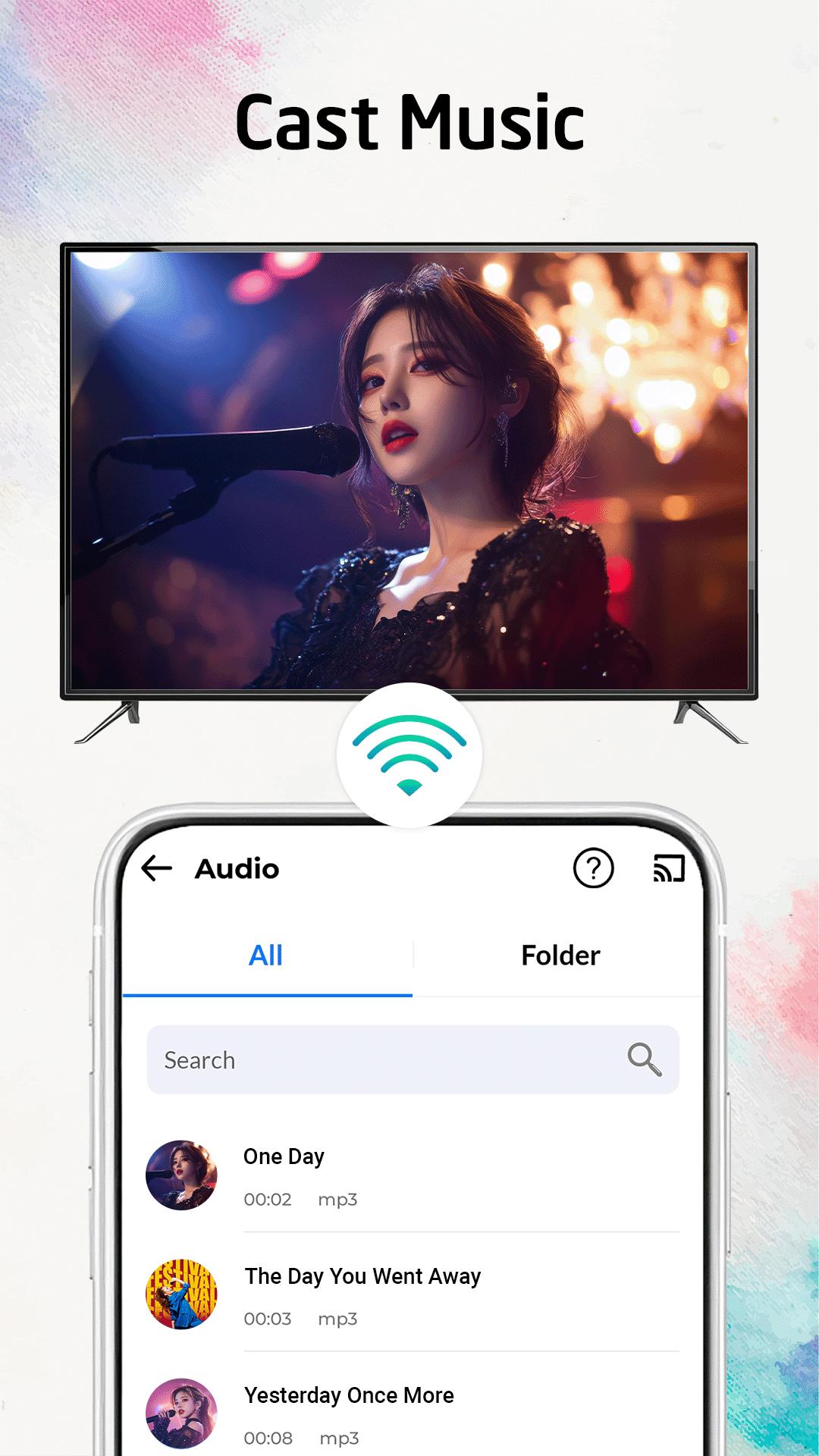
• Trasmetti facilmente foto, musica e video su Chromecast TV.
• Screen Mirroring del telefono sulla TV
• Guarda i tuoi film su Chromecast TV.
• Trasmetti foto, video,... su Smart TV
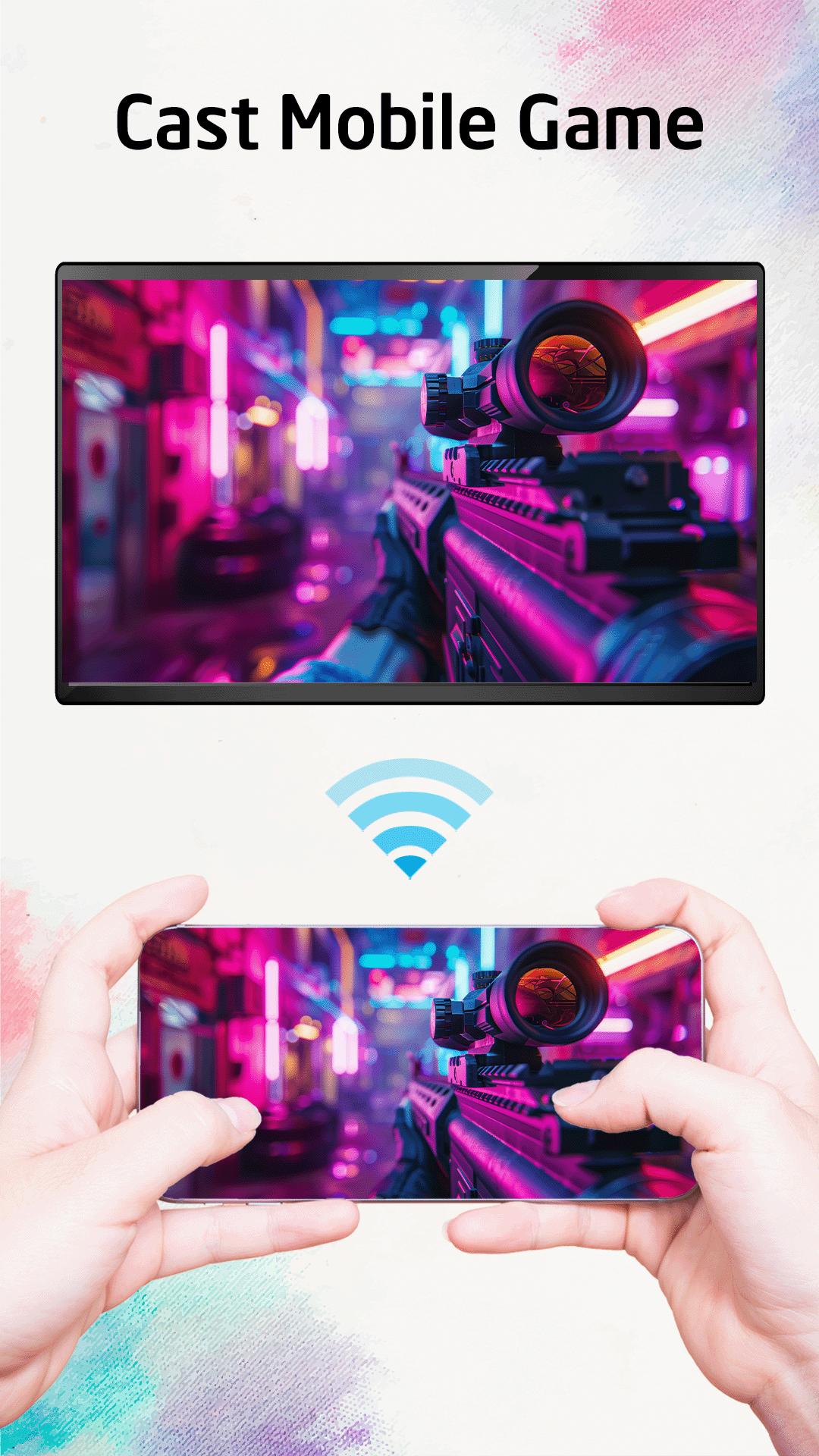
• Riproduci la musica, giocando sullo schermo più grande.
• Telecomando per Roku TV, Fire TV, Android TV, Samsung TV, LG TV, Sony TV, ecc...
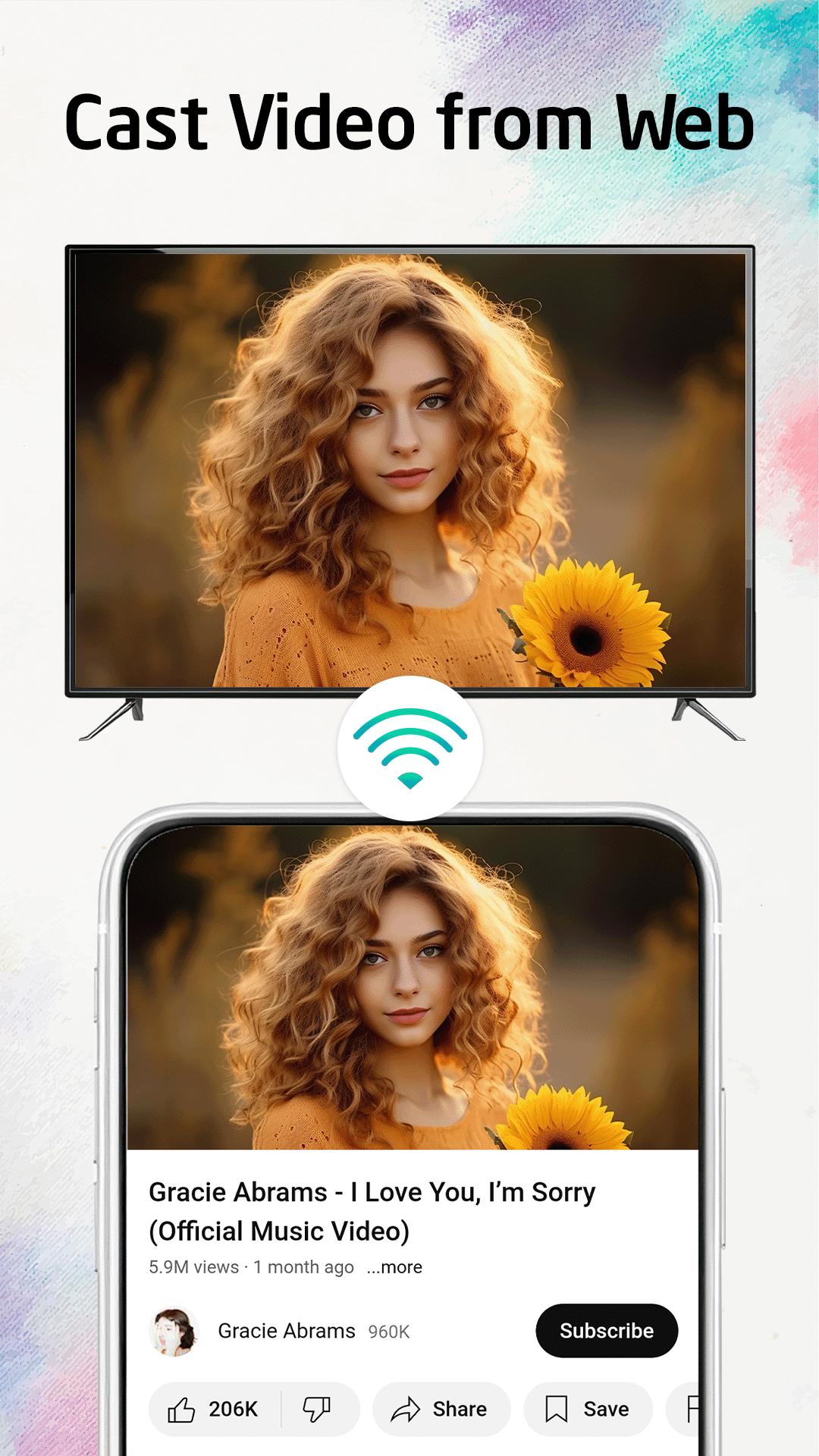
• Streaming di video e musica sul browser Web
• E molte altre funzionalità utili.
Come usare:
• Passaggio 1: assicurati che il telefono e la Smart TV siano connessi alla stessa rete WiFi.
• Passaggio 2: scegli e connettiti alla tua Smart TV
• Passaggio 3: ora sei pronto per l'uso. Esplora ogni funzionalità della nostra app!
DISCLAIMER:
Chromecast è un marchio di Google LLC. Questa app non è affiliata o supportata da Google, Roku o altri marchi.

Basta un clic per installare i file XAPK/APK su Android!
Grazie per la tua valutazione e feedback!
Hai già valutato.