Screen Lock - Time Password

Screen Lock - Time Password

kingdev17
Jan 5, 2024
  • Everyone

  • 6.0

    Android OS

Informazioni su Screen Lock - Time Password

new way to unlock your phone, set the time which it is

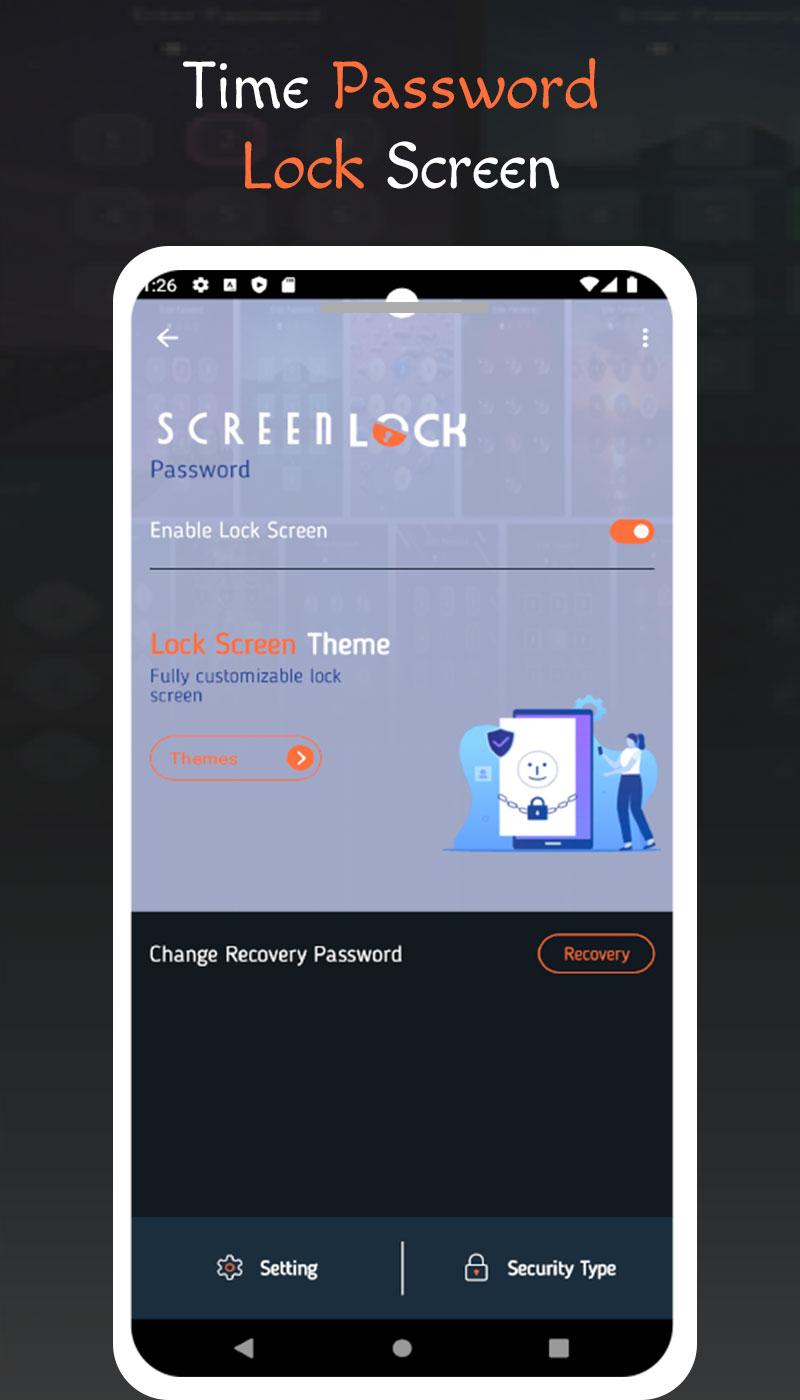
Secure your phone with the innovative Screen Lock App - Time Password. This dynamic lock screen system uses the current time as a password, ensuring enhanced security by generating time-based passcodes that change every minute. The app offers a range of features, including customizable lock settings, wallpaper options, and diverse clock styles. With Pin + Current Time Passcode and other security types, your device remains protected from unauthorized access. Enjoy the flexibility to personalize your lock screen theme, background, and sound settings. The user-friendly interface and reliable security make Screen Lock - Time Password the ideal choice for those seeking a balance between simplicity and protection. Download the app for free and experience a fully customized and secure lock screen solution that prioritizes your privacy.
Mostra Altro

What's new in the latest 1.0.2

Last updated on Jan 5, 2024
Minor bug fixes and improvements. Install or update to the newest version to check it out!
Mostra Altro

Video e screenshot

  • Poster Screen Lock - Time Password
  • 1 Schermata Screen Lock - Time Password
  • 2 Schermata Screen Lock - Time Password
  • 3 Schermata Screen Lock - Time Password
  • 4 Schermata Screen Lock - Time Password

Informazioni sull'APK Screen Lock - Time Password

Ultima versione
1.0.2
Android OS
6.0+
Sviluppatore
kingdev17
Classificazione dei contenuti
Everyone
Download APK sicuri e veloci su APKPure
APKPure utilizza la verifica delle firme per garantire download di APK Screen Lock - Time Password senza virus per te.
Icona APKPure

Download super veloce e sicuro tramite l'app APKPure

Basta un clic per installare i file XAPK/APK su Android!

Scarica APKPure
thank icon
We use cookies and other technologies on this website to enhance your user experience.
By clicking any link on this page you are giving your consent to our Privacy Policy and Cookies Policy.
Learn More about Policies