Nome del pacchetto:tv.remote.control.firetv
Mostra di più


27.5 MB
Dimensione
Everyone
Android 7.0+
Android OS
Auto Connect FireStick, Remote Control TV, Mirror screen to Amazon Fire TV Stick
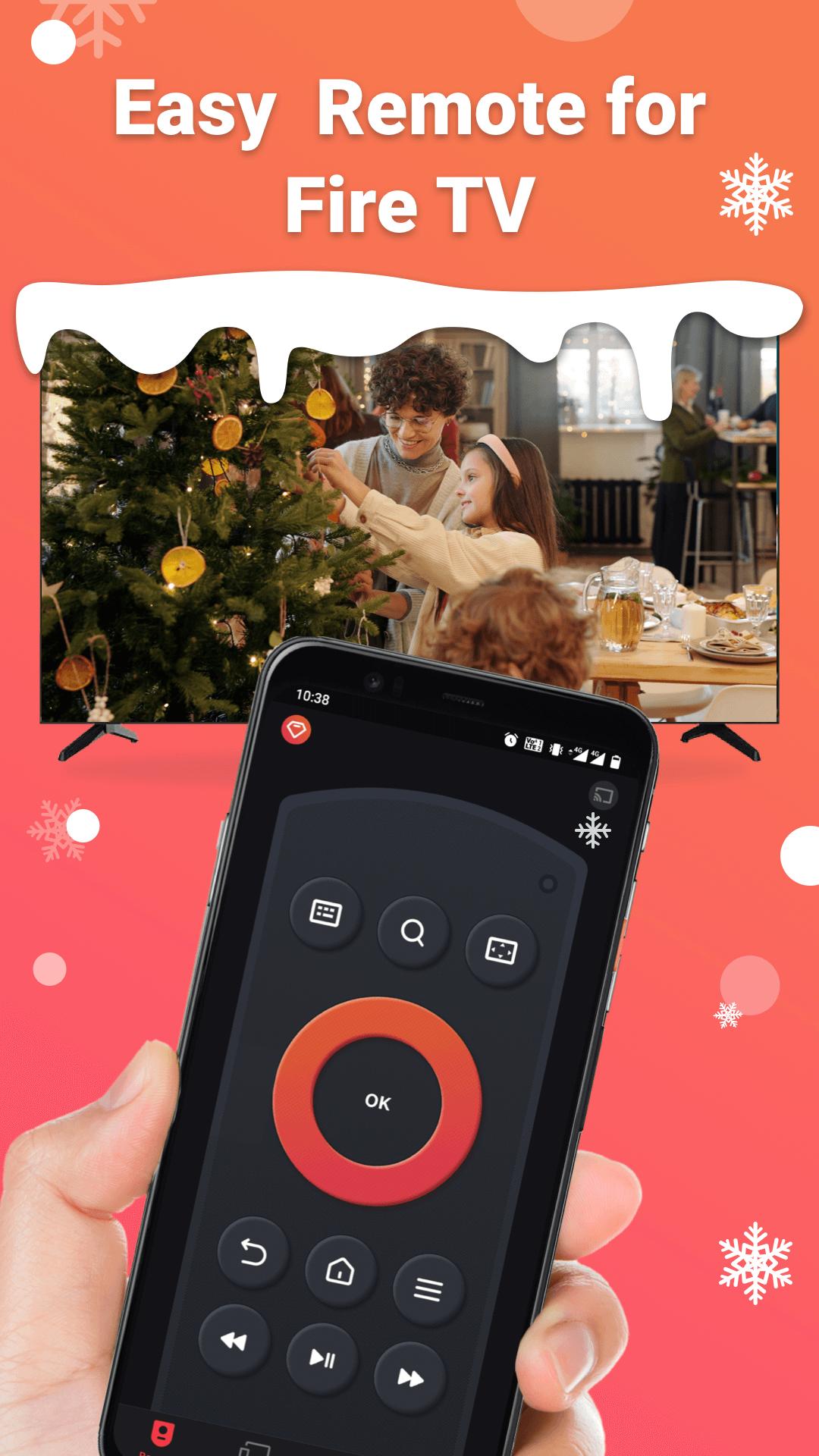
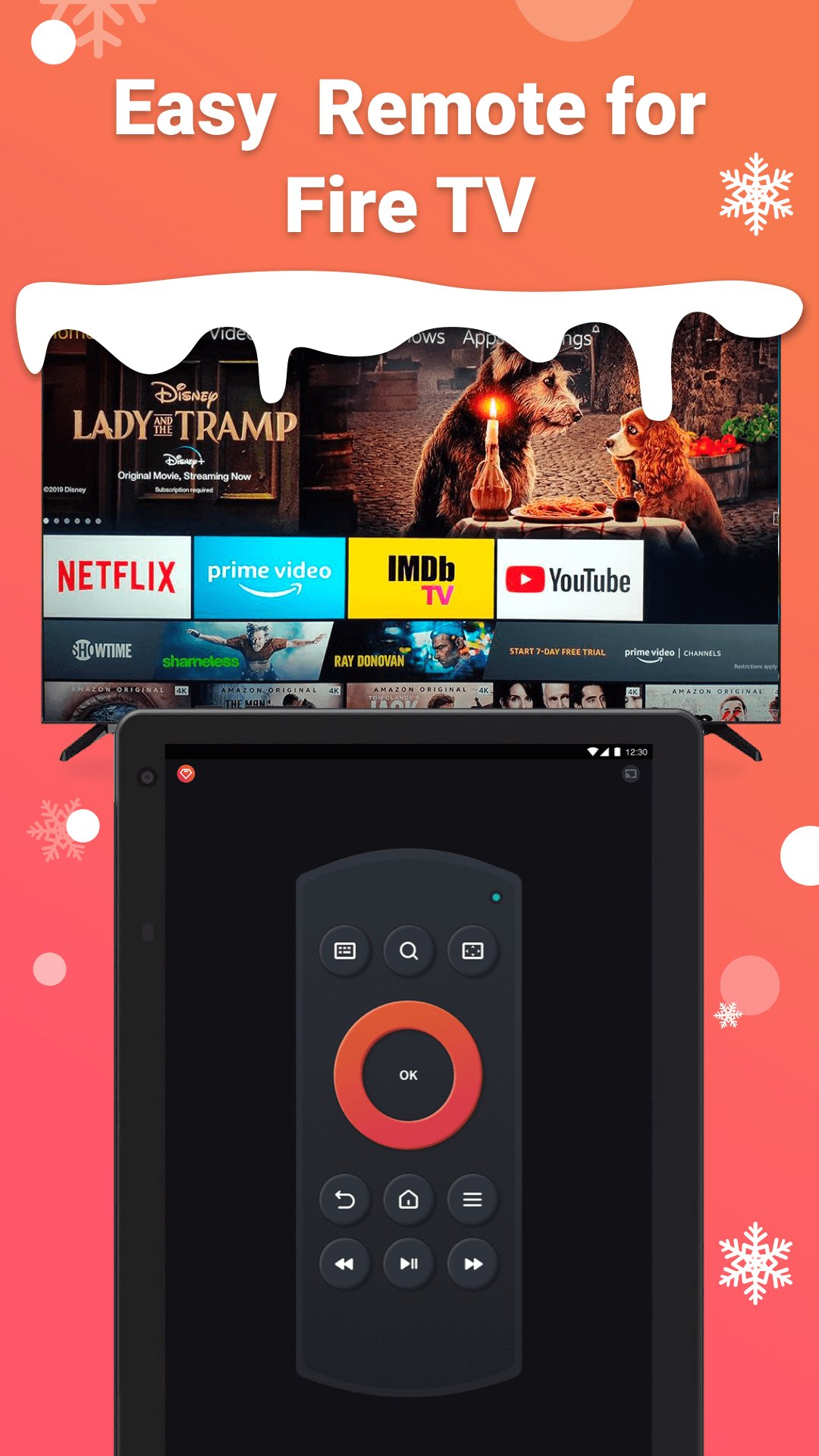
Remote for Fire TV & FireStick is designed specifically to control Fire TV using your Android mobile device. Supports Fire TV Box, Fire TV Stick, Fire TV Cube, and Fire TV.
Just connect an Android mobile device and Fire TV or Fire Stick to the same Wi-Fi network and you will be able to control it using a mobile device after enabling ADB on Fire TV.
Features:
- Fully functional remote control TV as a real Fire TV Remote
- Keyboard feature to simplify text input and search on TV
- Quick access to your favorite channels and apps
- Mirror phone screen to Fire TV in low latency
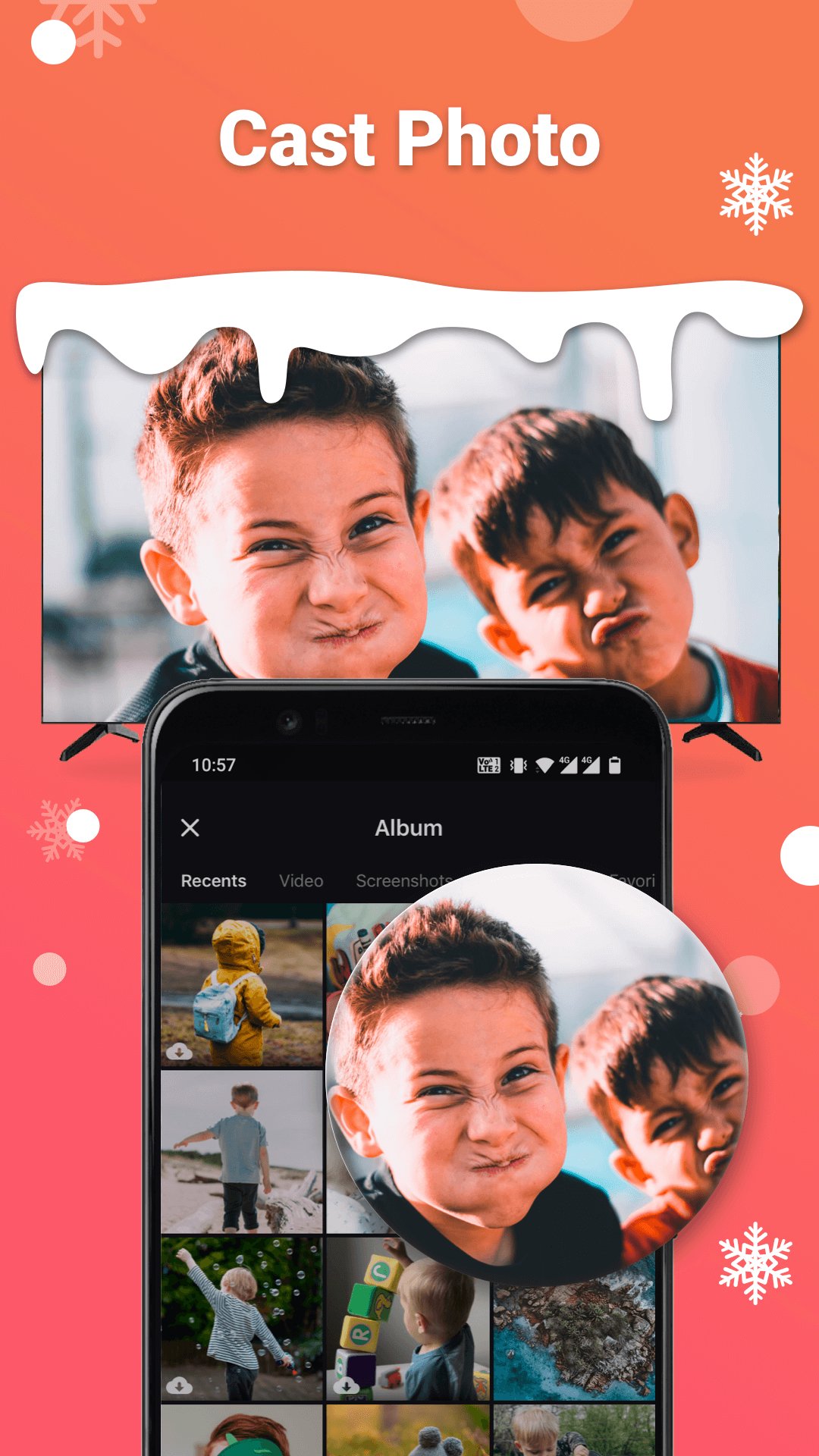
- Cast local photos and videos from phone to Fire TV
- Enable Fire device auto-connect control button
NOTES: please download our companion mirroring receiver app, Screen Mirroring for Fire TV, on your TV device for smooth screen mirroring.
How to connect to Fire TV or Fire Stick:
1. You must enable ADB debugging on your Fire device before connecting.
2. Your Fire TV must be connected to your home's wifi network.
3. Your Android phone's WiFi must be turned on and connected to the same network as the Fire TV.
4. Tap to connect device. The app will automatically search for Fire devices in your home.
How to screen mirror to Fire TV:
1. Launch this remote app and connect it to Fire TV under the same network.
2. Click "Mirror" to enter the mirroring interface and choose to download our receiver app, Screen Mirroring Receiver for Fire TV, on the TV device per the prompt message.
3. After the receiver app is successfully downloaded on Fire TV, restart mirroring on the phone.
4. Enjoy rapid screen mirroring now!
Troubleshoot:
• This app can only connect if you are on the same WiFi network as your TV device.
• For cases of not being able to connect to Fire TV, reinstalling this app and rebooting the TV can fix most of the bugs.
NOTE: BoostVision is not an affiliated entity of Amazon.com Inc. and this application is not an official product of Amazon.com Inc. or its affiliates.
Terms of Use: https://www.boostvision.tv/terms-of-use
Privacy Policy: https://www.boostvision.tv/privacy-policy
Visit Our Page: https://www.boostvision.tv/app/fire-tv-remote




Basta un clic per installare i file XAPK/APK su Android!

Grazie per la tua valutazione e feedback!
Hai già valutato.