
Download APK sicuri e veloci su APKPure
APKPure utilizza la verifica delle firme per garantire download di APK Phone Locker senza virus per te.

Phone Locker is an app the helps you secure you phone.
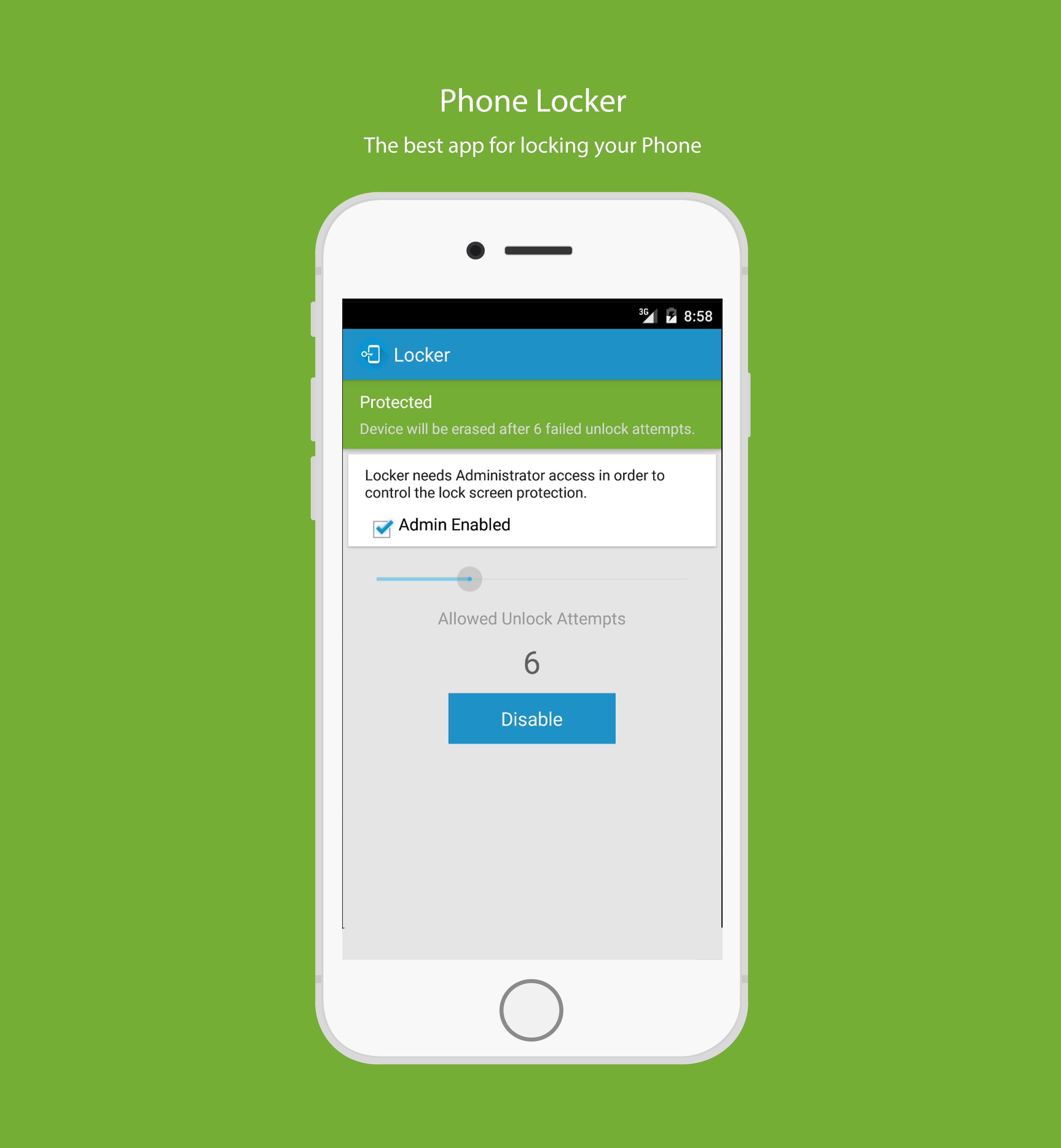
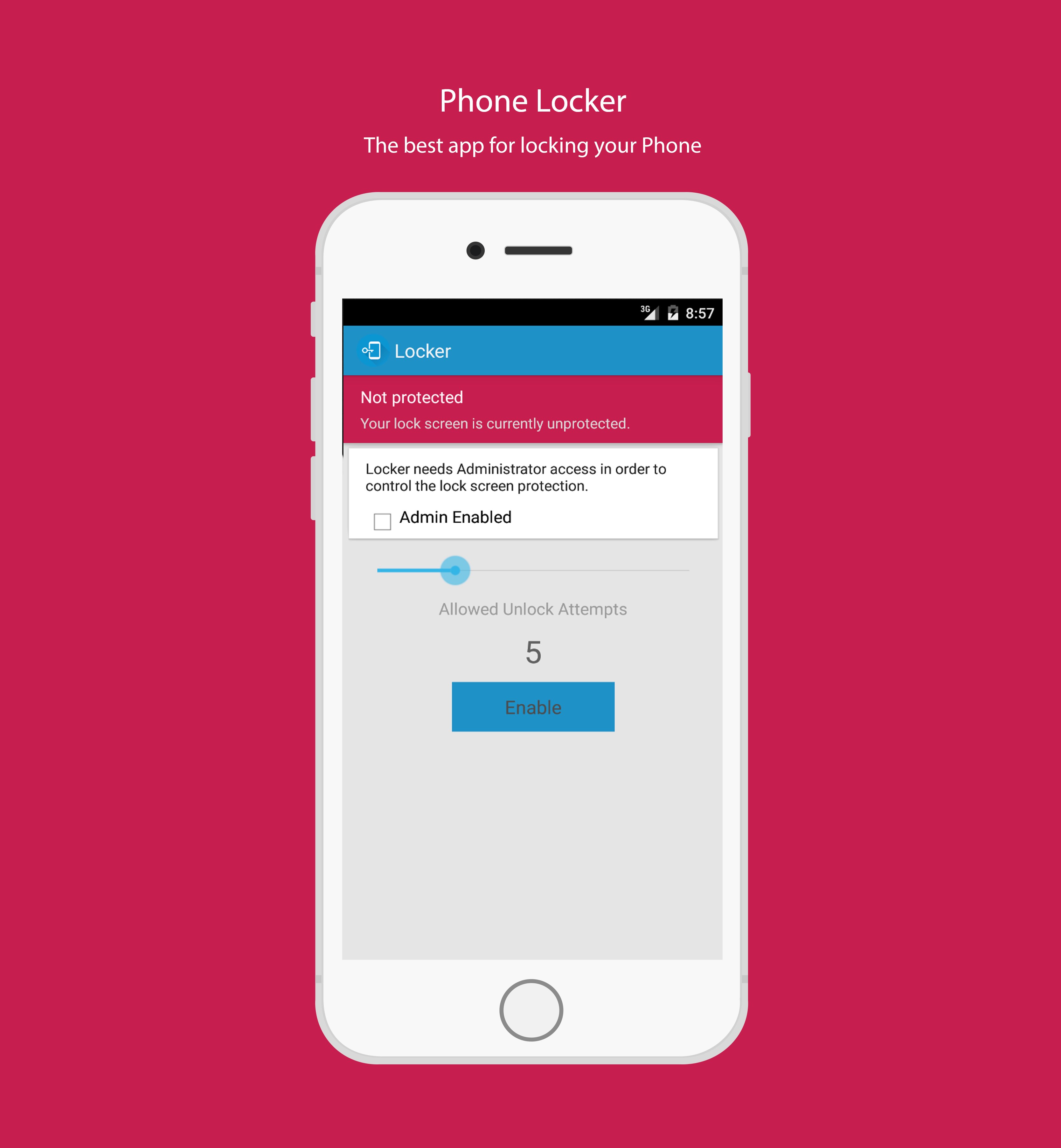
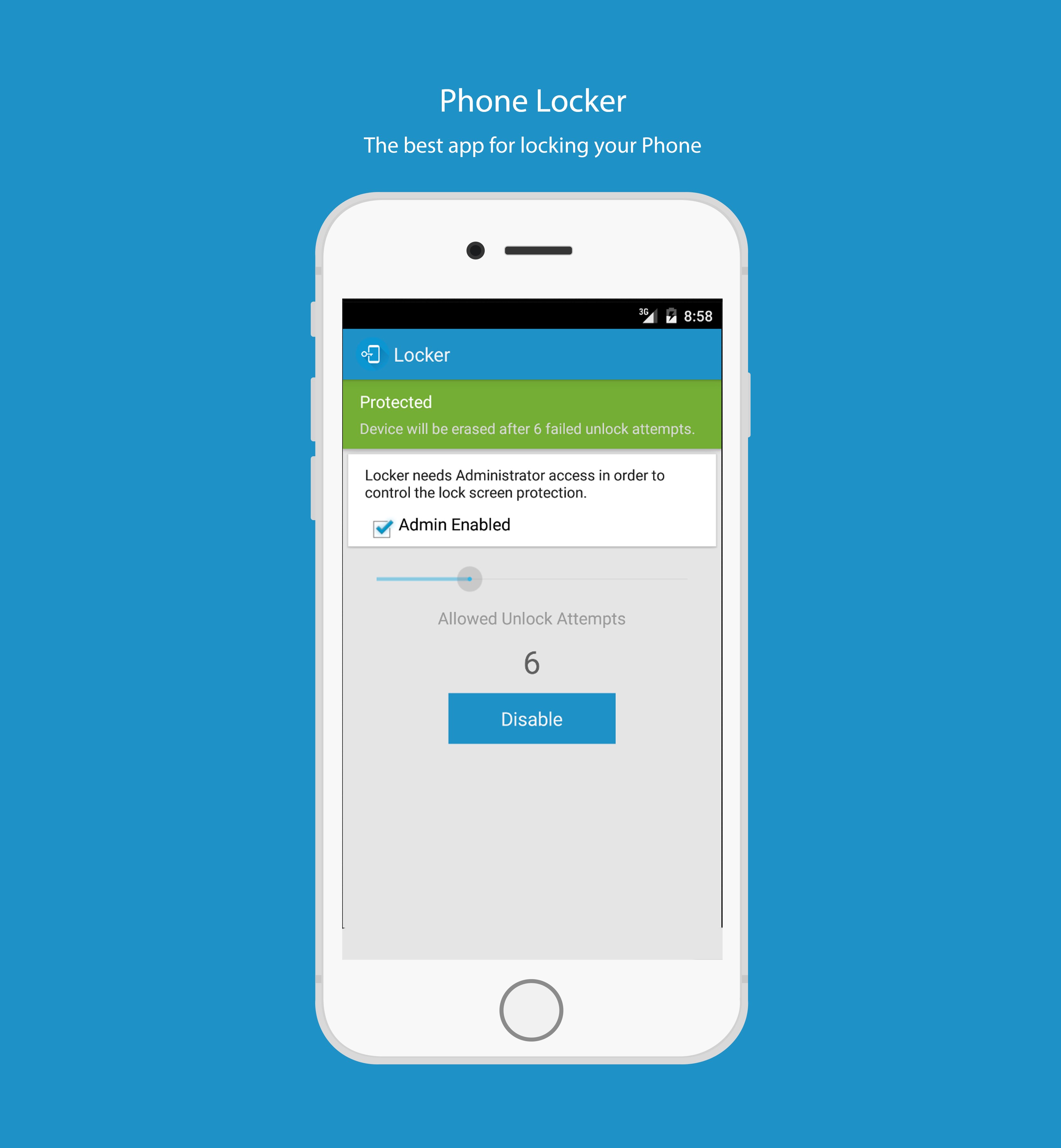
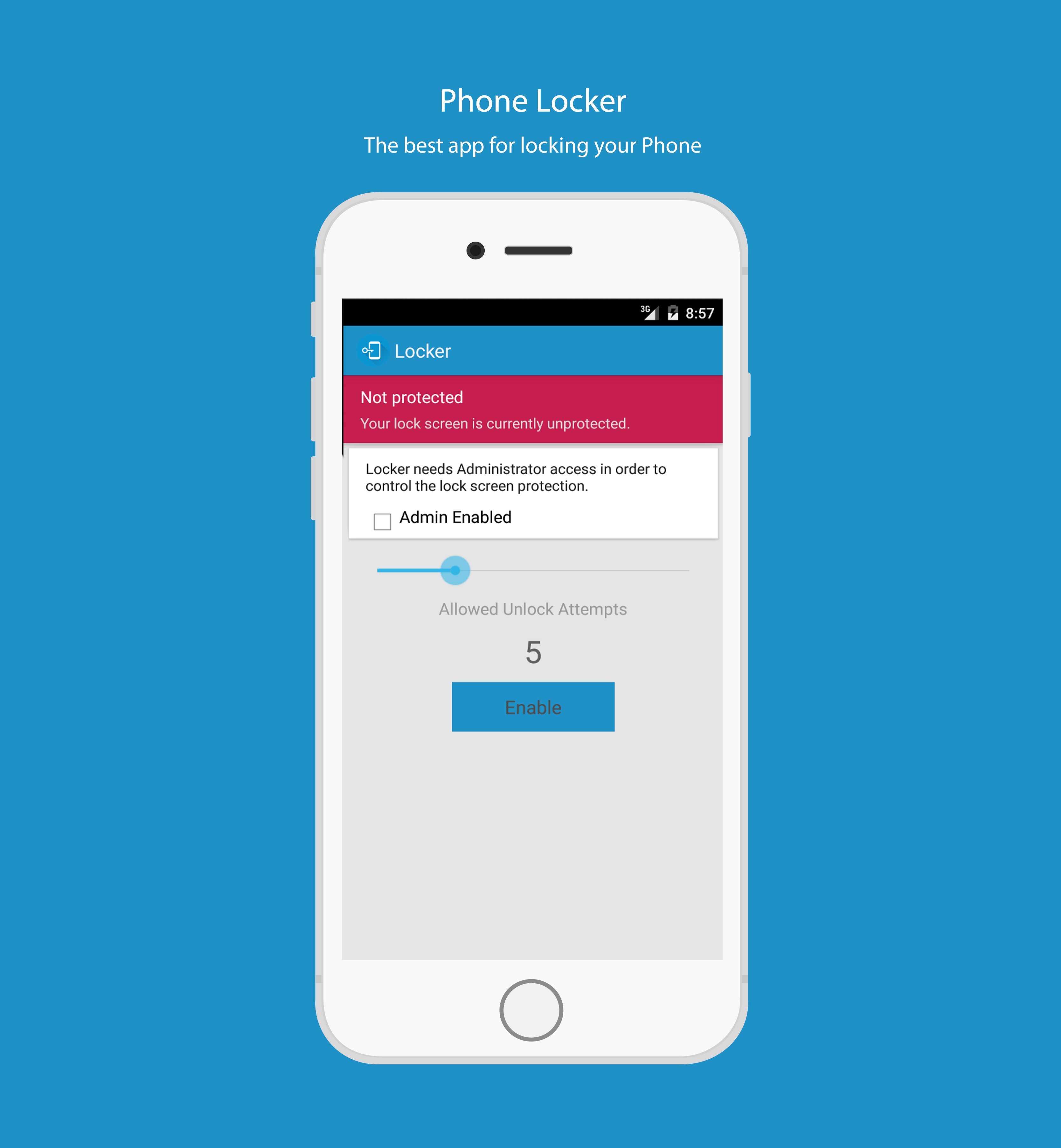
Concerned about loosing your phone and worried someone might figure out your unlock code and access your personal information? Phone Locker is here to keep you safe. Phone Locker is as simple as it is brilliant. Specify the number of allowed attempts to unlock your phone. If the number of attempts exceeds this number the phone will be wiped and erased, protecting your personal information.
While Android does not offer the option to restrict the number of device unlock attempts directly, there is a device administration API that allows such a policy to be enforced hrough third party applications. This is exactly what Phone Locker does.
Phone Locker activates and enforces the security policy that will trigger a full system wipe when the specified number of unlock attempts have been exhausted. Depending on what lock screen application you are using the user will be presented with warning messages when the number of remaining attempts is 4 or less.

Basta un clic per installare i file XAPK/APK su Android!

Grazie per la tua valutazione e feedback!
Hai già valutato.