Scan Date:Nov 1, 2026
Show More


9.5
69 Reviews
28.0 MB
File Size
Everyone
Android OS
Ultimate WiFi Analyzer & Network Scanner. Ping, DNS, ISP, IP tracker
Powerful tool for checking, analyzing and setting up networks. Helps to quickly detect any computer net problems, IP address and help to improve Wi-Fi and mobile connection performance. This is a must-have app for all home wireless router users, IT experts and network administrators.
The app combines the most popular utilities usually found on your desktop PC. Tools will help you fix a problem with signal strength, Wi Fi router or optimize the connection in home network when you are hundreds of miles away. You also can turn on or reboot devices in home or on corporate networks with Wake on LAN feature.
IP Tools has a simple interface, so you can receive within seconds full information about connection, find out local, internal or external address (with my IP), SSID, BSSID, DNS, ping time, Wi Fi speed, signal, broadcast address, gateway, mask, country, region, city, ISP provider’s geographical coordinates (latitude and longitude), whois, netstat and other basic information.
The IP Tools app provides access to the most popular Wi-Fi utilities that administrators and users often use on their computers.
FEATURES:
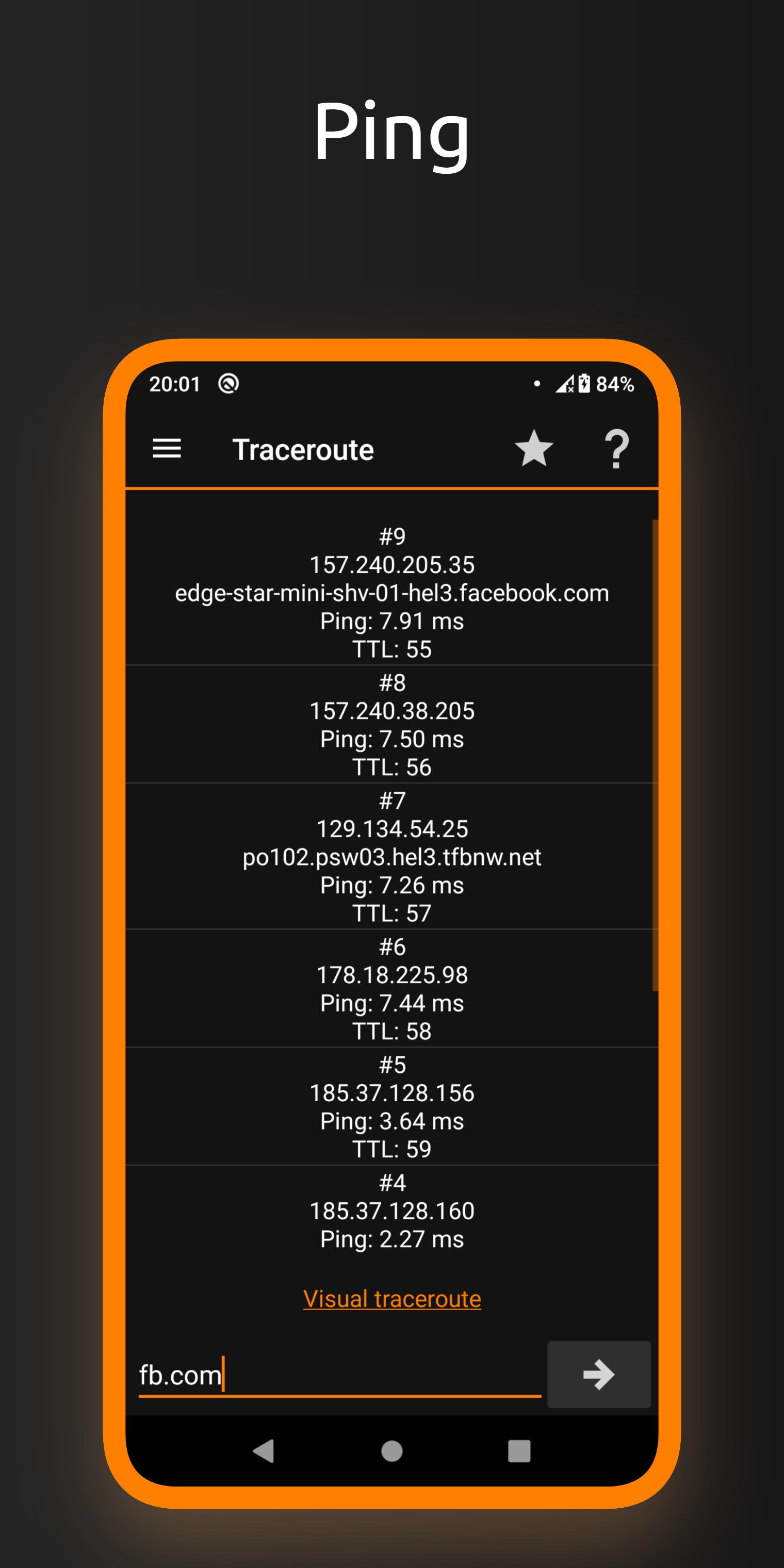
• Ping
• Wi-Fi & LAN Scanner
• Port Scanner
• DNS Lookup
• WHOIS - Provides information about a website and its owner
• Router Setup Page and router admin tool
• Traceroute
• WiFi Analyzer
• Find address with "my ip" feature
• Connection Log
• IP Calculator
• IP & Host Converter
• Netstat statistics
• … and more!
Wi Fi analyzer will help you get a full and clear picture of your network state, check wifi signal. With IP Tools, analysis and optimization are fast, easy and friendly. The app’s benefits go far beyond the above list. Download an app and check the Wi-Fi network today!





One-click to install XAPK/APK files on Android!

Thanks for your rating and feedback!
You have already rated.