Scan Date:Aug 6, 2026
Show More


9.2
14 Reviews
11.9 MB
File Size
Everyone
Android 5.0+
Android OS
Intra is an Android security app that encrypts DNS to block manipulation and reach restricted sites.
Developed by Jigsaw Operations LLC, Intra focuses on simple, one‑tap DNS protection that helps you access apps and sites reliably. If you want a fast, privacy‑friendly tool, the Intra APK latest version keeps setup light while strengthening everyday browsing. Here is what stands out once you turn it on.
Bypass DNS‑based censorship to reach blocked news and social apps.
Encrypt DNS queries with DNS‑over‑HTTPS to prevent tampering.
One‑tap, always‑on protection with minimal speed impact.
Privacy‑friendly design: no tracking of apps or visited sites.
Flexible provider choice and per‑app bypass when needed.
Intra encrypts your DNS lookups so providers and attackers cannot redirect you to fake or broken destinations. This helps you open websites and messaging services that are blocked through DNS tampering, and it reduces some phishing and malware risks tied to hijacked DNS.
When the Intra app is active, your device resolves domains through trusted DNS‑over‑HTTPS endpoints. For example, if social media or news sites fail with a “server not found” error, turning on Intra often restores normal access. Keep in mind it only protects DNS queries; it does not encrypt the rest of your traffic. If a site is blocked by IP, SNI, or deep packet inspection, it may still be unreachable.
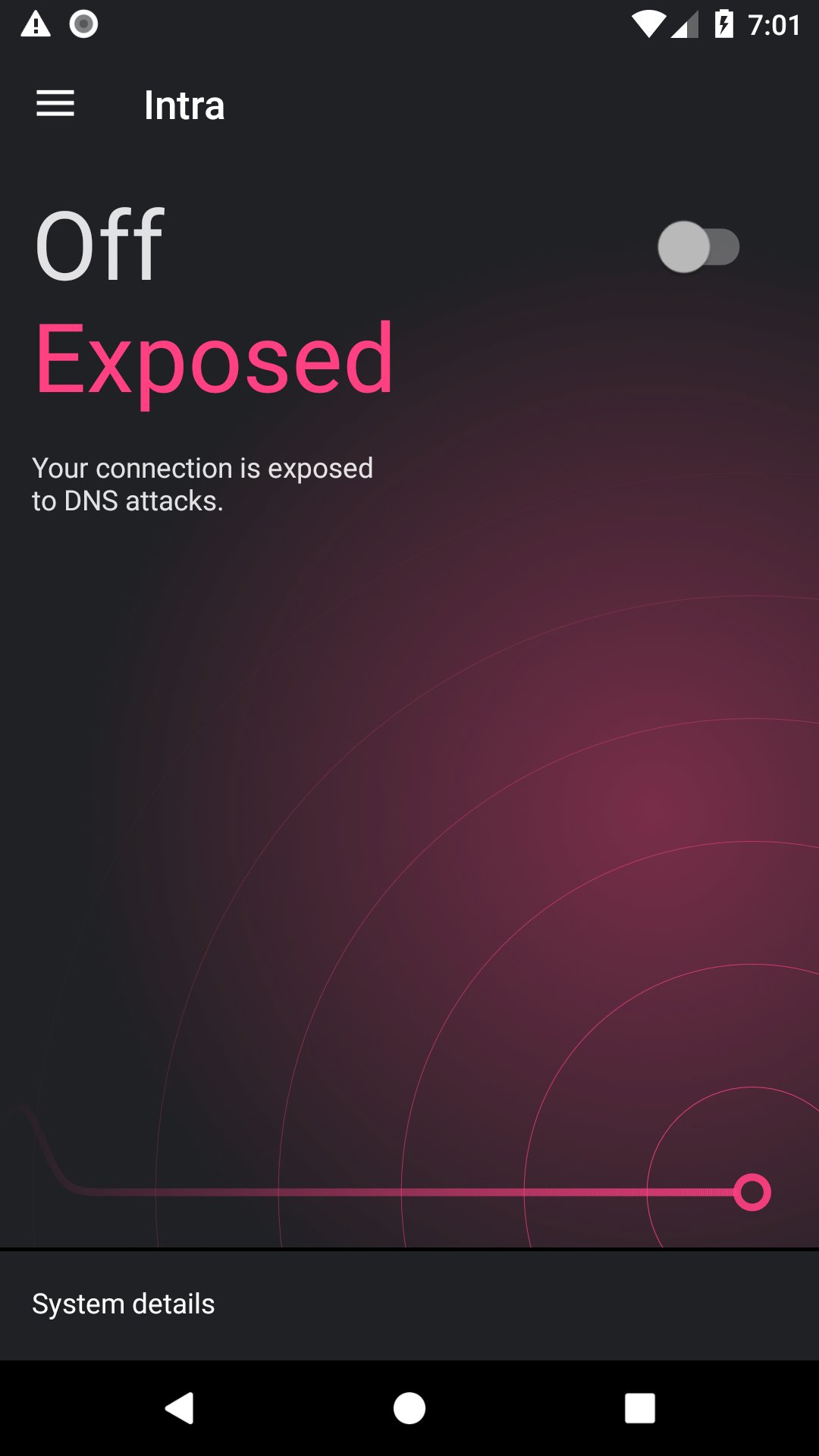
Intra is designed for quick control. A single toggle on the main screen enables system‑wide DNS protection, and it runs in the background via Android’s VpnService. You can leave it on all day without noticing slowdown.
The Intra app starts protecting as soon as you accept the Android connection prompt. A typical daily flow is simple: turn it on once, then use your browser, messaging, and streaming apps as you normally do. If a captive portal at a café or airport does not load, temporarily turn Intra off to sign in, then turn it back on. Speed impact is minimal since only DNS traffic is routed.
Intra aims to protect access without peeking into your activity. It does not track which apps you use or the sites you visit, and its open‑source codebase allows public review that promotes transparency.
The Intra app forwards encrypted DNS queries to your chosen provider, which means the provider sees lookups but not your full browsing traffic. Choose a provider you trust, and remember that encryption prevents tampering and snooping on DNS in transit, not all kinds of tracking on the web.
Intra lets you pick a popular DNS provider like Cloudflare or Google, or add a custom DNS‑over‑HTTPS endpoint. This flexibility helps match your needs for speed, reliability, or regional access.
If a specific app has connectivity issues, the Intra app allows per‑app bypass so you can disable protection just for that app while keeping protection on for the rest of your device. For example, if a banking app does not connect, excluding it usually resolves the problem. If a custom endpoint feels slow or goes offline, switch to a different provider for more consistent performance.
Based on its design and testing, the Intra app delivers strong DNS protection with simple controls, while keeping its scope intentionally narrow to avoid feature bloat.
Pros
Effective against DNS tampering and basic censorship
Easy one‑tap setup and quick start
Minimal speed impact with no data caps
Privacy‑friendly and open source
Custom DNS and per‑app bypass support
Cons
Not a full VPN; other traffic unencrypted
Cannot defeat advanced IP or DPI blocking
Some apps may require per‑app disable
You can download Intra latest version 1.5.1 APK from APKPure. The installation package is about 11.9 MB, so it usually finishes in a few seconds over Wi‑Fi and under a minute on mobile data. It works on Android 4.1 and later.
After installation, open Intra and accept the Android VpnService prompt to start protection. There are no large additional downloads. If you plan to use a custom DNS‑over‑HTTPS endpoint, have the URL ready before setup to save time.
For the smoothest experience, enable Intra before opening social media or news apps, and check the notification to confirm it is active. If a captive portal blocks sign‑in, briefly turn it off, then turn it back on. When you need reliable access fast, download Intra and keep your DNS encrypted.





One-click to install XAPK/APK files on Android!

Thanks for your rating and feedback!
You have already rated.