Internet Status Message

Internet Status Message

h2zonesp
Nov 1, 2026
  • 1.3 MB

    File Size

  • Security
  • Everyone

  • Android 4.0+

    Android OS

About Internet Status Message

Check Internet Working Or Not Status Message Test With One Click

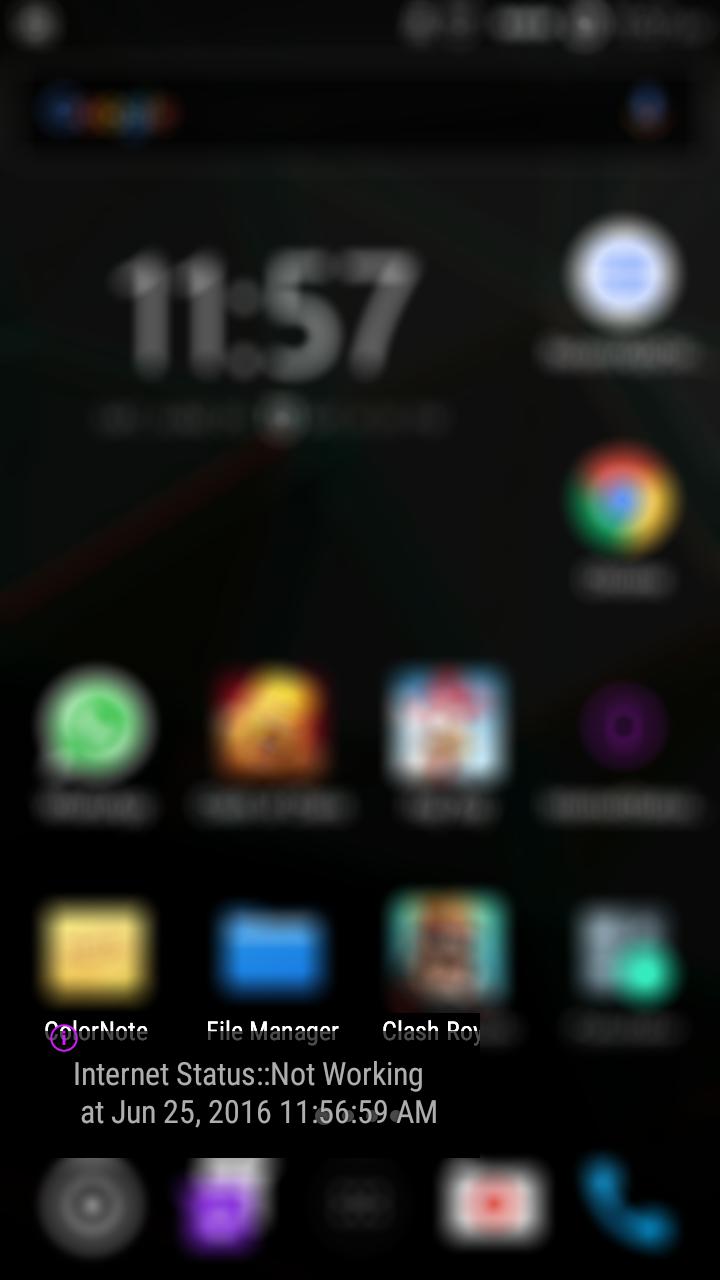
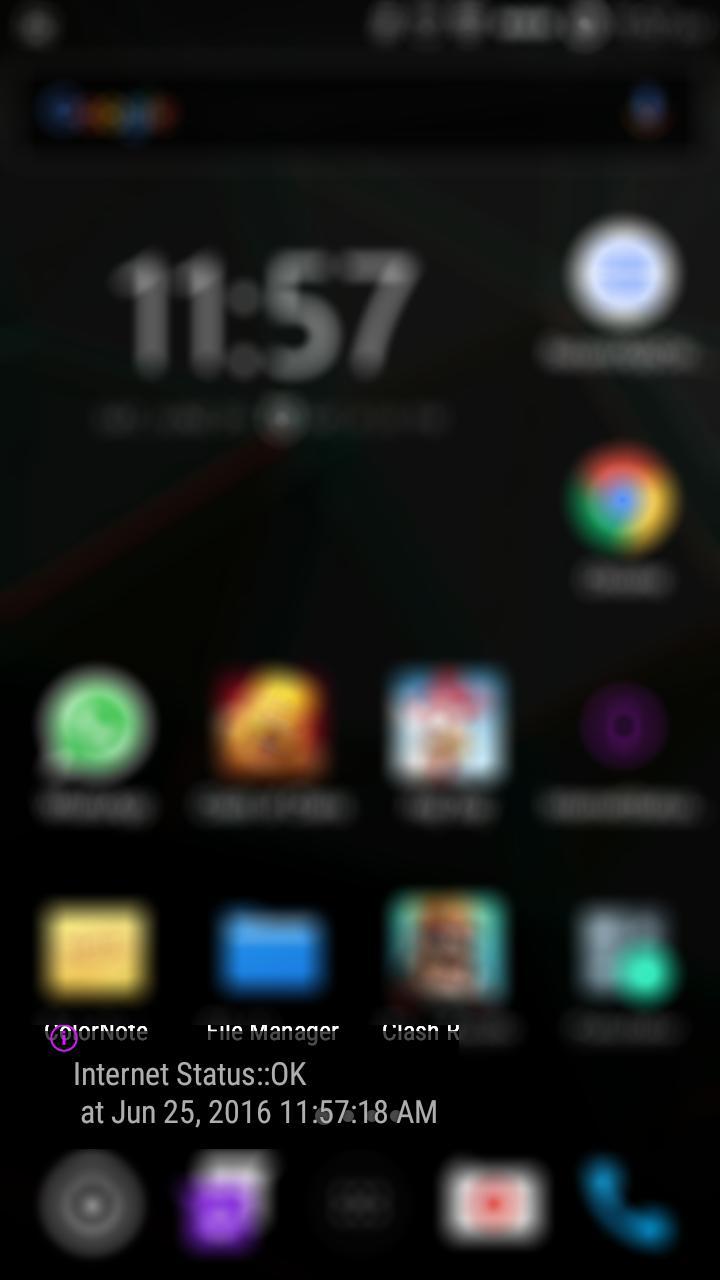
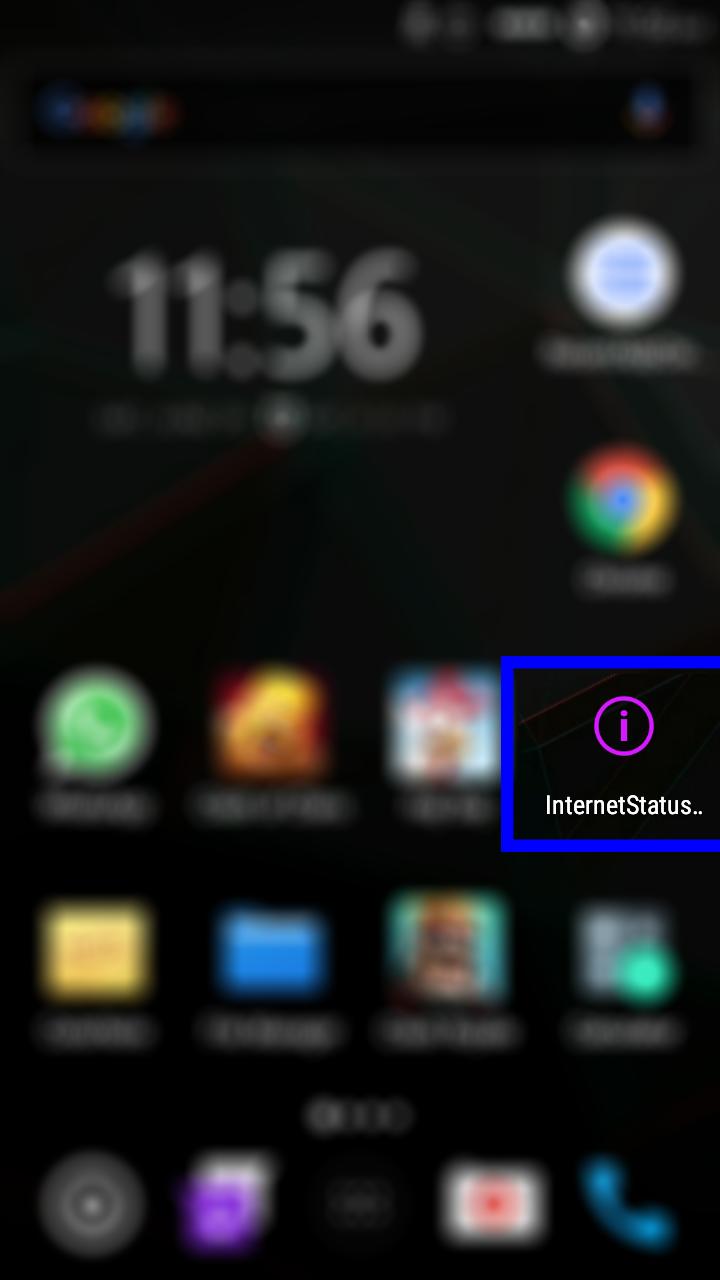
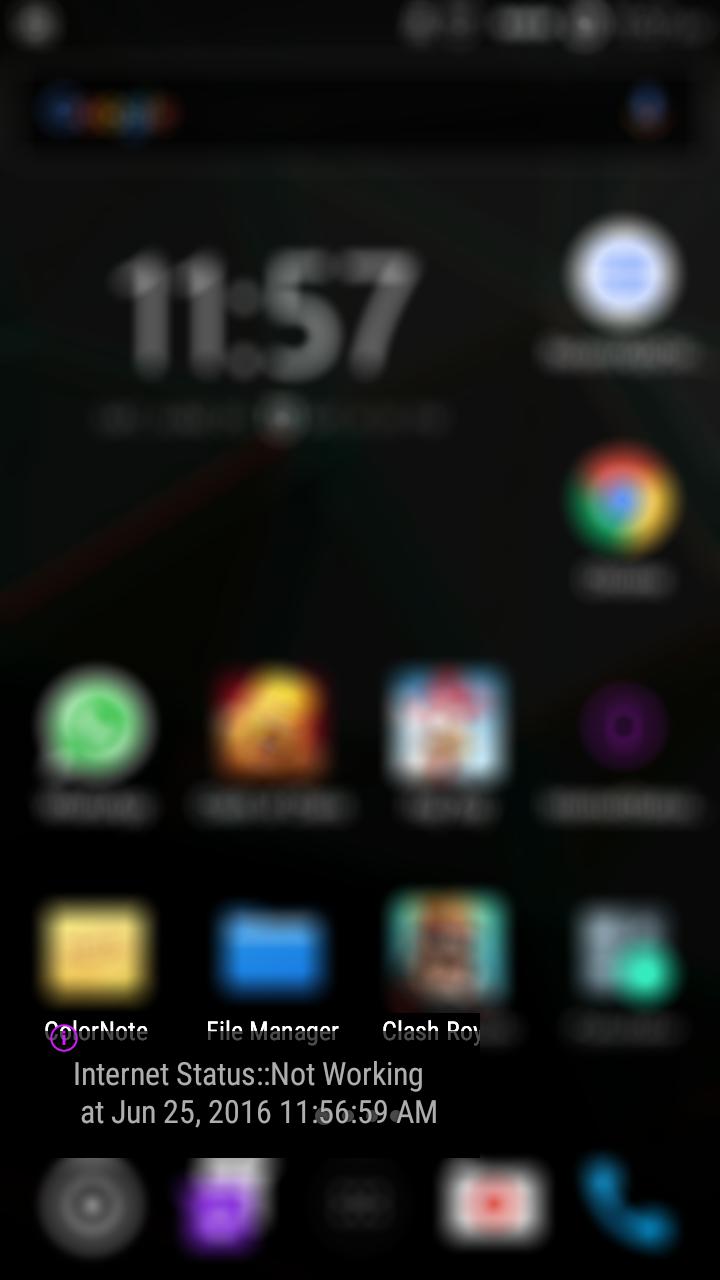
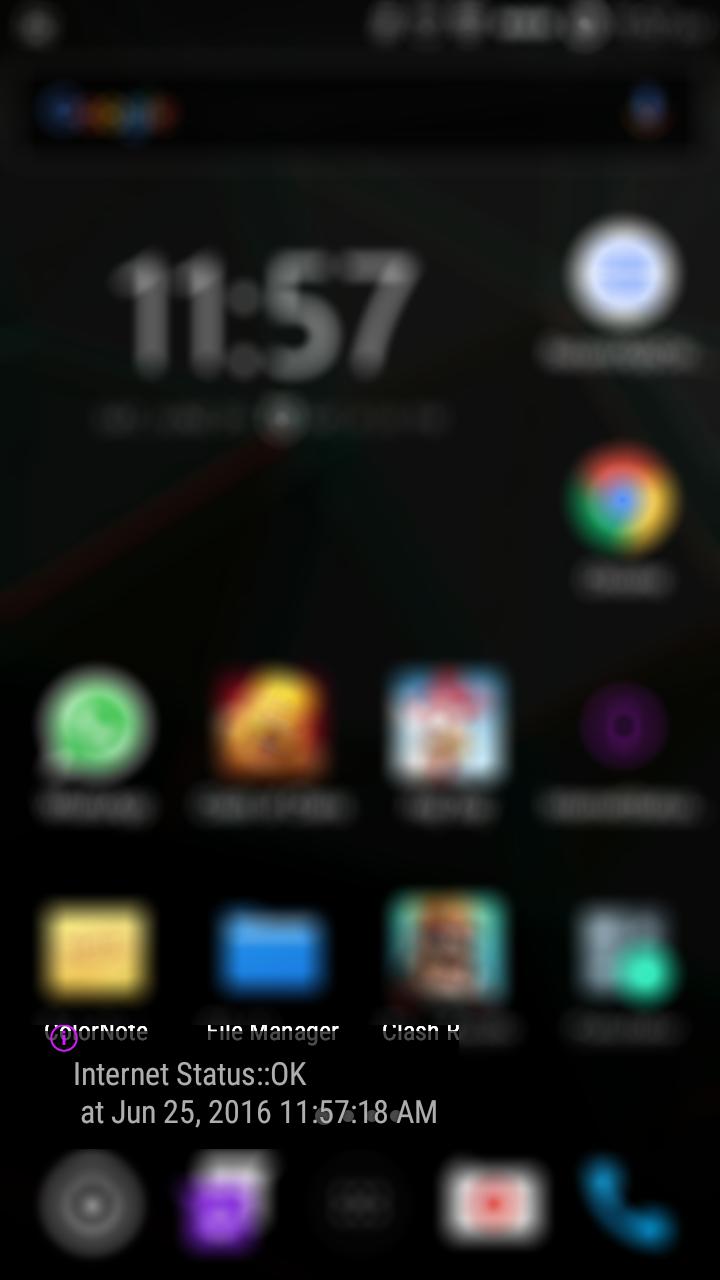
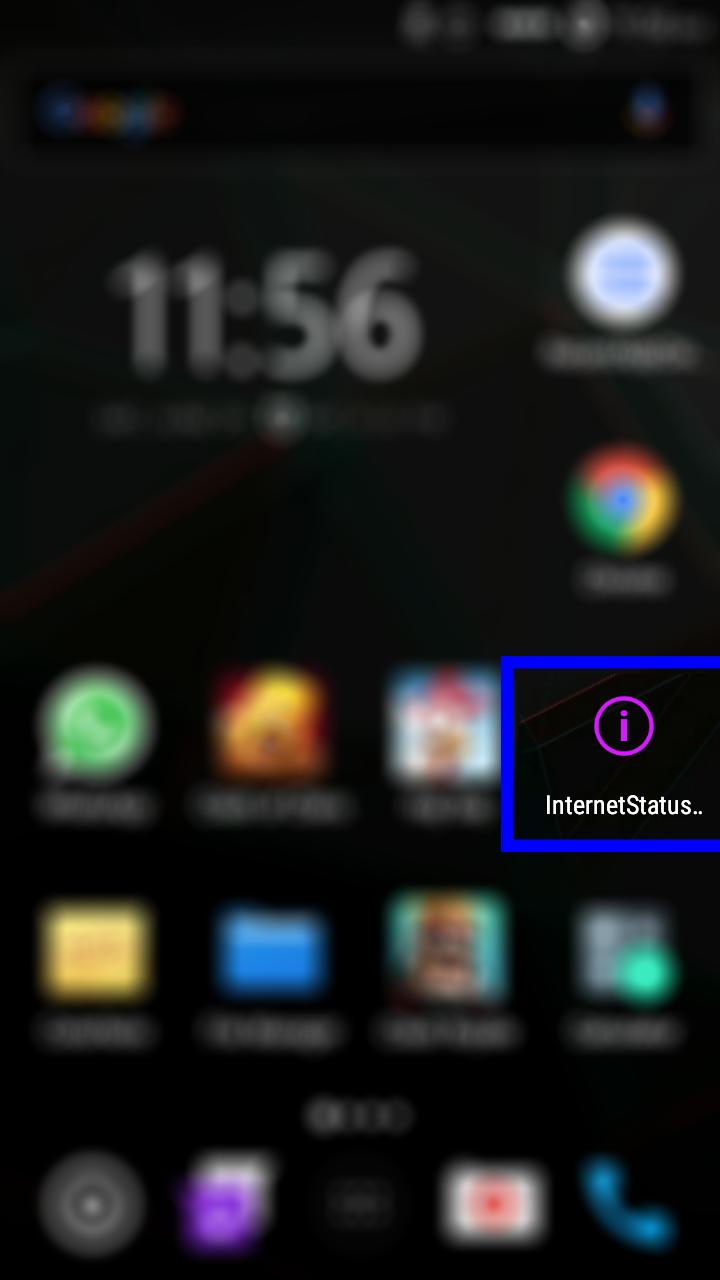
before running any App which require internet just click on "Internet Status Message" App icon you will get status of your internet while its working ok or not with the current timestamp of your mobile in the Toast Alert Message form.

detect internet connection status

No need to open App

Result will show in Toast Message

ok is for working Not working if connectivity not available

Result will also show current timestamp

Show More

What's new in the latest 1.0

Last updated on 2026-11-01
ver 1.0 is fully tested and support these functionalities
detect internet connection status
No need to open App
Result will show in Toast Message
ok is for working Not working if connectivity not available
Result will also show current timestamp
Show More

Videos and Screenshots

  • Internet Status Message poster
  • Internet Status Message screenshot 1
  • Internet Status Message screenshot 2
  • Internet Status Message screenshot 3
  • Internet Status Message screenshot 4
  • Internet Status Message screenshot 5

Internet Status Message APK Information

Latest Version
1.0
Category
Tools
Android OS
Android 4.0+
File Size
1.3 MB
Developer
h2zonesp
Available on
Content Rating
Everyone
Security Report
Check Now
Security Check Completed
No Virus
No Spyware
No Malware
No Virus
No Spyware
No Malware
Package Name:com.has.internetstatustoast
SHA-256:e62749e51120c6545019bb0fd518cfe6322176dda15c68fabf3257a2c38b2ad8
SHA-1:9a29bd0237249123a4bb5ec6bd6bfea1242c52b6
Show More
Verified by: APKPURE

Old Versions of Internet Status Message

APKPure icon

Super Fast and Safe Downloading via APKPure App

One-click to install XAPK/APK files on Android!

Download APKPure
thank icon
We use cookies and other technologies on this website to enhance your user experience.
By clicking any link on this page you are giving your consent to our Privacy Policy and Cookies Policy.
Learn More about Policies