Insite LMS Time

Insite LMS Time

Insite IT GmbH
Oct 13, 2026
  • 59.2 MB

    File Size

  • Security
  • Everyone

  • Android 12.0+

    Android OS

About Insite LMS Time

Track login and logout times of employees with QR-code or NFC

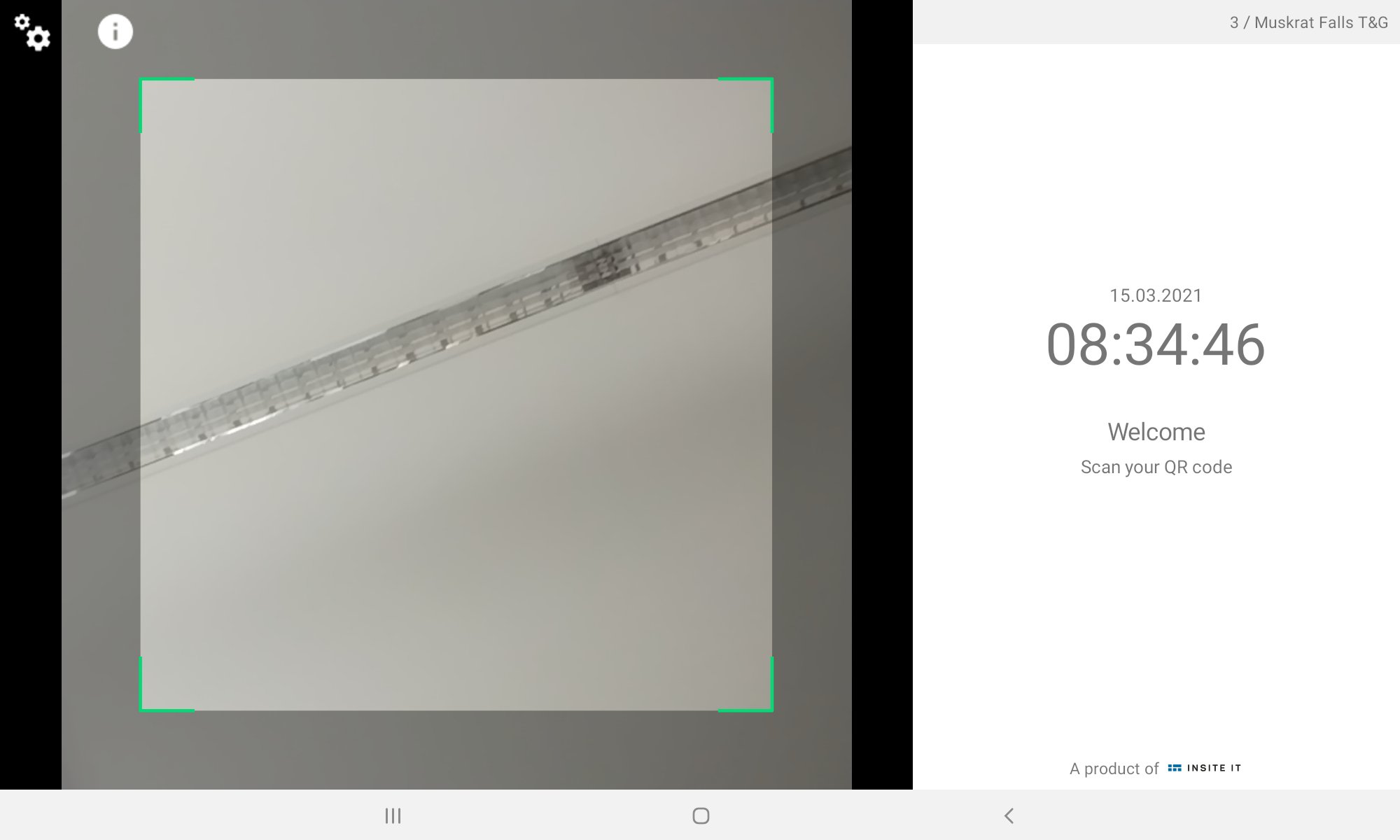
Place your mobile device – such as a tablet – at the access points to the construction site. Each employee logs in via QR code scan or by NFC while passing the entrance. The Insite LMS Time app forwards all access data directly to the Insite LMS software. All working times are listed by employee or by subcontractor and can be processed further.
Show More

What's new in the latest 10.2.4

Last updated on 2026-10-13
This is a service release with a primary focus on bug fixing, consistency and performance. We are continuously releasing updates to improving the user experience based on our users feedback. A detailed changelog including bug fixes, improvements and new features can be found under https://docs.insite-lms.com/general-information/updates/app
Show More

Videos and Screenshots

  • Insite LMS Time poster
  • Insite LMS Time screenshot 1
  • Insite LMS Time screenshot 2
  • Insite LMS Time screenshot 3
  • Insite LMS Time screenshot 4
  • Insite LMS Time screenshot 5
  • Insite LMS Time screenshot 6
  • Insite LMS Time screenshot 7

Insite LMS Time APK Information

Latest Version
10.2.4
Category
Business
Android OS
Android 12.0+
File Size
59.2 MB
Available on
Content Rating
Everyone
Security Report
Check Now
Security Check Completed
No Virus
No Spyware
No Malware
No Virus
No Spyware
No Malware
Package Name:com.insiteit.insitetime
SHA-256:2b5be99c9bf9cce6f030b602988ece751097e2f8b7e27a40810a1acbc833b278
SHA-1:f21987f1e12c4247fc746a6496dede77eb74bde3
Show More
Verified by: APKPURE

Old Versions of Insite LMS Time

APKPure icon

Super Fast and Safe Downloading via APKPure App

One-click to install XAPK/APK files on Android!

Download APKPure
thank icon
We use cookies and other technologies on this website to enhance your user experience.
By clicking any link on this page you are giving your consent to our Privacy Policy and Cookies Policy.

Learn More about Policies