Scan Date:Nov 3, 2026
Show More

Camera point recording and workday control
The ifPonto Cell application makes it possible to mark the point and control the workday directly by cell phone.
Please READ THE FOLLOWING INFORMATION VERY CAREFULLY:
– Features of the new ifPonto Cell –
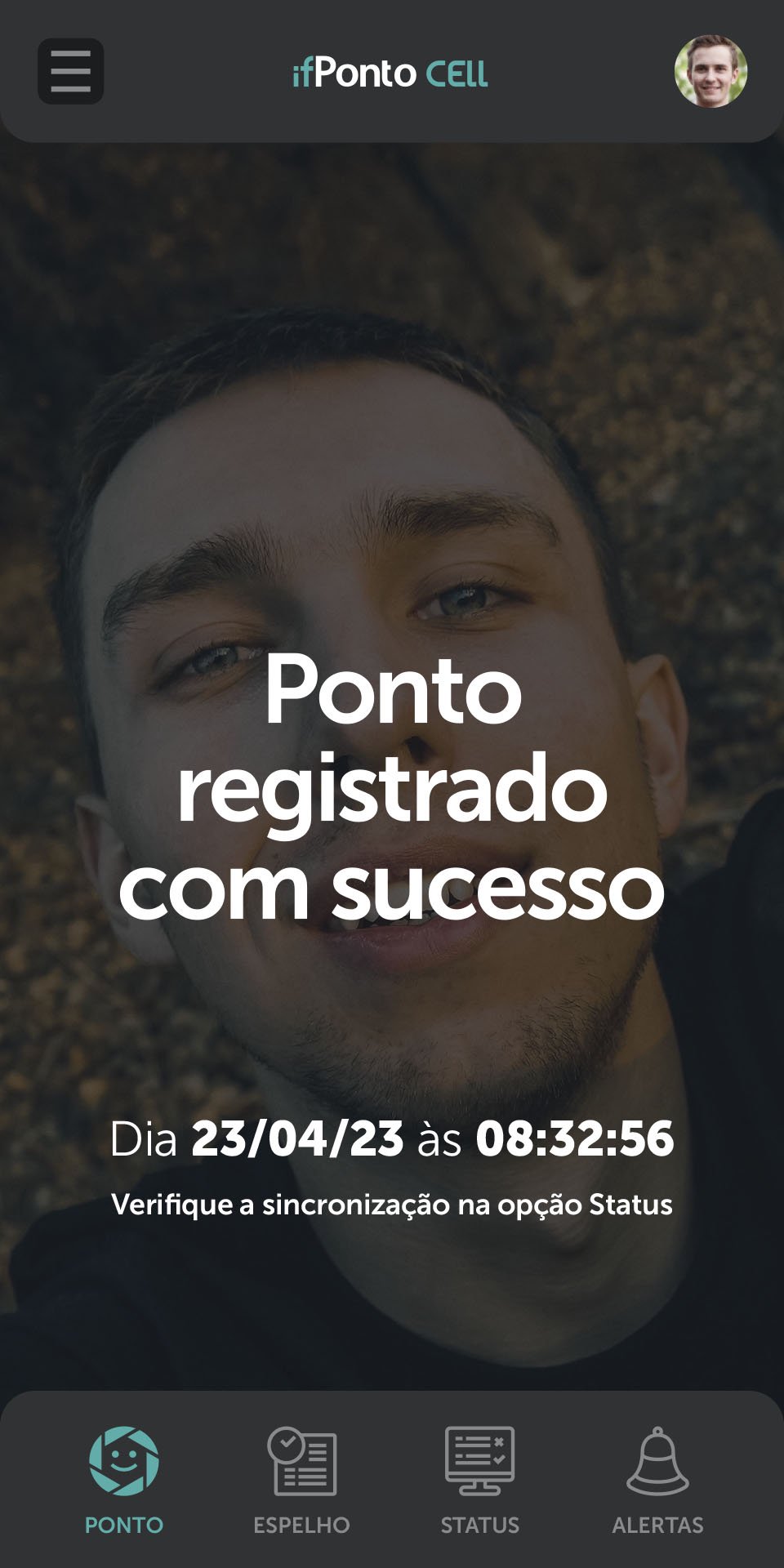
• Marking the point with photo and facial biometrics feature;
• Control of point marking mobility with geolocation and geodelimitation;
• Direct employee access to the updated point mirror;
• Recording of the employee's feelings at the time of clocking;
• Summary of appointments made that are pending and synchronized;
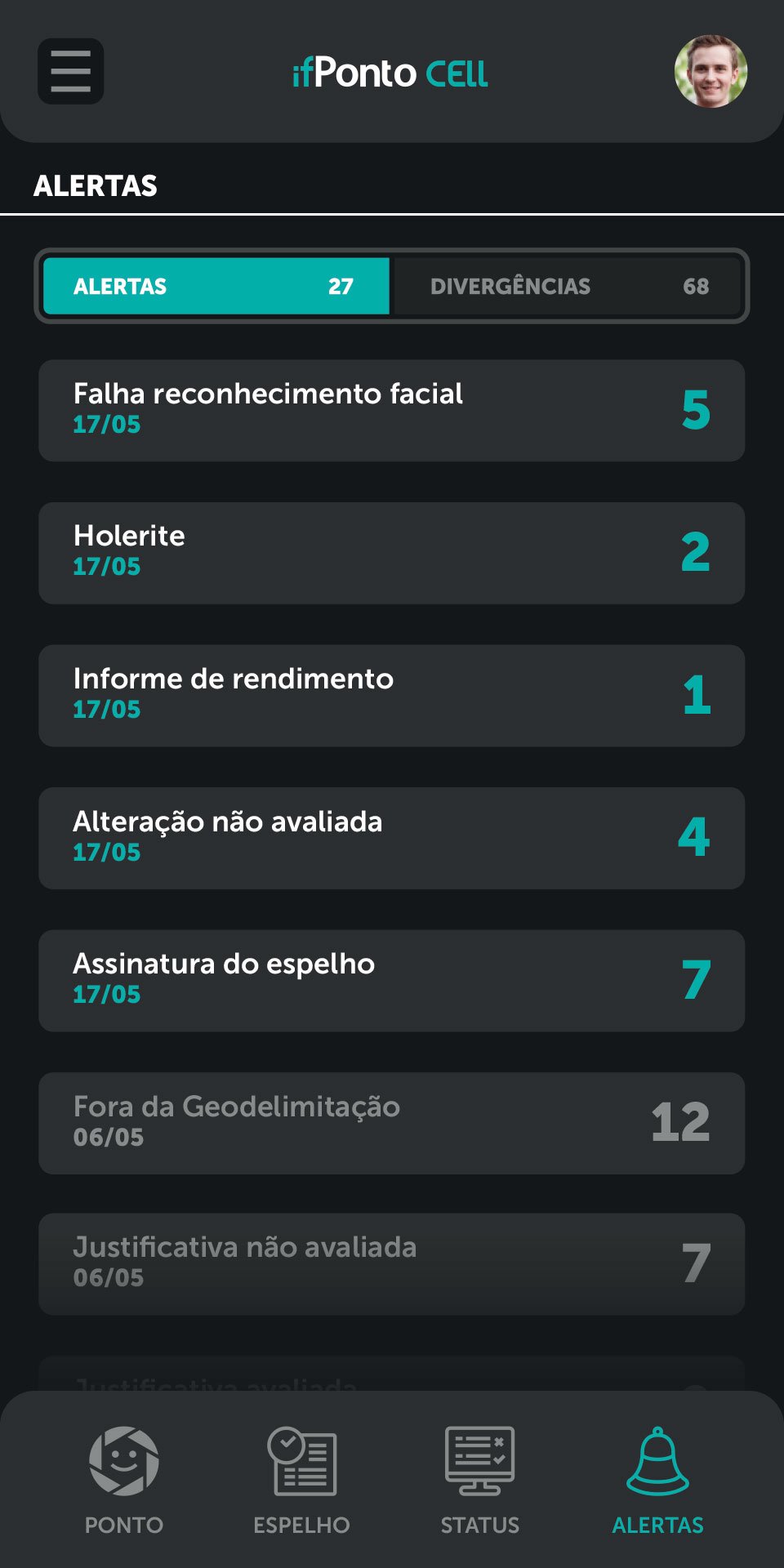
• Announcements from the manager and/or administrator;
• Automatic sending of proof of appointment by e-mail;
• Signature of the point mirror;
• Submission of justifications;
• Payslip (resource available upon separate contract);
• Income report (resource available upon separate contract);
• General approvals (upcoming updates).
– Using the app –
To use this application, it is essential that the user has obtained prior authorization from the manager or administrator of the ifPonto system, through the Human Resources department of his company.
If this authorization has not been granted, the user will not be able to register in the application.
– Application features –
Application functionalities can be made available according to needs. This means that the manager or person responsible for the ifPonto system in each company has the flexibility to configure and make available which functionalities will be visible to each group of employees.
If any essential functionality is not being displayed, it will be necessary to contact the manager or the person responsible for the ifPonto system in your company's Human Resources department. Only they will be able to enable the corresponding functionality on their device, through the ifPonto system.
– Geolocation –
Geolocation errors are caused by failures in the device's connection to the network or in settings. In order for the point markings to occur, mobile data must be turned on along with the GPS permission.
- Time zone -
Time zone problems at the time of point registration may be related to device settings or connection to available networks.
ifPonto Cell will always consider, when registering the point, the official time collected in the available networks, that is, if the device is not configured in automatic mode, the point registration will not be carried out.
– Application errors –
Many errors are the result of a lack of updates, both for the application and for the Android operating system on the device itself. These updates are important because they correct any errors and increase data security. Keep ifPonto Cell always updated, as well as your device's Android operating system.
- Password recovery -
ifPonto Cell is an application integrated to the ifPonto system, with data that transits through the network and is considered sensitive in terms of information security.
Unlike common applications or applications that do not handle confidential data, managing access to ifPonto Cell requires a security protocol that can guarantee the integrity of this information.
Therefore, password recovery is a step that can only be performed in two cases:
1. Request to reset password via email
The employee receives the link to reset the password in the email that is registered in the ifPonto system. This reset is only available when the user has forgotten the password and failed more than 5 times.
2. Request for password reset via HR
The employee must contact the HR department to have the password reset.
If there is no e-mail registered in the ifPonto system, the employee must request its inclusion through the company's HR department.





One-click to install XAPK/APK files on Android!

Thanks for your rating and feedback!
You have already rated.