










Thanks for your rating and feedback!
You have already rated.

IDLE - Python’s Integrated Development and Learning Environment on Android
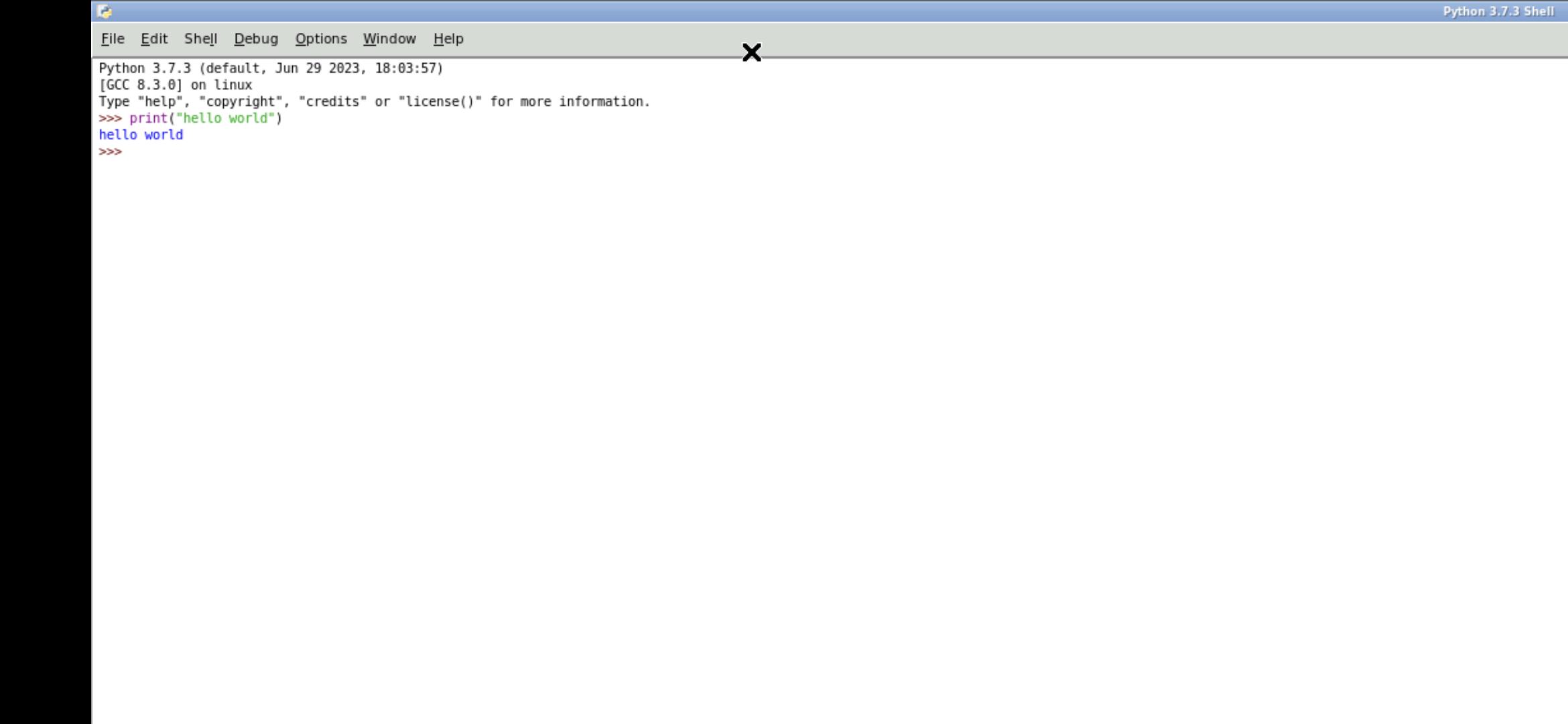
This really Python's IDLE running on your device. It is full featured and professionally supported.
About IDLE:
IDLE is Python’s Integrated Development and Learning Environment.
IDLE has the following features:
*coded in 100% pure Python, using the tkinter GUI toolkit
*cross-platform: works mostly the same on Windows, Unix, and macOS
*Python shell window (interactive interpreter) with colorizing of code input, output, and error messages
*multi-window text editor with multiple undo, Python colorizing, smart indent, call tips, auto completion, and other features
*search within any window, replace within editor windows, and search through multiple files (grep)
*debugger with persistent breakpoints, stepping, and viewing of global and local namespaces
*configuration, browsers, and other dialogs
You can read more about it here: https://docs.python.org/3/library/idle.html
How to use this IDLE Android app:
When using the graphical interface, use it just like normal. But here are some specifics to the Android interface.
* Tap with one figure to left click.
* Move mouse by sliding around one finger.
* Pinch to zoom.
* Press and hold and then slide one finger to pan (useful when zoomed in).
* Slide two fingers up and down to scroll.
* If you want to bring up a keyboard, tap on the screen to get a set of icons to appear and then click the keyboard icon.
* If you want to do the equivalent to a right click, tap with two fingers.
* If you want to change the desktop scaling, find the service android notification and click the settings. You have to stop and restart the app after changing this settings for it to take effect.
This is all easier to do on a tablet and with a stylus, but it can be done on a phone or using your finger as well.
To access files from the rest of Android, there are many useful links in your home directory (/home/userland) to places like your Documents, Pictures, etc. No need to import or export files.
If you don't want to, or cannot pay the cost of this app, you can run IDLE via the UserLAnd app.
Licensing:
This app is released under the GPLv3. The source code can be found here:
https://github.com/CypherpunkArmory/IDLE
This app is not created by the main Python development team. Instead it is an adaptation that allows the Linux version to run on Android.



One-click to install XAPK/APK files on Android!
Thanks for your rating and feedback!
You have already rated.




