
Unduh APK dengan Aman dan Cepat di APKPure
APKPure menggunakan verifikasi tanda tangan untuk memastikan unduhan APK Remote for MPC LITE yang bebas dari virus untuk Anda.

Kontrol jarak jauh Anda Media Player Classic!
Control your Media Player Classic Home Cinema with your Android device using MPC Remote. This app is a remote control for your MPC-HC player over network.
MPC Remote implements translucent design from KitKat onwards.
Features:
Intuitive Interface
The new remote circle of MPC Remote combines the most important functionionalities of the remote control.
Voice-Control
No need of hands to control MPC. Use predefined voice commands or create your own.
Notification
Control MPC via notification bar, even outside the app.
Widgets
Control MPC directly on your home screen. The widget may also be used on the lock screen.
Design-Adaptions
Don't like the color or layout? Choose one of your likings.
More Features:
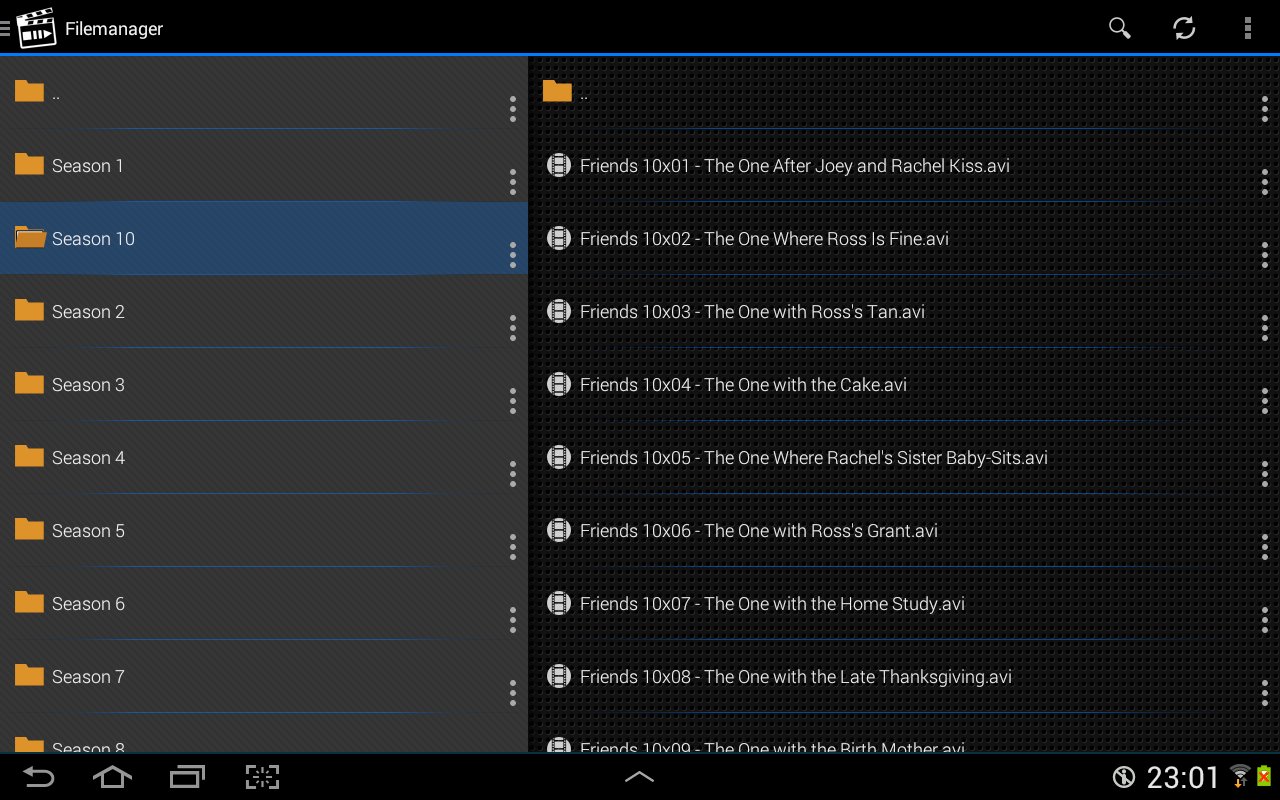
• Filemanager
• Playlist
• Server Management
• DVD-Control
• Tutorial
• HomeMedia-Access
The design shown in the screenshots is available for Android 4.0+ (ICS).
In-App Purchase/PRO-Version will remove advertisment.
This app was not created or endorsed by MPC-HC.




Sekali klik untuk menginstal file XAPK/APK di Android!

Terima kasih atas peringkat dan umpan balik Anda!
Anda sudah menilai.