Unduh APK dengan Aman dan Cepat di APKPure
APKPure menggunakan verifikasi tanda tangan untuk memastikan unduhan APK New Video Editor - Simple Tool - Video Maker Pro yang bebas dari virus untuk Anda.


34.0 MB
Ukuran file
Everyone
Android 4.3+
Android OS
Ome Menjadi editor video profesional di ujung jari menghadirkan pengalaman pengeditan baru
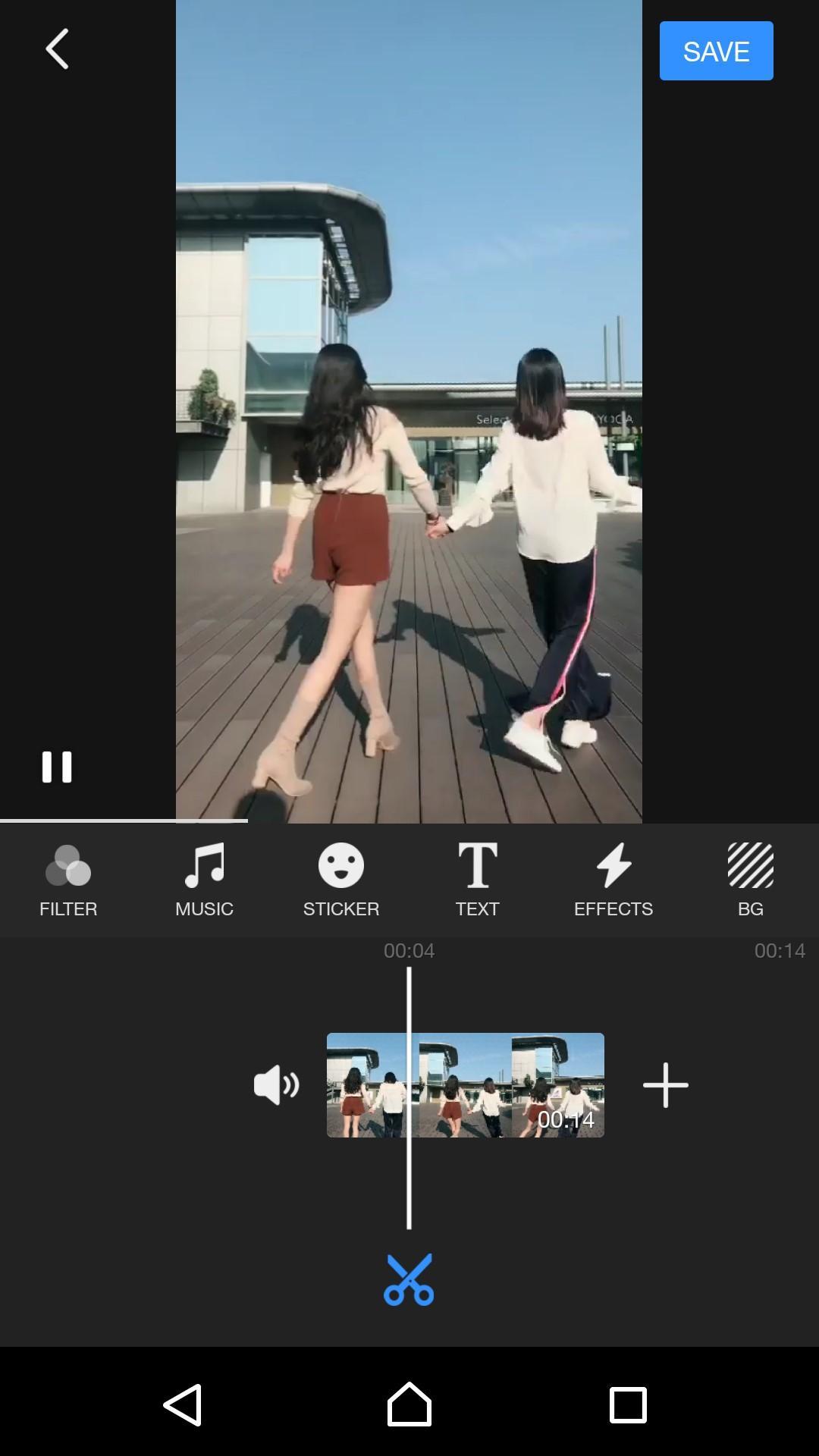
✪ Transform your video into a piece of art with simple drag & drop. Interface and powerful editing tools
✪ In New Video Editor - Simple Tool - Video Maker Pro there are professional video editing tools to help you to edit your life moment vlog.
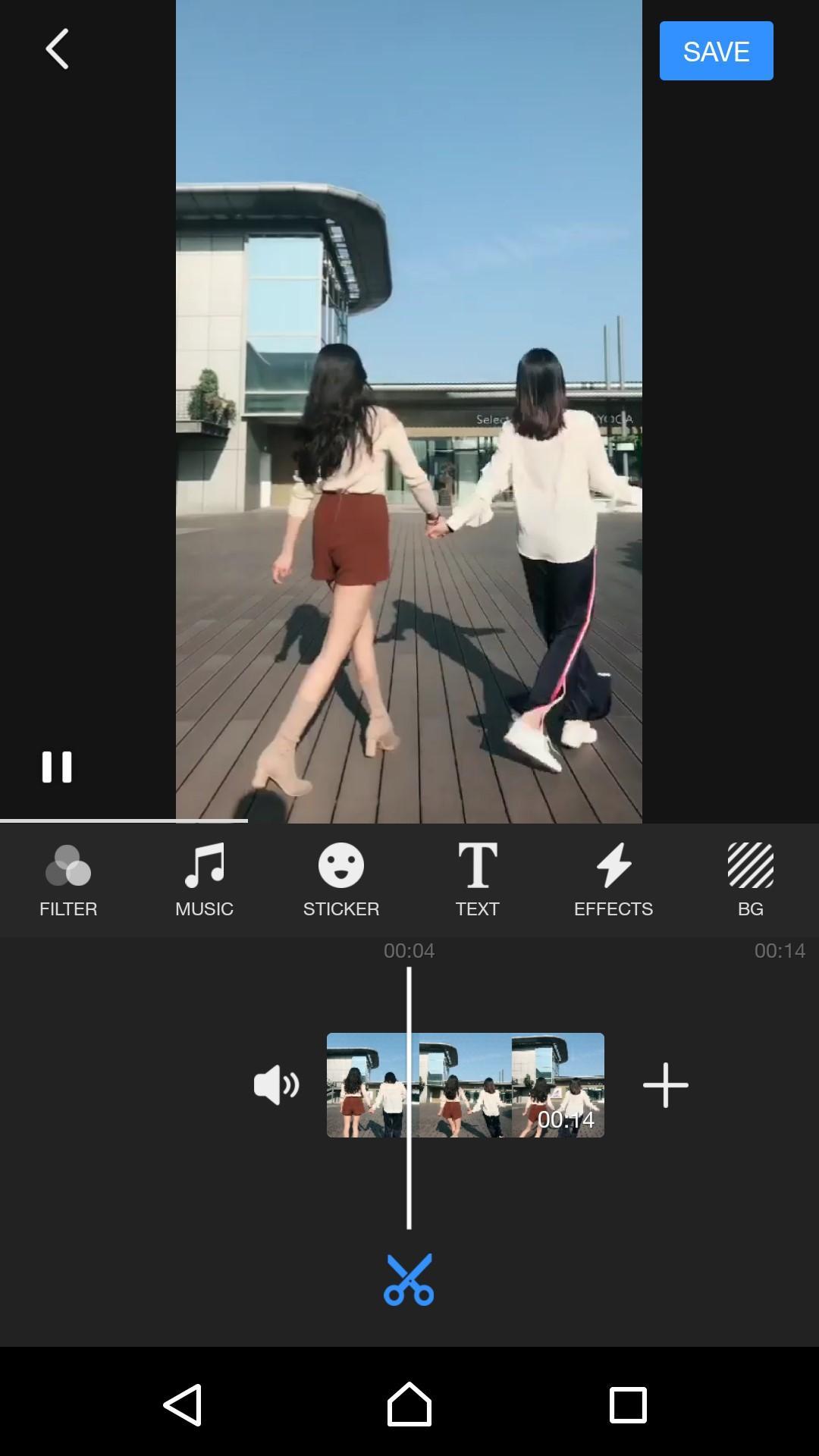
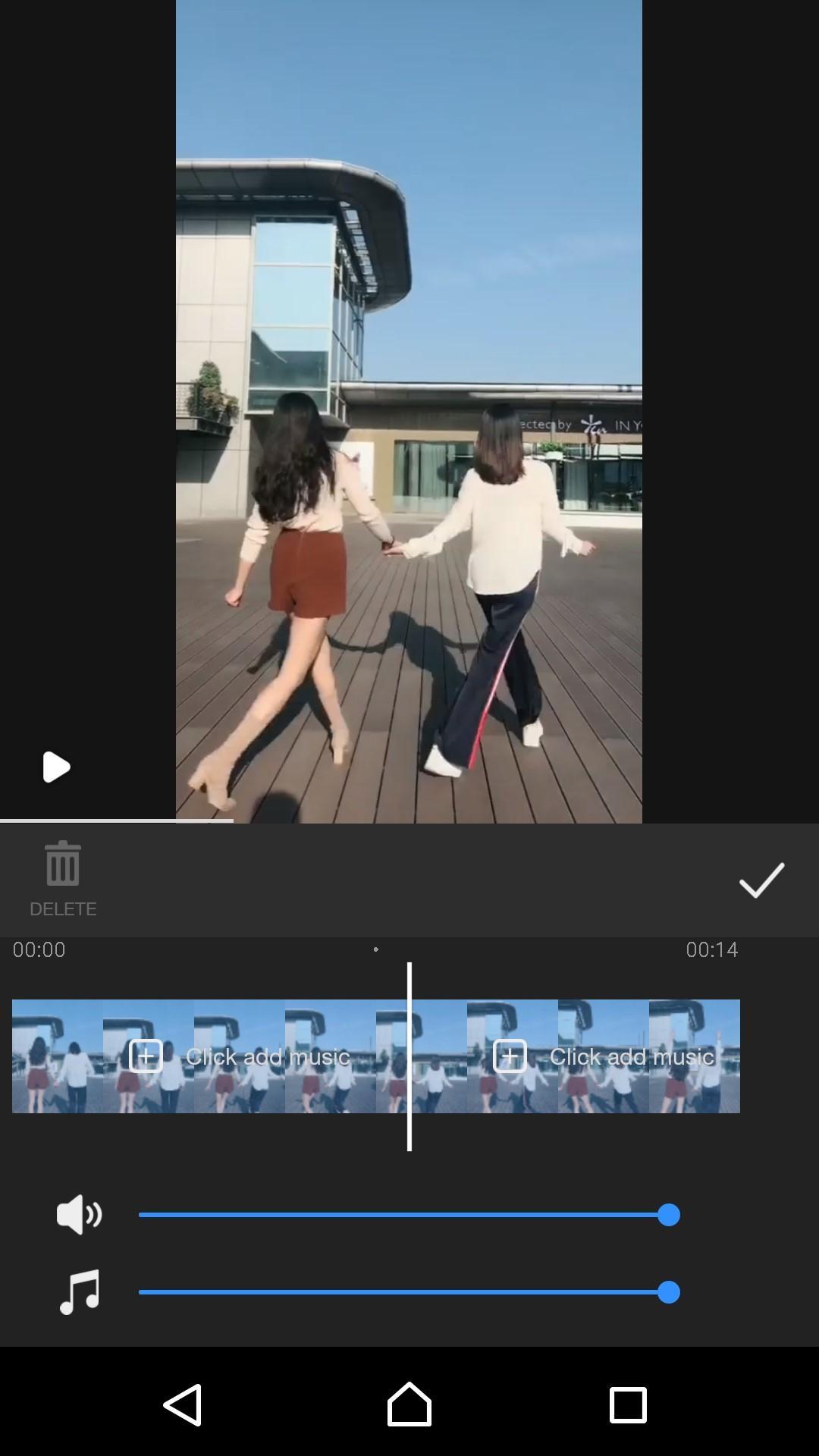
✪ Easy to use video trimmer & video cutter, just only one click the video will be split
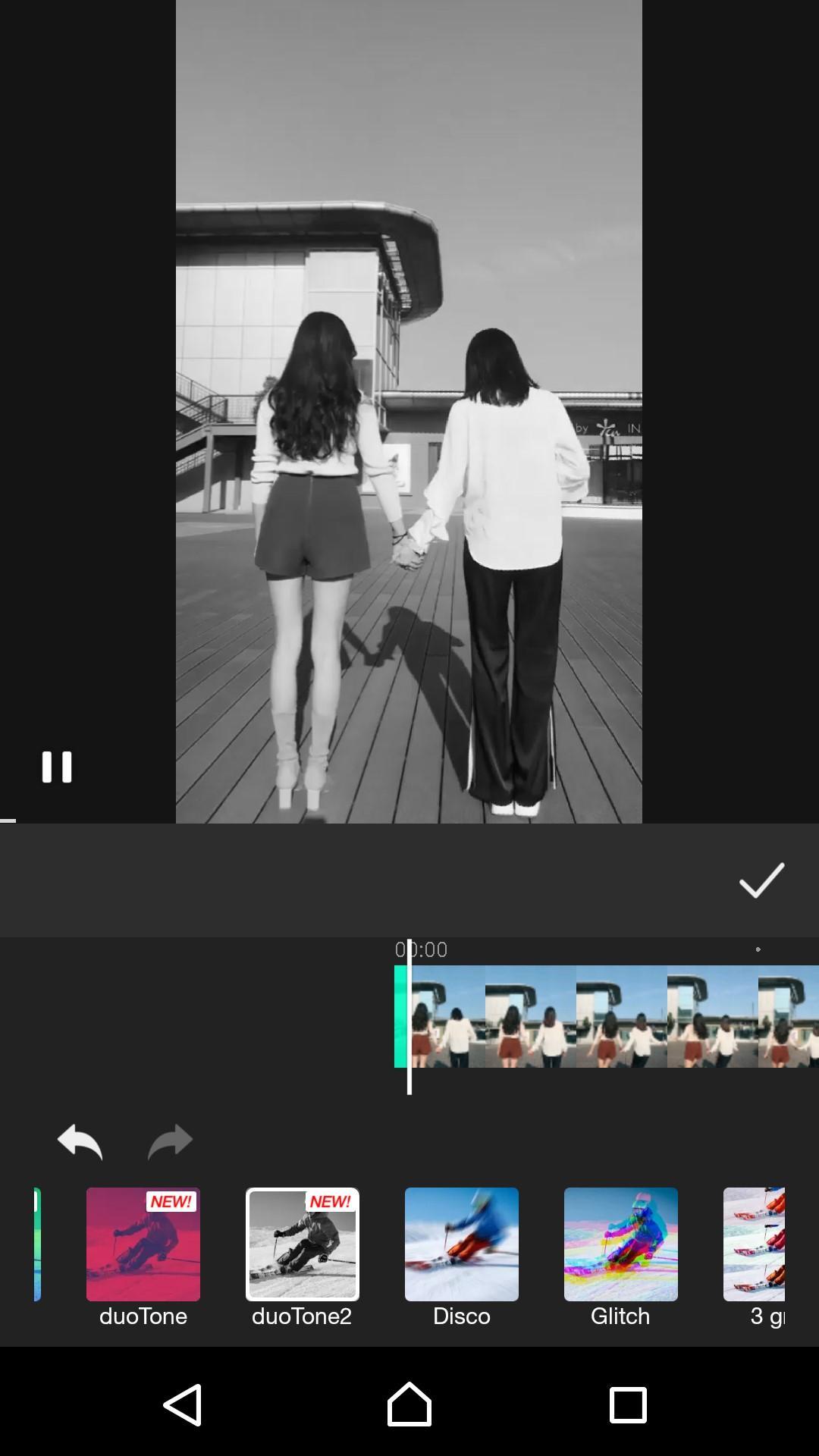
✪ With video effects to make cool vlog with movie effects, to be a vlog star.
🍉 New Video Editor - Simple Tool - Video Maker Pro create and edit videos without limits. Discover infinite ways to express yourself. Achieve a refined look with endless effects. You can enjoy your videos like never before. It’s easy to browse your clips and create Hollywood-style trailers and stunning 4K-resolution movies.
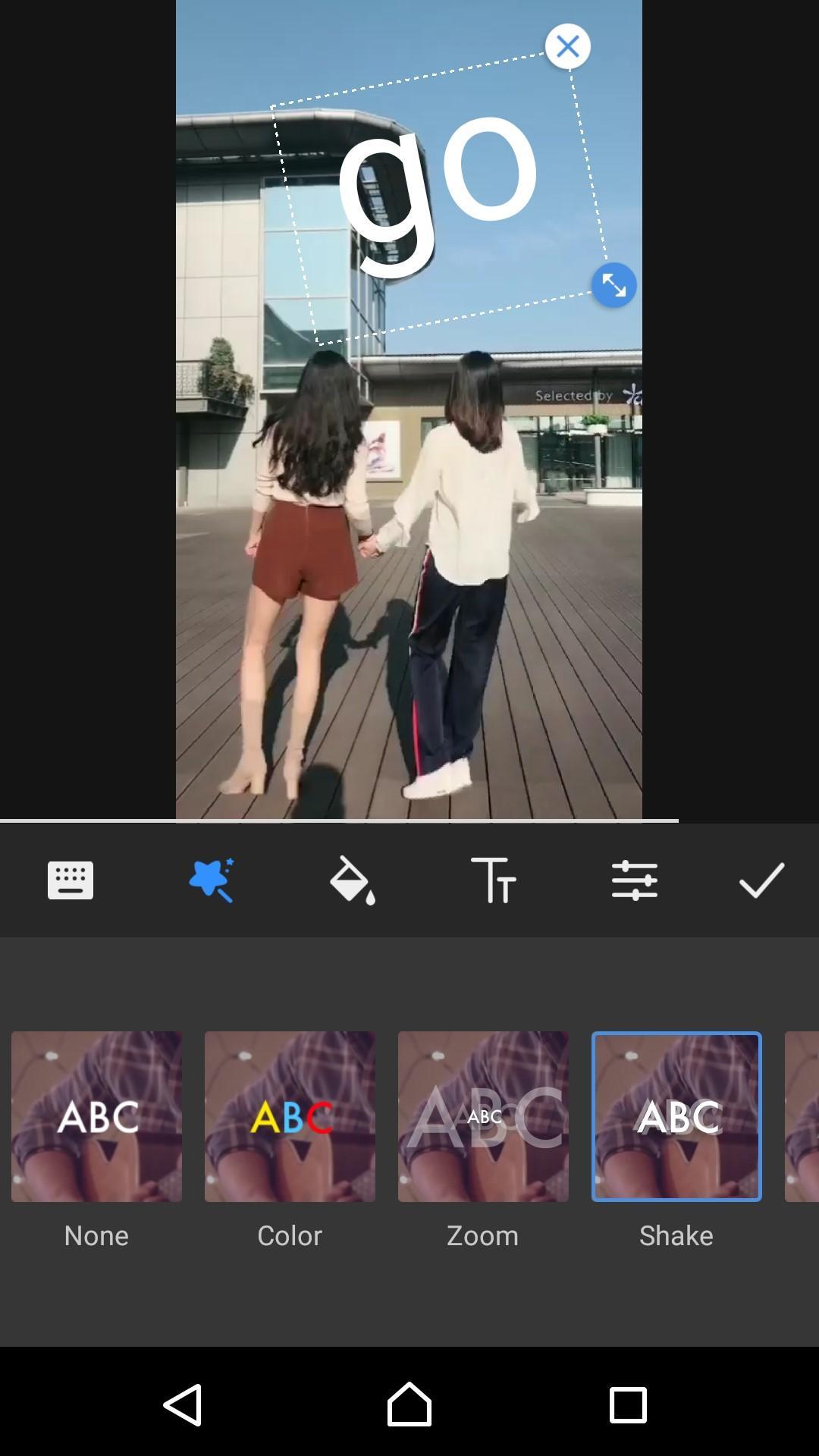
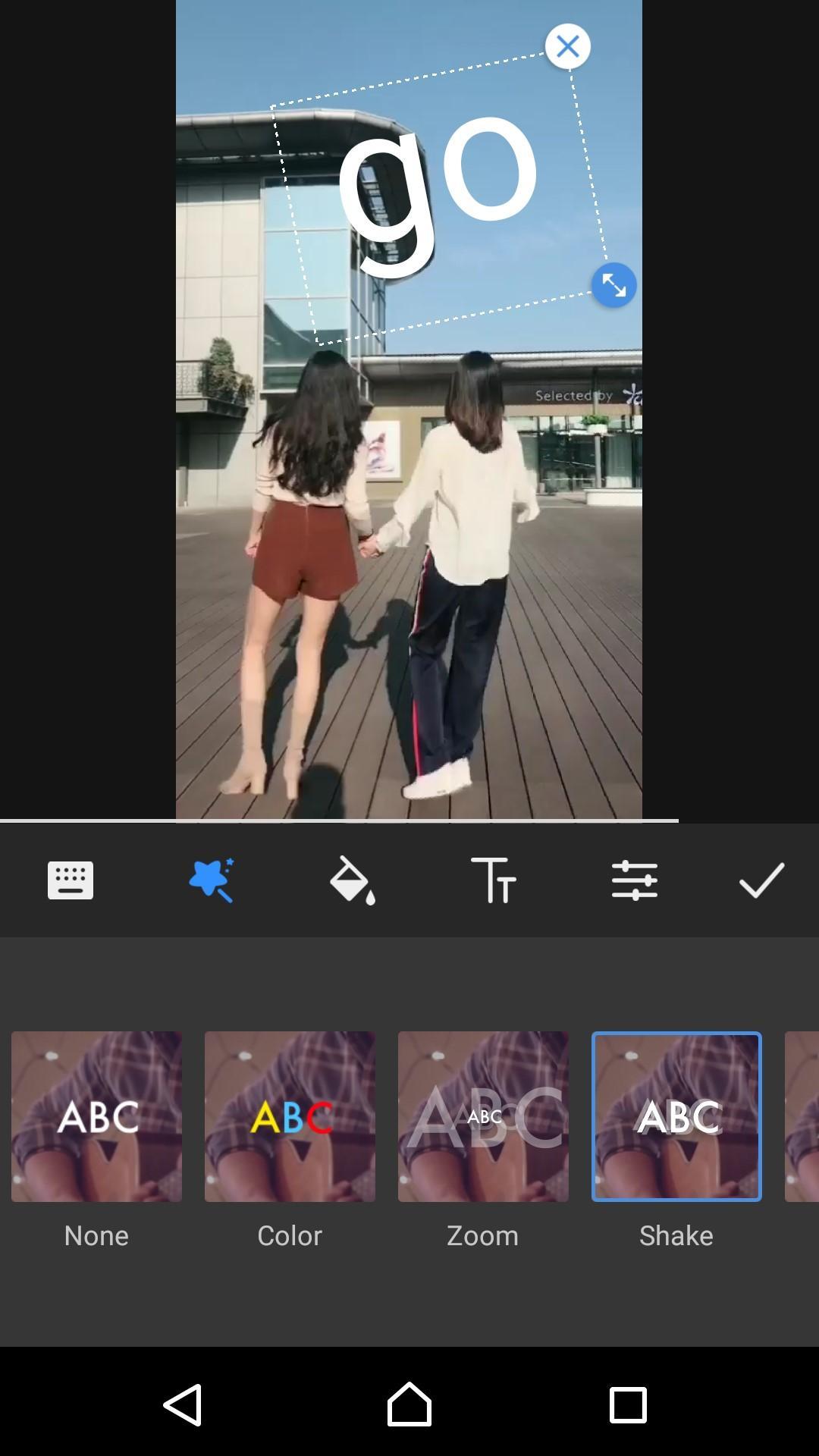
⛅️ Use video merger to merge video clips and splice video clips into one video. Edit subtitle with much free text animation styles, fonts and colours. Add subtitles and text for video editing on video.
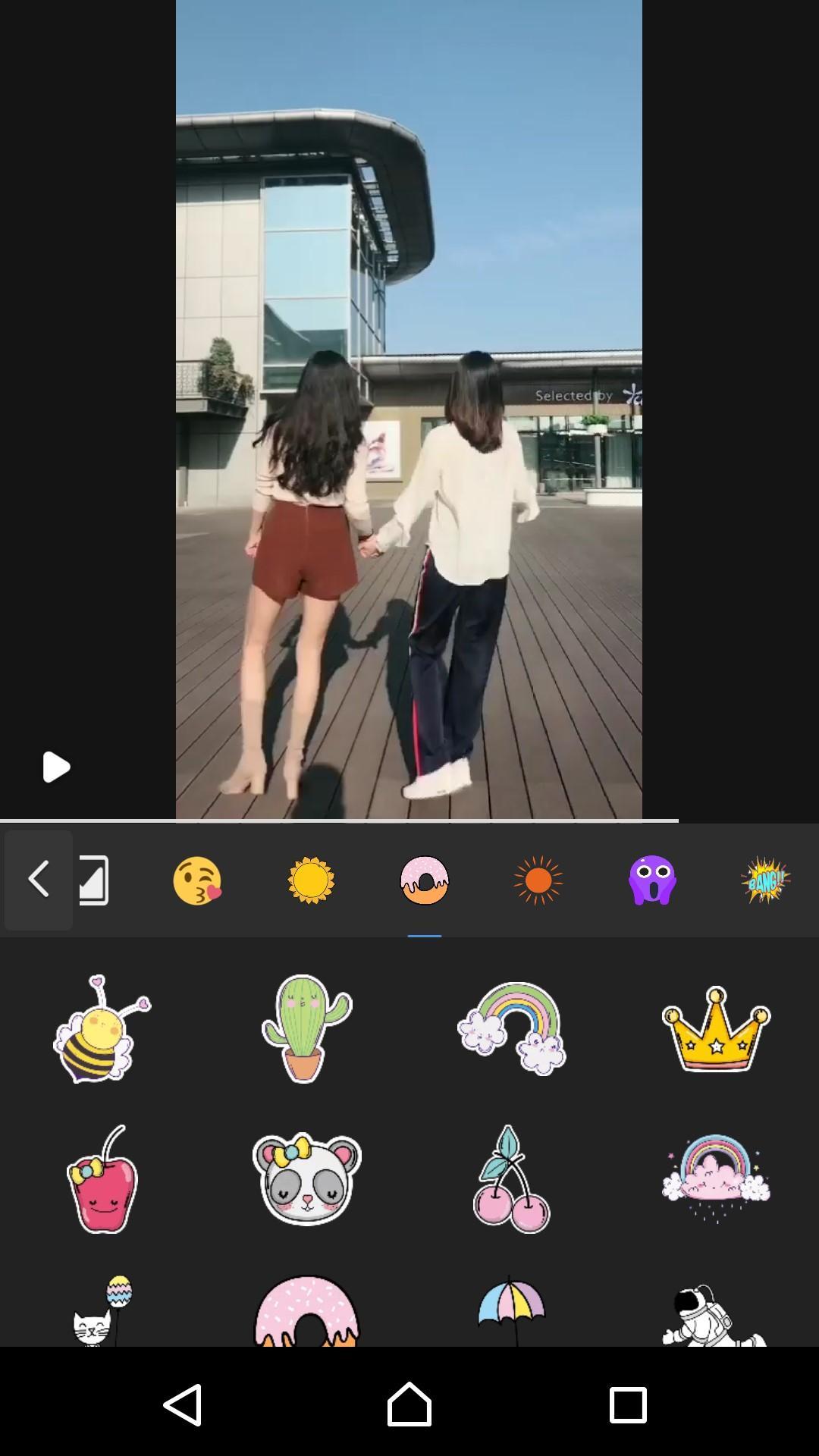
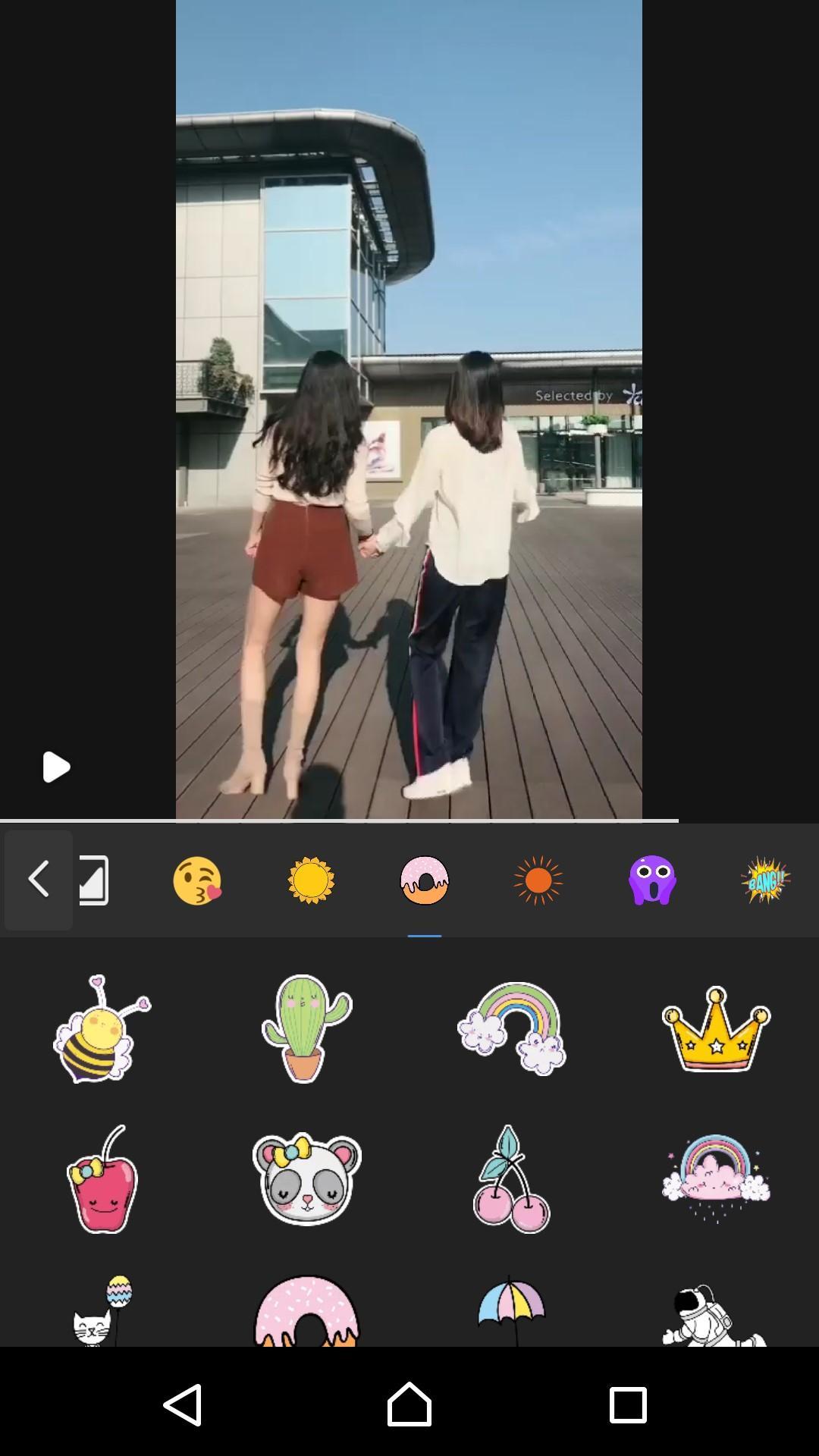
💎 New Video Editor - Simple Tool - Video Maker Pro is a free slow motion video maker & fast motion video maker. Use slow motion and fast motion to control the video speed, to create slow-motion videos and fast motion videos. Much cute stickers and emoji to choose, with the stickers and emoji to make fun videos.
🌳 Features
✦ Video Trimmer & Video Cutter
✦ Video Merger & Video Splicer with Transitions
✦ Edit Subtitle/Text on Vlog Video
✦ Edit Vlog with 100 Free Vlog Music/BGM
✦ Cool Movie Effects
✦ Speed Control - Slow Motion & Fast Motion
✦ Reverse Video Maker
✦ Add Stickers/Emoji on Vlog Video
✦ Movie Filters & Video Background
✦ HD Export & Share To Social Media
🍱 Make Movies.
Easy. From the first scene to the last. New Video Editor - Simple Tool - Video Maker Pro is never been easier to make it in the movies. Just choose your clips, then add titles, music, and effects. iMovie even supports 4K video for stunning cinema-quality films. And that, ladies and gentlemen, is a wrap.
🥗 Studio-Quality Titles
Select from dozens of styles to add beautifully animated titles and credits to your movies. You can easily customize the font, size, formatting, and color of the text.
🥙 Extra-Special Effects
Make action shots more exciting by slowing them down. Let viewers fly through scenes by speeding them up or add a broadcast feel to your school report with picture-in-picture and split-screen effects.






Sekali klik untuk menginstal file XAPK/APK di Android!

Terima kasih atas peringkat dan umpan balik Anda!
Anda sudah menilai.