Unduh APK dengan Aman dan Cepat di APKPure
APKPure menggunakan verifikasi tanda tangan untuk memastikan unduhan APK Korean OCR Data yang bebas dari virus untuk Anda.

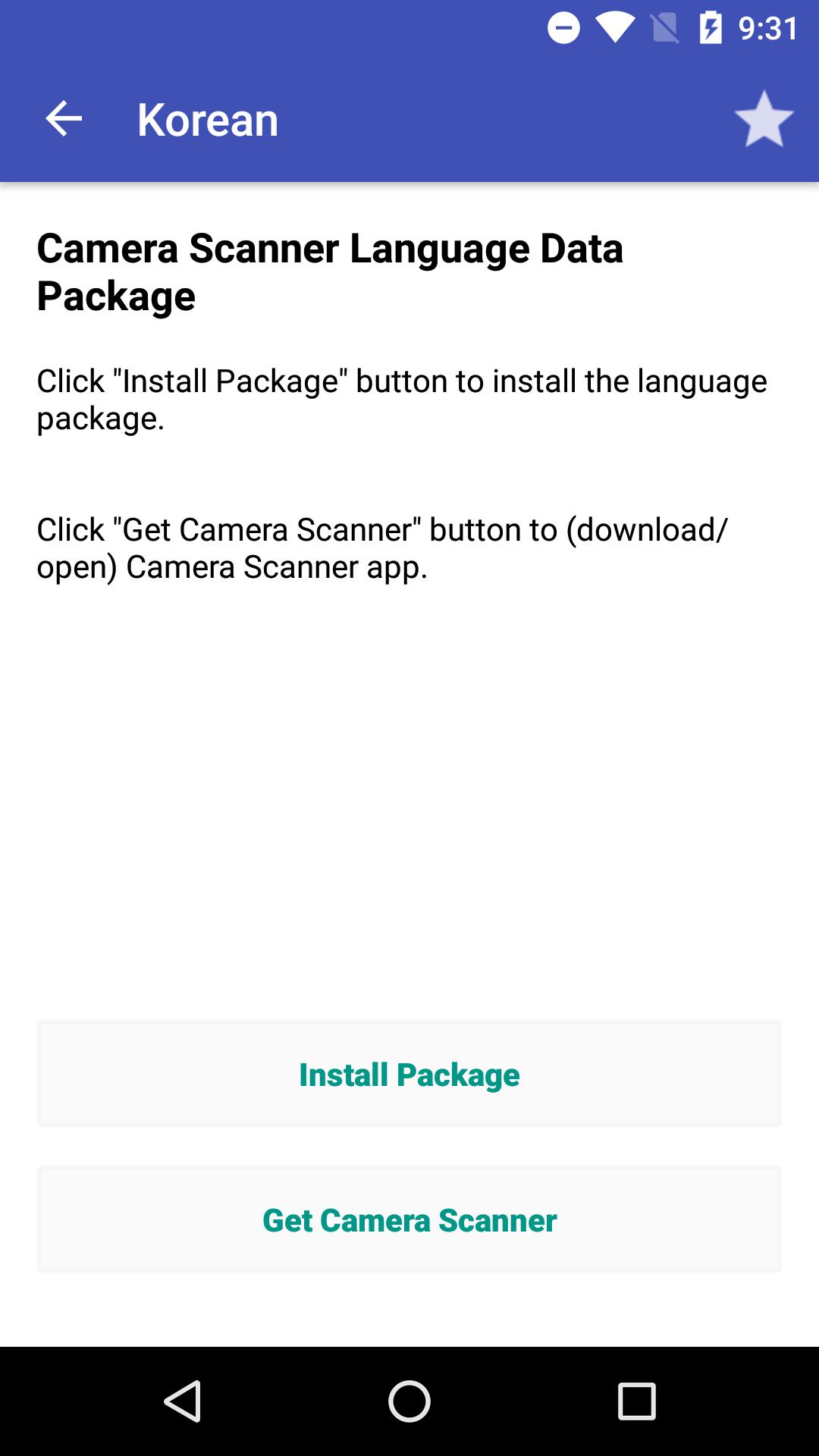
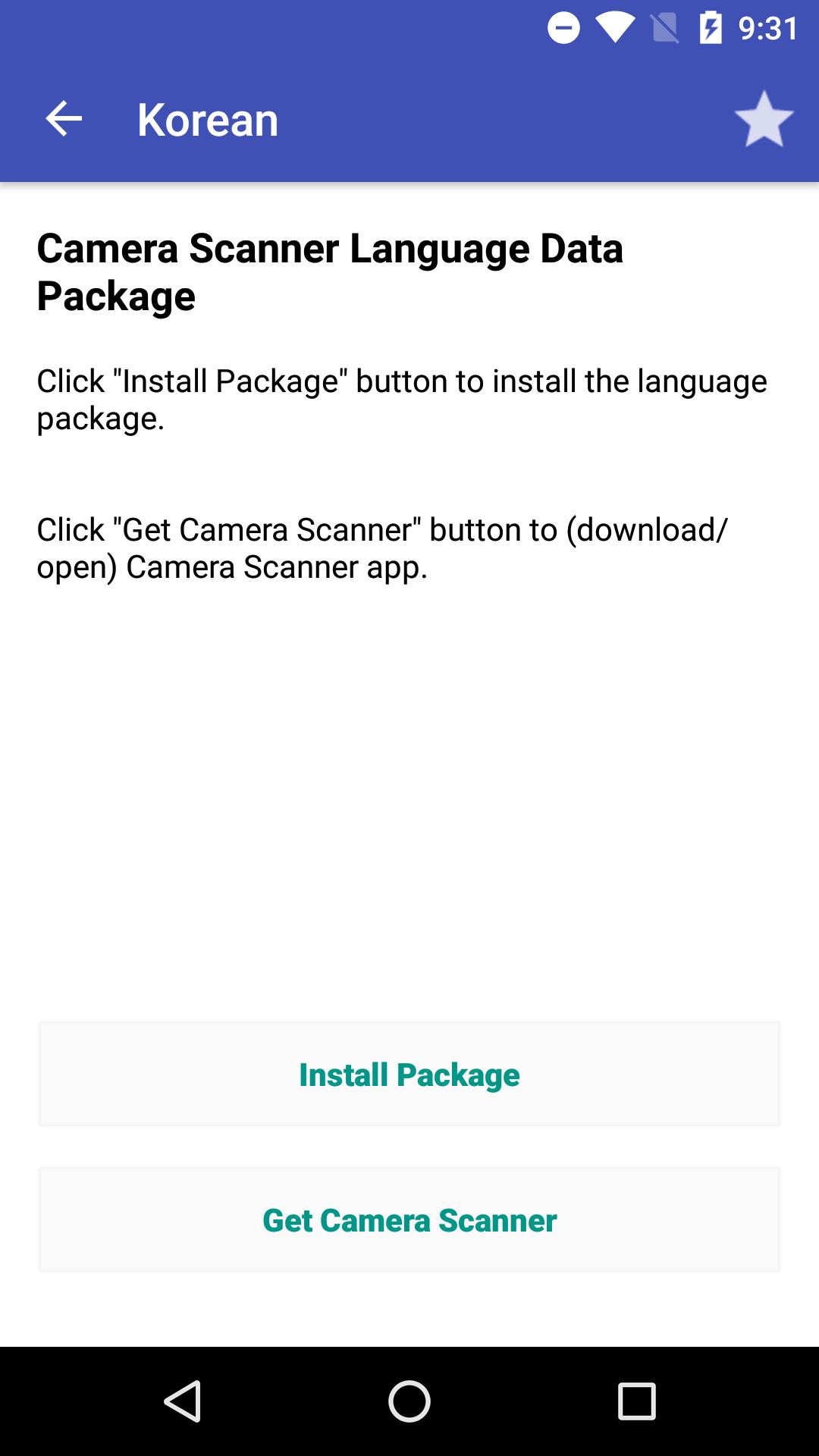
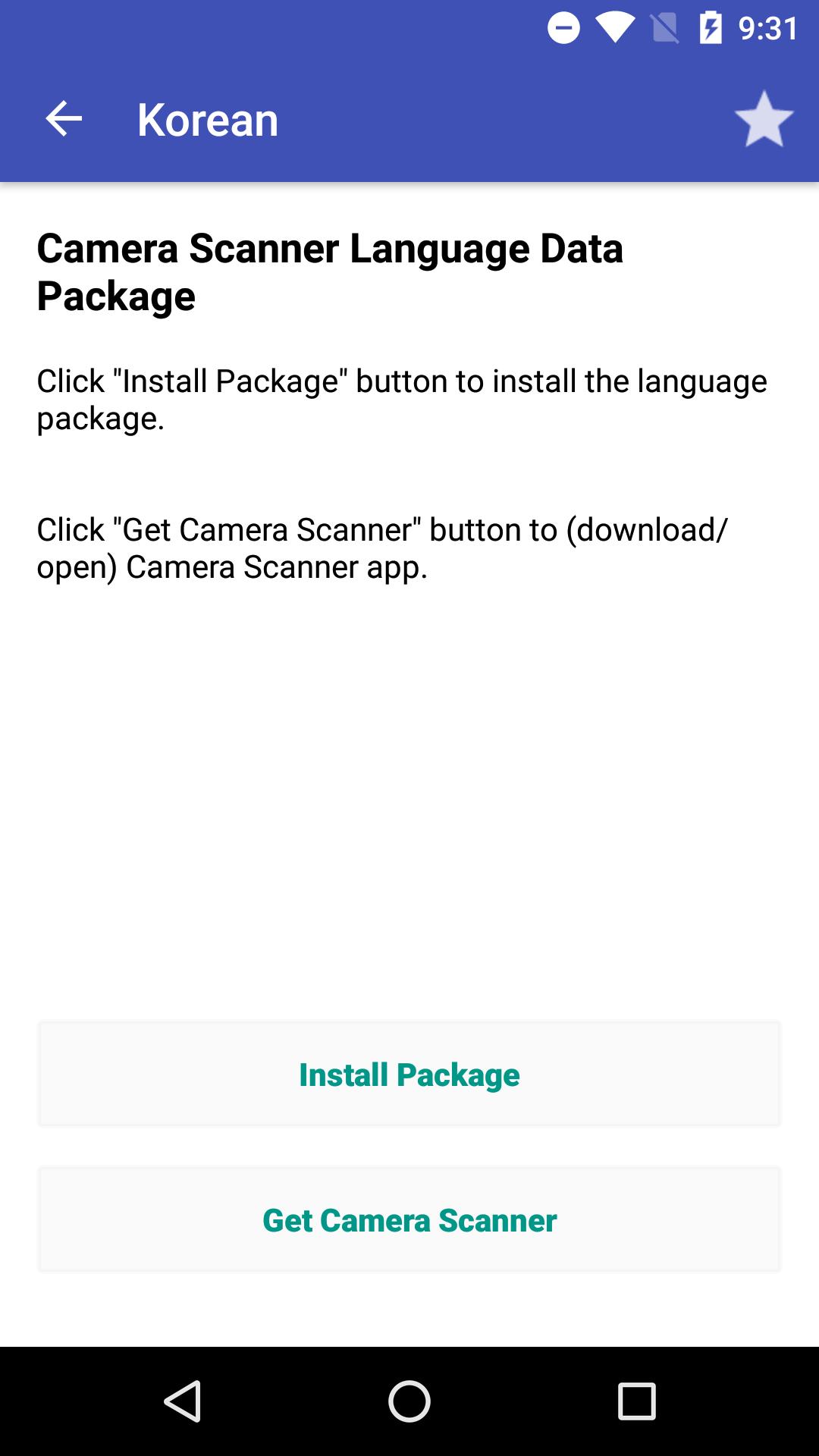
Korea data OCR untuk Kamera Scanner
Korean OCR Data for Camera Scanner
Q&A:
1.How to use the OCR data package?
Install the specific language package and open it. Then press “Install Package” button to install the data (if you haven’t installed the Camera Scanner app, you need to install it first). Open the Camera Scanner app and press OCR button on one picture to recognize text from the picture!
2.How to remove the OCR data from your phone:
Open the Camera Scanner app. Then goto “settings/OCR Language Data Manage” screen.
Delete the specific data.
If you have any problems , please give us a feedback:
Camera Scanner : https://play.google.com/store/apps/details?id=com.camerascanner.pdfconverter
E-mail: zayajisrn@gmail.com
Facebook: https://www.facebook.com/scannerprofree
Twitter: https://twitter.com/scannerprofree
Tumblr: http://scannerprofree.tumblr.com
Website: http://www.scanner-pro.com

Sekali klik untuk menginstal file XAPK/APK di Android!

Terima kasih atas peringkat dan umpan balik Anda!
Anda sudah menilai.



![Pemindai Teks [OCR]](https://image.winudf.com/v2/image1/Y29tLnBlYWNlLlRleHRTY2FubmVyX2ljb25fMTc4MzE5MTcwMl8wODU/icon.png?w=156&fakeurl=1)