
Unduh APK dengan Aman dan Cepat di APKPure
APKPure menggunakan verifikasi tanda tangan untuk memastikan unduhan APK Camera yang bebas dari virus untuk Anda.

Sederhana kamera tanpa tombol atau pengaturan menu tidak
PLEASE READ DESCRIPTION BEFORE DOWNLOADING !
Camera is 35kb
Camera takes photos
Camera has no buttons
Camera takes photos by tapping anywhere on screen
Camera focuses on the subject of interest by itself automatically
Camera has no settings
Camera has no flash
Camera does not rotate
Camera has no sound (If phone manufacturer camera driver does not force play sound)
Camera has black screen mode where you still tap anywhere on display and camera takes pictures
Camera is designed to be quickest camera on the market
Camera also has visible mode press volume down to enter it
Camera detects best 16:9 picture size setting for your phone hardware with full jpeg quality and uses it
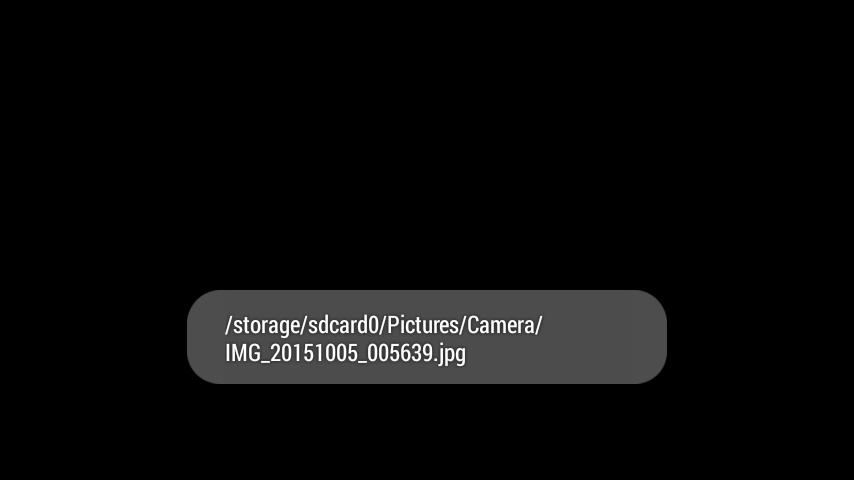
First popup message contains information about your camera auto configuration:
[PHOTO WIDTH]x[PHOTO HEIGHT] -> [PREVIEW WIDTH]x[PREVIEW HEIGHT] JPEG [QUALITY] FLASH [FLASH STATUS]
Where preview means how you view live data returned from camera sensors note that picture will be still saved with detected photo width x height and low preview size might save your power
In order to take picture tap anywhere on screen camera will try to focus automatically (not where you did tap but on the object in the centre of sight)
To take pictures without getting noticed:
1. Camera starts in black screen mode to switch in visible mode press volume down.
2. After enabling camera preview will be covered with black screen and display brightness will go to minimum so do not think that your phone is of or locked while others think same.
3. Hold camera directed to the subject of interest and do not look in the display.
4. Remember camera might need 2-3 seconds to focus
5. Tap anywhere on the display and do not shake your hand for additional one second while camera sensors are collecting data
6. Your picture is ready take 2-3 more shots to ensure best still
While camera is programmed to do not have sound but in your case you still hear sound during taking pictures this means your phone manufacturer has fixed it on camera driver level. The only workaround here is to root phone and delete camera shutter sounds which usually might reside in folder system/media/audio/ui usually named as camera_*.ogg files
And remember a quick brown fox jumps over the lazy dog !



Sekali klik untuk menginstal file XAPK/APK di Android!

Terima kasih atas peringkat dan umpan balik Anda!
Anda sudah menilai.