Package Name:com.evozi.injector.lite
Show More


8.2
11 Reviews
8.3 MB
File Size
Everyone
Android 4.1+
Android OS
HTTP Injector Lite is a lightweight VPN tunneling tool for secure, flexible connections.
Built by Evozi, HTTP Injector Lite focuses on fast, multi‑protocol tunneling in a small, responsive package. It supports SSH, HTTP proxy, SSL or TLS, and Shadowsocks in one app, and is geared toward users who bring or configure their own servers. You can download the HTTP Injector Lite APK for quick setup, then fine‑tune headers, proxies, and routing to match real network conditions. Below are the key features that stand out during everyday use.
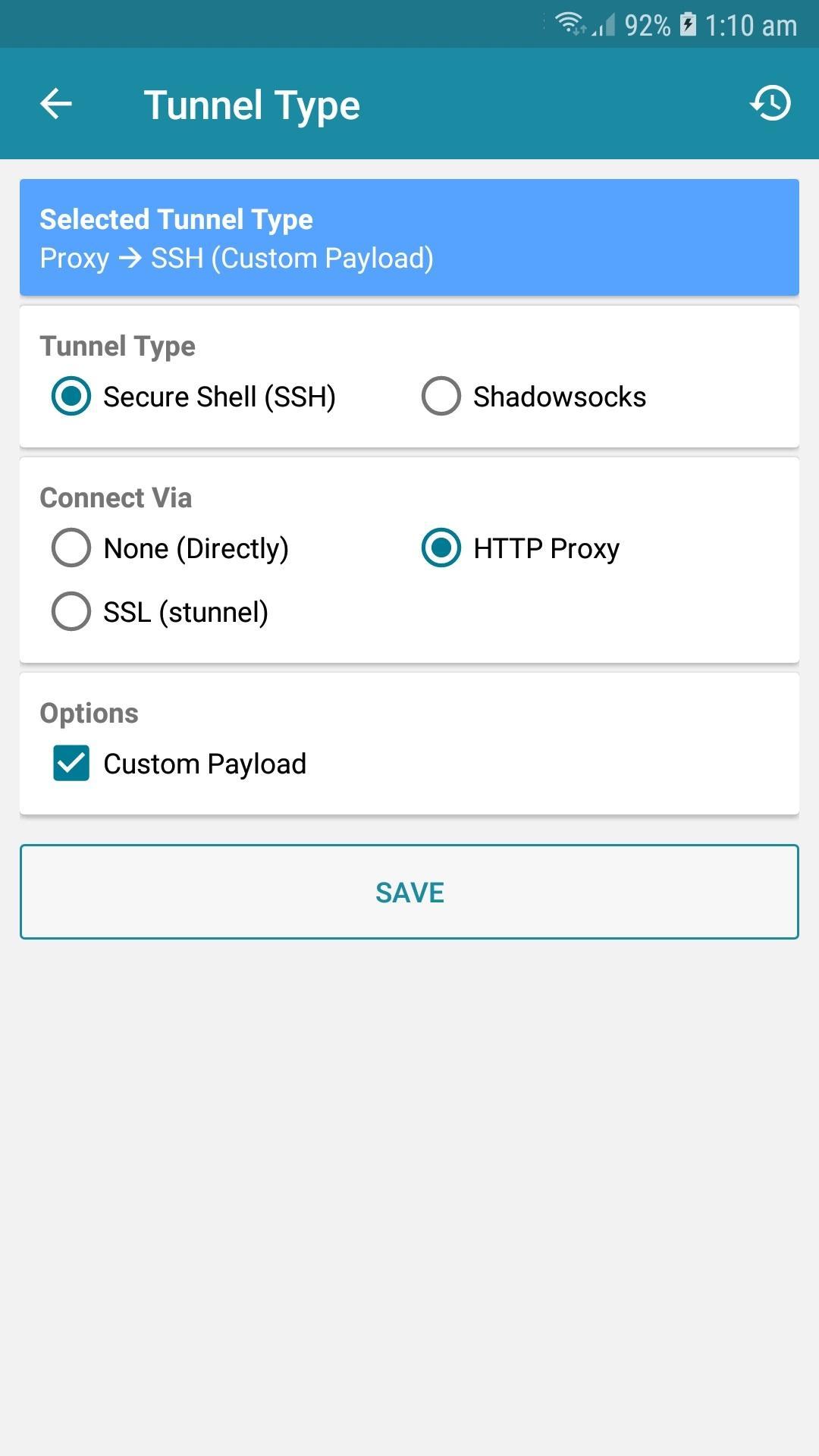
HTTP Injector Lite combines SSH, HTTP proxy, SSL or TLS, and Shadowsocks so you can adapt to different networks without switching apps. When a Wi‑Fi network blocks standard ports, SSL or TLS often helps the tunnel blend in with regular HTTPS traffic. In places where HTTP proxies are required, SSH over HTTP lets you shape payloads and headers to pass through strict gateways.
The HTTP Injector Lite app also includes advanced header control and alternate proxy support for fine‑tuning tricky connections. Users who manage their own servers can swap protocols to match what their provider supports, and switch again if a route becomes unreliable. The main limitation is that performance depends on the quality of your external servers and configs, so keeping multiple options ready is a practical workaround.
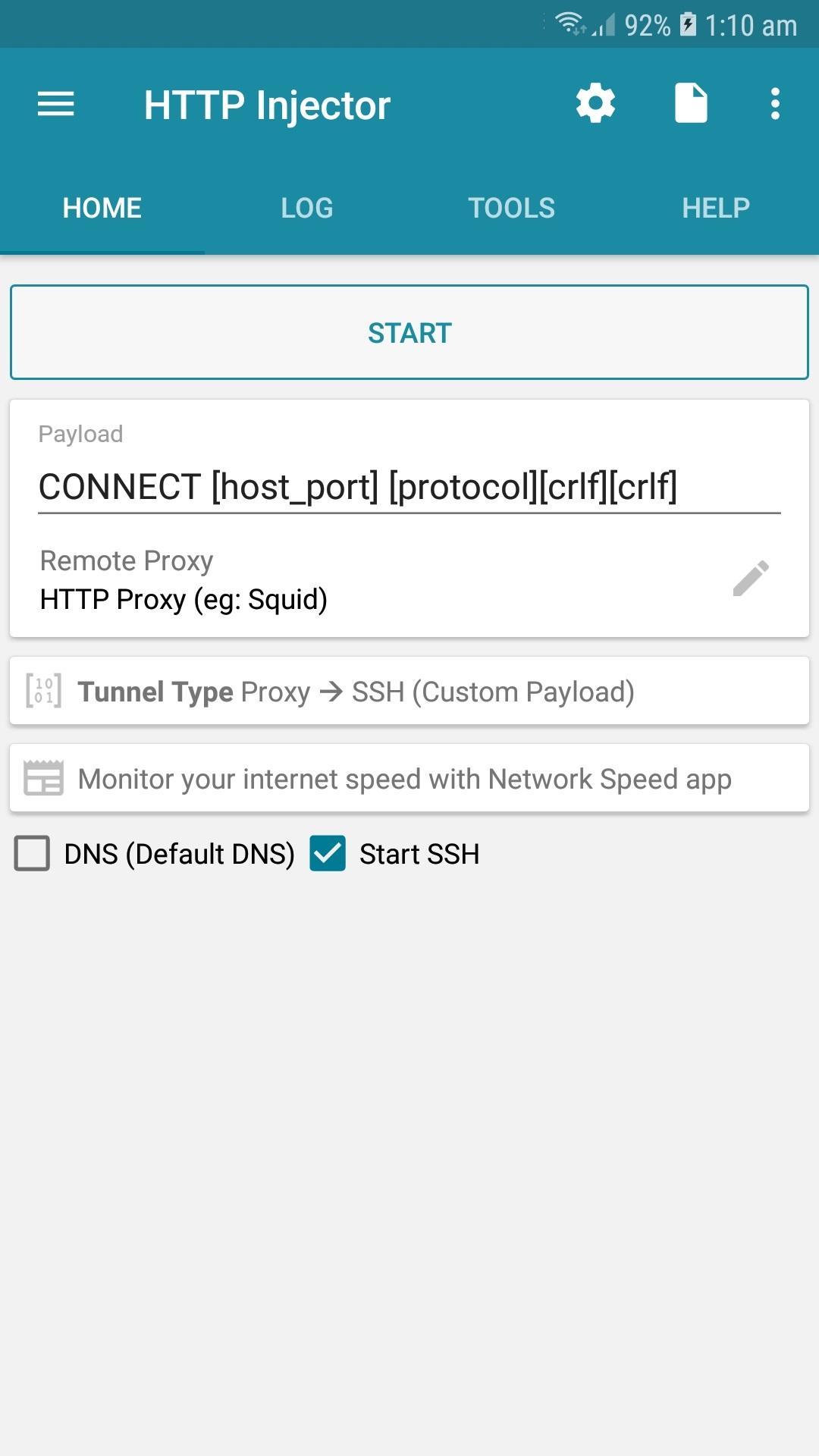
Importing a ready‑made .ehil file gets you connected with one tap, which is ideal when a provider shares a tested configuration. The home screen keeps things simple with a Start button to connect or disconnect, and the top‑right arrow opens concise settings for tunnel type and connection details. If you need a fast profile from scratch, the Payload Generator can create a working setup with default rules so you can pick a server and go.
The HTTP Injector Lite app uses the .ehil format, which is different from the full app’s .ehi files. That distinction matters if you manage multiple tools because configs are not interchangeable. Users who prefer to handle their own SSH credentials can enter host, port, username, and password in the gear menu, then test reliability before saving the profile.
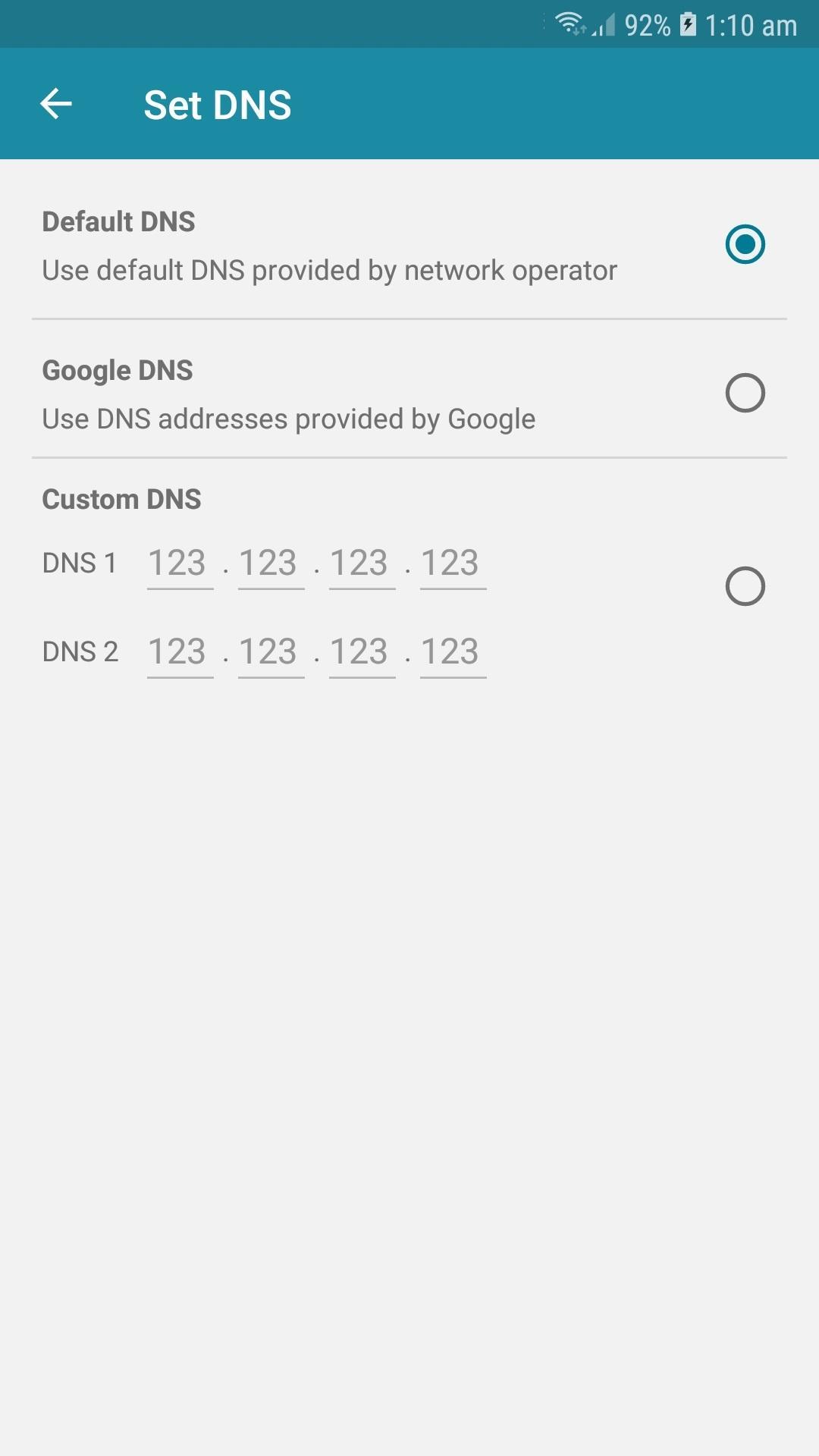
Apps Filter gives you split tunneling control, so only selected apps use the VPN while others connect normally. This is helpful when you want a streaming app inside the tunnel but keep banking or local services outside to preserve regional behavior. Custom DNS can reduce lookup delays and improve access to sites that resolve poorly on your default resolver.
The HTTP Injector Lite app adds practical tweaks like data compression and buffer size adjustment to stabilize throughput on inconsistent networks. Compression can reduce bandwidth on limited plans, while buffer tuning helps with latency spikes. If a change slows certain apps, revert or test different values until the balance suits your everyday usage.
Provider Mode is designed for those who share configurations with users or clients. It exports encrypted .ehil files, locks settings to prevent unwanted changes, and can show custom messages for guidance. Binding configs to a hardware ID adds control when access must be tied to a single device, cutting misuse or unauthorized redistribution.
The HTTP Injector Lite app’s Provider Mode reduces support overhead by keeping profiles consistent across many users. It also protects operational details like server addresses and headers inside the encrypted file. The trade‑off is a higher setup effort up front, but the long‑term management benefits are clear for anyone running a small service or community.
You can download HTTP Injector Lite APK on APKPure and get the HTTP Injector Lite latest version as it becomes available. The download usually completes quickly, depending on your connection speed and device performance. Size may vary by version, so ensure sufficient storage before starting. After the file arrives, your device may prompt for installation permission and then guide you through setup.
Once installed, open the app, import a .ehil config or generate a payload, and tap Start to connect. If a network behaves oddly, switch protocols or adjust DNS and buffers. For best results, keep server credentials ready and verify each profile before daily use. Users can download HTTP Injector Lite to test a profile, then refine settings to match their network conditions.



One-click to install XAPK/APK files on Android!

Thanks for your rating and feedback!
You have already rated.