












Thanks for your rating and feedback!
You have already rated.

Honista is a privacy-focused Instagram companion app for Android.
Honista combines ghost mode, media saving, and deep customization so everyday Instagram use feels controlled and private without extra tools.
Ghost mode hides Seen status and live viewer name for quiet browsing.
“Magic wand” tools save media, copy captions, repost, and open with player.
Privacy controls add chat/app locks, hidden chats, and app icon disguise.
Content and ad filters trim sponsored posts and refine feed visibility.
Themes, fonts, iOS emojis, dark mode, plus backup and restore settings.
Ghost mode hides your Story Seen, message Seen, and name in live viewer lists so you can check updates without leaving a trail. On top, locks for chats and the app add PIN or fingerprint protection, hidden chats keep sensitive threads out of sight, and an app icon disguise helps keep attention away on shared devices. Honista focuses these tools on everyday privacy, yet using stealth features too aggressively may conflict with platform rules, so many users enable them selectively for specific moments.
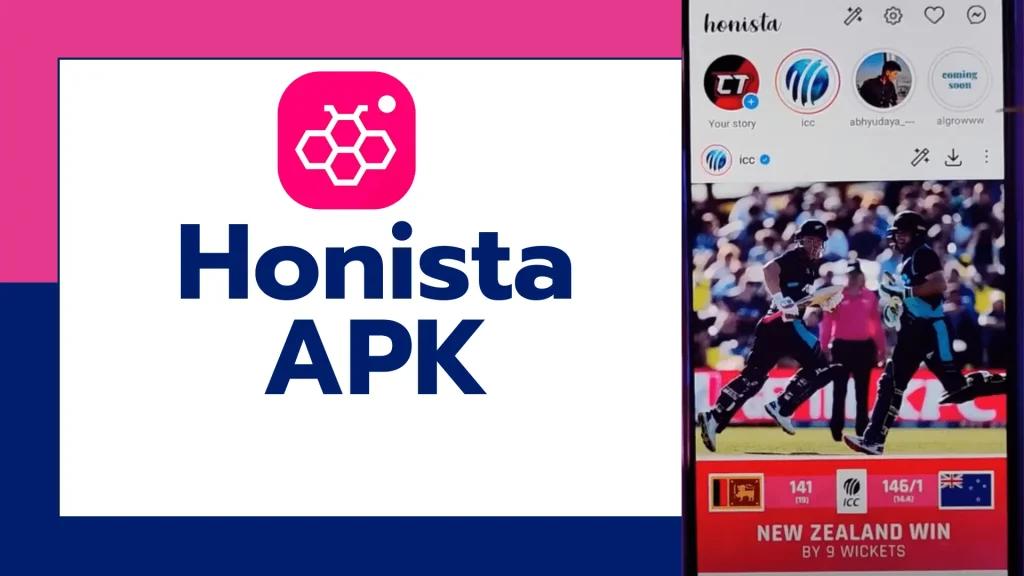
The magic wand button brings quick options directly on posts and Stories, including saving photos, videos, and covers, copying captions, reposting, and opening media with the phone’s player when you need better scrubbing. A direct download icon also appears on supported posts and Stories, which makes grabbing a clip for offline viewing fast and simple. Honista keeps these tools inside the interface, which reduces the need for separate downloader apps and helps keep the feed tidy while collecting what matters.
Sponsored placements and suggested posts can be removed to keep attention on accounts you actually follow, while post filters let you show or hide videos, pictures, private or public posts, and items already liked or viewed. This helps create a calmer feed when you only have a few minutes to scroll. Honista also includes a data saver that lets users prefer lower quality for uploads and downloads and even hide video posts entirely, which is useful on limited data plans or when traveling on spotty connections.
Visual customization is broad, with 50+ theme colors, custom fonts, conversation backgrounds, and dark mode to match late-night use. The iOS 18.4 emoji pack brings a familiar look if you chat with friends who use different platforms, and it blends smoothly with the chosen font. Honista backs up these settings so you can restore your preferred layout and privacy choices when moving to a new phone or after a clean reinstall. This backup option saves time and keeps your setup consistent across devices.
You can download the latest Honista APK on APKPure with a single tap. The package is around 130MB, so on stable Wi‑Fi it usually finishes within a few minutes, while mobile data can take longer. After installation, the first launch may request standard Android permissions for storage or media access so downloads and saving work smoothly.
Before you download Honista, check that your device runs Android 9.0 or higher and has arm64 support, as older devices may not install properly. If storage is tight, free up a few hundred megabytes for both the APK and cached media. Once installed, sign in and explore Ghost mode or try the magic wand on a favorite post to see how the tools fit your routine.



One-click to install XAPK/APK files on Android!
Thanks for your rating and feedback!
You have already rated.




