
Scan Date:Oct 27, 2026
Show More

Videos will be hidden and locked in the advanced level
That your private and sensitive videos were leaked out and spread outside is extremely dangerous, we therefore introduce a free apps to you to help you control and keep your private videos in the safest way.
Hide video locker allows you to import and lock personal, private videos that only you can manage and no one can see them on their mobile devices. We assure that whoever uses your phone will not be able to see movies which have been hidden because hide video locker was encoded and set up the password. In other words, this app ensures that family and friends who use your phone don't see your private videos if they browse through your gallery or movies album.
The main functions of Hide video:
- App lock videos and hide videos to keep your privacy safe!
- Keep your videos safe from curious eyes thank to password protection before accessing the application.
- Hide videos / UnHide Videos quickly and safely!
- This app lock fast when you click HOME button
- Hide video locker app will not appear in the list of recent applications
- There is no limit of unlimited private videos, keep safe with a large amount of videos in the short time.
- Password recovery - With the optional Pass recovery feature, you won't lose your precious video files even if you forgot your Pass code.
- Supports most of popular video formats to video locker.
- Scan gallery fastest. It will scan your phone's video, allowing you to manage the video more easily.
- Through storage device / SD card of the phone to lock and unlock video.
- With optimized features and user- friendly material interface, Hide videos is consider as one of the best apps on security video.
Instruction of Hide video:
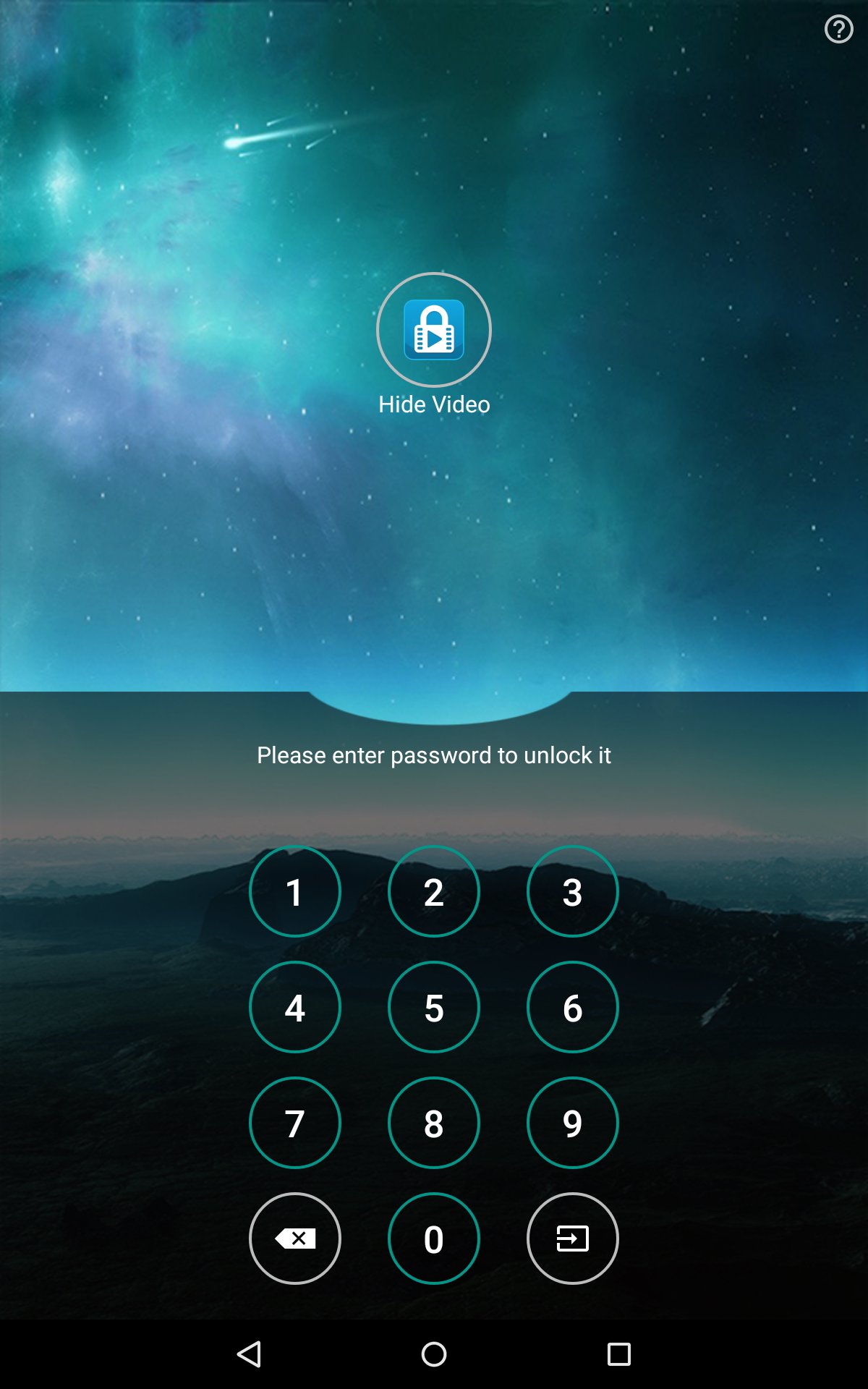
- Step 1: Enter the Password to access Hide Video.
- Step 2: Create folders to make video locker’s management easier.
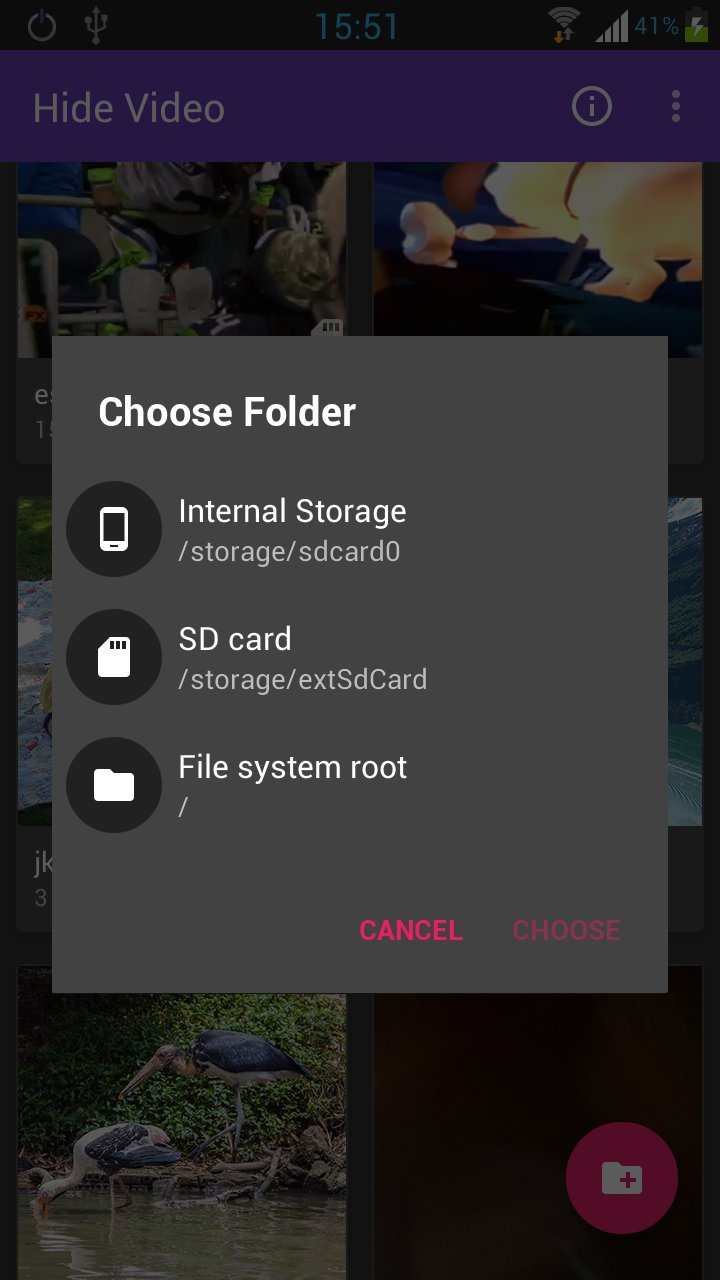
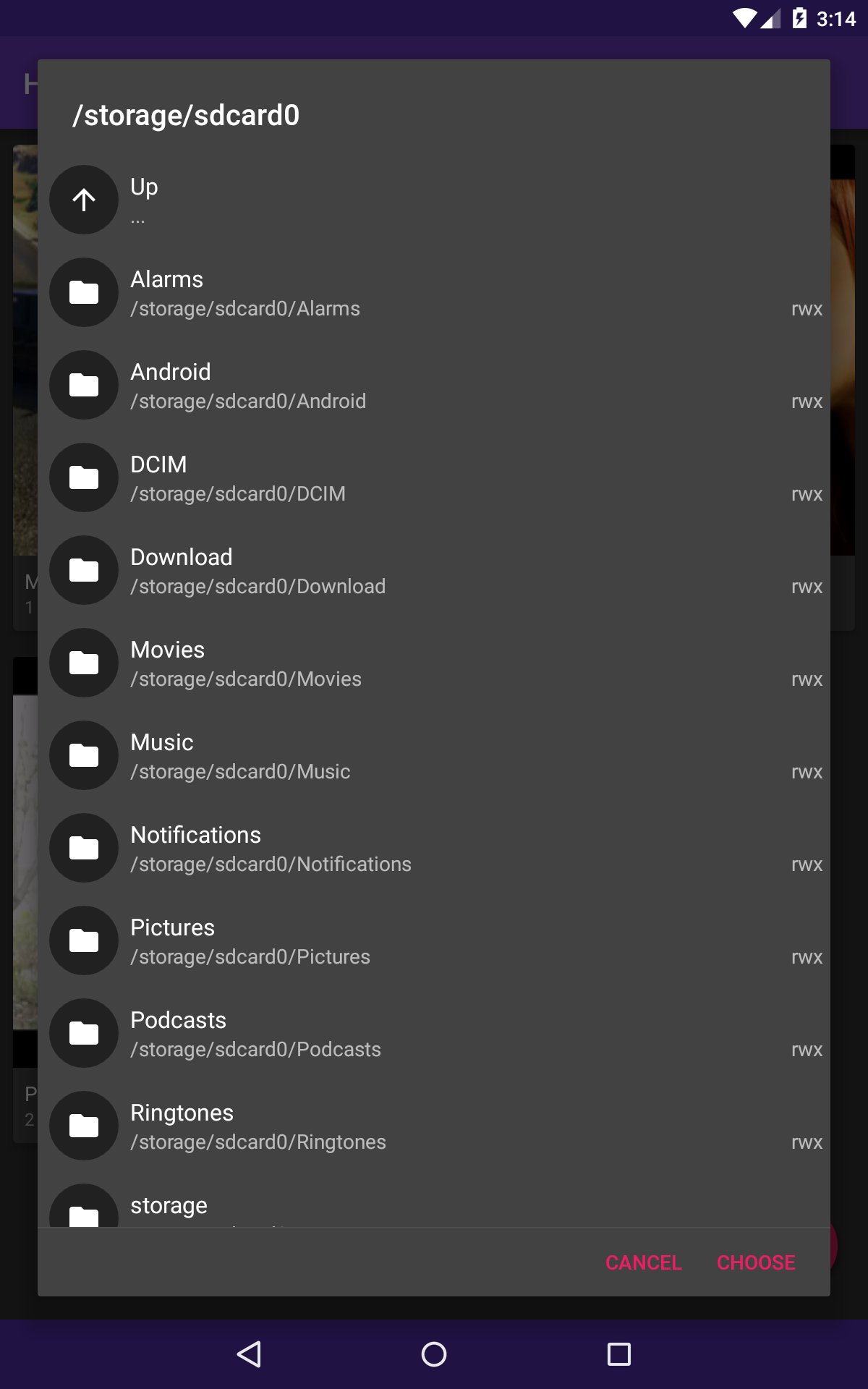
- Step 3: Select the video that needs to be hidden from the Storage / SD card.
- Step 4: Click the app lock icon and complete the hidden video.
Experience the great features of the app right now and give us your rating in order for us to improve, adding necessary features relating to the operation of applications. As well as many other questions can be send feedback in application. If you like our app, please take a minute to rate it on Google Play.





One-click to install XAPK/APK files on Android!

Thanks for your rating and feedback!
You have already rated.