Scan Date:Jun 3, 2026
Show More

6.9
22 Reviews
68.1 MB
File Size
Teen
Android 9.0+
Android OS
Grok is a multi-modal AI assistant for text, voice, images, and video.
xAI built Grok to combine real-time context from X with multimodal creativity and conversational tools. Android users can download Grok APK to try chat, media generation, voice conversations, and document or code help. Below are quick highlights of what the app offers.
Real-time search with X trends and sentiment for timely answers.
Imagine tools for text-to-image and one-click video animation.
Grok Voice for natural spoken chat and vision-based photo understanding.
Document summaries, code writing and STEM reasoning support.
Chat modes Auto/Fast/Expert plus Deep Search for source summaries.
This feature pulls recent signals from X to surface timely information and sentiment. Deep Search adds web-derived summaries and linked sources directly into the conversation so responses reflect current trends rather than only static knowledge.
Users can toggle Deep Search in chat to include quick citations; that makes replies more useful for topics like breaking news or social sentiment. Grok’s reliance on X’s realtime feed is an advantage for freshness, but for complex investigative needs double-check original sources rather than relying solely on summaries.
Imagine converts text prompts into images or videos and provides editing options like style, background, and costume presets. It supports size presets (for example 16:9), Attach-based character consistency, and a one-click Make video function for basic animation.
On any image page, the three-dot menu offers Upscale video and a Download button to save media locally. Heavy video generation can take longer and may queue, so for faster iterations create smaller images first or use presets. Grok’s media tools balance creative control with processing limits, and turning off automatic video generation in Settings helps avoid unexpected tasks.
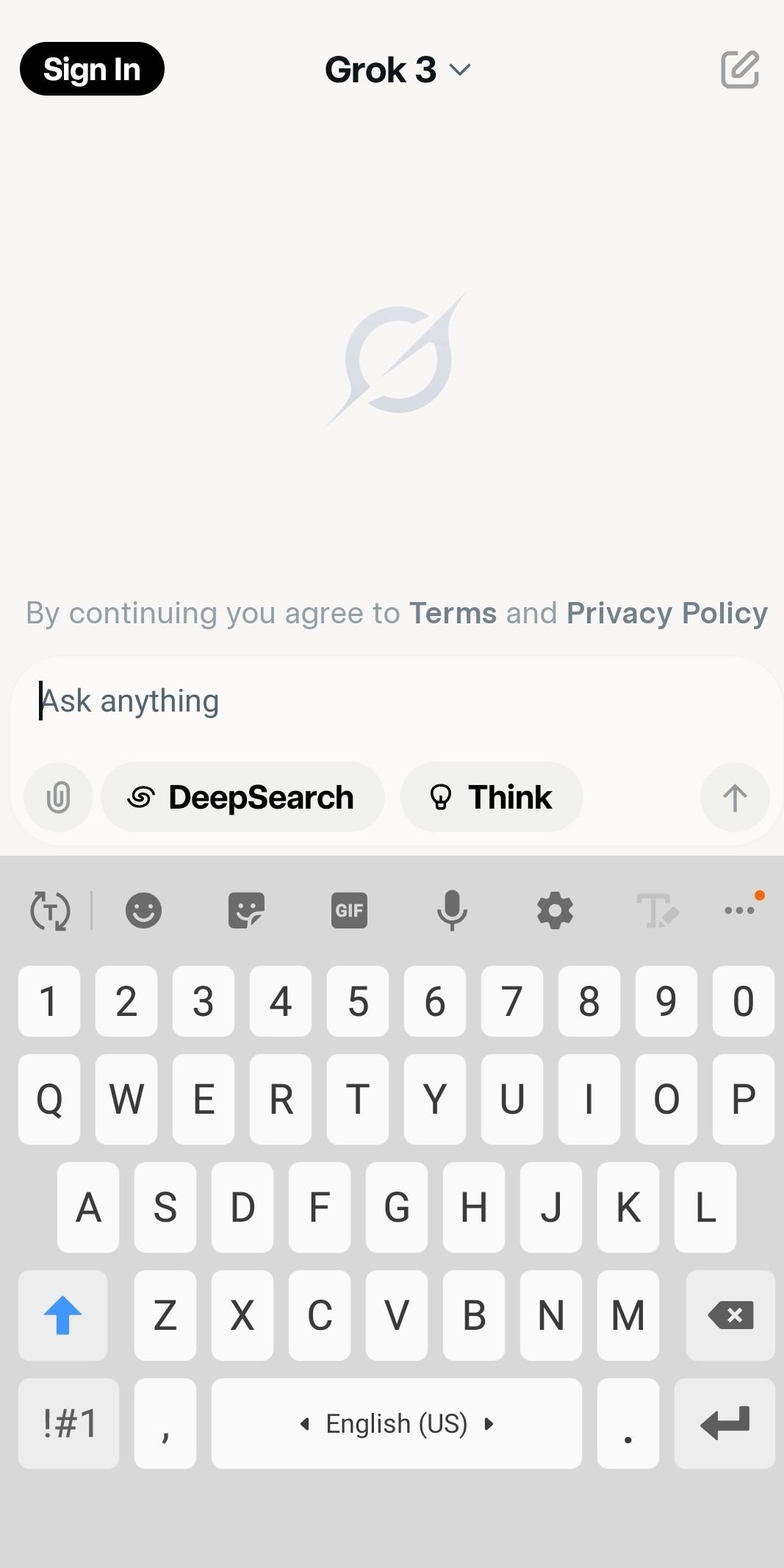
Voice mode lets users speak to the assistant and receive spoken replies through Grok Voice, while Vision accepts photo uploads to answer questions about images. The Attach option supports photos and documents, which the assistant can summarize or analyze.
The Draw a Sketch canvas allows quick sketches with undo, redo, clear, background, and color tools; after finishing, a prompt like “change this image to 3D” transforms the sketch. Voice responses are generally smooth though occasional lag may appear during heavy tasks. Free-tier voice and persona choices are limited compared to paid tiers, so expect some features to be gated.
Grok provides document summaries, coding assistance, and step-by-step STEM reasoning inside chats. Chat includes model selector options Auto, Fast, and Expert to balance speed and depth, and Projects plus History store past creations for later editing.
Turning on Private mode prevents saving entries to History for extra privacy. For the most demanding workloads, Grok 4 and SuperGrok Heavy offer stronger models but require subscription access; plan around that when expecting large code reviews or complex reasoning tasks.
These strengths and limitations come from Grok’s mix of live X-sourced context, multimodal tools, and tiered model access, which shape both capabilities and restrictions.
Pros
Fresh answers from X trends and sentiment analysis
Powerful Imagine tools for images and video creation
Text, voice, and vision combined in one interface
Document summaries, code help, and STEM reasoning
Compact APK size suitable for many Android devices
Cons
Top-tier models require a SuperGrok subscription
Heavy generation tasks can be slow to process
Voice may lag occasionally during intensive jobs
The APK package for Grok is about 59.6 MB, making the initial download quick on a stable Wi‑Fi connection. After installation, creating high-resolution images or videos can pull additional processing resources and may take extra time, so expect longer waits for heavy media tasks.
Users who want advanced models should note Grok 4 and Grok 4 Heavy availability may require subscription access. When installing, allow the app’s media and microphone permissions if planning to use Voice or Attach features. To avoid unintentional media generation, consider turning off “Enable automatic video generation” in Settings → Behavior before first use.
Download the latest Grok APK from APKPure, then try a short chat or a single-image Imagine prompt to check performance and settings. Adjust model mode or privacy options as needed before deeper projects.



One-click to install XAPK/APK files on Android!

Thanks for your rating and feedback!
You have already rated.






