Safe & Fast APK Downloads on APKPure
APKPure uses signature verification to ensure virus-free Google Indic Keyboard APK downloads for you.


9.2
18 Reviews
35.1 MB
File Size
Everyone
Android 12.0+
Android OS
Google Indic Keyboard is a multilingual typing app for Indian languages on Android.
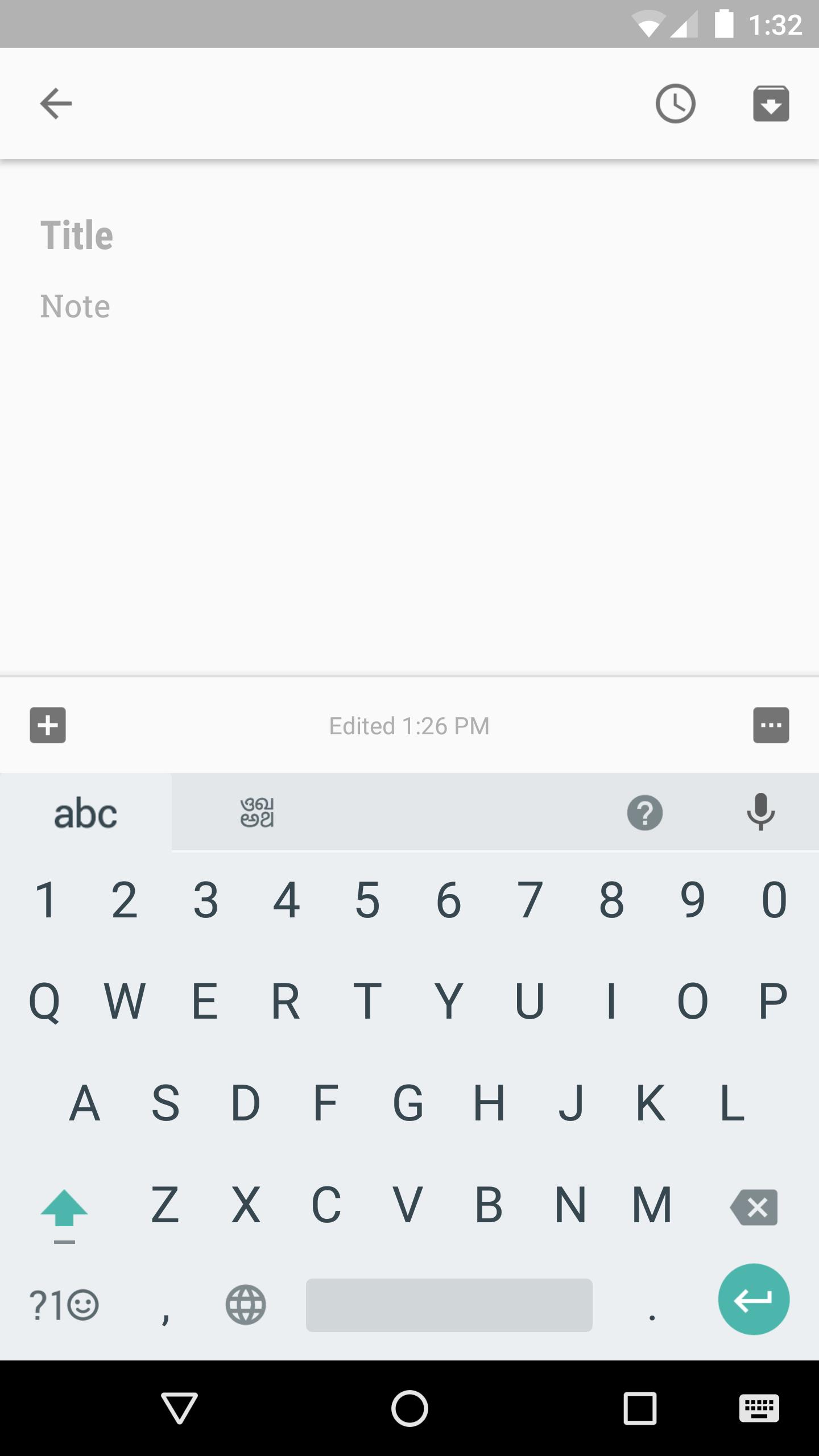
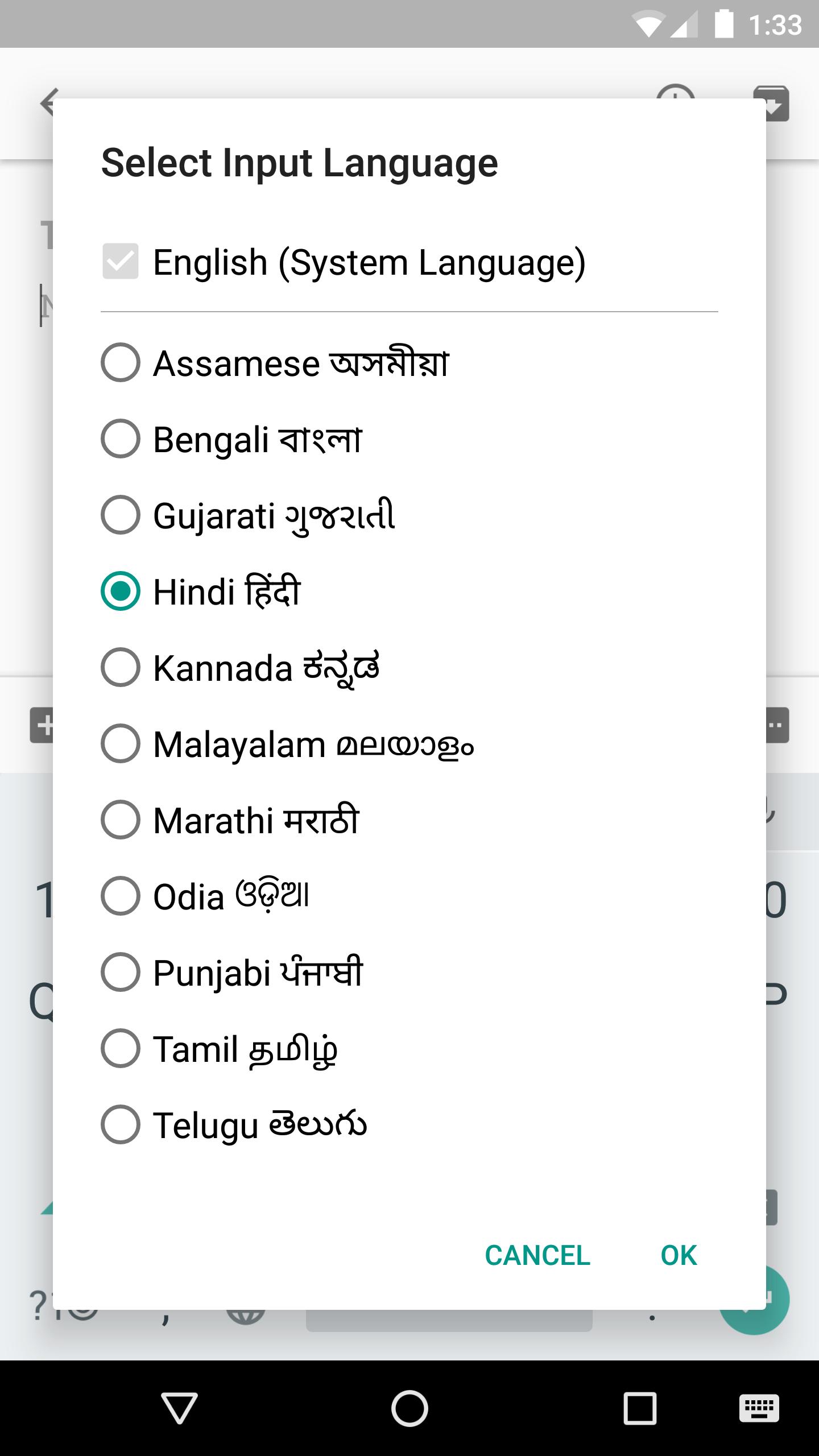
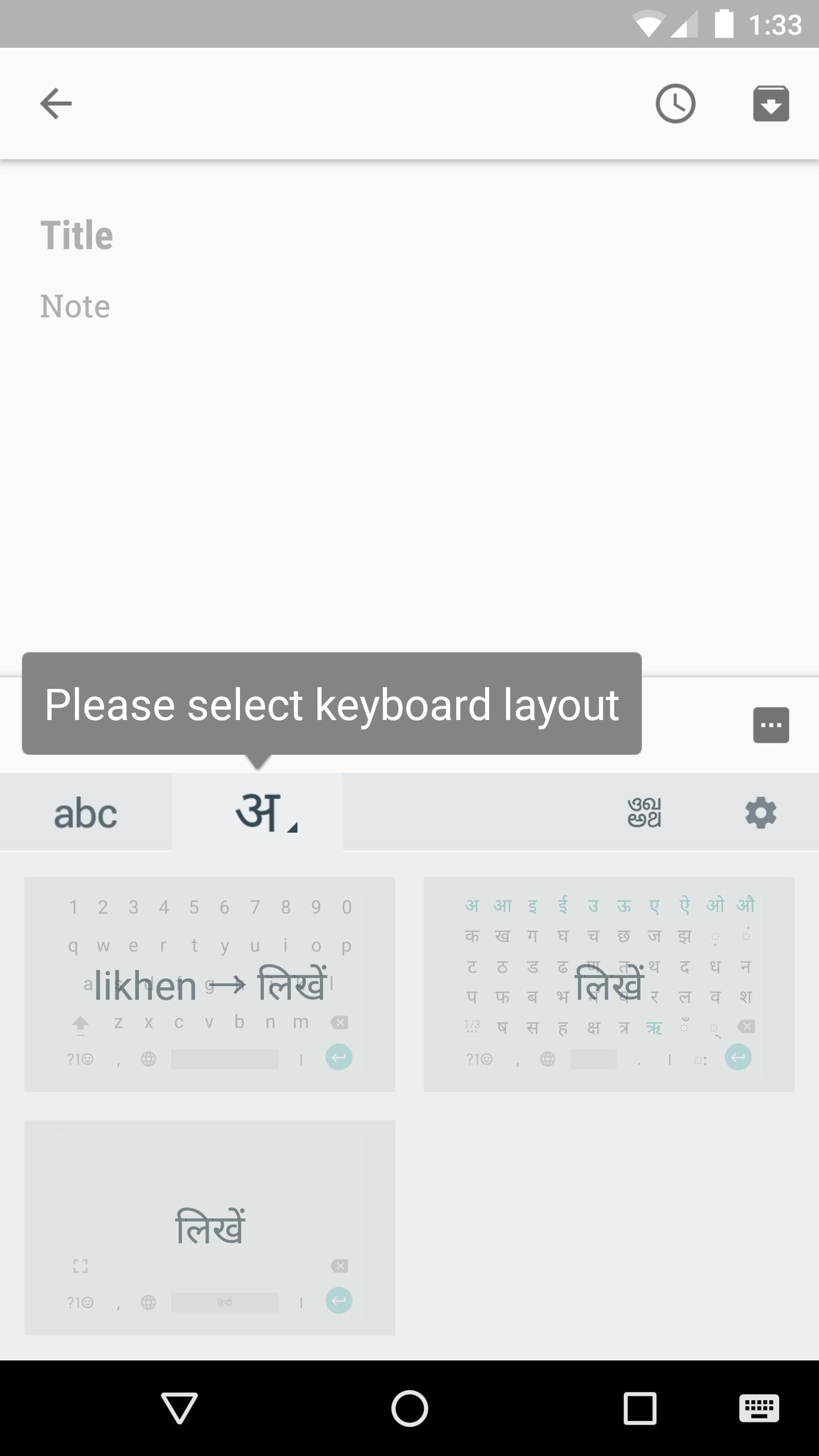
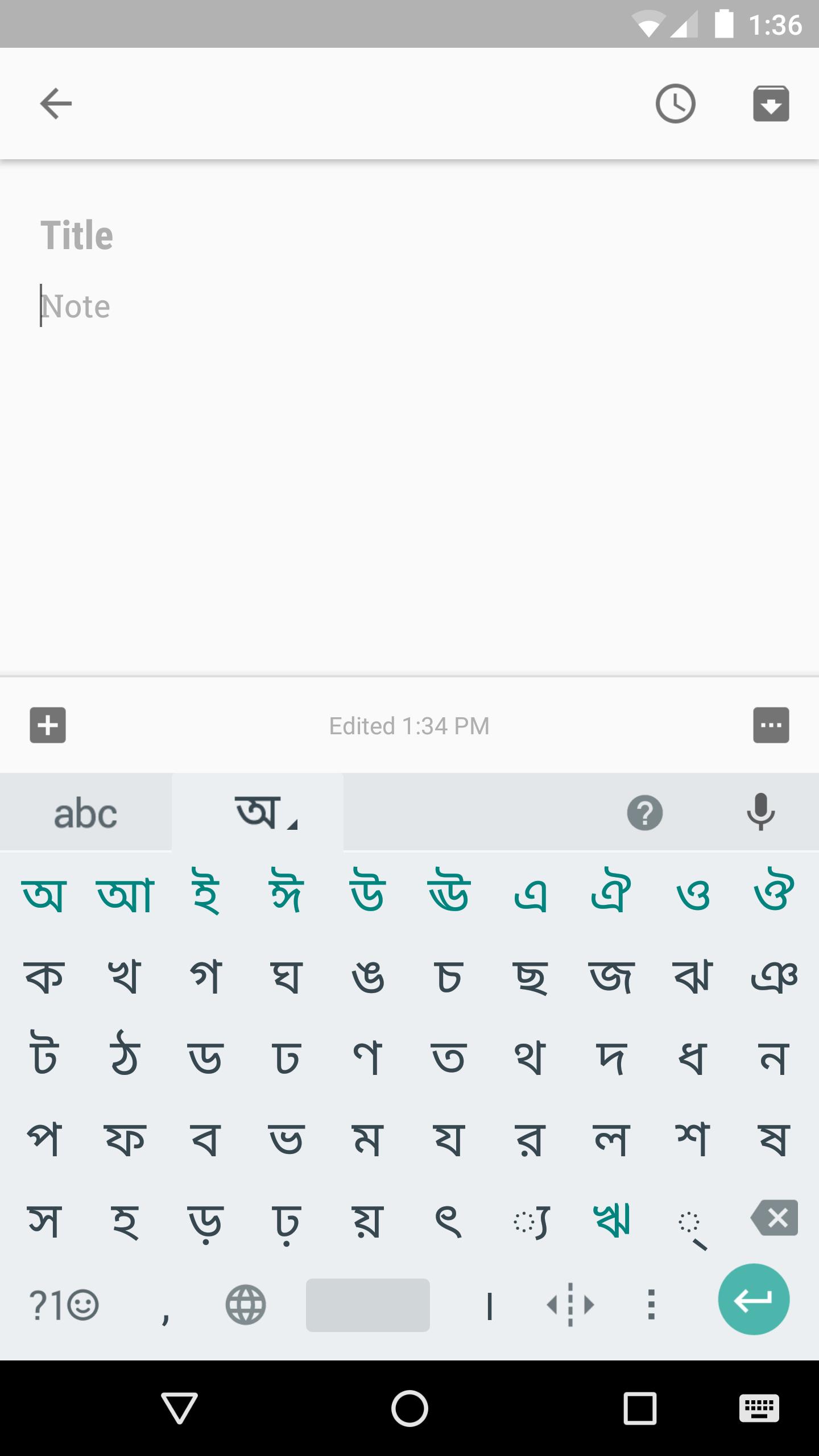
Developed by Google LLC, it focuses on smooth, accurate input across 12 Indic languages with transliteration, native layouts, Hinglish suggestions, and Hindi handwriting. The Google Indic Keyboard APK offers a lightweight install that runs reliably on most Android phones. It helps you write messages, post on social apps, or send emails in your language while switching between English and Indic scripts as needed. If your device can display your script, you can type in it comfortably. Explore the highlights below.
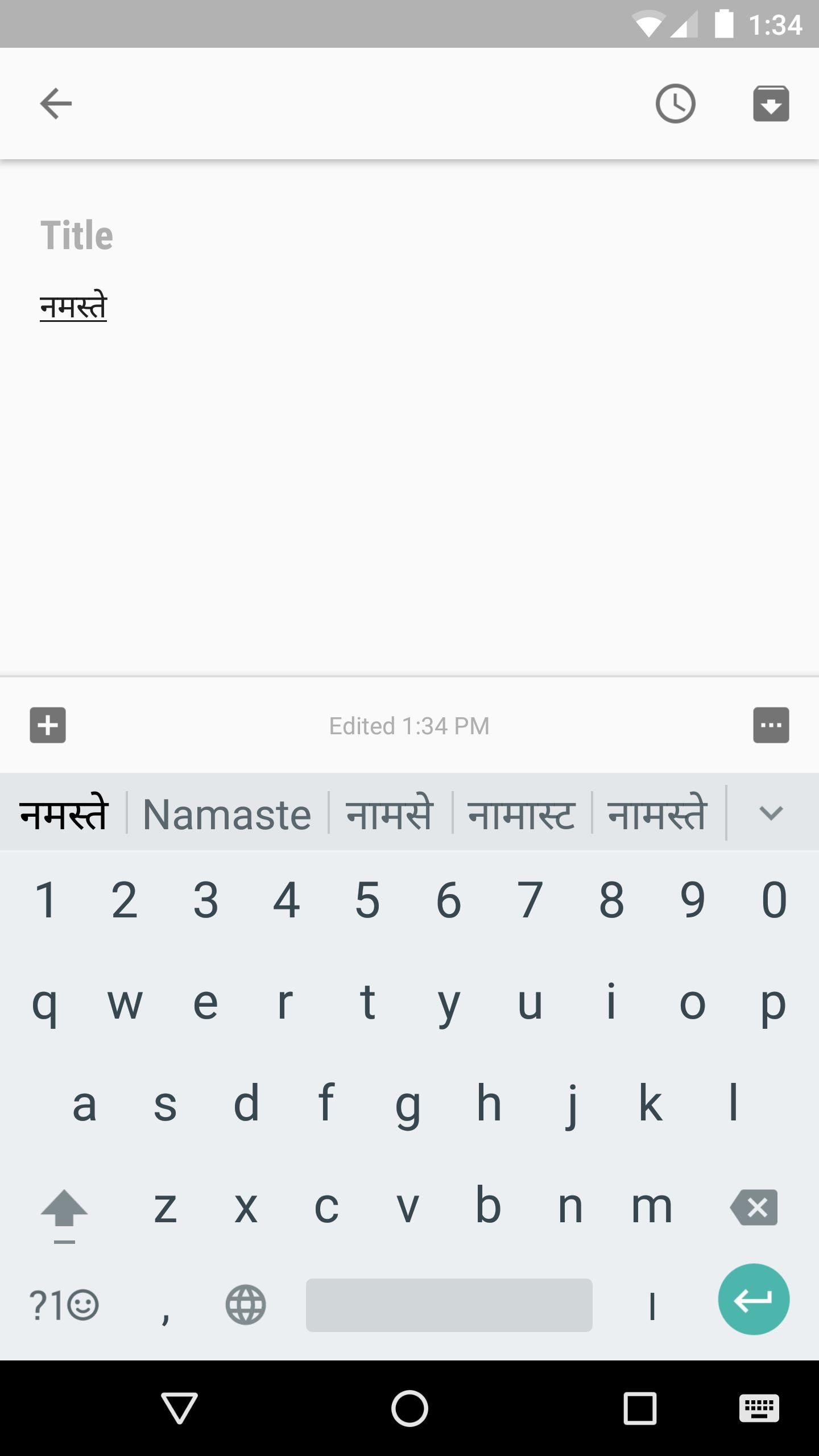
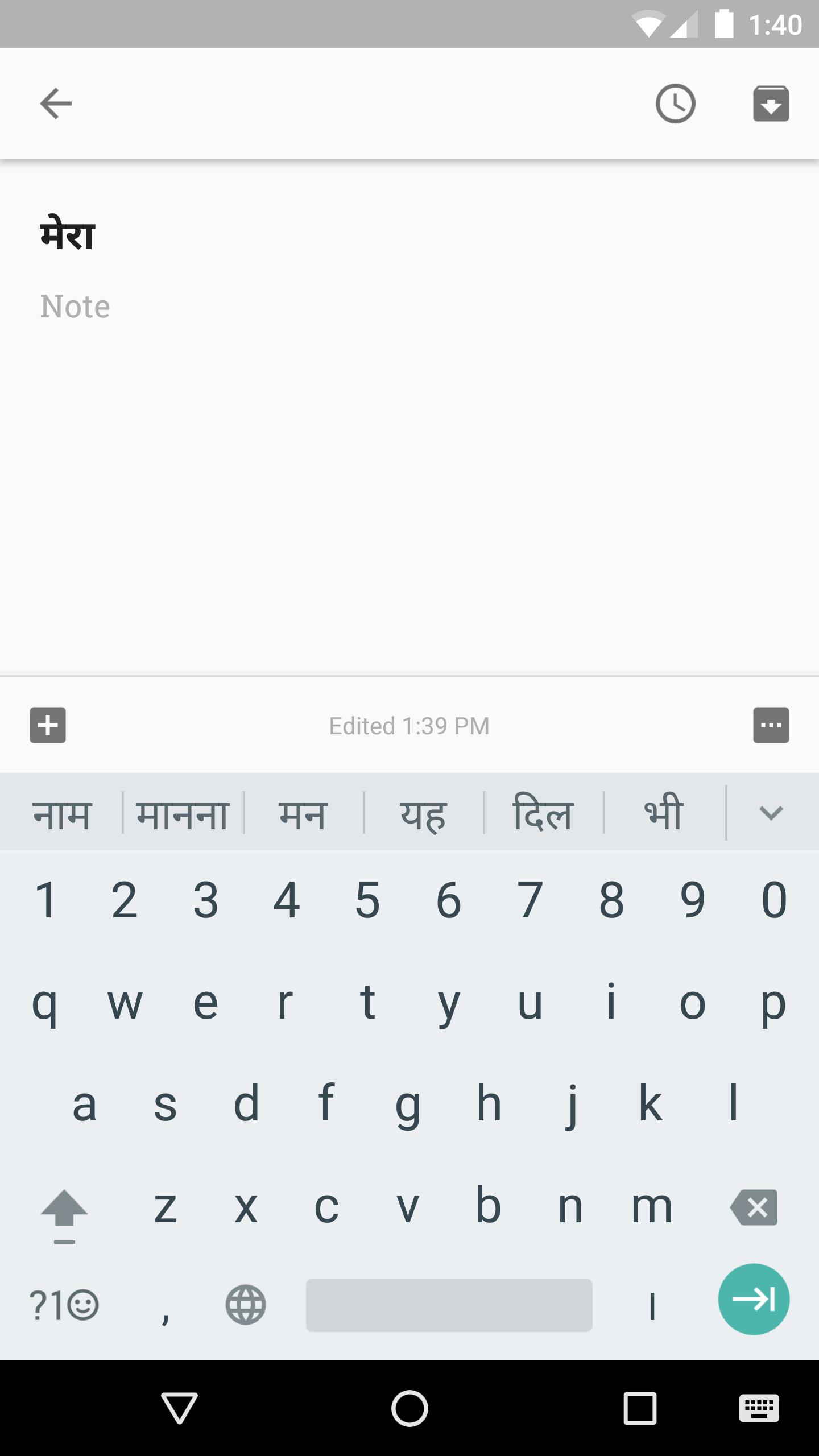
Transliteration turns Latin letters into your language’s script instantly. Type “namaste” and see “नमस्ते”, which keeps chats moving even if you prefer an English layout. Google Indic Keyboard suggests likely words as you go, so selecting the right option feels quick and natural.
Hinglish mode mixes familiar Hindi-English terms with standard predictions for everyday texting. With Google Indic Keyboard, these mixed suggestions appear naturally at the top, so you pick what fits the tone and send faster, even in group chats where people switch languages often.
You can download Google Indic Keyboard from APKPure. On a steady connection, the APK usually completes in a short time. After the file arrives, Android may ask to allow your browser or file manager to install apps. Open the package, grant basic permissions, and set it as your active keyboard when prompted.
For the best experience, get the Google Indic Keyboard latest version so all supported input modes are available. If needed, you can switch languages or keyboards later from your phone’s input picker. Before installing, make sure your device can display your script correctly for clear text entry.


One-click to install XAPK/APK files on Android!

Thanks for your rating and feedback!
You have already rated.