
Safe & Fast APK Downloads on APKPure
APKPure uses signature verification to ensure virus-free Google Account Manager APK downloads for you.

Google Account Manager is a core Android component for reliable Google sign-in and account handling.
It keeps your Google identity verified across Gmail, Maps, YouTube, and backups. Its main appeal is stability: one secure sign-in that continues working across apps, even after updates or when juggling several accounts. If you ever hit a sign-in loop or constant password prompts, download Google Account Manager to restore normal access. Here are the essentials users rely on day to day.
Centralized sign-in across Gmail, Maps, YouTube, Drive, Photos, and backups.
Add, remove, and switch between multiple Google accounts on one device.
Secure token management reduces password entry and enables background sync.
Works with 2-Step Verification and device prompts for trusted confirmations.
Participates in FRP verification after resets; follow lawful account recovery steps.
One login powers all Google services on Android. The component verifies your identity and shares that trusted status with apps like Gmail, Maps, YouTube, and Drive so they do not ask for your password repeatedly. With Google Account Manager, you sign in once and continue using Google services without interruptions.
Behind the scenes, it issues secure tokens instead of passing your password around. This limits exposure and keeps background sync running for mail, calendars, and backups. When security conditions change, you may be asked to confirm your password again or approve a prompt on a trusted device, which is normal and helps protect your account.
Managing more than one Google account is straightforward. You can add personal, work, or school accounts and switch between them inside Google apps without logging out. Google Account Manager supports adding and removing accounts at the system level so the right inbox, files, or photos appear when you switch profiles in each app.
In everyday use, tapping your profile avatar in Gmail or Drive lets you jump between accounts in a couple of taps. On devices shared for work and home, this reduces friction and keeps data separated. If an account stops syncing after a device update, removing and re-adding it often refreshes access and clears sign-in loops.
Your sign-in is guarded by modern protections. Two-Step Verification and device prompts work alongside token-based access so you confirm sensitive actions from a phone or via codes when needed. Google Account Manager cooperates with Security Checkup, password updates, and recovery information to keep your identity current and harder to compromise.
Because tokens expire, you may occasionally re-authenticate. This can happen when you change your password, update security settings, or switch devices. It is a healthy safeguard against unauthorized access and helps ensure that only you can approve new sign-ins.
Factory Reset Protection (FRP) helps confirm device ownership after a reset. When a reset occurs, signing in with the correct Google credentials is required to proceed. Google Account Manager participates in these verification checks; it is not a bypass tool, and users should follow lawful account recovery if needed.
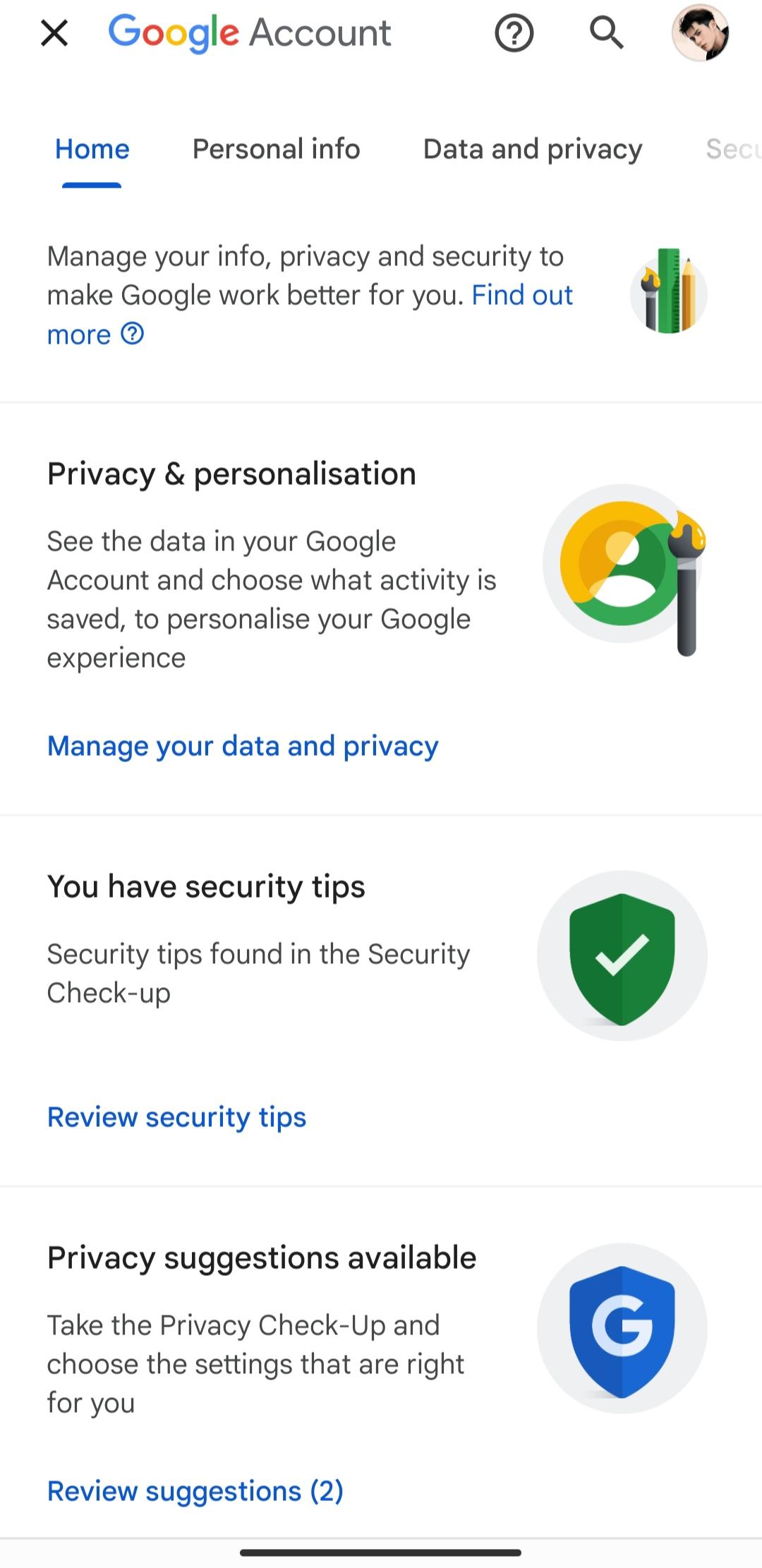
Key account controls remain easy to reach. From your profile in Google apps, you can open Data & privacy to review Web & App Activity, Location History, and ad personalization, or visit Security to manage 2-Step Verification, recovery phone and email, and connected devices. You can also export or delete data with Google Takeout, check saved passwords in Password Manager, and review cards and subscriptions in Payments & subscriptions. These options help keep your account tidy and under your control.
You can get the latest Google Account Manager APK on APKPure. The file is small, typically under 10MB, so downloads finish quickly on a stable connection. During installation, your phone may ask to allow installs from this source. After it completes, opening a Google app usually resumes normal sign-in without extra steps.
Download size and time vary by version and device. On fast Wi‑Fi, the download often takes just a few seconds. If sign-in issues persist, restart the device and check your password or 2-Step Verification prompts. For the best results, install the Google Account Manager latest version that matches your device’s Android release, and only sign in with accounts you own to pass FRP checks properly.



One-click to install XAPK/APK files on Android!

Thanks for your rating and feedback!
You have already rated.














