Safe & Fast APK Downloads on APKPure
APKPure uses signature verification to ensure virus-free GoFIT APK downloads for you.

Best way to take care of your health. With Smart Band, Smart Watch, Scale, BPM..
※※※ Frustrated to find your photo after race finished? Introducing GOLiFE's http://www.golife.ai/ - simply enter your bib number and instantly find all your running photos!!!
GoFIT App - The best way to take care of your health. With Bluetooth Scale, BPM, Smart Band, GPS Sport Watch, and More!!!
Healthy living starts with knowing where you stand. The GoFIT app is designed for all GOLiFE devices to seamlessly keep track of your health.
- Applicable Devices :
- GOLiFE GPS Sport Watch : GoWatch 820i, GoWatch X-PRO, GoWatch 110i
- Bluetooth Smart Band : GOLiFE Care, Care X (EasyCard as well), Care X HR (Heart Rate and SpO2), Care One
- GOLiFE Fit, Fit Plus Smart Weight Scale
- GOLiFE Blood Pressure Monitor
Functions:
[Get to your ideal weight]
Keep history of your weight, and generate easy to read graphs to visualize your health status.
Set your own achievable goals, and be reminded to focus on your efforts.
[Record daily activities and sleep patterns]
Records include steps, distance walked, calories burned, sleep duration and quality, helping you learn more about your daily routines so you can reach your health goals!
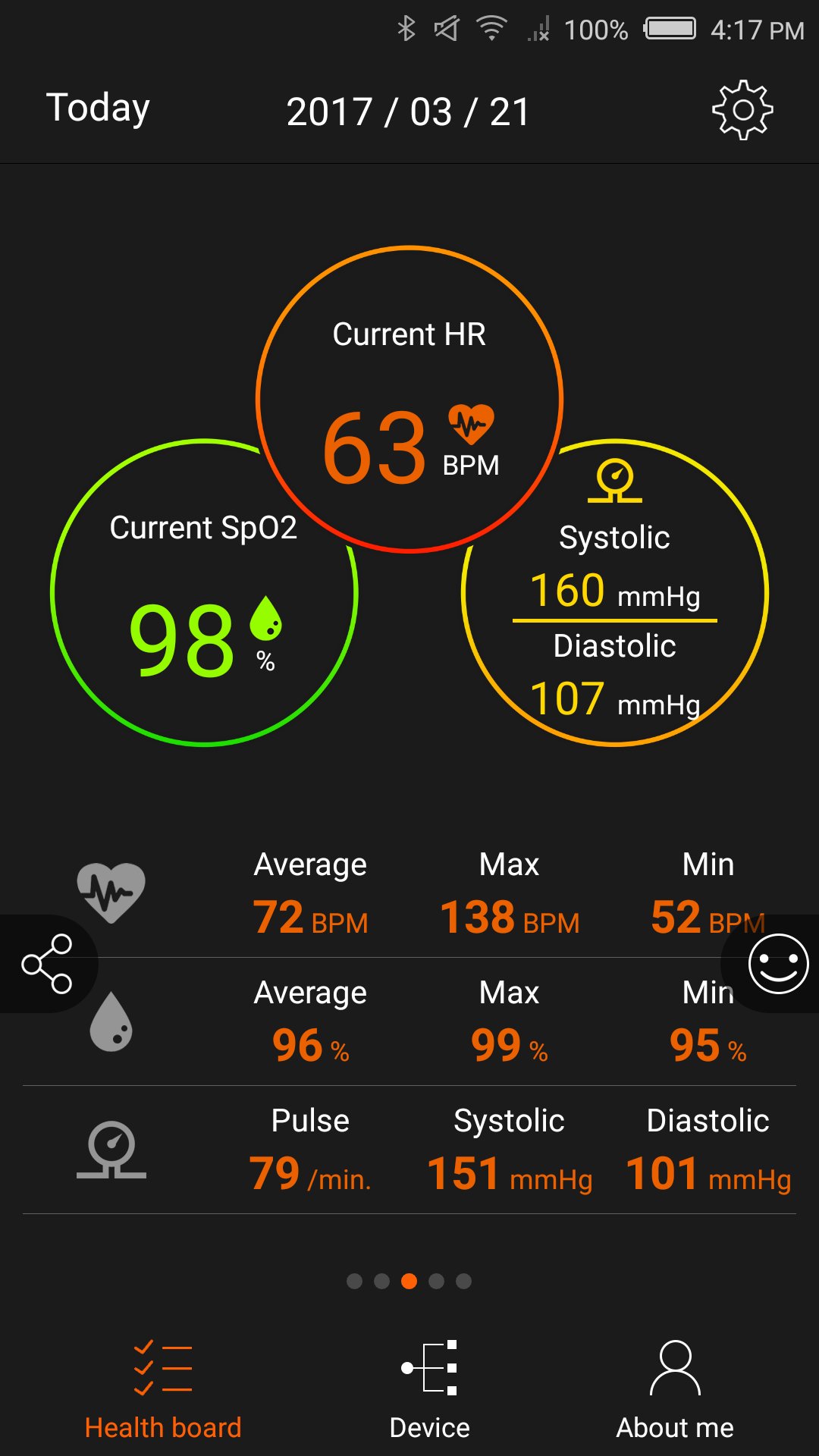
[Record HR and SpO2]
Heart Rate can vary upon body condition. With PPG, press the button and you can know your heart rate.
SpO2 stands for peripheral capillary oxygen saturation. In other words, it’s the estimated amount of oxygen in the blood.
Normal SpO2 vary between 95%~100%. Exercise can lead to a better SpO2 to supply energy for muscle; poor SpO2 can result hypoxia.
[Record Blood Pressure]
Blood pressure is the force of blood pushing against the walls of the arteries as your heart pumps blood. Use GoFIT app to record and track your blood pressure everyday.
[Sync data]
After exercising. Your stats will also be uploaded to the cloud (run.goyourlife.com).
How to sync :
- Go to the settings menu on your watch and select sync mode before activating the App on your phone.
- Go to “Devices” on the app and select the GoWatch you use. Press the Sync button to start syncing.
[View results instantly]
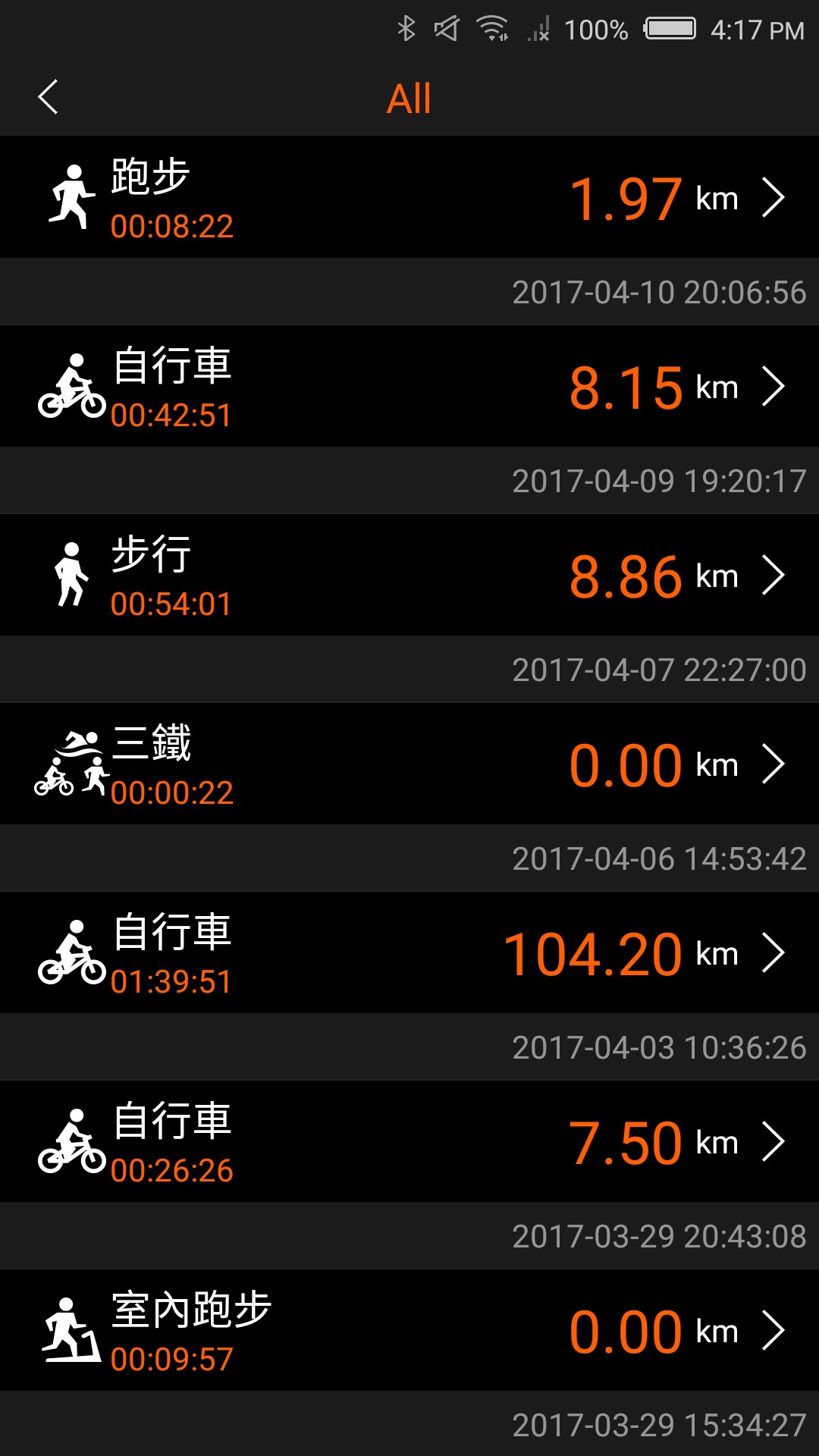
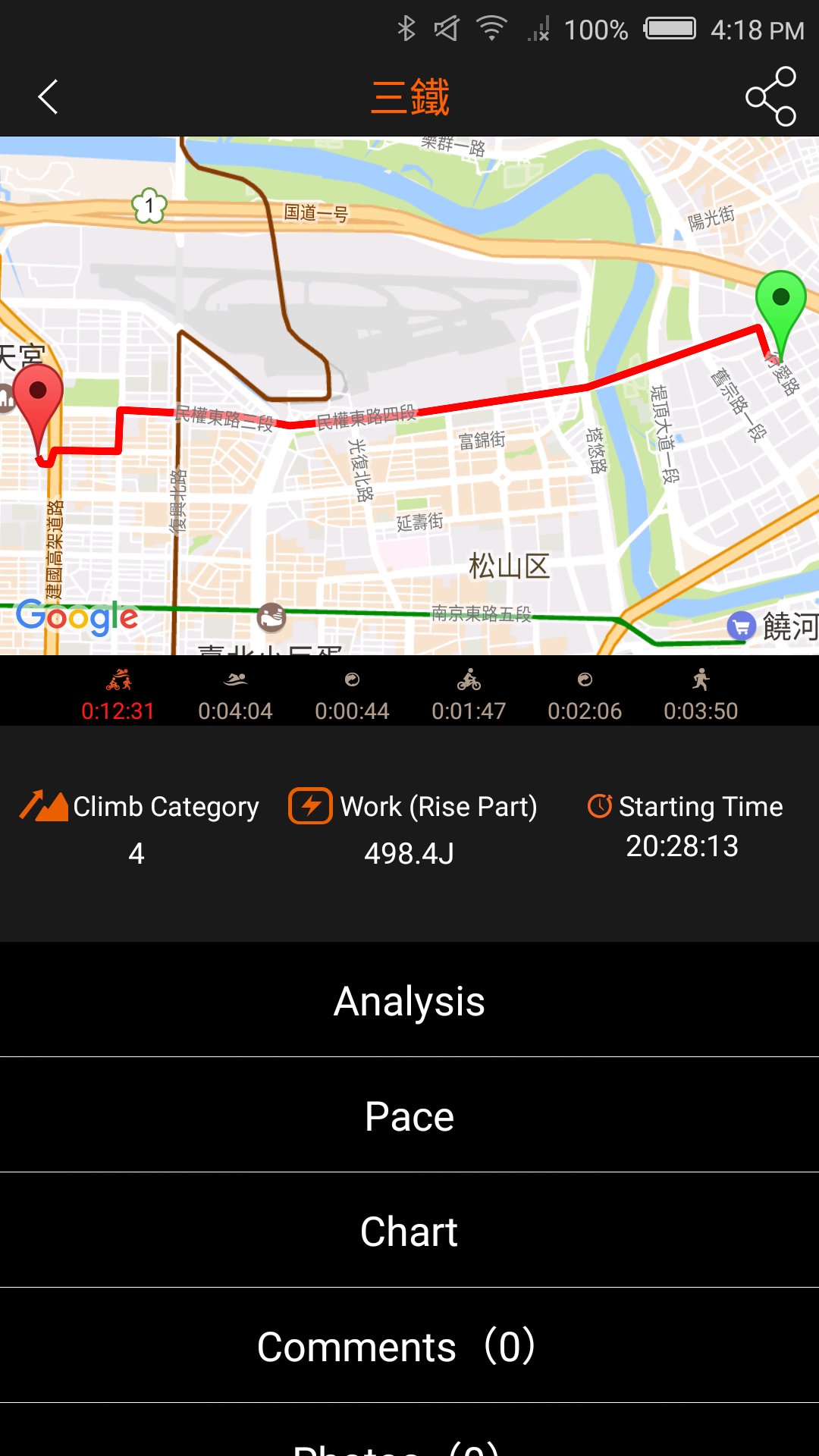
All exercise stats can be viewed instantly on your phone, including routes, distances, times, laps, or calories burned.
[Accumulated stats]
Display accumulated exercise stats by month to help you achieve your running/cycling/marathon goals!
[Start Sport]
It’s simple to start an activity. Press [Start an activity] to start various activity with your phone, no matter marathon or biking.
[Message Notification]
Missing important message? Make no miss with Smart Band and Watch.
[Partner in Health]
Securely store your health data in the cloud to receive weekly and monthly health reports. You can even monitor health status of your family members. Move towards a healthy life together!
Stay healthy for those you love!



One-click to install XAPK/APK files on Android!

Thanks for your rating and feedback!
You have already rated.