











Thanks for your rating and feedback!
You have already rated.

A clean, streamlined launcher to get you what you need as quickly as possible.
Our goal with Glint was to make a launcher that was both aesthetically pleasing and geared towards giving you quick access to the apps or notifications you need, when you need them. It will always be free, with no account necessary, and no ads. We don't gather or store any personal information.
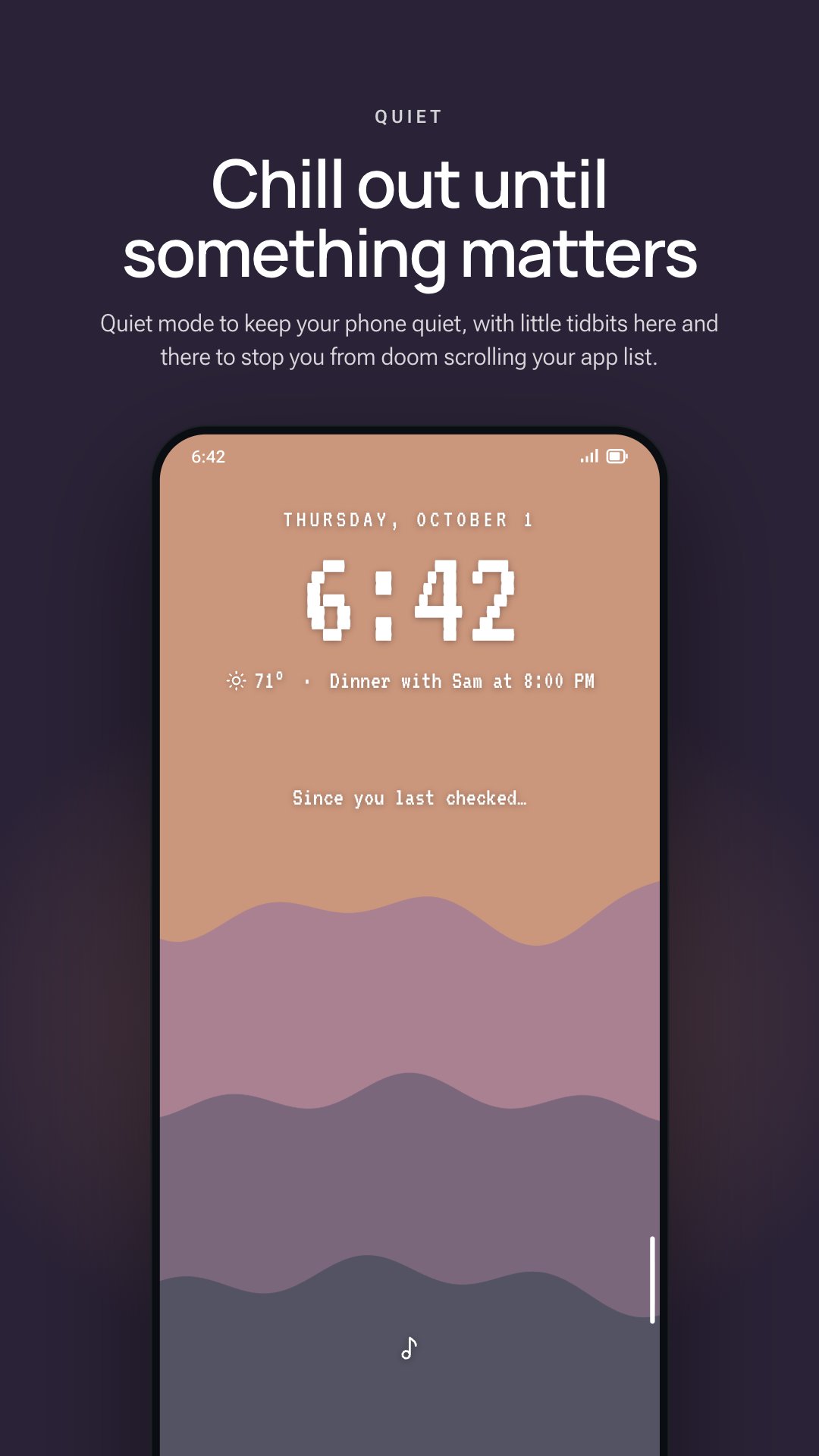
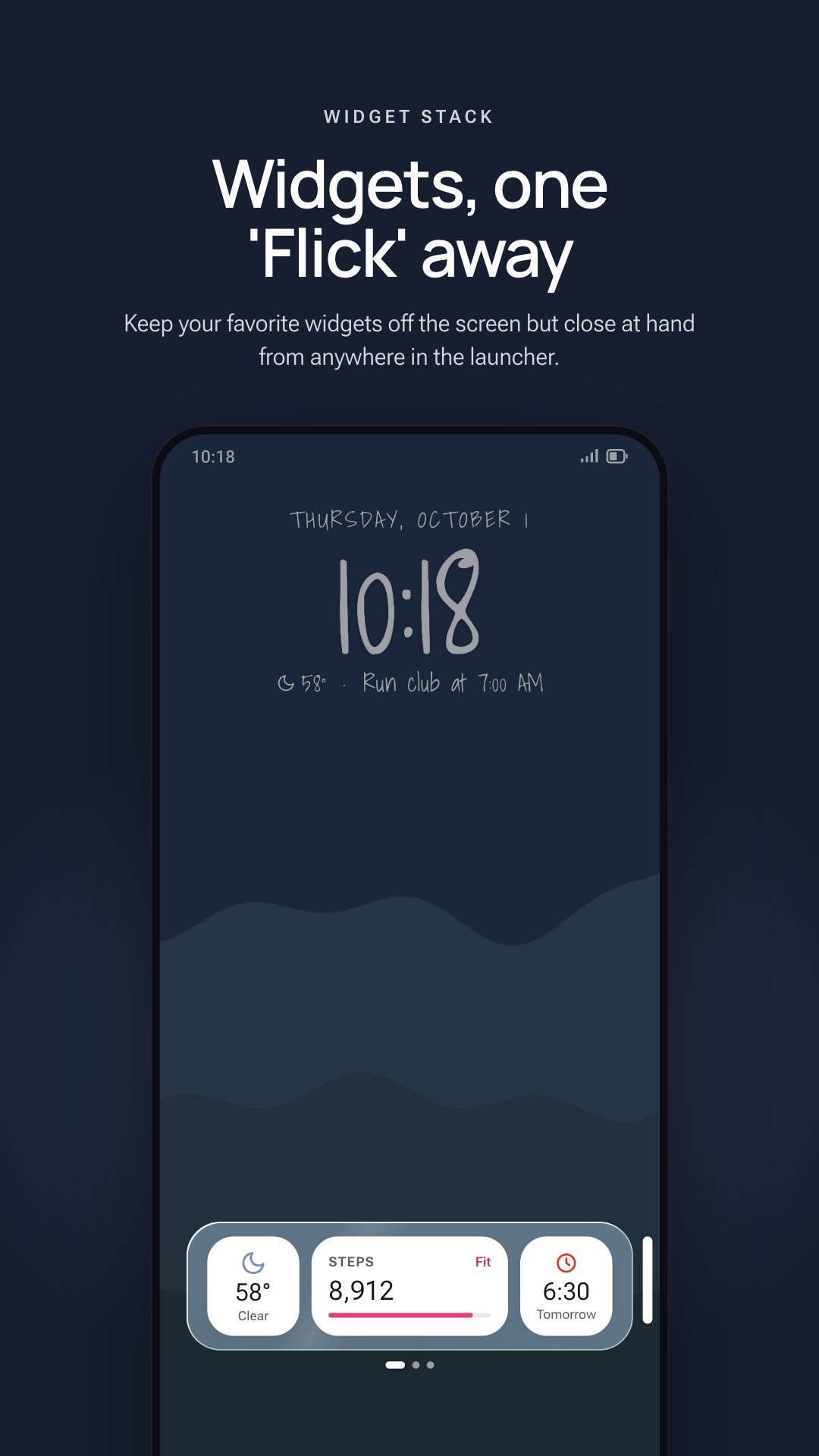
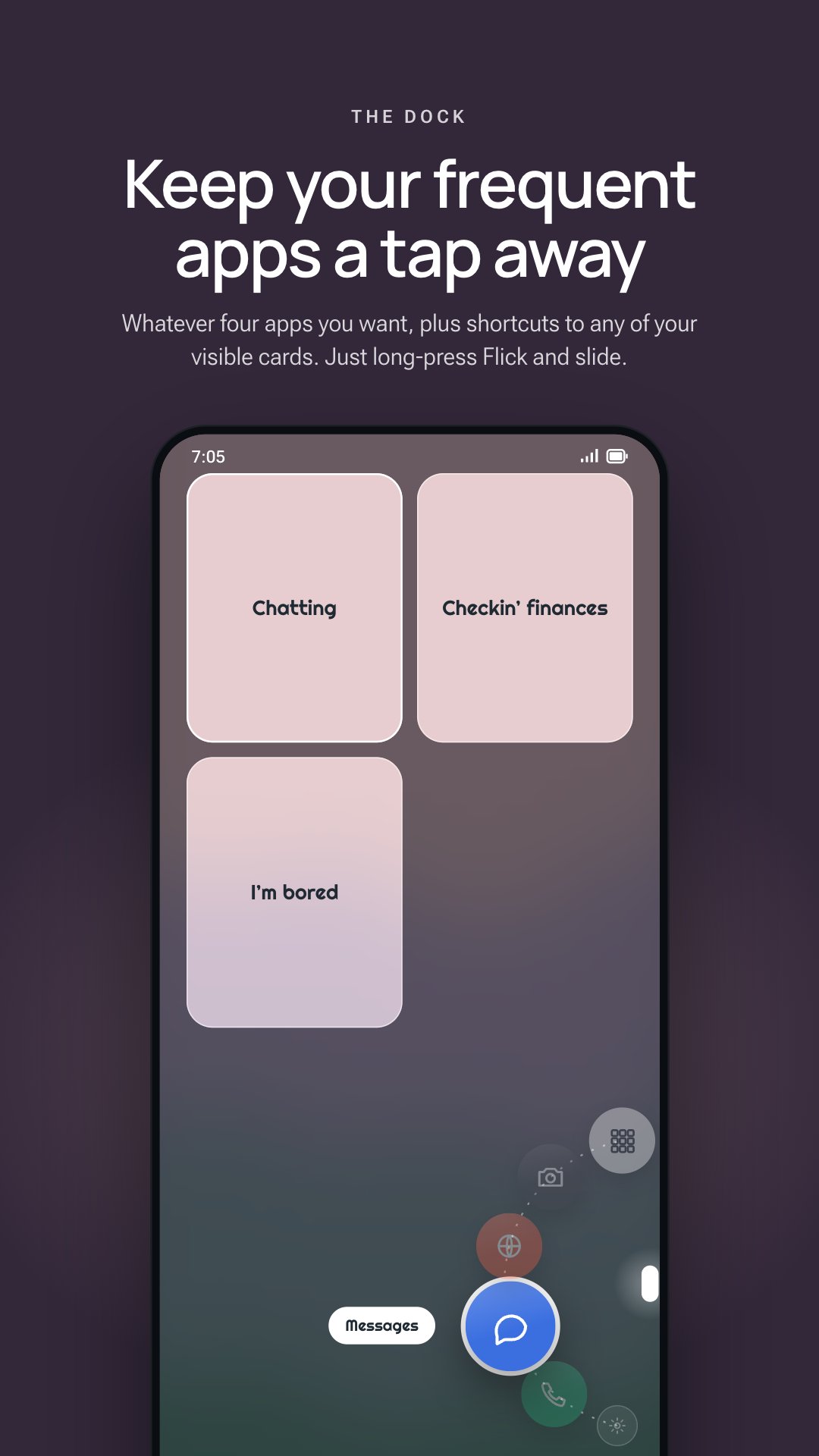
With Glint, you organize your apps into cards that can be swiped between and also temporarily hidden for when you don't need them day-to-day. Cards will summarize notifications for apps the cards contain. And by default, you'll have a Quiet mode where nothing other than the background (which adjusts based on time of day and weather, if activated) and the clock strip are visible. If you have new notifications from the last time you looked at your phone, you'll be able to quietly view them in Quiet mode. Hopefully that keeps you off your phone a bit more, since we could all use a little less screen time.
Search: Glint's search finds your apps and their shortcuts, and can open web,
Maps, and Play Store searches. You can also turn on results from your phone in Settings > Search: your contacts, with buttons to call or message; your
calendar events; music files (Android 13 and later); and files in folders you choose. Each is off by default. Glint reads these on your phone, doesn't write them to storage, and doesn't send them anywhere. Web suggestions are optional too: when on, what you type in search is sent to the search engine you picked (DuckDuckGo or Brave) so it can suggest searches.
We're working on themes, but they aren't here yet. You can customize fonts and icons and wallpaper and such, but that's about it at the moment. We'll have better stuff once we can find some non-AI artists to commission some nice backgrounds from. We've got a vision!
There are a few other lil features, but nobody reads this far into a description anyways. We appreciate you!
Accessibility service: Glint uses Android's AccessibilityService API for one optional feature, Double-tap to lock. When it is on, a double-tap on empty space on Glint's home screen locks your screen. Glint uses the API for nothing else. The service stays off until you turn Double-tap to lock on in Glint, agree to the notice Glint shows, and turn Glint on in Android's Accessibility settings. It doesn't read your screen or anything you type, and Glint collects and shares no data through it. Turning Double-tap to lock off in Glint turns the service off.


One-click to install XAPK/APK files on Android!
Thanks for your rating and feedback!
You have already rated.